


Bearcountry1964
,@bearcountry1964
1
Friends
You need to log in or create an account to post to this user's Wall.
-

Erica Martin wrote a new post 4 years, 10 months ago
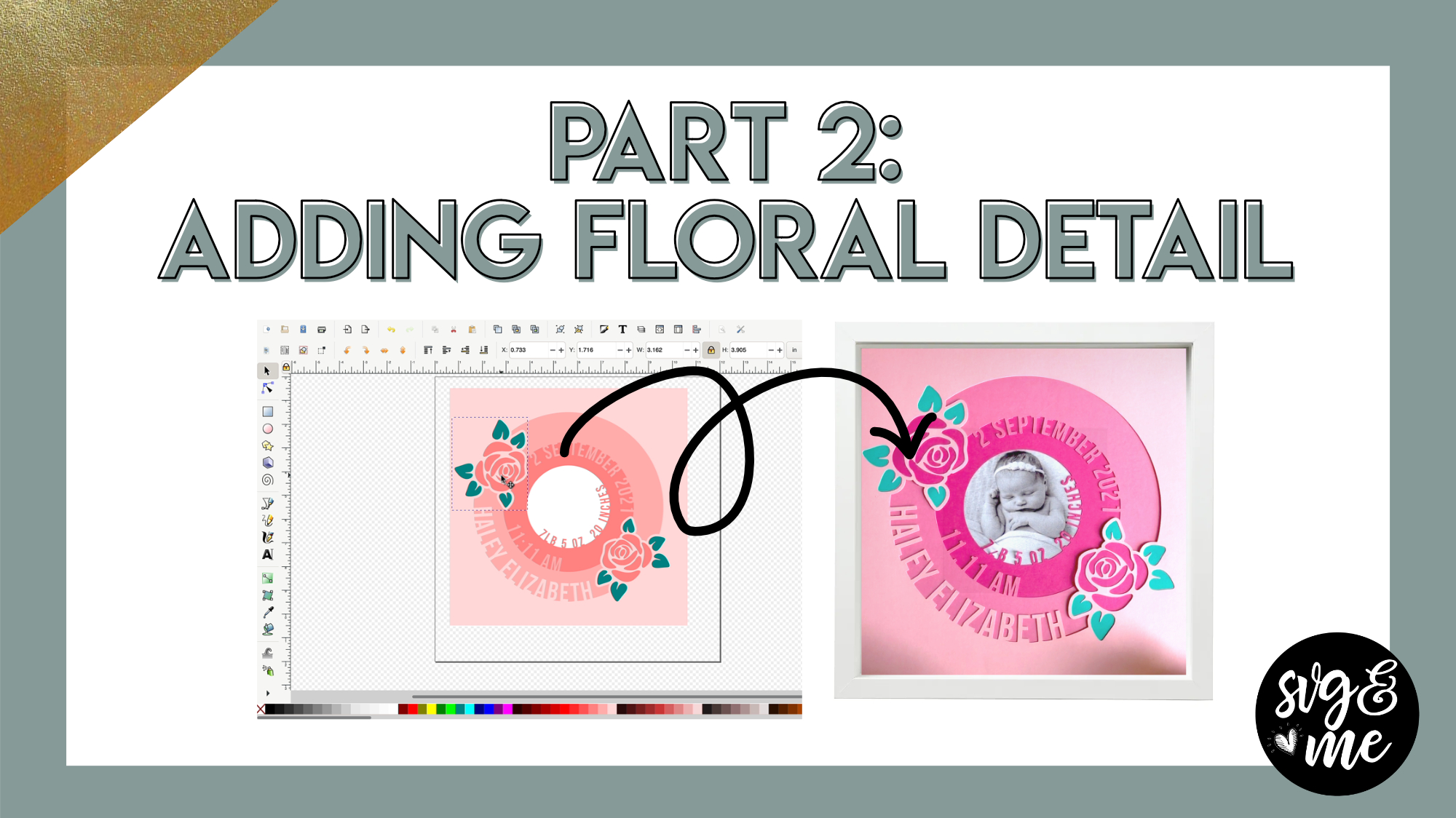
Links Mentioned in Video:
Rose Stencil Image I UsedPart 1: Design Your Baby ShadowboxPart 3: Upload and Assemble Your Baby Shadowbox
-
Erica Martin wrote a new post 4 years, 10 months ago
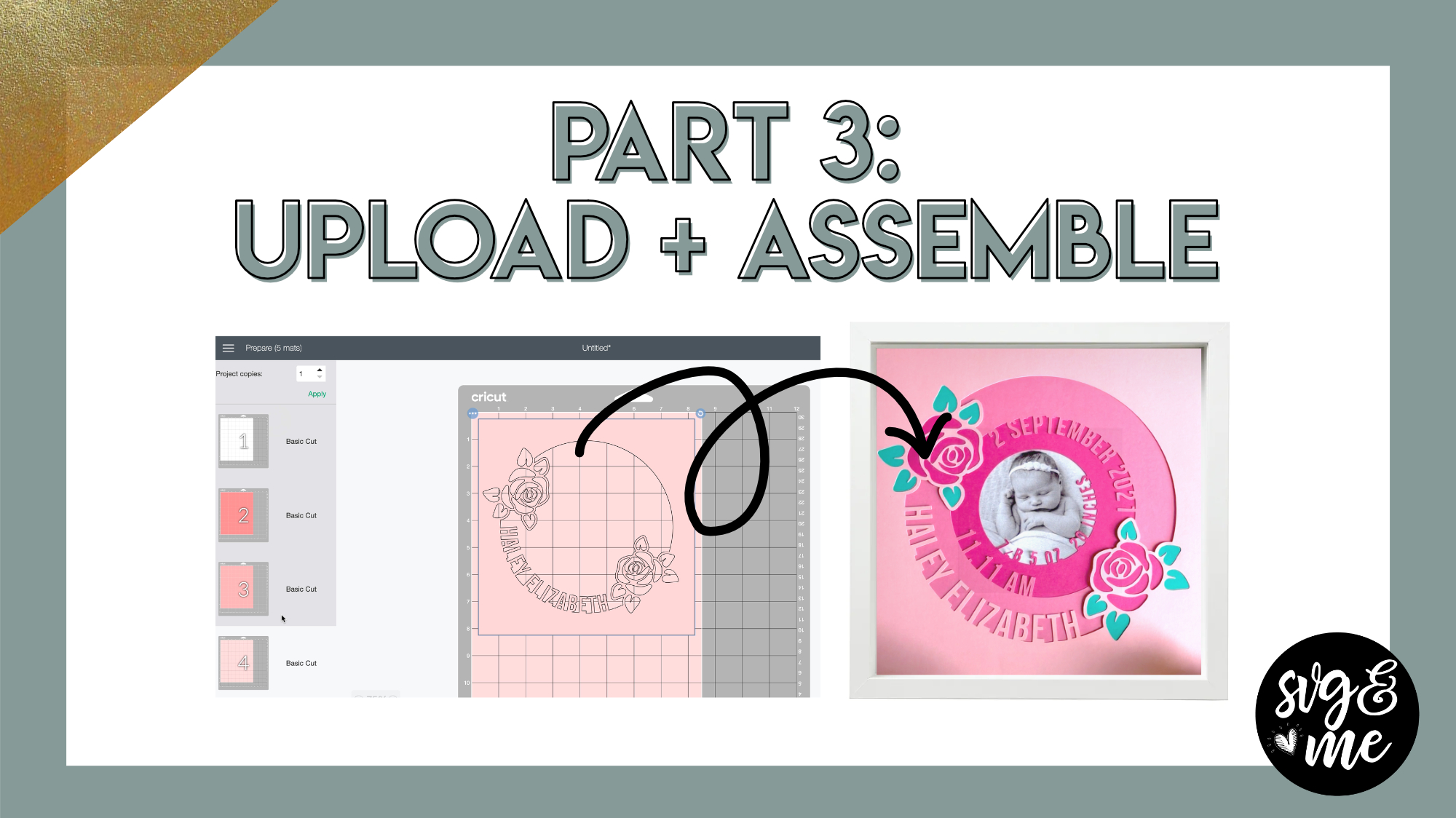
Links Mentioned in Video:
Part 1: Design Your Baby ShadowboxPart 2: Add Floral Detail to Baby Shadowbox
-
Erica Martin wrote a new post 4 years, 11 months ago
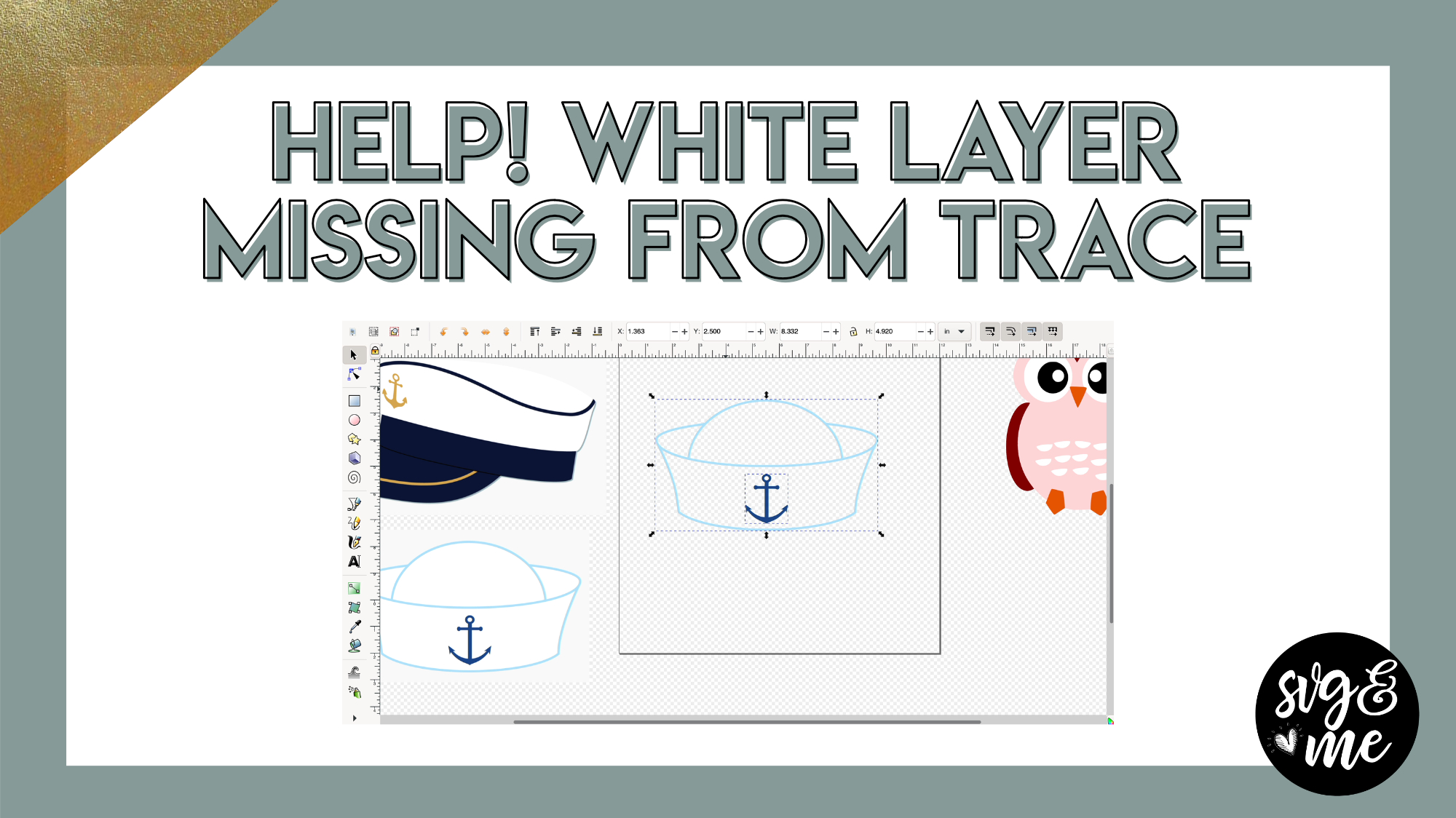
Download Practice Doc
-

Another BRILLIANT Tutorial, TYSM!
-

Aww thank you!
-
-
-
Erica Martin wrote a new post 4 years, 11 months ago
-
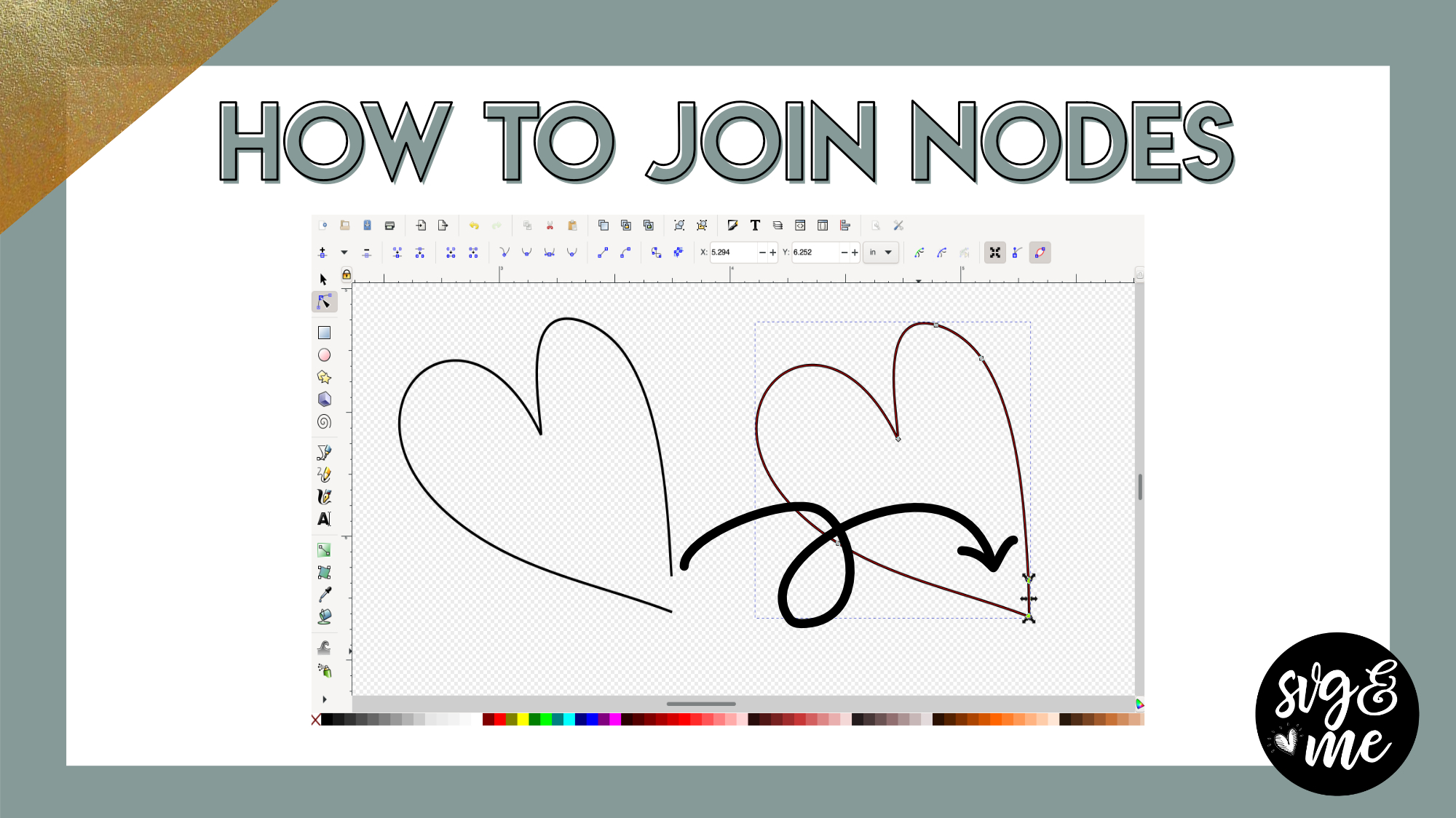
thanks! I’ve been trying to connect nodes and not getting the result I wanted…Now I will.
-
Great!
-
-
-
Erica Martin commented on the post, Custom Tumbler Templates (Cricut or ScanNCut) 4 years, 11 months ago
You’re very welcome!
-
Erica Martin commented on the post, Part 1: How to Install Ink/Stitch Extension 4 years, 11 months ago
Can you send me the file to [email protected] ?
It sounds like you may need to adjust the nodes to get the params to work -
Erica Martin commented on the post, Vertical Text Trick in Inkscape 4 years, 11 months ago
Thanks!
-
Erica Martin commented on the post, Custom Tumbler Templates (Cricut or ScanNCut) 4 years, 11 months ago
You can try adjusting it using the warp tool in Silhouette Studio Business Edition. Check out our lessons here:
-
Erica Martin commented on the post, Part 1: How to Install Ink/Stitch Extension 4 years, 11 months ago
@hollyfranks Didn’t this happen for you? How did you get it to allow it? I think you mentioned you had to contact your virus software, but any help you could offer would be great. Belle, does your software have the ability to go in and override to allow programs?
-
Erica Martin commented on the post, How to Export Rhinestone Designs from Silhouette Studio 4 years, 11 months ago
You can buy Silhouette Studio Business Edition via the link in this post and then export as a SVG that you can upload to Canvas Workspace. Canvas Workspace does not have a built in rhinestone feature.
-
Erica Martin commented on the post, Part 2: How to Convert SVGs to Embroidery Files (.PES) Using Ink/Stitch 4 years, 11 months ago
If you email me the file I can take a look and may be able to understand better what the specific issue is.
-
Erica Martin commented on the post, Part 2: How to Convert SVGs to Embroidery Files (.PES) Using Ink/Stitch 4 years, 11 months ago
Great!
-
Erica Martin commented on the post, Custom Tumbler Templates (Cricut or ScanNCut) 4 years, 11 months ago
Woohoo!
-
Erica Martin commented on the post, Part 2: How to Convert SVGs to Embroidery Files (.PES) Using Ink/Stitch 4 years, 11 months ago
There are other embroidery formats available in the dropdown so take a look there when you go to save. I just used .pes since that’s most common 🙂
-
Erica Martin commented on the post, Part 3: Converting Images into Embroidery Files 4 years, 11 months ago
I am thrilled to hear that!!
-
Erica Martin commented on the post, Part 2: How to Convert SVGs to Embroidery Files (.PES) Using Ink/Stitch 4 years, 11 months ago
Did you open by going to File > Open within Inkscape?
-
Erica Martin commented on the post, Part 1: How to Install Ink/Stitch Extension 4 years, 11 months ago
Enjoy! You bet!
-
Erica Martin commented on the post, Part 1: How to Install Ink/Stitch Extension 4 years, 11 months ago
You’re very welcome! Aw thanks!
-
Erica Martin commented on the post, Part 1: How to Install Ink/Stitch Extension 4 years, 11 months ago
You’re very welcome!
-
Erica Martin commented on the post, Part 1: How to Install Ink/Stitch Extension 4 years, 11 months ago
No problem!
- Load More

Erica, My shadow box will be for a little boy. I’m trying to create a teddy bear detail but not having any success. I may not be using the correct image. Can you offer any assistance. Thank you.
Feel free to email the image you are using but you’ll want to pick one that can be cut out from the paper like a stencil. Try googling teddy bear stencil or pick a black and white one to find a good option
Something like this https://www.google.com/search?q=teddy+bear+stencil&rlz=1C5CHFA_enUS967US967&sxsrf=AOaemvKVbvO9nzBxC5Q4VQMi7UebVXrRvg:1641578145964&source=lnms&tbm=isch&sa=X&ved=2ahUKEwiw8IqSm6D1AhU-TTABHVZIAqoQ_AUoAXoECAEQAw&biw=1189&bih=764&dpr=2#imgrc=_VjvDk0R6xe1UM
Thanks Erica. I will use that one and let you know how it turned out. Thank you for your help. 🙂