


Bearcountry1964
,@bearcountry1964
1
Friends
You need to log in or create an account to post to this user's Wall.
-

Erica Martin commented on the post, Part 1: How to Install Ink/Stitch Extension 4 years, 11 months ago
Glad we figured this out via our email convo! 🙂
-
Erica Martin commented on the post, Part 1: How to Install Ink/Stitch Extension 4 years, 11 months ago
The files that you copy are from the zip file that you download. You will move them into that extensions folder.
-
Erica Martin commented on the post, Part 2: How to Convert SVGs to Embroidery Files (.PES) Using Ink/Stitch 4 years, 11 months ago
Thanks so much! Glad it was easy to follow!
-
Erica Martin commented on the post, Creating Stickers from Text 4 years, 11 months ago
So glad to hear it!
-
Erica Martin commented on the post, Part 2: How to Convert SVGs to Embroidery Files (.PES) Using Ink/Stitch 4 years, 11 months ago
Thanks so much! It may just take a little while to show up – could that be the issue?
-
Erica Martin commented on the post, Part 1: How to Install Ink/Stitch Extension 4 years, 11 months ago
You’re welcome!
-
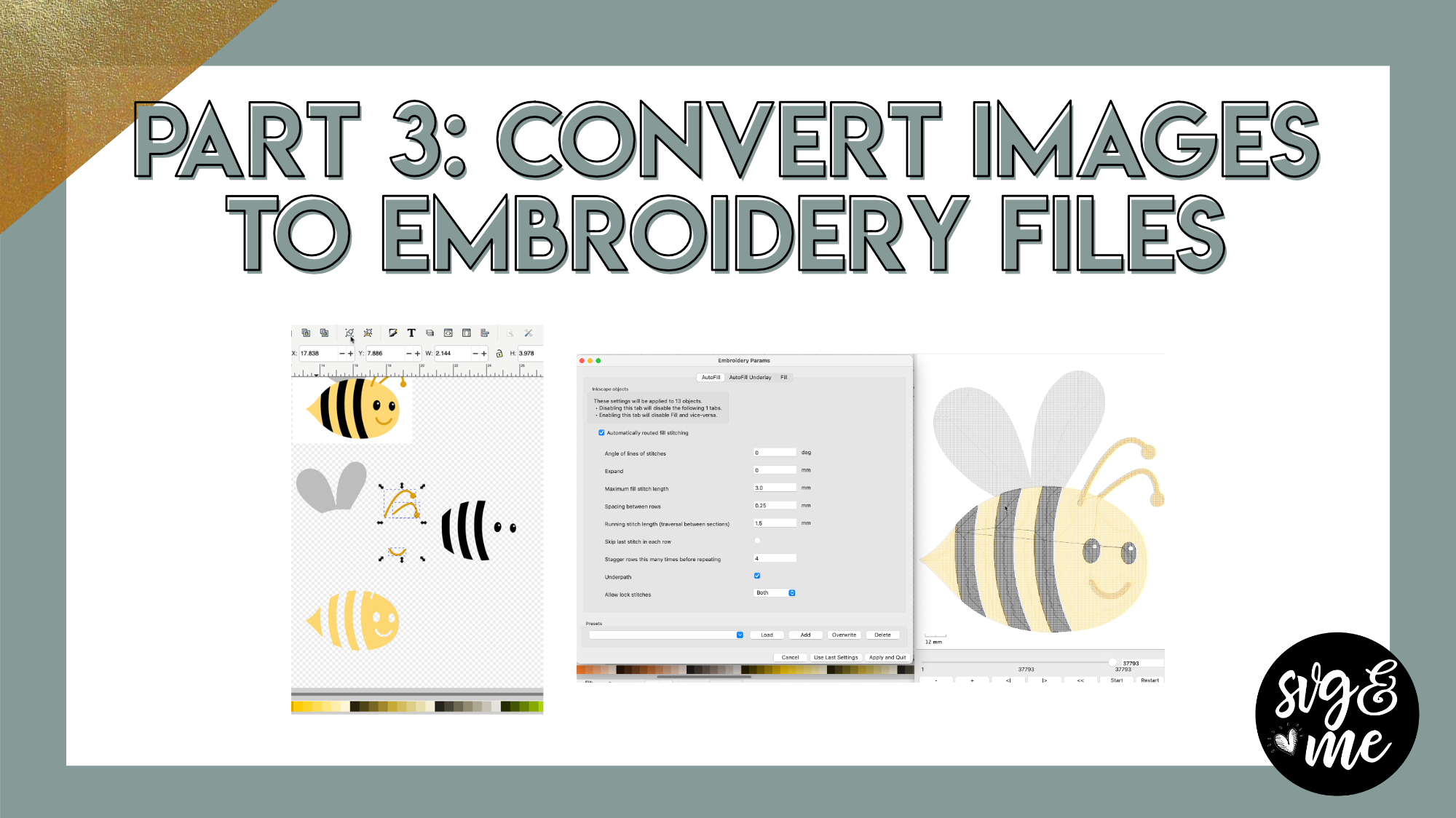
Erica Martin wrote a new post 4 years, 11 months ago
Download Practice Doc
Links Mentioned in Video:
How to Choose the Right Image to Trace (from Inkscape Course)Part 1: How to Install Ink/StitchPart 2: How to Convert SVGs to Embroidery (.PES) Files
-
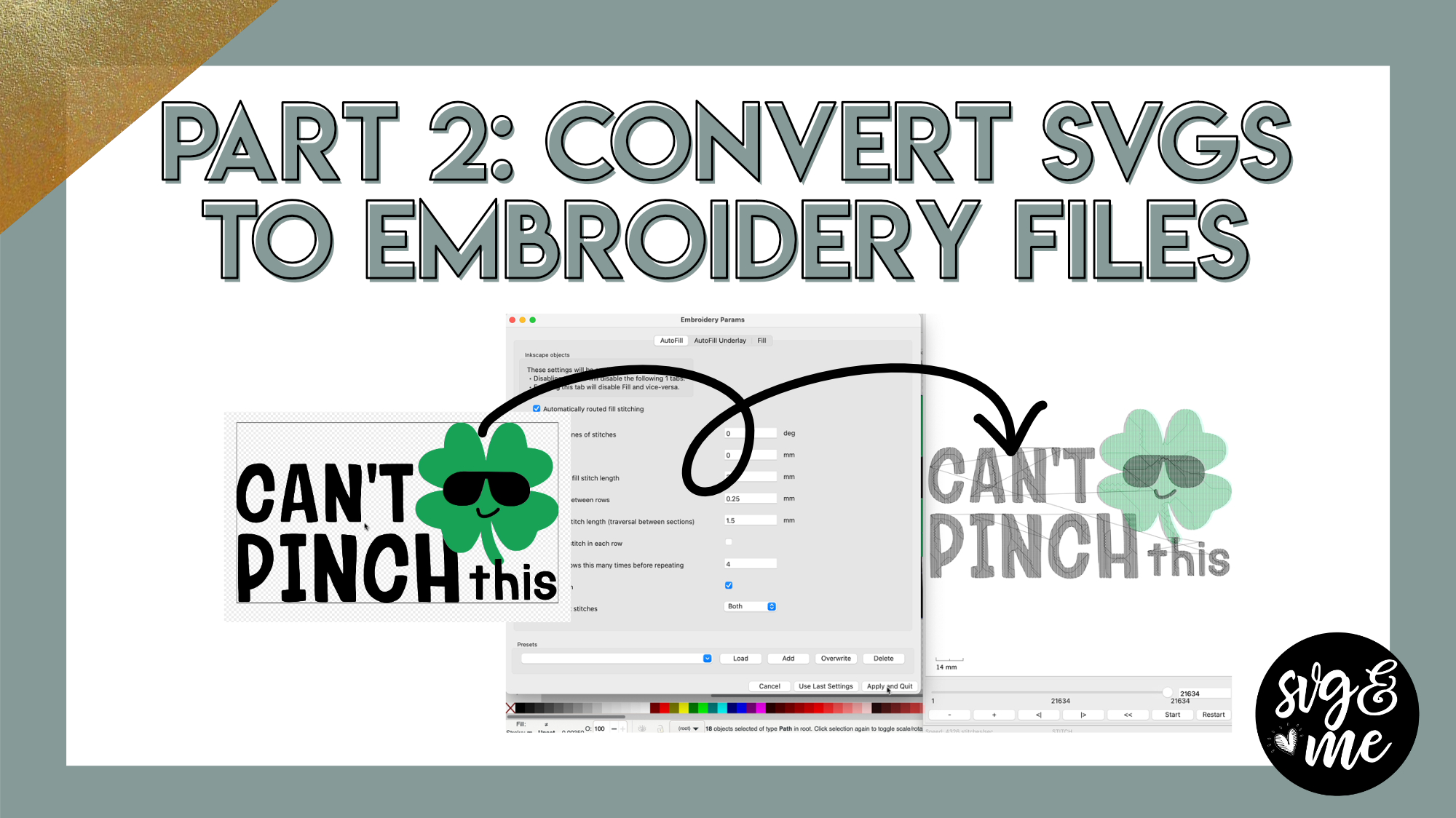
Erica Martin wrote a new post 4 years, 11 months ago
Links Mentioned in Video:
Download Can’t Pinch This SVGPart 1: How to Install Ink/StitchPart 2: How to Convert SVGs to Embroidery (.PES) Files
-
Erica – this information is wonderful. I love how you show us the screens and point to the items we need to select – so very helpful. You are an excellent teacher. Thank you so much.
Maggie Hubbard-

Thanks so much! Glad it was easy to follow!
-
-
Erica, thank you so much for your wonderful, clear, easy-to-follow directions. As Margaret mentions, you are an excellent teacher. Can you perhaps explain why mine does now show a preview (like yours) when you click paragms?
-
Thanks so much! It may just take a little while to show up – could that be the issue?
-
Goodness! Forgot to reply, yes – I just had to wait longer 🙂
-
-
-
Erica, I agree to the comments above. You’re an excellent teacher.But i have a lil problem.wheni copey and save the files I cant open it.theres and option internet explore,word note pad microsoft store and etcetera.i tried to use the internet explorer it didnt open the file.i switched to word and it didnt open.I dont know what to do?
-
Did you open by going to File > Open within Inkscape?
-
Erica, thank you.I got it now.
-
Great!
-
-
-
-
I noticed that the pes is for a brother sewing machine. If I have a Bernina I use the .exp extension, so should I use that extension rather than the pes. Is there a reason that you only mention the .pes. or do we convert it to fit out particular machine later.
-
There are other embroidery formats available in the dropdown so take a look there when you go to save. I just used .pes since that’s most common 🙂
-
-
Debbie Weatherhead you would save it in your format.
-
I am saving a 2 color design and it saves it as a one color design plus it is grouped together so when using Embrilliance I cant go in and change colors… any tips? Again game changer and thanks for the amazing tutorial
-
If you email me the file I can take a look and may be able to understand better what the specific issue is.
-
-
Thank-you so much for all you do to help us learn new things. I have learned so much from you and this web site. I love the videos and many times have to stop and go so I can write down directions. I am both a visual and written word learner, in addition to being in an “older” age group and not as fluent in technology. I want to thank-you again for the valuable resources you provide.
-
You’re very welcome! I love that you have such a great attitude about being open to learning new things.
-
-
Amazing, just what I needed, thanks Erica
-
So glad to hear it! You’re welcome!
-
-
Hello, Erica When trying to change the SVG to an embroidery file what does the error mean when it says “the border crosses over itself ? Thanks
-
This can sometimes happen when nodes create cut paths that cross over themselves. I would adjust the nodes in the area of trouble and see if that fixes it.
-
-

I am trying to ungroup some text and it just will not work. I’m using a font that’s not cursive but there is an i in the middle.
-
Use the Text > Text to Glyphs option
-
-
thanks
-
Erica I have a file that has a color background and white text. I’m trying to keep the lettering and remove the color background. How do I do that? Please
-
Hi Erica I was able to figure it out. I deleted all of the nodes for the surrounding color that I didn’t want. Thanks.
-
-
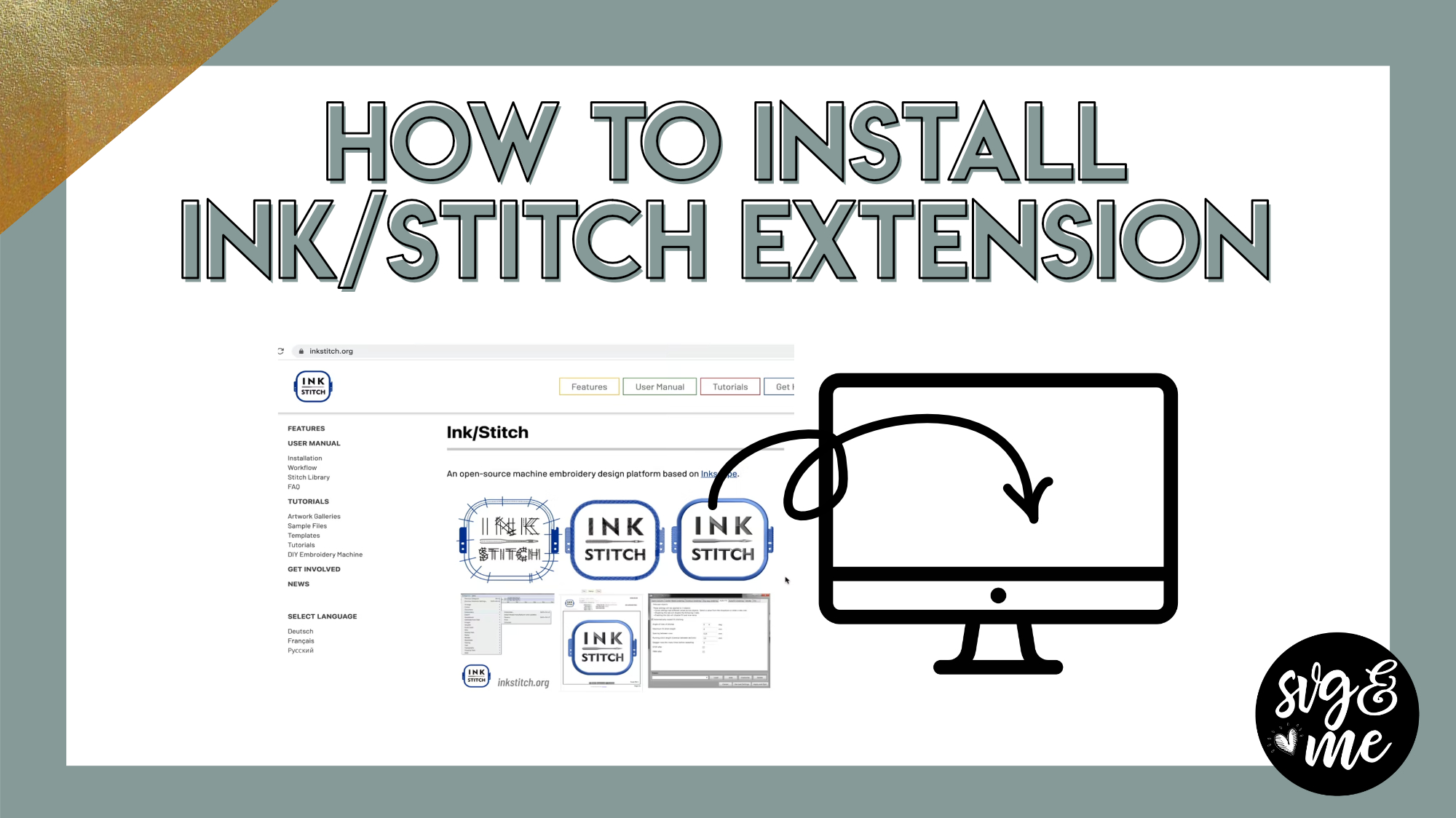
Erica Martin wrote a new post 4 years, 11 months ago
Ink/Stitch is a great free extension that you need to manually install for Inkscape that allows you to use Inkscape to convert SVG designs into embroidery files (.pes) in seconds!
Links Mentioned in […]
-
This is amazing looking forward to playing around after I install!! Thanks so much
-
Enjoy! You bet!
-
-
Installed like a charm. Anxious to try it out. Thanks so much and CONGRATULATIONS!!
-
You’re very welcome! Aw thanks!
-
-
What a freakin’ game changer!!!! Thank you so much you’re Rock Star!
-
You’re very welcome!
-
-
I installed the ink stitch when I open the extension after reopening Inkscape, Lettering Params and preferences is greyed out. I verified that I coped over 75 files….that was what was in in mine. I am windows.
-
Never mind…I forgot the top folder! Thank you super excited!
-
No problem!
-
-
Working on a Mac with Catalina. Don’t understand the “Terminal” step in the installation. When I go to Terminal it’s basically nothing. I will not do trial and error. The instructions provided got me to terminal but after that I don’t know where or how to copy and paste their path information. hope you know what I am rattling on about.
-
Glad we figured this out via our email convo! 🙂
-
-
I’m working in windows and when I open up Systems in Inkscape, click on user extensions no files appear for me to copy. what am I doing wrong?
-
The files that you copy are from the zip file that you download. You will move them into that extensions folder.
-
-
Wow! Thanks so much, Erica. One thing I have been doing a lot of lately is embroidering and creating appliques. Amazing that inkscape has this capability.
-
You’re welcome!
-
-
Hey Erica,
I just tried installing Inkstitch and McAfee blocked it as a virus. Have you heard of that happening to anyone else?
Thanks,Belle
-
@hollyfranks Didn’t this happen for you? How did you get it to allow it? I think you mentioned you had to contact your virus software, but any help you could offer would be great. Belle, does your software have the ability to go in and override to allow programs?
-
-

After I draw my shape > Path> Object to Path and go to Extensions> Params, I get this message:
Cannot load simulator. Close Params to get full error message.
Then I close Params and get this message:
path830: error: Fill: Shape is not valid. This can happen if the border crosses over itself.
wx/lib/scrolledpanel.py:225: DeprecationWarning: an integer is required (got type float). Implicit conversion to integers using __int__ is deprecated, and may be removed in a future version of Python.-
Can you send me the file to [email protected] ?
It sounds like you may need to adjust the nodes to get the params to work
-
-
Hi, Is there a tutorial on converting text to embroidery on Ink/Stitch?
I’ve copied the tutorials on here but it wants to embroider the letters on 3 words in a different order meaning there are lots of jump stitches (stitches between letters/words).
Other than that, loving the tutorials on her. Clearly explained and easy to follow-
Hi there! I just replied to your email but I would make sure you’ve unioned together all the letters before using ink/stitch and see if that helps
-
-
-
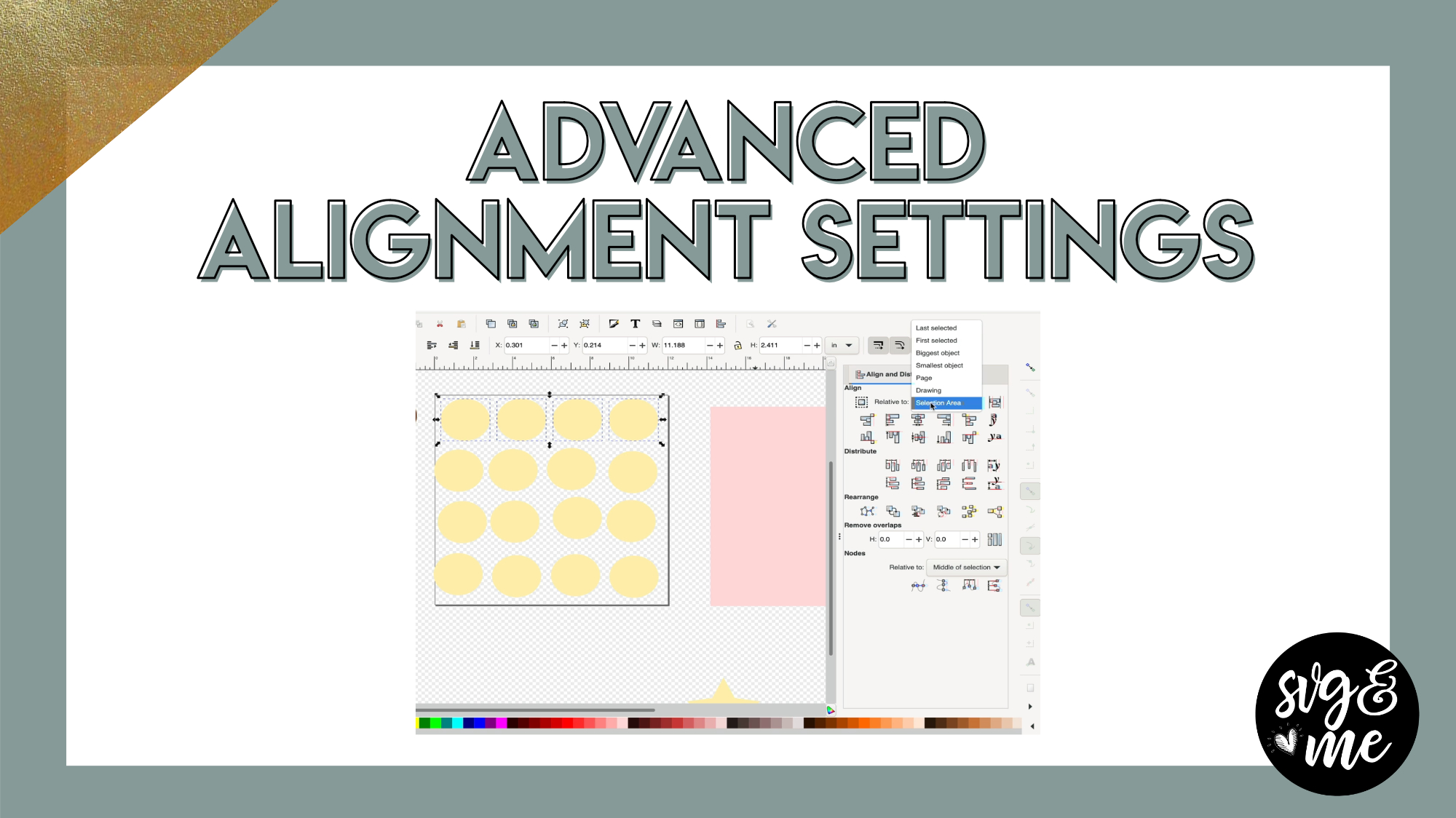
Erica Martin wrote a new post 4 years, 11 months ago
Download Practice Doc
-
Erica Martin commented on the post, How to Create Rhinestone Fill Templates 5 years ago
Seems to be working on my end. What are you seeing?
-
Erica Martin commented on the post, How to Prep Images To Cut Larger Than Mat in Inkscape 5 years ago
You can do it that way or you can also use Path > Break Apart with text and then select around the portions you want to keep together (that will fit on a single mat) and use Path > Exclusion to cut out any holes again that got filled in. Let me know if you need help walking through this.
-
Erica Martin commented on the post, Personalized Wine Labels 5 years ago
You’re welcome!
-
Erica Martin commented on the post, 3D Star Napkin Ring 5 years ago
Thanks! So glad you liked it!
-
Erica Martin commented on the post, Part 2: Custom Geometric Lasercut Cards 5 years ago
You actually don’t need to print it – just cut on cardstock 🙂
-
Erica Martin commented on the post, 3D Star Napkin Ring 5 years ago
Great idea!
-
Erica Martin commented on the post, Inkscape's Objects Panel 5 years ago
You bet!
-
Erica Martin commented on the post, Part 3: Convert Clipart into Lasercut Cards 5 years ago
You can absolutely do it and you can refer back to videos whenever you want 🙂
-
Erica Martin commented on the post, How to Add Hatch Fills in Inkscape 5 years ago
Yes, I love this capability!
-
Erica Martin commented on the post, 3D Star Napkin Ring 5 years ago
Happy 4th! Glad you’re going to use it!
- Load More


Thank-you so much for this. I just got back into embroidery and have an old Pfaff 7570 (from the 1990s!) that still works beautifully but the program I have to create/digitize my own designs only works with an old OS of Widows, VISTA program! This will enable me to create customized files so much easier and quicker. Can’t wait to try this as soon as I have time to sit down for an afternoon and play. Thank-you so much, becoming a member of svg & me was one of the best investments I have made.
I am thrilled to hear that!!
What does it mean when error msg comes saying the border crossing itself ?
Oftentimes this is related to the nodes needing to be adjusted slightly or if it’s text make sure to convert to a path first. Feel free to email me the file for individualized help