


Casey Tate
,@caseyntate
1
Friends
You need to log in or create an account to post to this user's Wall.
-

Erica Martin wrote a new post 8 years, 1 month ago
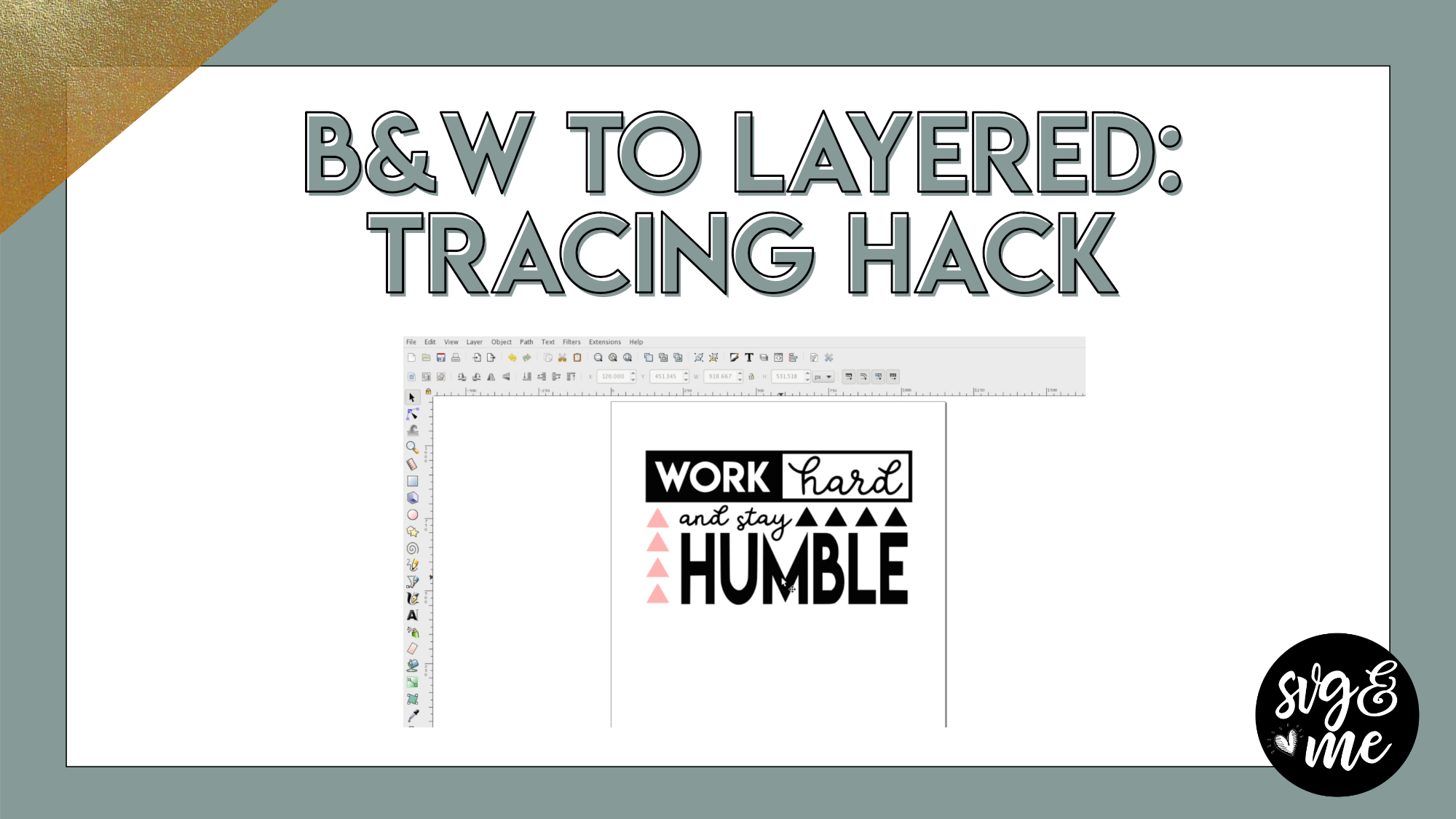
Have you ever traced a black and white (or any single color) image and wished that you could add more colors to it? Well, with this secret Inkscape hack I’m teaching you today, you can!
Download the exact […]
-
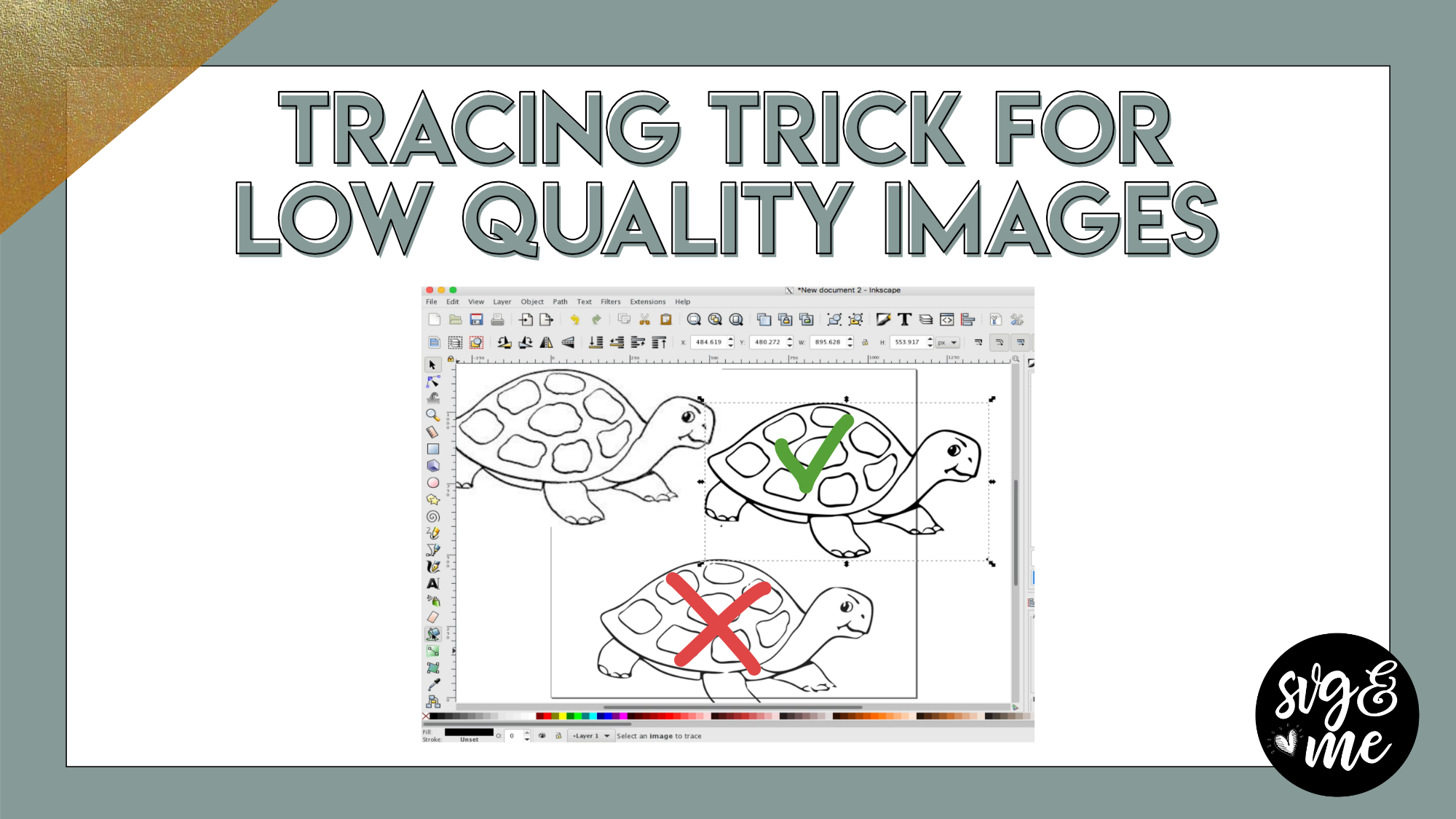
Erica Martin commented on the post, Secret Trick for Tracing Low Quality Images 8 years, 1 month ago
You’re welcome!
-
Erica Martin wrote a new post 8 years, 1 month ago
-
Thank you 🙂
-

You’re welcome!
-
-
-
Erica Martin wrote a new post 8 years, 1 month ago
-

This is great! Thank you!
-
You’re very welcome! 🙂
-
-
That was great!
-
So glad you enjoyed it!
-
-
-
Erica Martin wrote a new post 8 years, 1 month ago
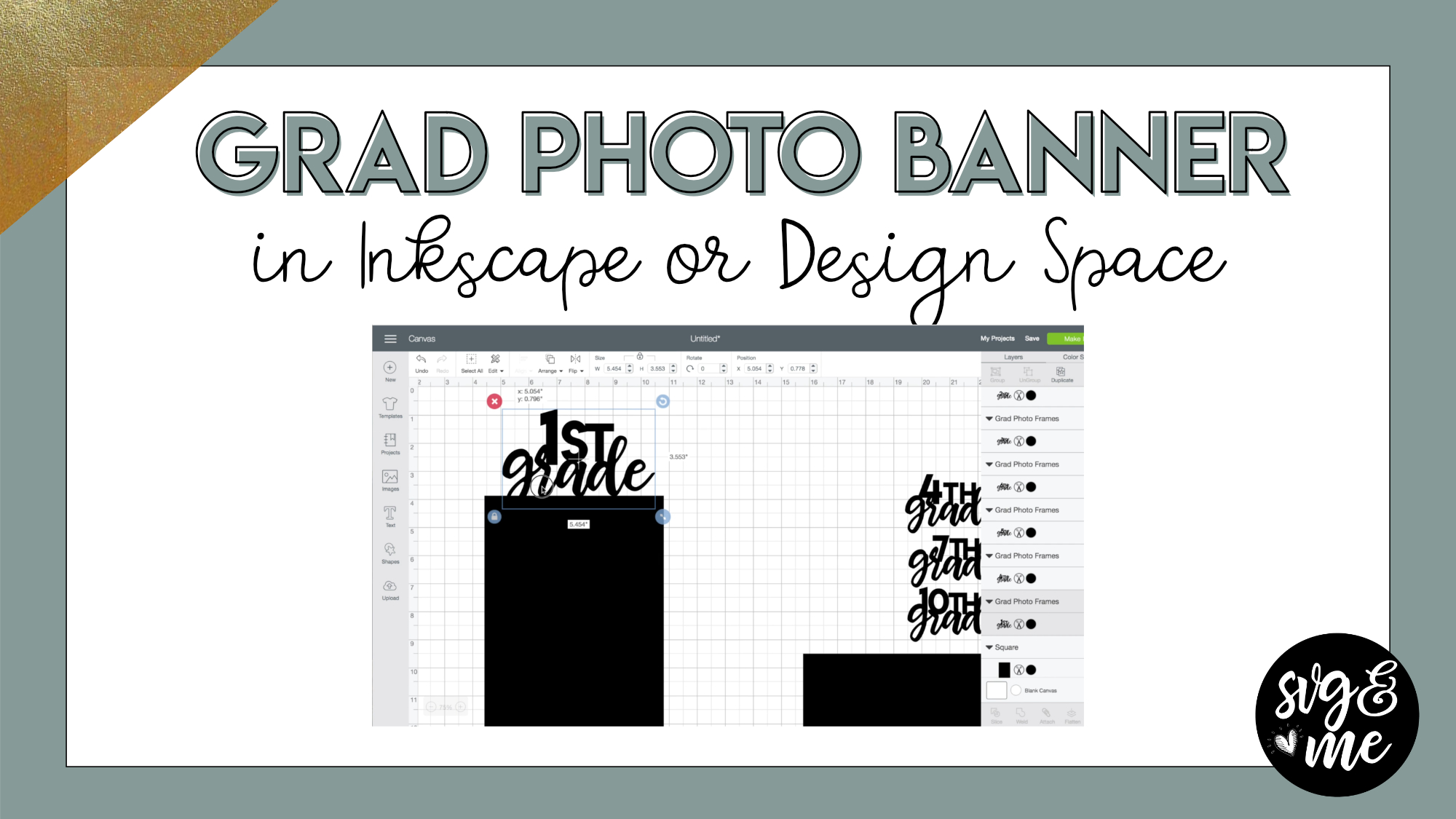
Download the grad banner template
This DIY graduation photo banner is perfect for a graduation party you may be hosting this year! I’ll show you how to make the frames and then you simply add photos of your […]
-
Erica Martin wrote a new post 8 years, 1 month ago
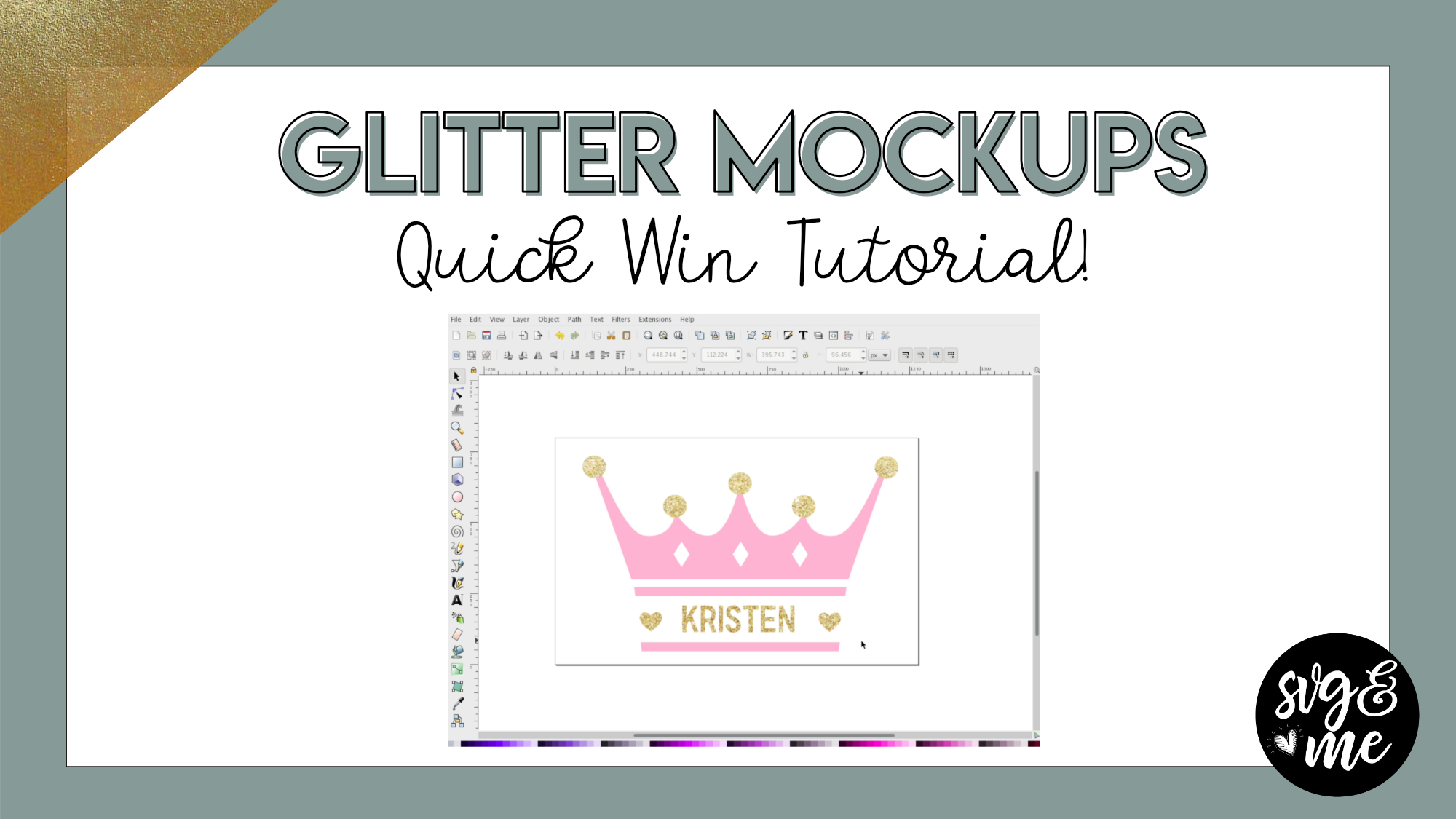
Suggested gold glitter mockup image (personal use only)
Remember: before you save to upload into Design Space or your cutting software, make sure to release the clipping mask (Object > Clip > Release) and […]
-
Erica Martin wrote a new post 8 years, 2 months ago
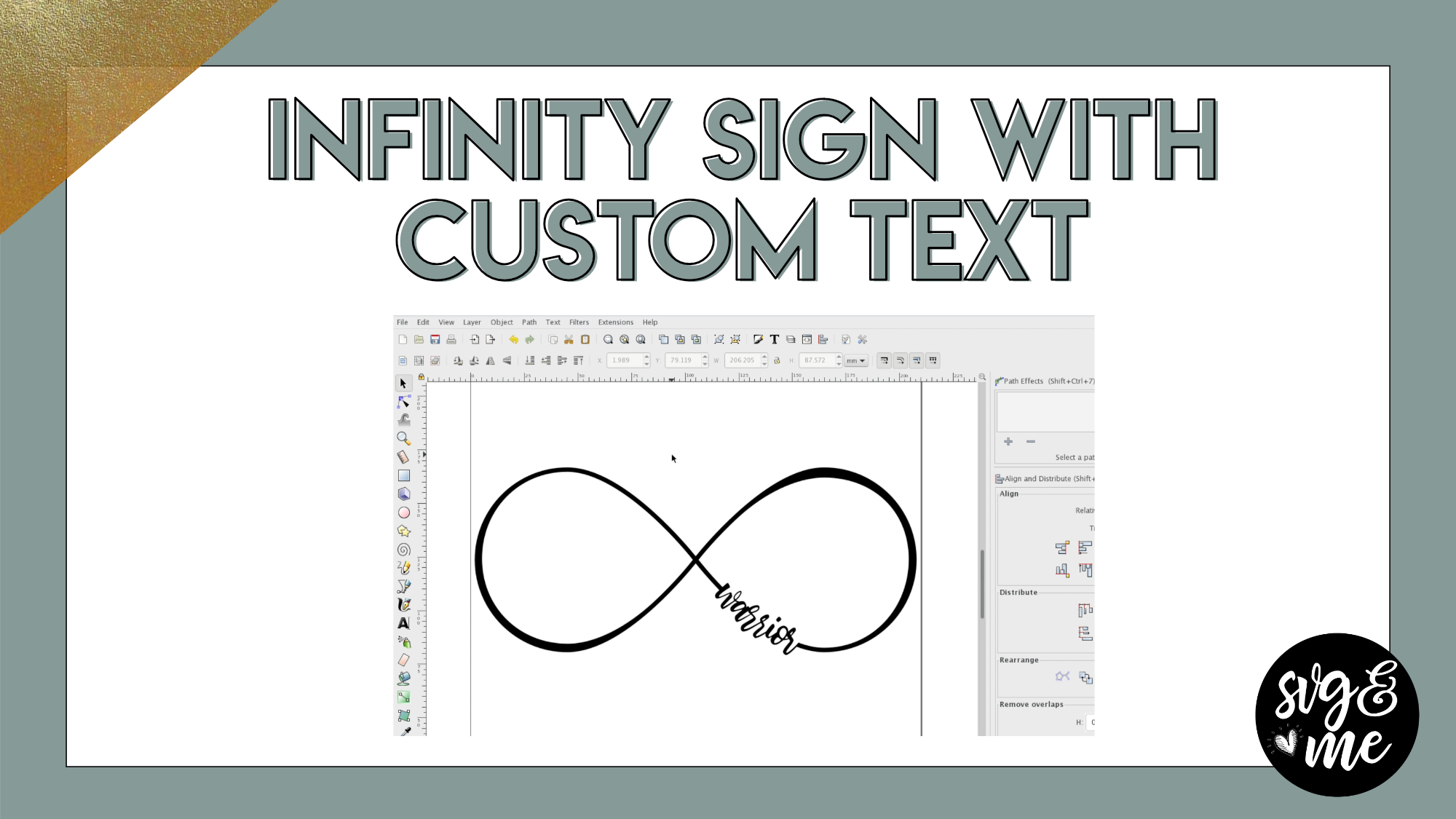
Download infinity sign template
-
That’s an amazing tutorial thanks
-
You’re welcome! 🙂
-
-
Great Tutorial Thank you. Glad I have your easy tutorials to help me tackle Inkscape.
-
Glad you enjoyed it!
-
-
I love this, my mom wants me to make one for her wall with names in line
-
Cute idea!
-
-

I am really having a hard time trying to do the path and difference. It cuts only the bottom part. Please Help!
-
Hi there! Feel free to reach out to me via email with your file and I can walk you through what to do! [email protected]
-
-
Hi, I am having challenges in try to get the words cut out in my infinity symbol. Not sure what I am doing wrong. I have watched the video more then a haft a dozen times. Lol I have even pulled up two screens side by side to go through it. It just want cut for me. I think that last step is hard. Any suggestions.
-
Hi there! Do you want to save your file and send it to me and I can walk you through what to do next? [email protected] Otherwise, you’ll need to make sure your infnity symbol is converted from Stroke to Path. Then create a rectangle over where the word will be and slice that out of the symbol with Path > Difference and then weld the word to the infinity sign with Path > Union.
-
-

I love this tutorial. I had wondered how to do this and now I can give it a try!
-
Awesome! Can’t wait to see what you create!
-
-

Wow! That is awesome!
-
So happy you enjoyed it!
-
-
I just found this. Awesome tutorial. Thank you so much.
-
You’re welcome!
-
-
Awesome tutorial. Thank you so much.
-
Yay! You’re very welcome!
-
-
I love it! Just made myself the cutest shirt!
-
Yay! 🙂
-
-
-
Erica Martin wrote a new post 8 years, 2 months ago
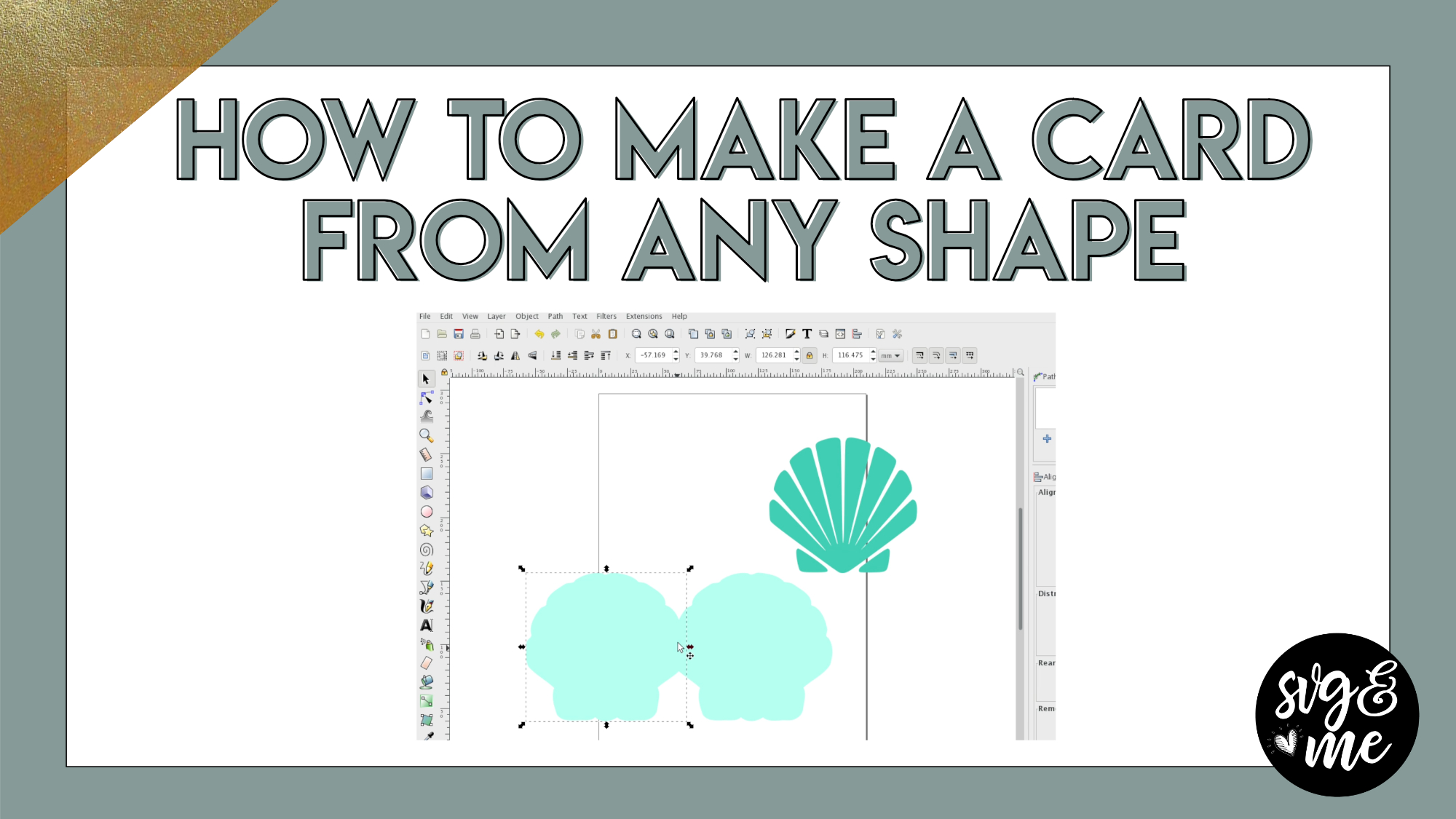
Create custom DIY cards in minutes using any custom shape you’d like! Plus, you’ll learn how to add gift card inserts to any card.
Open the gift card insert template in Cricut Design Space
Don’t have […]
-
Erica Martin wrote a new post 8 years, 2 months ago
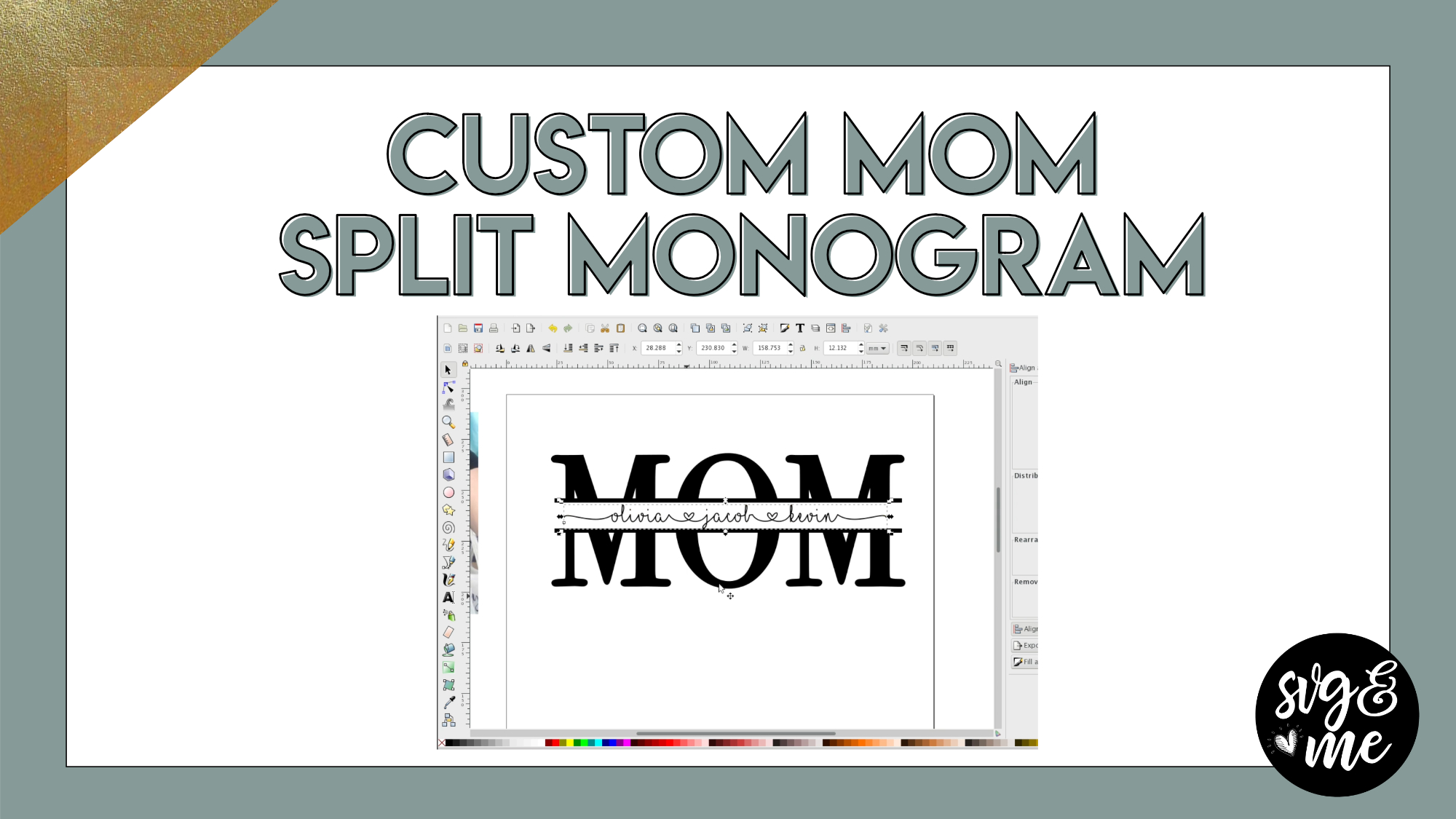
Download the I Love Glitter font
Learn how to create this fun variation on the split monogram technique that is perfect to create a personalized gift for Mother’s Day or your mom’s birthday. Thanks to Mindy for […]
-
You have great common examples of what I would like to make. And of course, that inspires because when we can “immediately” make some of the things we love first, it takes more of the “quit because I can’t do it” out of the equation.
-
That’s so great to hear! I really do try to focus on practical examples to help inspire you to see ways to apply these skills 🙂
-
-
I am trying to make something similar to this, I am having trouble with getting the “path to stoke” to work and get the outlines to work, also I cannot get the stroke to decrease on the other layer. Any help is welcomed. 🙂
-
I have the same issue as Christina above. The “stroke to path” is not giving an outline. The videos would also be great if you used a ‘custom cursor’ or something similar. I have to continuously repeat sections because you move the mouse too fast over what you are doing.
-
Feel free to save where you are having an issue and email me the file at [email protected] and I can help walk you through it. In the bottom right corner of the video you can click on the little gear icon and click on the speed dropdown to slow down the video if having trouble following. My voice will probably sound a little funny slowed down haha but it may help you if you’re struggling with a step.
-
Great! Thanks
-
-
-
-
Erica Martin commented on the post, Creating Patterned HTV Mockups 8 years, 2 months ago
You’re welcome @crbagwellrn!!
-
Erica Martin wrote a new post 8 years, 2 months ago
Affiliate links to HTV shown in the video:
Unicorn Pattern HTV from Expressions Vinyl
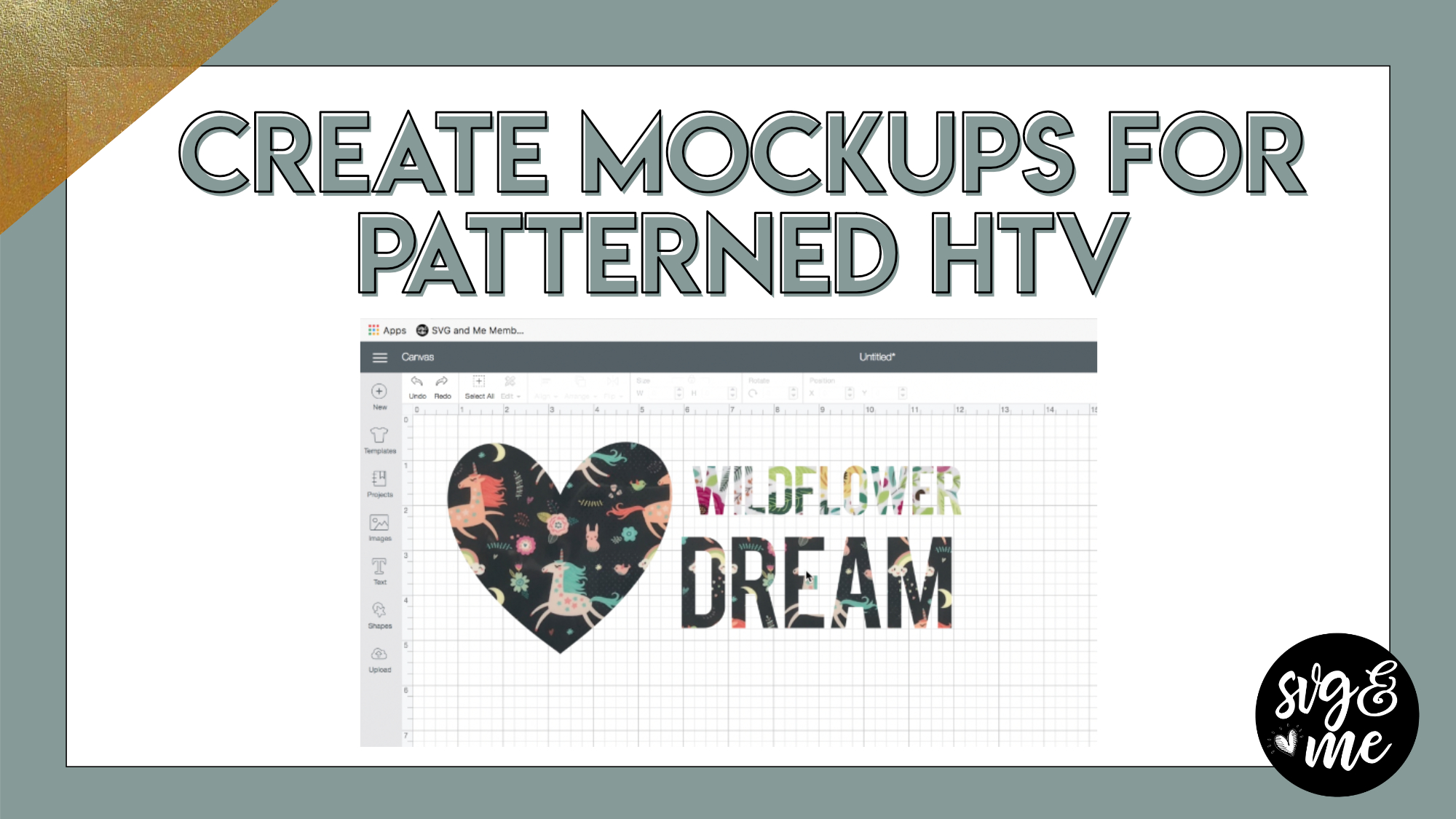
Floral Pattern (Blossom) HTV from Expressions VinylThe video demonstrates how to create mockups of what a design will […]
-
WoW! Thanks.
-
You’re welcome @crbagwellrn!!
-
-
This is extremely helpful! Thank you!
-
Awesome, so glad you found it useful!
-
-
-
Erica Martin wrote a new post 8 years, 2 months ago
-
To be honest. I’ve watched video after video on YouTube as a newbie over a month before really understandinteresting. This is so awesome. I’m such a ditz, as I thought clicking on templates ment like to cut. So, I was like duh… tshirt image duh. What is the best but good deal to buy your vinyl? @erica
-
@pjbmom So glad to hear you’re enjoying the course! I think 651vinyl.com and Swing Design are both suppliers with good deals on vinyl you may want to check out.
-
@erica, you mentioned being an annual member a couple times in this video. I thought there was just one membership with the one time payment. Did I miss something?
-
Sorry for the confusion – I need to edit out the mentions of the annual membership. I changed it to a lifetime membership, which is what you have 🙂
-
-
I wondered if that might be the case but wasn’t sure. Thank you! =)
-
Yep, thanks for letting me know!
-
-
So if we paid the $167 or whatever it was we are lifetime members?
-
Yes! You got it!
-
-
When you mark complete are you allowed to return to that module?
-
Absolutely!
-
-
Thank you, for clearing that up about membership. I had the same question about the after I heard you say annual.
-

Thank you so much for this course newbie to crafting & lots beginning to make sense now made so many mistakes but loving every minute feel i am on the road to something beautiful… Thank you x
-
That’s such a sweet message – thank you!
-
-
I just Join group on Monday. I am questioning what you mean you can complete one of your courses. I thought it is a one time payment. Also I received the Free Fonts and Graphic with the How to create using inkscape when merchanted with the Webinar.Where are they located?
-
Yes, sorry for any confusion. I had originally considered doing monthly or annual memberships and need to update that reference in this video. You do have lifetime access if you joined via our webinar promo either via the single payment or 5 payment plan. The bonus workbooks are both available at the bottom of the homepage (members.svgandme.com). Let me know if you have any other questions. Glad to have you as a member!
-
-
I need to know how to put SVG and Me on my desk top so I can get to it quicker. Thanks ,Cindilou
-
You can either bookmark the website in your browser (add to your bookmarks bar for easy access). Or, depending on what browser you use, you should be able to click on the area to the left of the address bar and then drag on to your desktop to create a shortcut.
-
-
The Design for the different sizes of shirts for Circuit does not load. I have tried several times and it said error.
that is 113142850. So I don’t know it that is on your side or circuit design side that the error message keeps coming up.
sherry-
Oh no! Does this link work? https://design.cricut.com/#/landing/user-project/134095942
-
-
@erica I have finished first corurse, and I don’t see a completed course option?
-
Yay! Great job! I don’t believe there’s a separate course complete button. You just mark each lesson complete and once you do them all it will automatically list the course as 100% complete.
-
-
Joined yesterday and excited to get started. Installed Inkscape successfully in my MacBook (little more challenging the I thought it would be ) and was successful in replicating the knockout design! So exciting. Haven’t gotten this far in the past 3 weeks, but had a design in a couple of hours after watching your webinar.
One question, it appears the shortcuts you mention don’t work on the Mac. Found the options in the menus. Do you have a reference sir shortcuts tomuse on the Mac, or will the course lessons go over these… guess I should just start and find out)
-
Actually Inkscape is unique in that the shortcuts are the same for Mac and PC. Are there specific shortcuts you found didn’t work?
-
-
Erica I joined yesterday but is the membership lifetime or annual
-
It’s lifetime 🙂 Sorry for any confusion – need to update that little bit of this video.
-
-
I worked for about 25 years in IT, as a programmer and project manger. So I know software and generally can dig in a learn most anything on my own. But for some reason, Inkscape intimidated me.
I have just finished the first two units and already am feeling more confident. I cannot wait to get further in the class. Thank you for presenting this and helping me on my journey.
Sharon-
Yay! That is absolutely the goal of the course so I am thrilled that you are feeling more confident. Thank you so much for sharing your kind words 🙂
-
-
Love my cutting machines, have had inkscape on my computer for a while used it a little. I would really like to see the tutorial you did yesterday with the names. I have installed I love glitter on my computer can see the font in Silhouette and Design Space but not in Inkscape.
-
Yay! Great to have you as a member 🙂 You can watch the replay here: members.svgandme.com/re_inkweb
-
-
Im finally opening up the course and look forward to taking this course.. I may end up watching a lesson more than once to actually know what I’m doing.. and thank you for the great tip – I will have my lap top open for the lessons and Inkscape open on my computer to do lessons… I look forward to starting this journey with you – @erica
-
I think that’s such a good strategy – love it!
-
-

I am having trouble installing Inkscape. My Mac Air has OS 10.13, is that OK for Inkscape 1.0?
-
Check out the first lesson in the Inkscape course – it has info on which version and where to download 🙂
-
-

At first, I was praying I made the right decision to pay for the membership because I have seen so many advertisements for cheat sheet downloads for the Cricut and YouTube videos on how to do this and that on the Cricut. I wanted to learn how to make my own graphics, so I wouldn’t have to pay for it or depend on the free SVGs that aren’t really what I want. I am terrible at drawing, but the webinar of your explanation on how to create your own SVG made me feel like I could do it. Also one of the quotes that you used is something I have posted in my classroom for many years and use as a tag line on my work email. Thay was a sign for me to try it. After downloading the workbook, viewing a few of the courses, and following the directions, I will be telling everyone and anyone that is a beginner with their Cricut (like me) to buy the membership. As an educator of more than 20+ years, taking technology classes has always been challenging because those who teach it fail to provide concise instructions at the right pace. However, I not only found the instructions doable and had absolutely no frustration at any time during the courses I already viewed, I wished that you taught all of my technology classes. You are an amazing teacher and have made all of this understandable! Watching this video on opening the membership portal with the course and Inkscape side by side is what I did due to my previous learning experience with instructional websites. The fact that you are telling your members all these tips makes you a legit teacher who actually wants her members to succeed, and I am truly glad I paid for the membership. I am going to use what I learn to make fantastic bulletin boards and educational posters if and when we ever get back to the classroom. If anything, I will be able to make Christmas gifts. Keep up the great work!
-
That is so incredibly kind of you to say – thank you so much! You clearly know a lot about teaching so I am really flattered to hear that you are loving the course and finding my teaching style so helpful. I appreciate you taking the time to write this sweet message. It made my night! 🙂
-
-

I bought the Silhouette Cameo and bought a heat press. Now I need to use it! Yesterday I signed up for SVG & Me so hopefully you can teach an old dog new tricks. After sleeping on it, did I make a mistake buying the Cameo? Will I be able to do things on it learning from your program? You are such a good; calm teacher I hope this works.
Marilee-
Thank you so much! We actually even have Silhouette Studio course what will be perfect for you as a Cameo user and you get that in addition to the Inkscape course at no added cost!
-
-
I have used Inscape for years to make SVG’s but joined this membership to see what additional things I might learn…only problem I foresee is the difference when they are completed. I have been using SCAL (Sure Cuts A Lot 1 then upgraded to 2) since the very beginning and chose not to use Design program. The result is not sure if cutting layers will work unless separated into different pages in SCAL. Since I don’t know anything about the Design program I might have misconstrued impressions on how it works. Is anyone else using SCAL?
-
I started the Inkscape course yesterday and can’t wait to get back to it. Although I’ve been using Design Space for quite some time, I will complete that course, as well, because I’m sure I don’t know all the tricks yet. Erica is the best instructor that I’ve had.
-
You’re so sweet! Thank you!
-
-
So glad to read that the annual membership is now a lifetime one. When I first heard that I wondered what the difference was. Feeling better now and can’t wait to get started. Thank you!
-
I just started the Inkscape courses today and I was kind of mad when I had to stop to go make supper and do some other things. Lol
In just the few lessons I have watched I have learned more in this short amount of time vs the hours of youtube and other lessons. You are so easy to follow, I play back something if I don’t get it right away. I am very excited to keep learning.-
Haha darn dinner getting in the way! So glad you’re loving it!!
-
-
Hi Erica,
I watch you talk about inkscape and I hope it will help me in svg. I am looking forward to start the course. So thank you so much I know I am going to love it.-
Yay! So excited for you to get started with it and get hooked on the power of designing your own SVGs 🙂
-
-

I think I’m going to be VERY HAPPY with these courses. I’ve already learned a couple things about DS that I didn’t realize I could do.
-
Oh great! So glad to hear that!
-
-
Am so glad I joint can not wait to get started
-
So glad you did too! Yay!
-
-
Do you have a tutorial or course on turning other files into svgs, or pngs. I used to use corel draw or photo and now that no longer works. I often will find a free graphic i want to use in Design Space and add type to the image, but for some reason that doesn’t seem to work any longer. any ideas
-
-
Erica Martin commented on the post, How to Upload 3D SVGs 8 years, 2 months ago
I wish I had a Brother Scan and Cut to experiment on to tell you. If you do and can try it out or share directions if it’s different, that would be fantastic and I would love to share with other members.
-
Erica Martin wrote a new post 8 years, 2 months ago
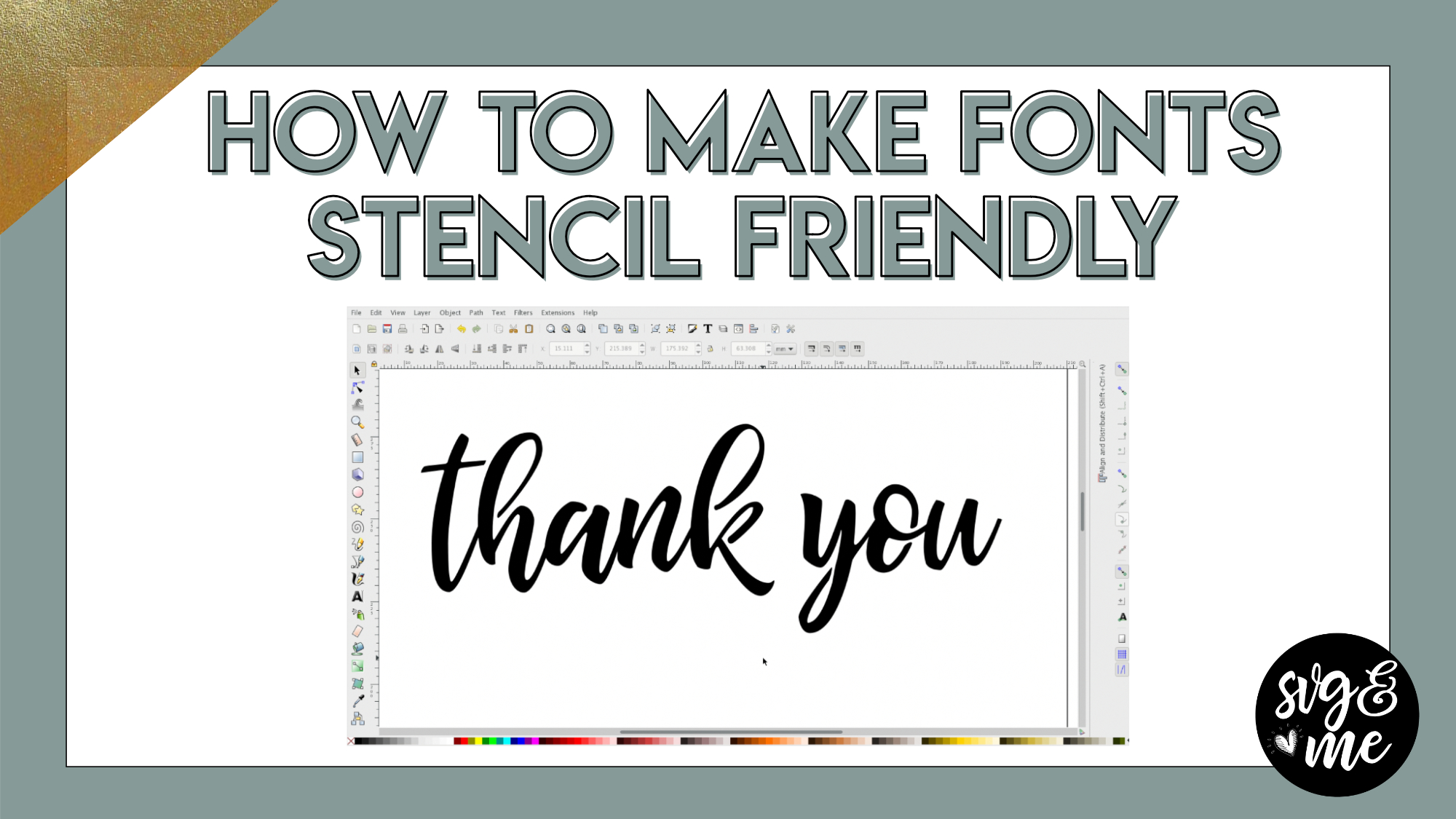
Checkout this helpful technique for creating “stencil-friendly” text to use when cutting out words for cards or creating stencils to make all sorts of DIY projects from etched glass, stenciled T-shirts, […]
-

Really helpful! Love this tutorial most for the learning how to use nodes!
-
Glad you found it helpful! Yes, it can be helpful to grasp how to use nodes when you see practical examples of why you’d want to edit them.
-
-
Nice video. On an Ariel Font for example how small can one cut out the letters? I am doing 1/4″ high X 2.5″ long for my husband’s train. Had a hard time getting the letters to stick to the transfer paper.
-
For small intricate fonts I recommend cutting on the washi sheet setting and then using the reverse weeding method. We go over both in our Mastering Your Cricut add-on course if you’re interested in learning these techniques: members.svgandme.com/member-myc
-
-
Thanks Erica – a little late responding – been busy with other stuff. I have a Silhouette Cameo 3. Is there a class for cutting on the washi sheet setting and then using the reverse weeding method?
-
-
Erica Martin commented on the post, How to Upload 3D SVGs 8 years, 2 months ago
You’re very welcome!
-
Erica Martin commented on the post, Knockout Name Using Inkscape 8 years, 3 months ago
Thanks! Yes you do lady – got to take our course! 😉
-
Erica Martin wrote a new post 8 years, 3 months ago
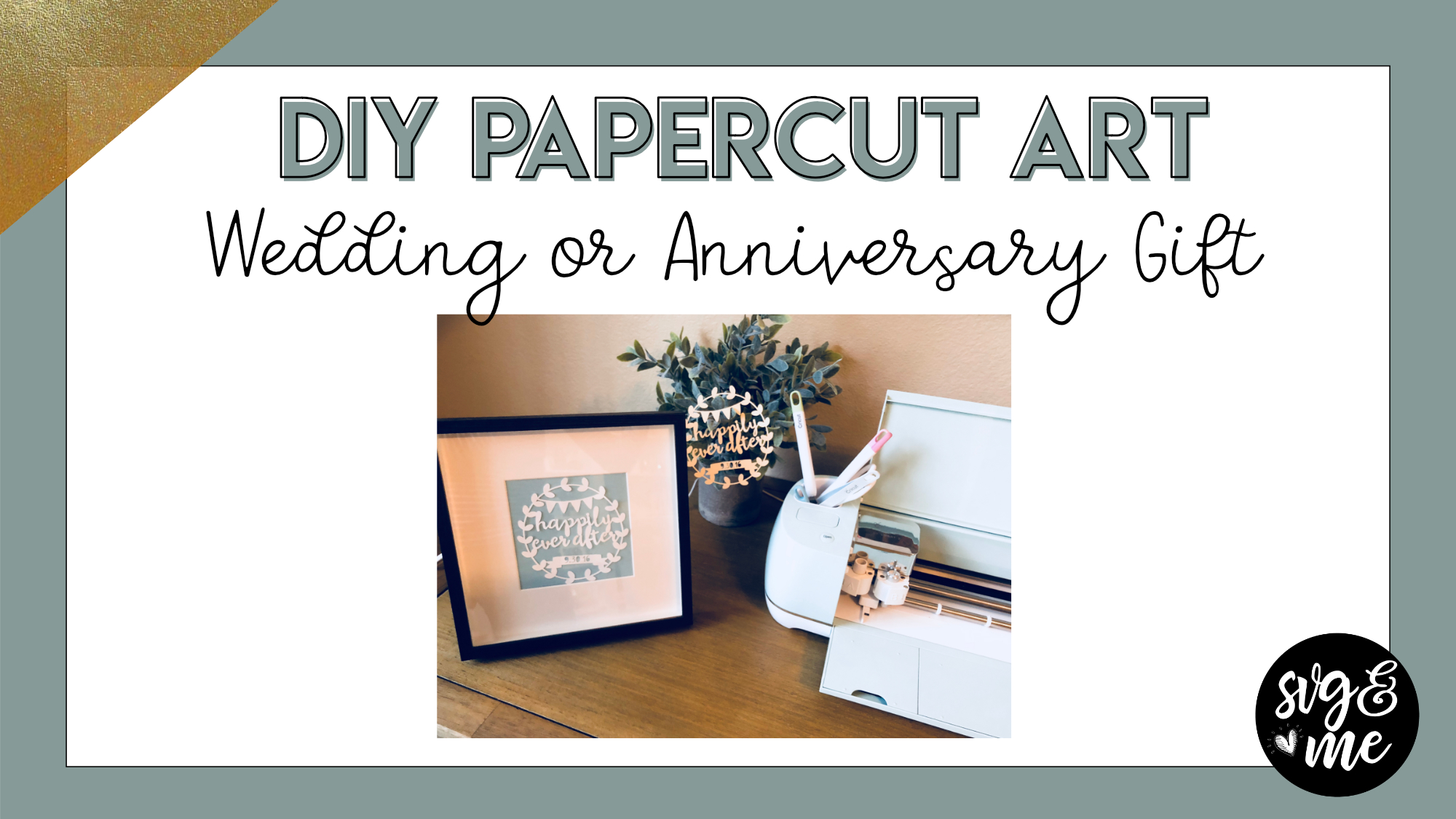
Check out this tutorial on how you can make personalized “Happily Ever After” papercut artwork with a custom date. It would make the perfect wedding or anniversary present for your sweetheart (or yourself).
-
Erica Martin wrote a new post 8 years, 3 months ago
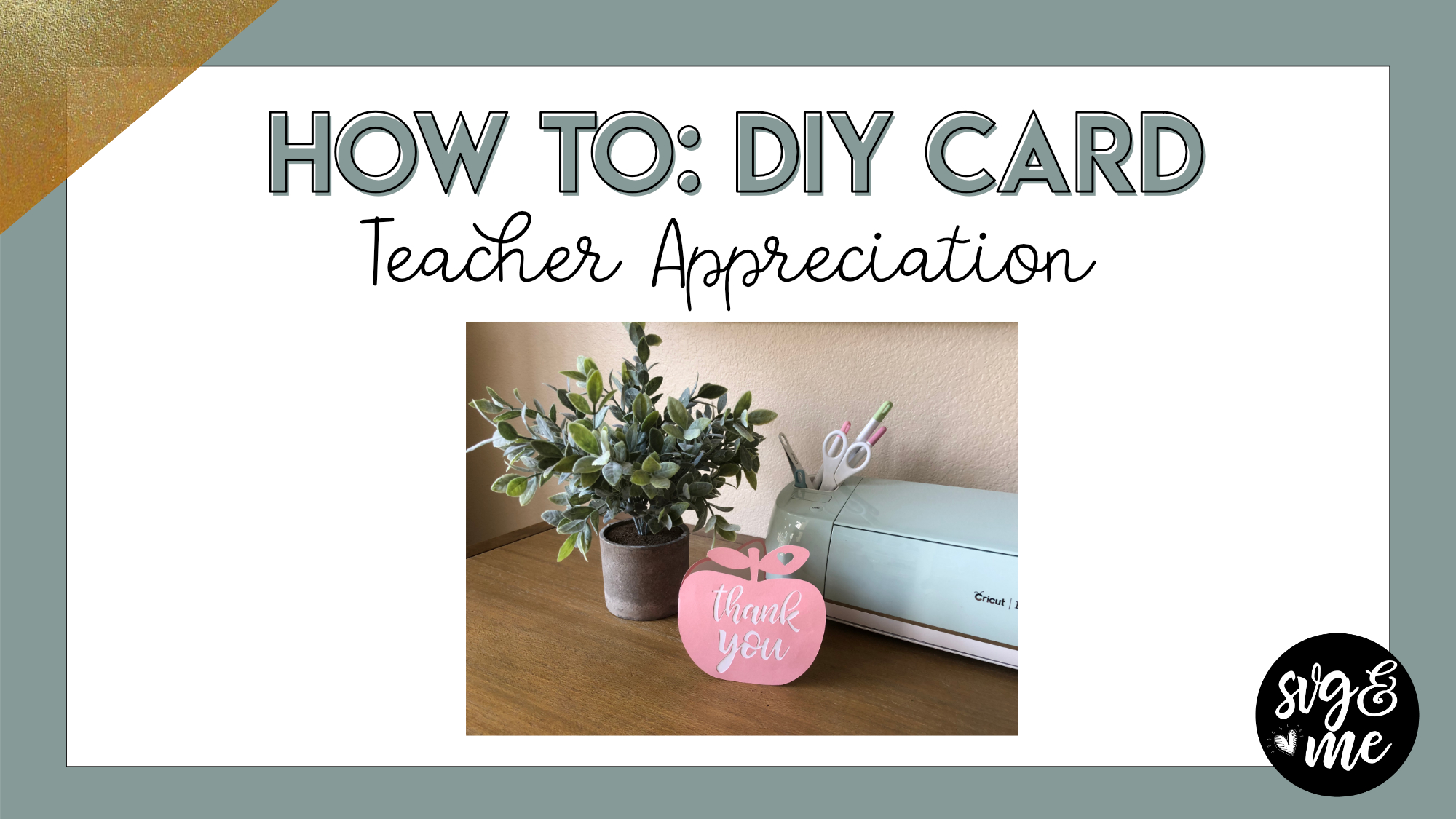
Check out this video tutorial on how to make a DIY card (with an insert to hold a gift card) to say thank you to your kid’s teacher!
-
Erica Martin wrote a new post 8 years, 3 months ago
-
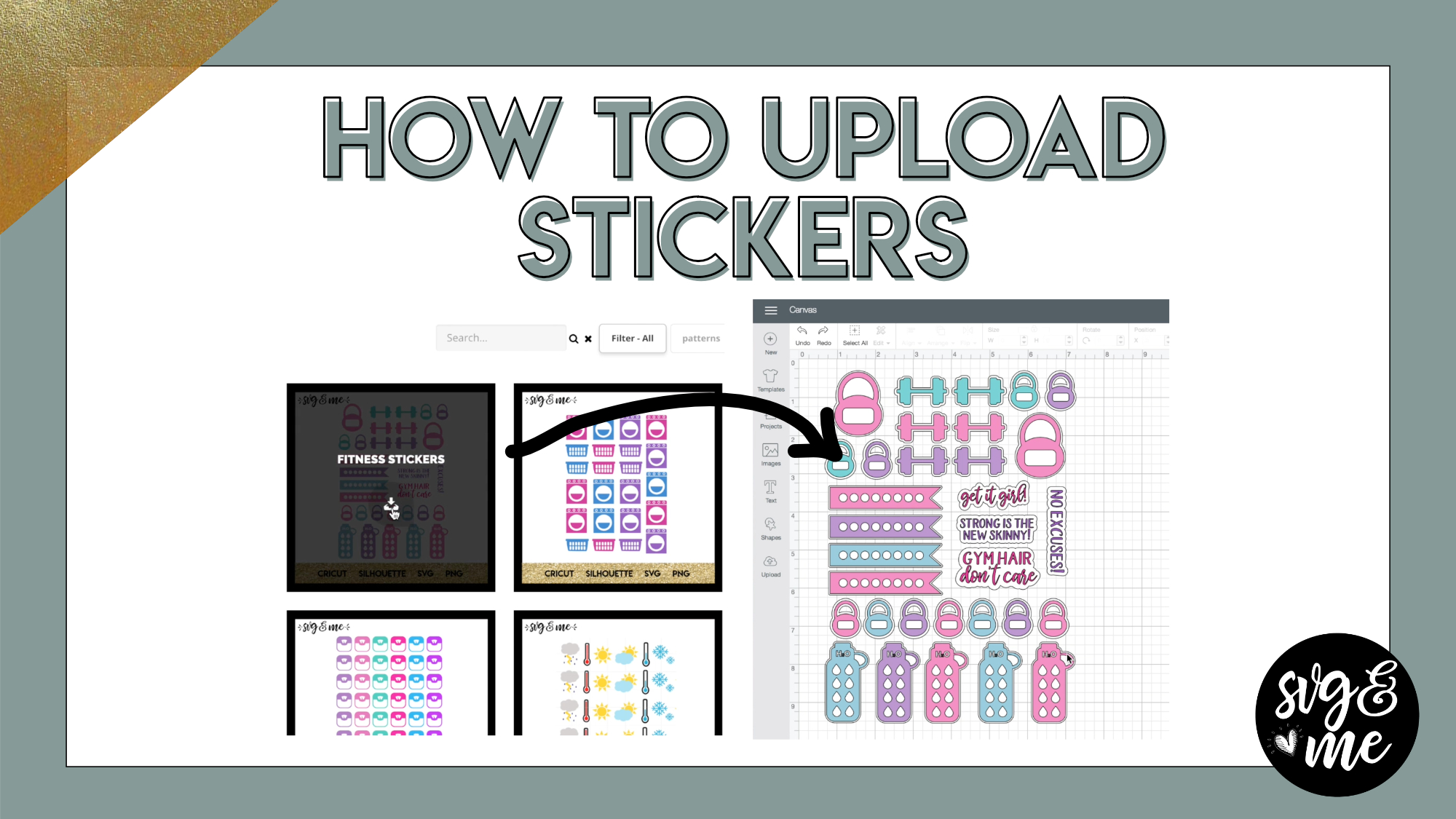
Wrote down notes. Thanks again. Question, What if you only wanted 2 sticker shapes out of the sheet…repeated or something of that nature?
-
Good question. You could just ungroup then delete everything except the ones you want. Select each shape with background (if you want the white outline) and click flatten. Then, when you go to make it, you can increase the project copies in the upper left corner (and press apply) and it should duplicate it as many times as will fit on the sheet.
-

Would I use the same settings for stickers if I am using window cling vinyl on my Maker?
-
Hi there, you would want to modify the cut settings for window cling instead.
-
-
Erica
What paper do I load on my cricut mat to make stickers?-
You’ll need to get sticker paper. I use this one: https://www.amazon.com/Full-Sheet-Labels…/dp/B001QT4VA4
-
-
How do I do this on the Cameo 4?
-
-
Erica Martin wrote a new post 8 years, 3 months ago
-
That was very helpful. THANK YOU!!
-
You’re very welcome!
-
-
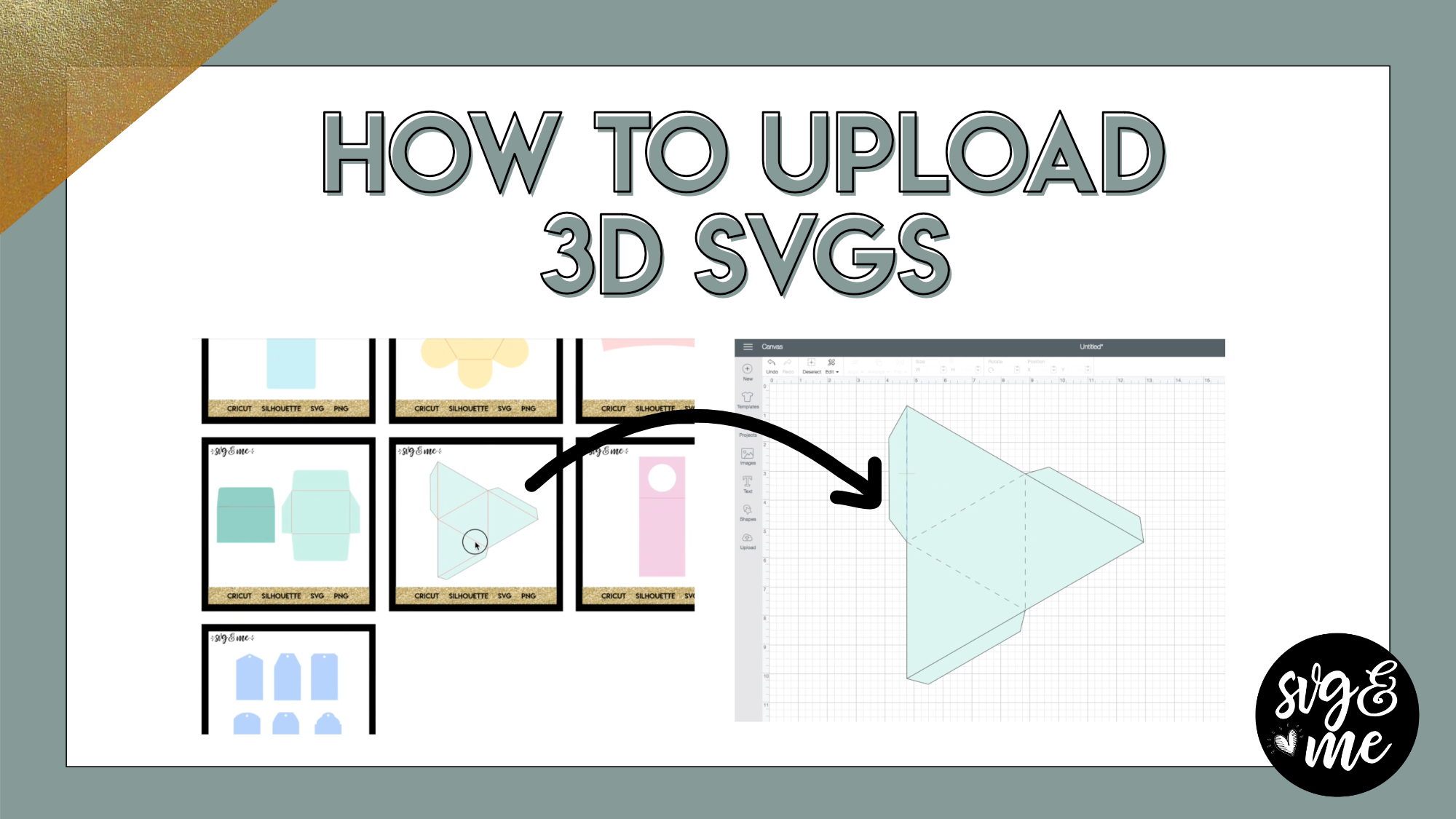
Would these same procedures need to be followed if using the Brother Scan and Cut? Thank you.
-
I wish I had a Brother Scan and Cut to experiment on to tell you. If you do and can try it out or share directions if it’s different, that would be fantastic and I would love to share with other members.
-
I have just tried this in Scan n Cut and to change the lines to score lines you select the line/s and right click and go to properties. Change the solid cut line to a dashed line so that it only scores the paper. The hardest part is to actually select the lines. I tried it on the open top box and ended up moving the border box away…selecting the remaining lines that needed scoring and then once finished putting the border box back.
While this was quite easy in this particular SVG I can see there may be issues with other SVG’s. If anyone knows an easier way than I just described I would be pleased to know. Thanks
-
-
-

Learned something new. Thank you!
-
Yay! Love hearing that!
-
-
Thank you. I took notes 🙂 Stupid question, what do you mean when you say ”make sure you attach it, before clicking make it?” I am sure I do it already but want to make sure. Thanks again, Erica . Also how do you become lifetime member?
-
You are a lifetime members so don’t worry about that 🙂 Attaching is the action to make sure that the pieces stay in the same position on your mat. It is kind of like weld but not permanent. There’s a lesson on attaching in the Design Space course you might find helpful: https://members.svgandme.com/lessons/attaching/
-
-
I have been trying to unzip the download and I cannot get it to work. I have a pc with windows 10, can you give me a clue of what I am doing wrong. Thanks in advance.
-
See if this helps (scroll down to UnZip files in Windows 10 section): http://www.simplehow.tips/a/56/how-to-zip-and-unzip-files-in-windows10
-
-
I absolutely love the training. I have 8 adults and 21 grandkids to make Christmas gifts for.
Thank you so very much!!-
Oh wow, you better start now with all those gifts to make 😉 So nice that you do that and glad you enjoyed the training!
-
-
Thank you for this!
-
You’re welcome!
-
-
Thank you for all of your help! You keep me inspired!
-
That’s so sweet – you’re very welcome!
-
-

great video ..easy instructions … I’m super excited to make these great Items.
I have a question, I was wondering are the stickers and 3D designs consider commercial use images also?
-
So glad you enjoyed it! Any of the files included in the commercial license library come with the commercial license. There are some sticker and 3D files mixed in there too.
-
-
Thank you! It was very helpful. I am still going through Inkscape learning, had to take a break with 2 grandkids here for another week. Looking forward to getting back into it when they leave. So glad I joined this group.
-
So great to have you! I understand – I’m sure they are keeping you busy 😉
-
-

I just love all your tutorials…..clear, simple and easy to follow instructions!
-
Thank you so much! 🙂
-
-
Love the videos. Are you using a Mac or PC
-
Thanks! I use Mac but it works on both.
-
-
I am learning so much thank you for having SVG and me. Can you tell me if I am a lifetime member because I know I’m sure going to need all you great info. You are awesome..
-
Yep you are and everyone else is as well in case they are reading this and wondering too 🙂 So glad to hear how much you’re learning!
-
-

I just joined about a week ago! I have learned so much and my frustration level before starting your course has disappeared. Now it’s enjoyable to learn with your am step by step with video tutorials. So glad I made the investment in
myself.-
That is the best compliment – thank you so much for your kind words! 🙂
-
-
I just joined about a week ago! I have learned so much and my frustration level before starting your course has disappeared. Now it’s enjoyable to learn with your amazing step by step with video tutorials. So glad I made the investment in
myself.
-
- Load More


Thank you.
Great information!
Glad you enjoyed it!
That’s a lot to remember for a beginner but glad I can come back and watch as many times as I want. 🙂 Thank you!!!
That’s a lot to remember for a beginner but glad I can come back
and watch as many times as I want. 🙂 Thank you!!!
Yes, exactly!
This is great…but I want to add color to a drawing. (kind of like a coloring page)….and this is not helping me. Is there an easier way of doing it?
Check out the tracing lesson on the fill method in the Inkscape course. I think that may be what you’re looking for: https://members.svgandme.com/topic/tracing-fill-method/
Absolutely fabulous. How do I do multicolors on my scanncut? – like the example above with the first word on a different color? Can you please direct me to a “place” where I can be instructed on how to do it with vinyl. Someone asked me to do a logo. But a part of the logo is like the first word… Please remember that I am a beginner. Lately I have been to much on the PC with my lessons and I don’t do the practical stuff!
You can use this method to do it in Inkscape and then just save as a SVG and upload to Canvas Workspace by clicking the SVG button on the left hand menu.