


Courtney Bailey
,@cbailey15
1
Friends
You need to log in or create an account to post to this user's Wall.
-

Erica Martin commented on the post, How to Make Custom Photo Puzzle Templates 5 years, 5 months ago
Thanks!
-
Erica Martin wrote a new post 5 years, 6 months ago
-
Erica Martin wrote a new post 5 years, 6 months ago
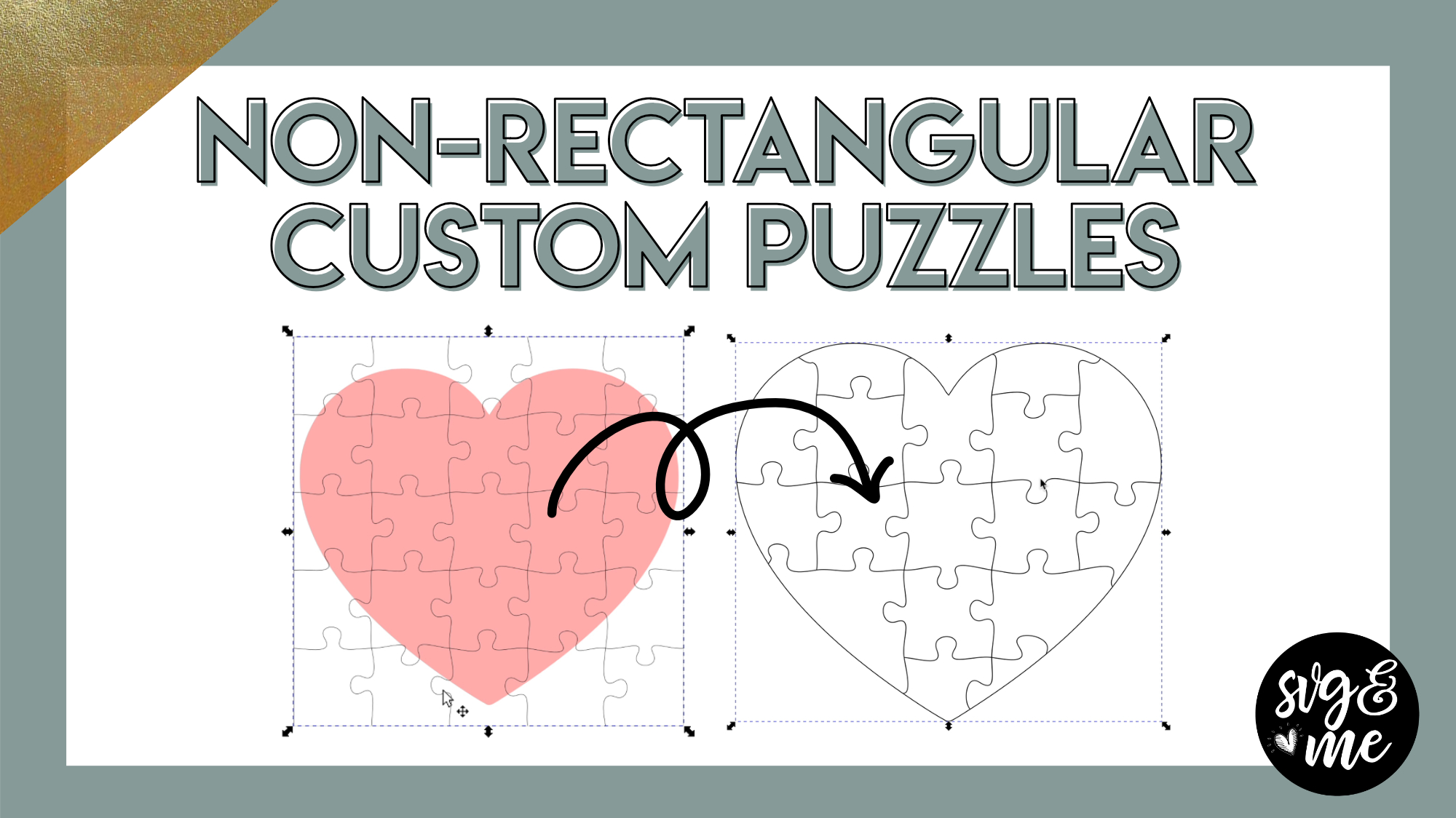
Links Mentioned in Video:
How to Create Puzzle Templates (previous video)
Online Puzzle Template Generator
Download the Cheat Sheet for this Tutorial
-
Erica Martin wrote a new post 5 years, 6 months ago
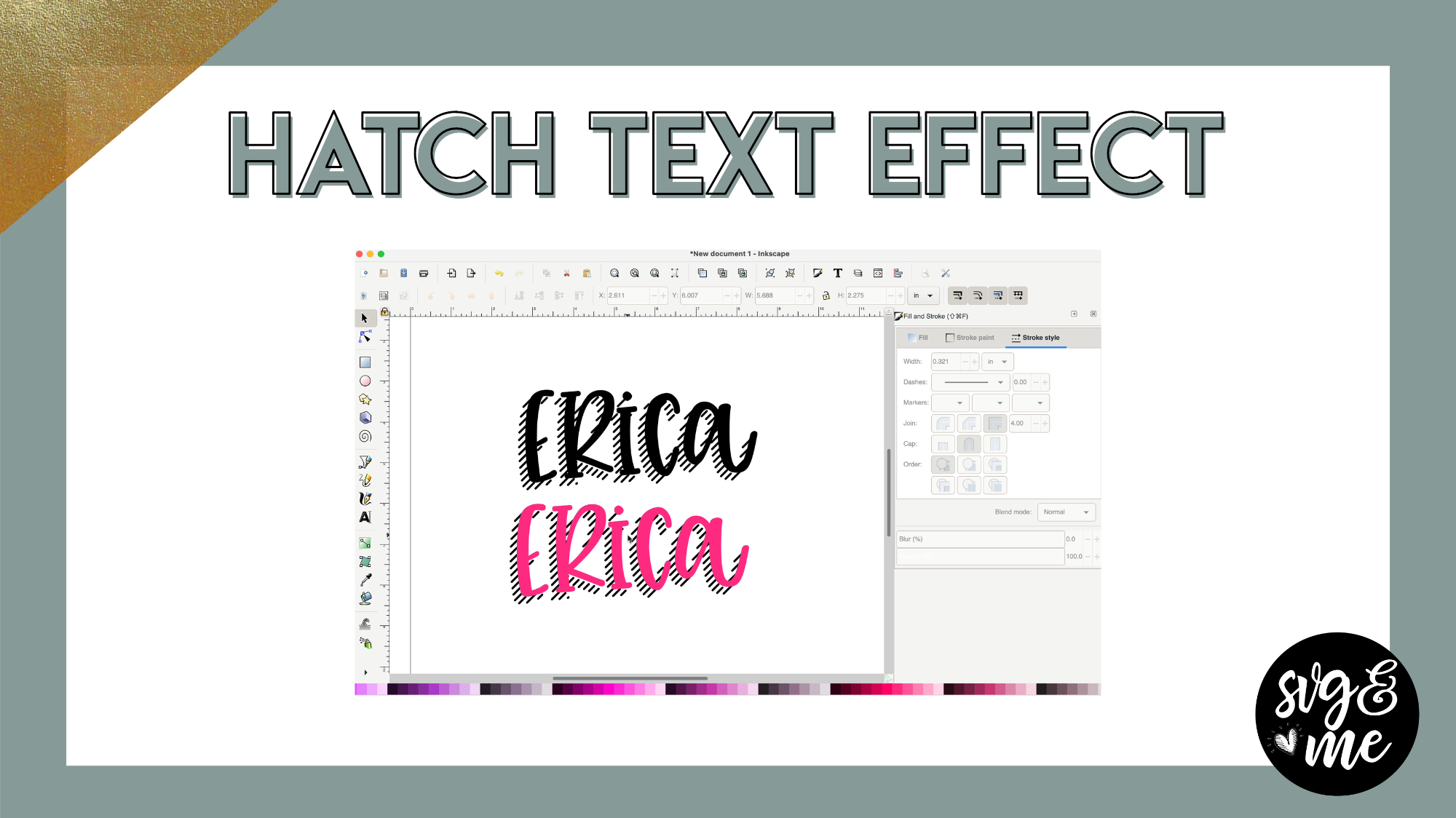
Links Mentioned in Video:
Add on the Mastering Your Cricut Course (50% off)Watch the Hatch Fill Intro VideoFarmhouse Lemonade Font
-
Erica Martin commented on the post, Using Silhouette Store Designs on Other Machines 5 years, 6 months ago
Yeah! I figured people might think that so glad it’s a new resource for you.
-
Erica Martin commented on the post, Using Silhouette Store Designs on Other Machines 5 years, 6 months ago
If you get an error when uploading, it’s a good idea to open it in Inkscape. Then ungroup everything, select it all, and go to Path > Object to Path before uploading again to Design Space.
-
Erica Martin commented on the post, Using Silhouette Store Designs on Other Machines 5 years, 6 months ago
Unfortunately not – Design Space doesn’t allow you to download as a SVG
-
Erica Martin wrote a new post 5 years, 7 months ago
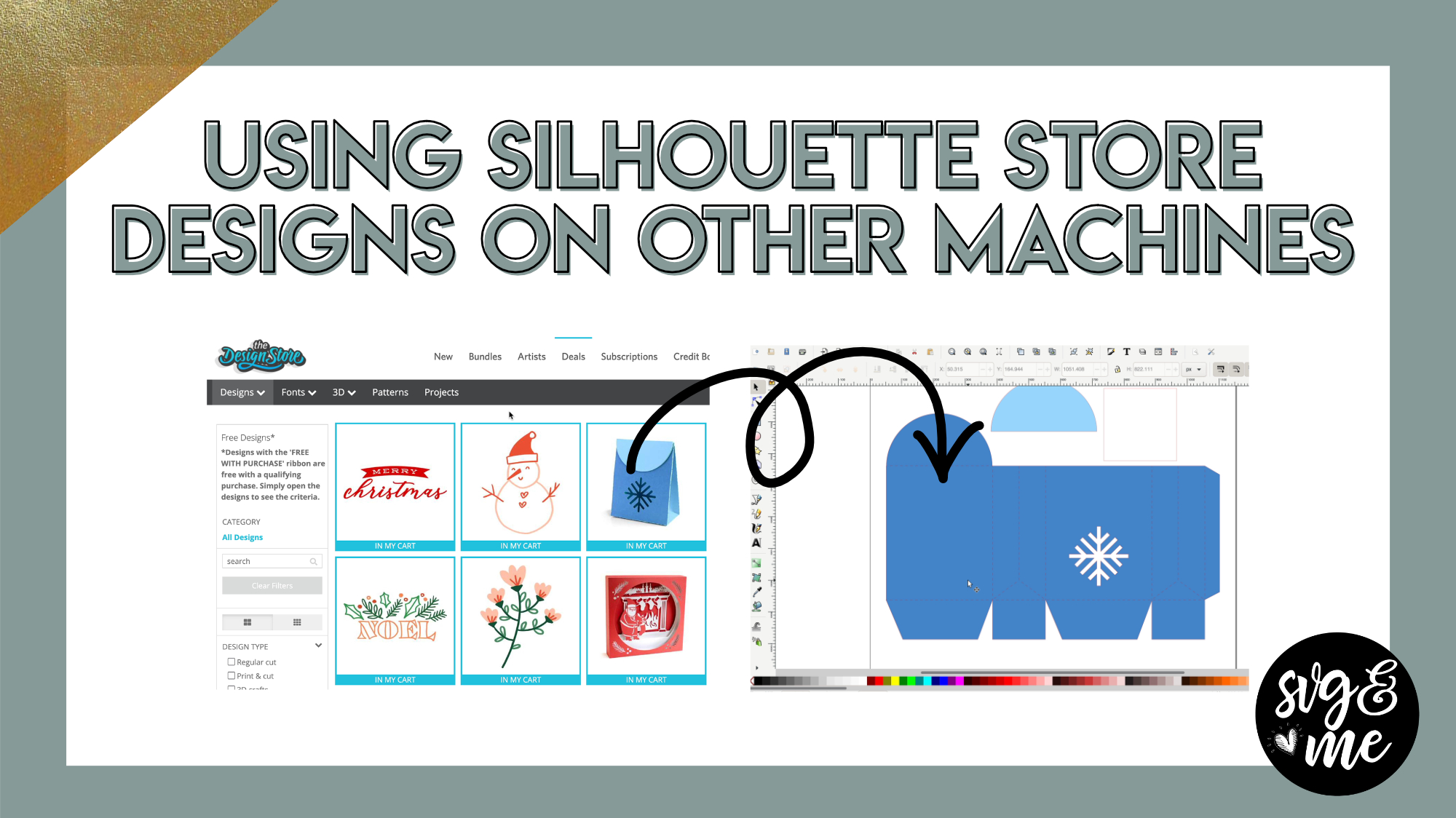
Links Mentioned in the Video:
Silhouette Design Store Free Designs
Create a free Silhouette Studio accountI love this trick because Silhouette Design Store has awesome free projects and designs that they […]
-
Thank you!
-
Thank you so much!
-
Great info thanks. Can you take a cricut design and do the same to put it in Silhouette Studio?
-

Unfortunately not – Design Space doesn’t allow you to download as a SVG
-
-
If you’re saving a picture that doesn’t need score lines changed do you just go through the steps to save as a SVG checklist and then open into design space? When I did it said the text elements were not supported.
-
If you get an error when uploading, it’s a good idea to open it in Inkscape. Then ungroup everything, select it all, and go to Path > Object to Path before uploading again to Design Space.
-
-

I love this trick. I’d never even been on the Silhouette Design Store website before because I had no idea that I could download those items and utilize them with my cricut. Thanks for sharing this cool little tip.
-
Yeah! I figured people might think that so glad it’s a new resource for you.
-
-
fantastico me ha encantado. me has ahorrado un monton de trabajo a la hora de realizar las cajas con las debleces.- Muchisimas gracias
-

What a great new resource. I always looked at their vast array of designs in their shop with envy. Now I can try out a few!
-
Yes! Exactly!
-
-
-
Erica Martin commented on the post, How to Add Logos and Watermarks to Your Mockups 5 years, 7 months ago
Glad to hear it! You’re very welcome!
-
Erica Martin commented on the post, How to Quickly Separate Out Parts of A Design 5 years, 7 months ago
Glad you found it helpful!
-
Erica Martin commented on the post, Contour Trick for Print and Cut Projects 5 years, 7 months ago
Canvas Workspace doesn’t have this function so I recommend designing in Inkscape and then uploading to Canvas Workspace before you cut 🙂
-
Erica Martin commented on the post, How to Quickly Separate Out Parts of A Design 5 years, 7 months ago
Yep!
-
Erica Martin commented on the post, How to Make Custom Photo Puzzle Templates 5 years, 7 months ago
Yep, I used printable magnetic sheets like these: https://rstyle.me/+1T6Usn0MVmm-M07FLh3UBQ If you don’t use the Cricut brand ones then just make sure to test cut because you may need to adjust based on thickness. I used these ones specifically (but I can’t find them on Amazon) https://www.onlinelabels.com/products/ol403?src=dlc-585
-
Erica Martin commented on the post, Contour Trick for Print and Cut Projects 5 years, 7 months ago
So glad you enjoyed it – thanks!
-
Erica Martin commented on the post, How to Quickly Separate Out Parts of A Design 5 years, 7 months ago
This is in Inkscape (works with both Cricut, Silhouette, Scan N Cut). In Silhouette the equivalent would be Release Compound Paths (like Break Apart in Inkscape) and then select around the individual items and Make Compound Path again (like Exclusion in Inkscape).
-
Erica Martin commented on the post, How to Make Custom Photo Puzzle Templates 5 years, 7 months ago
Oh perfect! 🙂
-
Erica Martin wrote a new post 5 years, 7 months ago
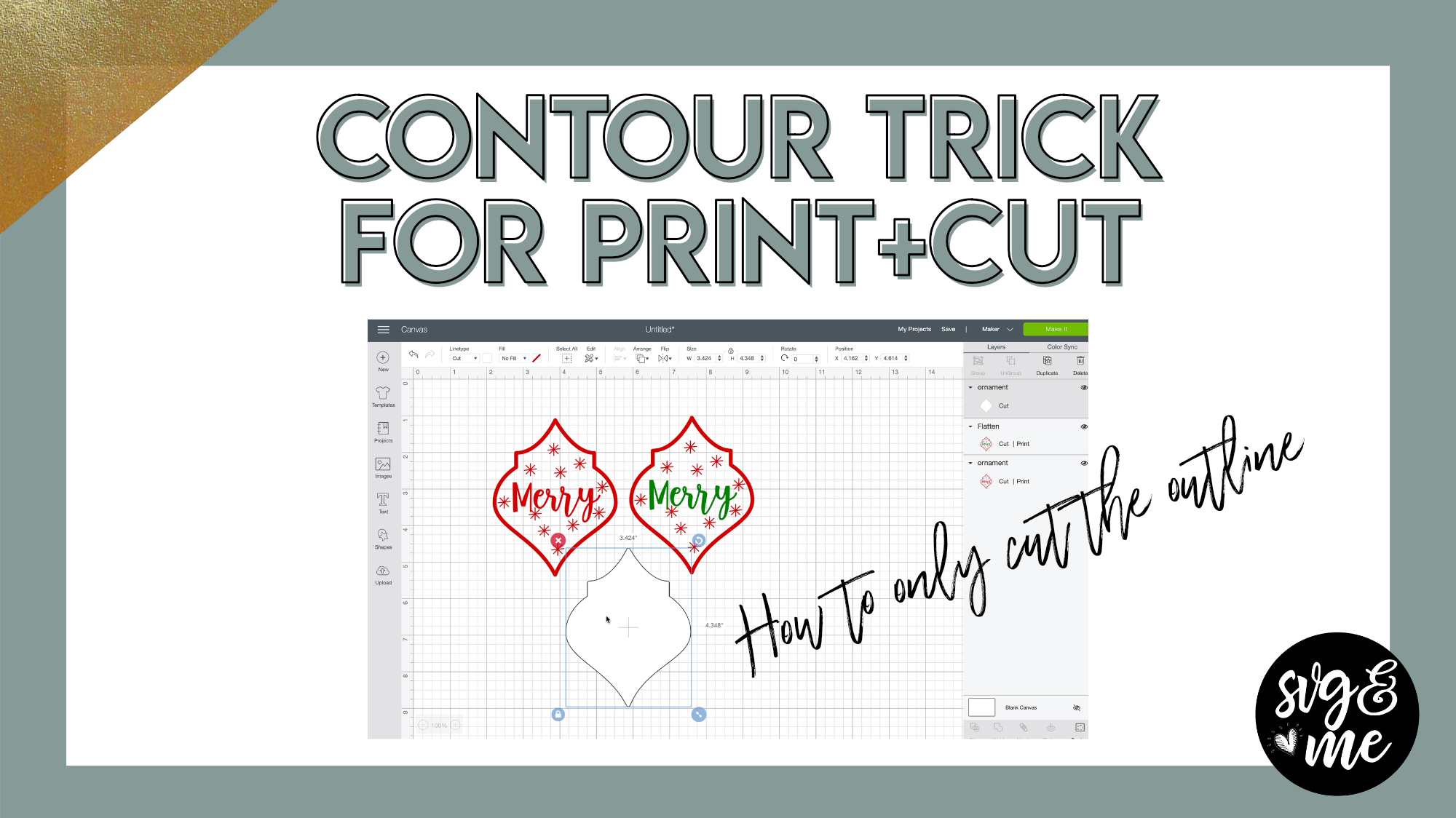
Ever had a problem where you want your Cricut to only cut around your design but it cuts everything inside too?!
Well, this trick will show you how to fix that!
-
Great tutorial!
-
So glad you enjoyed it – thanks!
-
-
How would you do this in Canvas workspace?
-
Canvas Workspace doesn’t have this function so I recommend designing in Inkscape and then uploading to Canvas Workspace before you cut 🙂
-
-
This will print the design and then only cut the outer edge? It may be helpful to see the end results of the actual project for newbies like me.
-
Correct it will print and only cut around the outer edge.
-
-
-
Erica Martin wrote a new post 5 years, 7 months ago
Links Mentioned in Video:
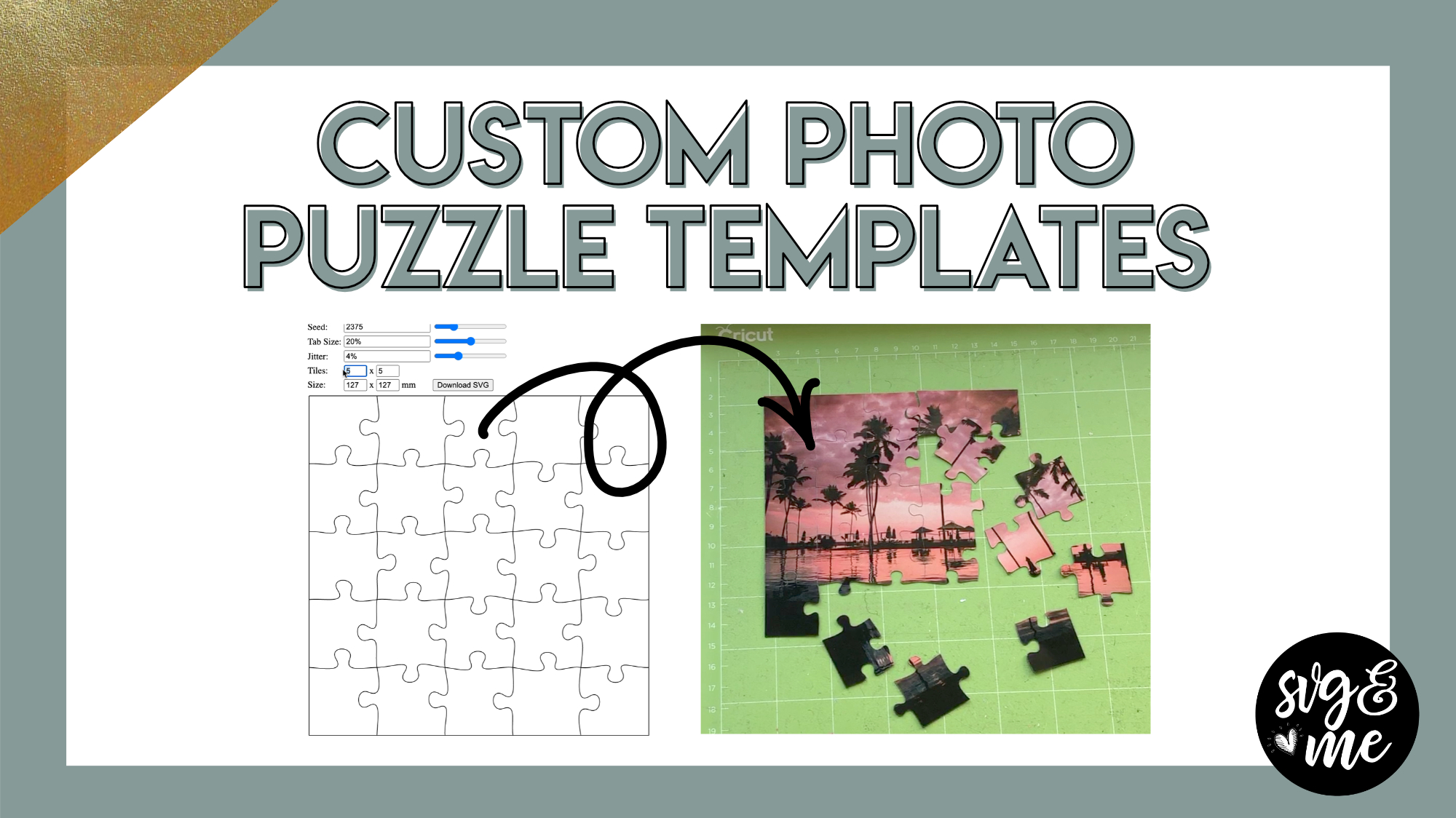
JigSaw Puzzle Template Generator
-

Oh wow I’m so excited ! This is something I’ve wanted to do for a long time ! Thanks Erica !
-
Oh perfect! 🙂
-
-
Thanks Erica. I’ve made puzzles before and laminated the paper before cutting. You mentioned magnetic puzzle. Did you use a magnetic paper? I haven’t heard of this.
Thanks so much for all your tutorials. I’m learning so much.-
Yep, I used printable magnetic sheets like these: https://rstyle.me/+1T6Usn0MVmm-M07FLh3UBQ If you don’t use the Cricut brand ones then just make sure to test cut because you may need to adjust based on thickness. I used these ones specifically (but I can’t find them on Amazon) https://www.onlinelabels.com/products/ol403?src=dlc-585
-
-
Awesome Tutorial 🙂
-
Thanks!
-
-
This is awesome. Thank you, Erica
-
You’re very welcome!
-
-
This is fantastic. Thank you Erica.
-
You bet! 🙂
-
-
Can you cut the magnetic paper on explore Air 2 or just maker?
What if you just want to do message?my printer eats ink like crazy so I’d love to do a picture but think it might use up most of cartridge unfortunately.-
Yep you can cut magnetic paper on the explore air 2 as well. You can do a message too just put it on a white background shape the size of the puzzle you’re creating and flatten them together.
-
-
-
Erica Martin wrote a new post 5 years, 7 months ago
-
Erica Martin wrote a new post 5 years, 7 months ago
-

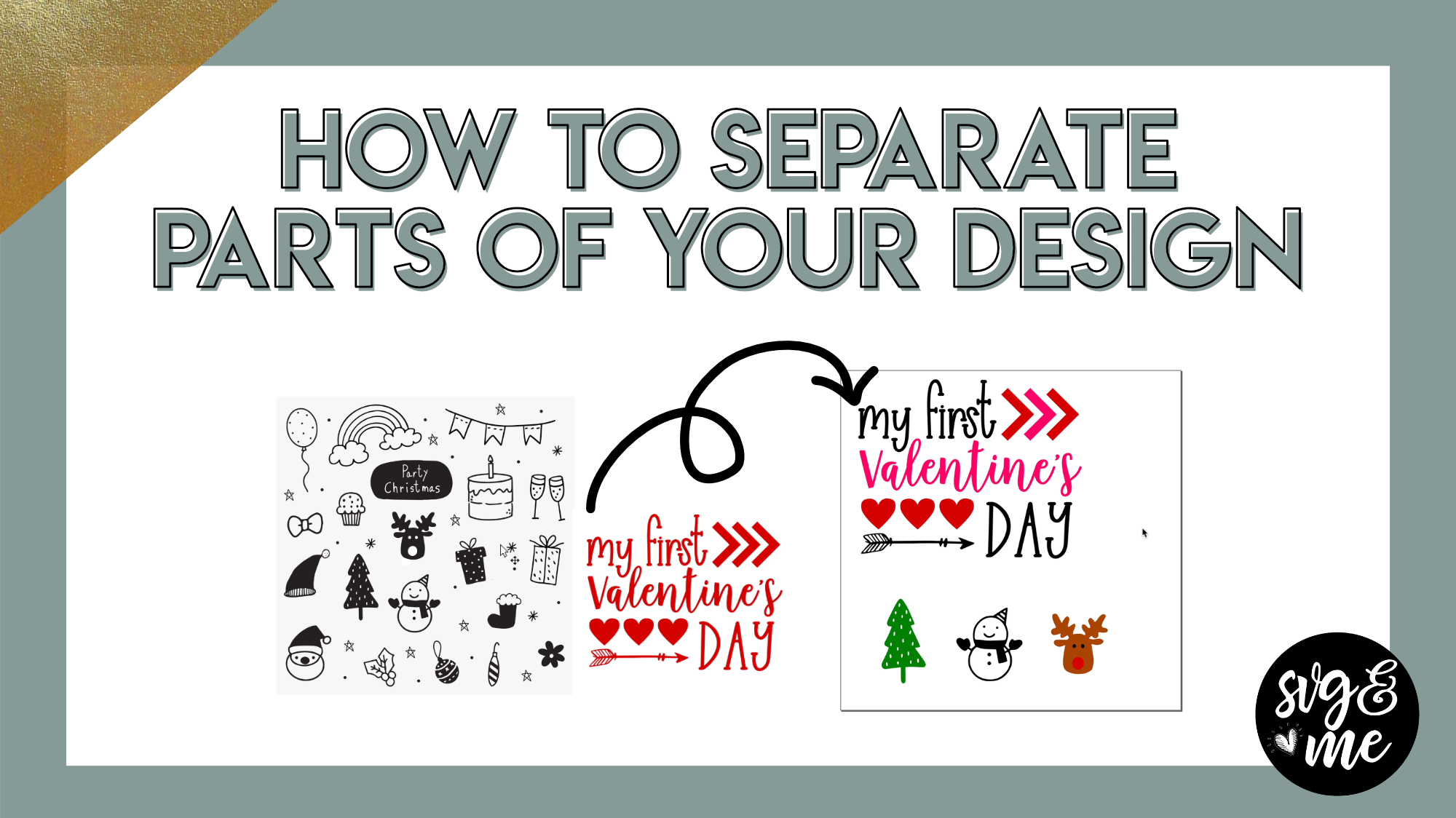
This was really simple; however , it is for the Cricut. Is there a simple way, as such, for the Silhouette? Thank you! Karen Lister, [email protected]
-
This is in Inkscape (works with both Cricut, Silhouette, Scan N Cut). In Silhouette the equivalent would be Release Compound Paths (like Break Apart in Inkscape) and then select around the individual items and Make Compound Path again (like Exclusion in Inkscape).
-
-
When you have finished with it and you’re ready to save it to bring into Canvas Workspace, do you just follow the Save as a SVG checklist?
-
Yep!
-
-
Amazing. great tutorial
-
Glad you found it helpful!
-
-
Curious what you searched for to find your images? Did you look for bundles, clipart?
-
Enjoyed the tutorial! Thank you,
-
You’re very welcome!
-
-
I’m looking to find the hatch lesson for Infusible ink pens to fill in areas of design. Thank you Erica. Kathy Fisher
-
-
- Load More


My goodness…thanks for these tips…timesavers