
Cynthia Honor
,@chonor
3
Friends
You need to log in or create an account to post to this user's Wall.
-

Fawn changed their profile picture 7 years, 10 months ago
-
Fawn posted 2 photos 7 years, 10 months ago
-
Fawn posted 2 photos 7 years, 10 months ago
-

Erica Martin commented on the post, Filled Shape Designs: DIY Unicorn Heart 7 years, 10 months ago
I’ll send you a link via email.
-
Erica Martin commented on the post, Advanced Knockout Designs in Inkscape 7 years, 10 months ago
So did you duplicate your unicorn and change the copy a different color before you did the inset? Feel free to reach out to me via email ([email protected]) so we can troubleshoot better. It would also be super helpful and much quicker to troubleshoot if you can do a screen recording of what you are doing. You can get a free account with…[Read more]
-
Erica Martin commented on the post, Advanced Knockout Designs in Inkscape 7 years, 10 months ago
Hi there! Yes, you’ll need to have your unicorn image open in your project and make sure it is a traced SVG image in order to be able to use it in the design. You can determine this by selecting it with the “Edit Paths by Nodes” tool and making sure there are nodes around it.
-
Erica Martin commented on the post, Welcome Video #1: Courses 7 years, 10 months ago
That’s such a sweet message – thank you!
-
Erica Martin wrote a new post 7 years, 10 months ago
-
AWESOME… thank you. I love designing on the fly and this helps immensely!
-

Perfect – glad to hear it!
-
-
This was very helpful! WOW, I’m in Aww!
-
So glad you found it helpful!
-
-
Thank you so much
-
Erica, you are so good at answering my questions before I ask them!
-
Erica, you are so good at answering my questions before I ask them! Thank you.
-
Haha happy to help!
-
-
-
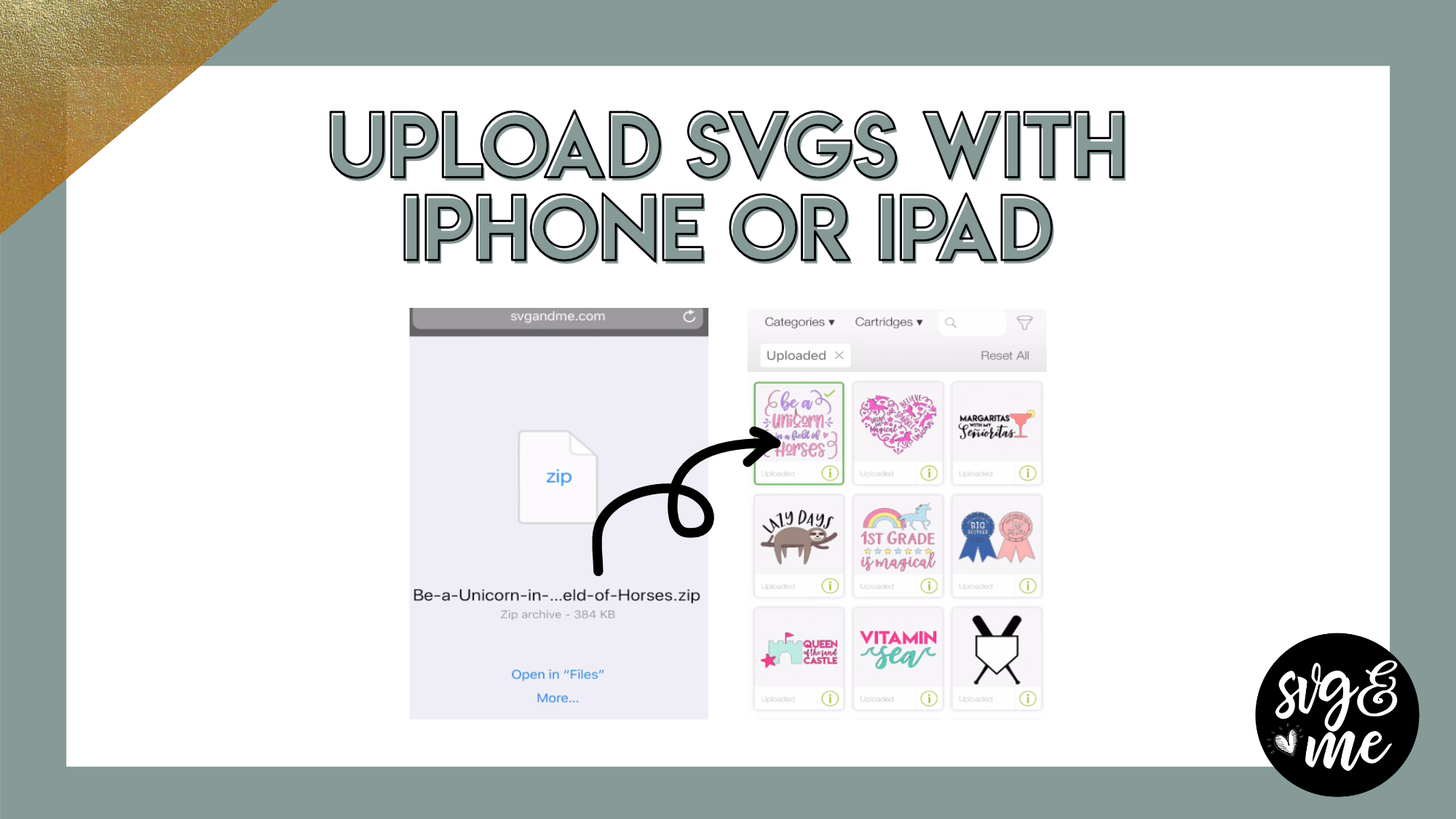
Erica Martin commented on the post, How to Upload 3D SVGs 7 years, 10 months ago
Oh wow, you better start now with all those gifts to make 😉 So nice that you do that and glad you enjoyed the training!
-
Erica Martin commented on the post, Filled Shape Designs: DIY Unicorn Heart 7 years, 10 months ago
The file may look blank because the cheat sheet is to the right of the page. Open it in Inkscape and see if you still don’t see it. If not, send me and email and I’ll make sure you get it.
-
Fawn posted an update 7 years, 10 months ago
Starting my new course today.
-
Erica Martin commented on the post, Knockout Name Using Inkscape 7 years, 10 months ago
Perfect! Thank you very much!
-
Erica Martin commented on the post, Design with Me: Cupcake Design 7 years, 11 months ago
Perfect! I love how you say that you were thinking out all the steps – shows that you are already thinking like a designer 🙂
-
Erica Martin commented on the post, Infinity Sign with Custom Text 7 years, 11 months ago
So happy you enjoyed it!
-
Erica Martin commented on the post, How to Fill Shapes with Text in Inkscape 7 years, 11 months ago
Yay! You’re very welcome 🙂
-
Erica Martin wrote a new post 7 years, 11 months ago
-
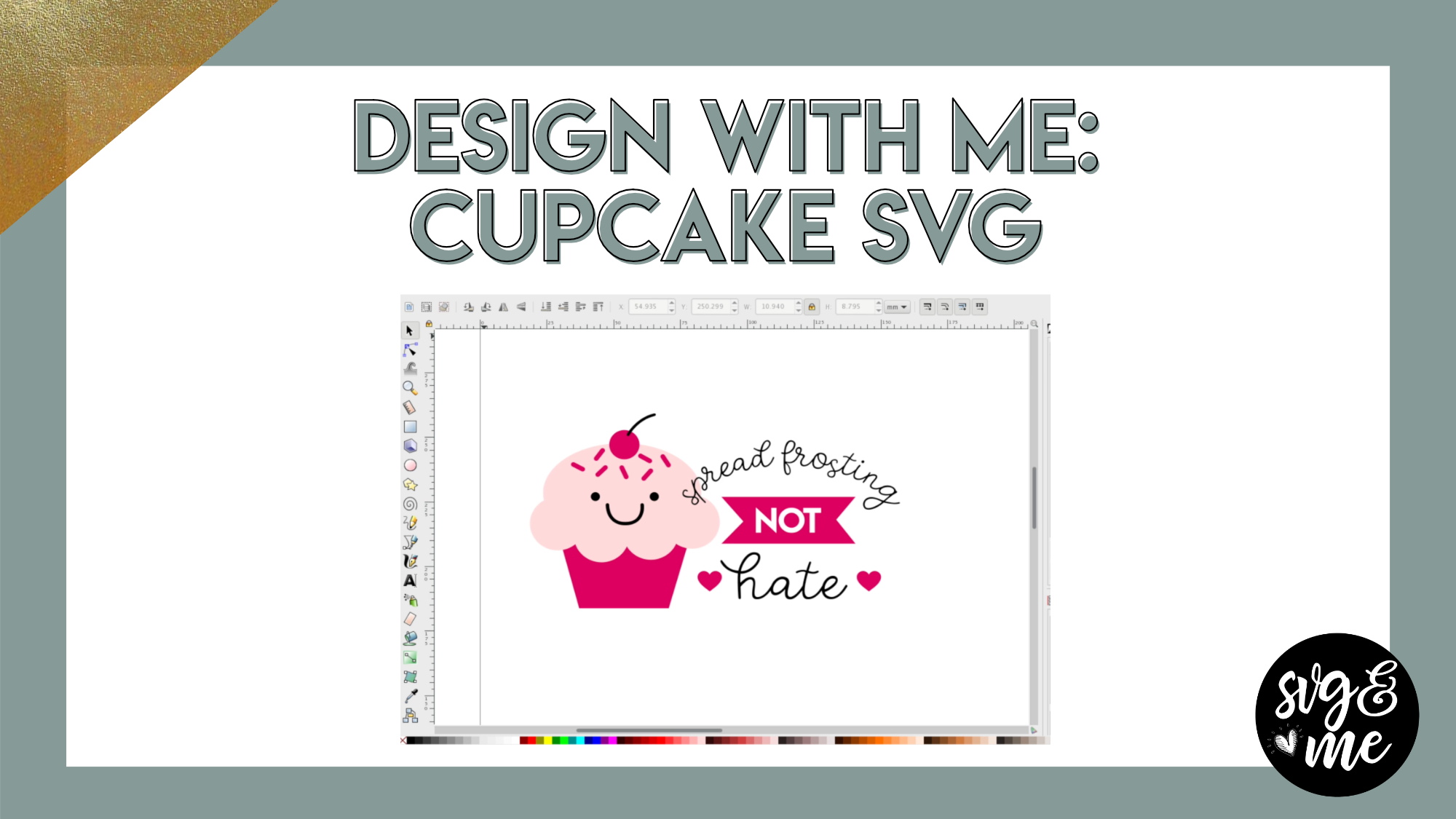
loved this, I was thinking out all the steps in my mind for granddaughter a cupcake svg. and this is great. Thank you
-
Perfect! I love how you say that you were thinking out all the steps – shows that you are already thinking like a designer 🙂
-
-
-
Erica Martin commented on the post, Design with Me: Patriotic Flag Heart 7 years, 11 months ago
You’re very welcome! 🙂
-
Erica Martin commented on the post, How to Fill Text with a Photo 7 years, 11 months ago
Yep, you would just do the exact same thing except use Path > Difference (when selecting photo and number) instead of slice. Then, you’d probably want to export as a PNG. (under “File” menu)
-
Erica Martin commented on the post, Knockout Name Using Inkscape 7 years, 11 months ago
So sweet – thank you!
-
Erica Martin commented on the post, Filled Shape Designs: DIY Unicorn Heart 7 years, 11 months ago
Emailed you with a link to try 🙂
- Load More