


Cynthia Honor
,@chonor
3
Friends
You need to log in or create an account to post to this user's Wall.
-

Erica Martin commented on the post, Infinity Sign with Custom Text 7 years, 12 months ago
You’re welcome! 🙂
-
Erica Martin commented on the post, Design with Me: Custom Water Bottle Trackers 8 years ago
Glad you figured it out!
-
Erica Martin wrote a new post 8 years ago
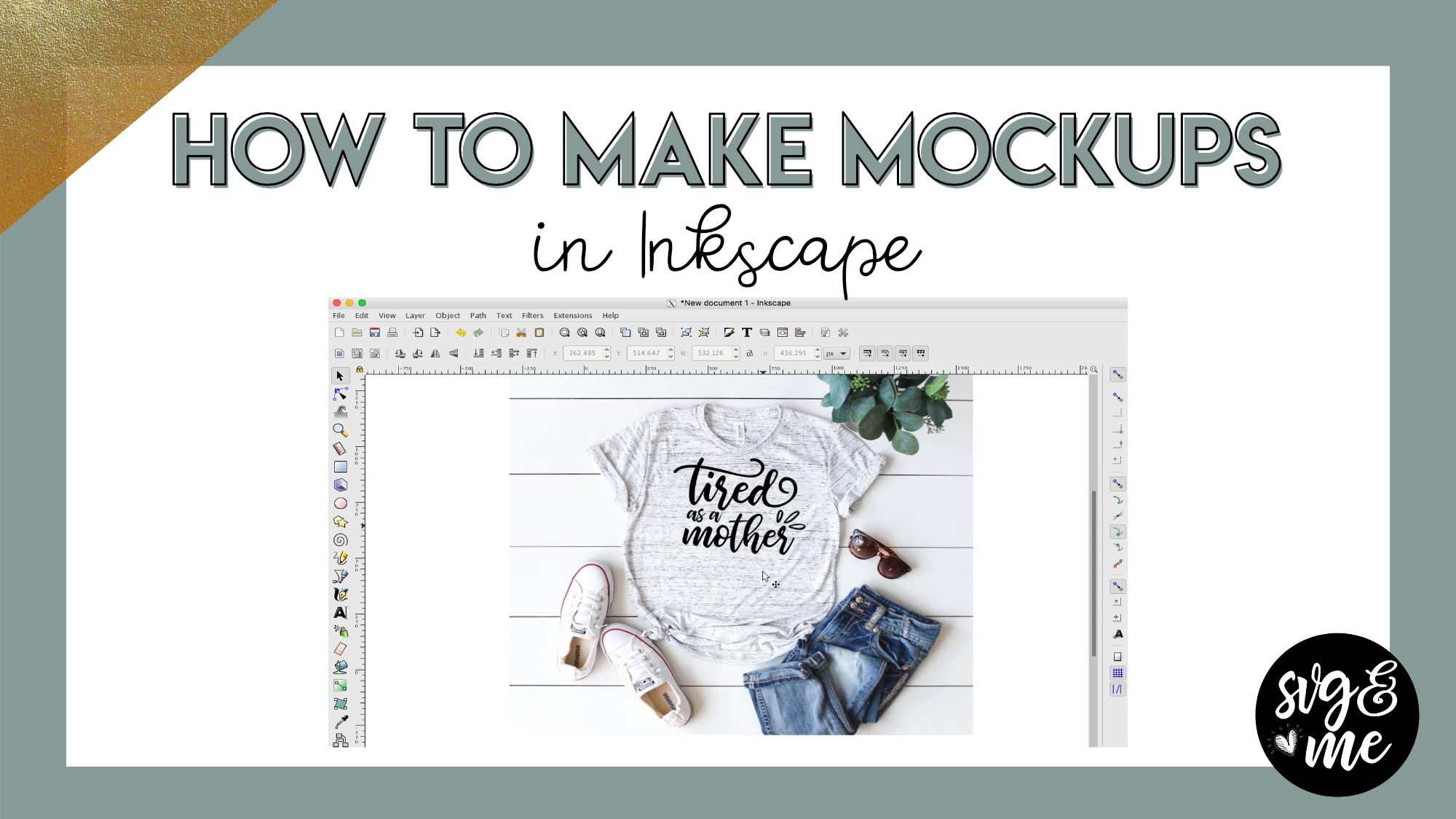
Links Mentioned in Video:
Unsplash.com
Pixabay.com
Carolina Mama Bear Etsy Shop
-
Erica Martin wrote a new post 8 years ago
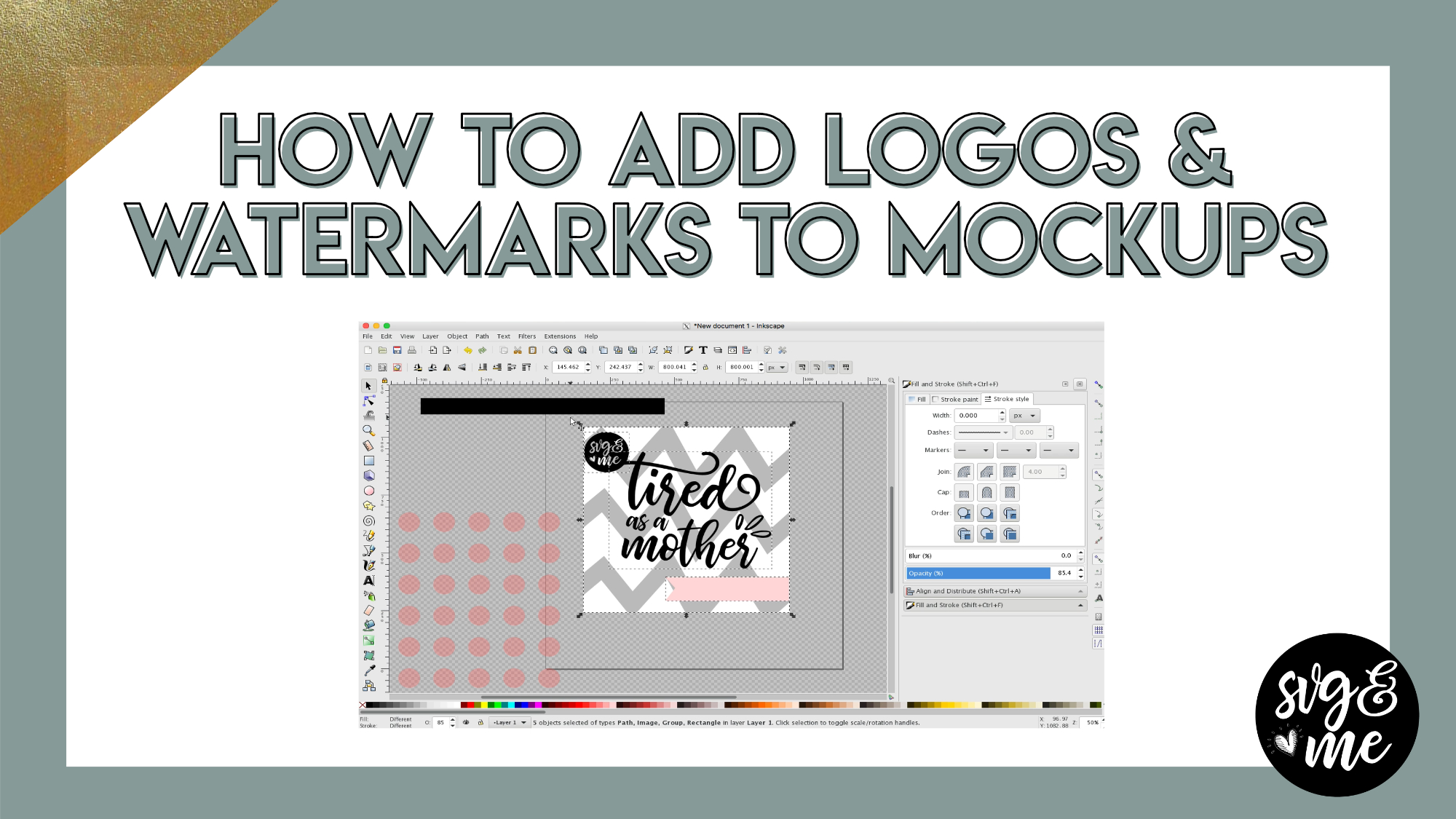
Recommend Watching Before This Tutorial: How to Create Mockups in Inkscape
In this tutorial, you’ll learn how to add your business logo or watermark overlays in Inkscape to copyright and protect your images […]
-
How would you use your logo/text as an overlay? I was going to put it on my mockup just to be safe.
-

Brilliant! Thank you for this one as well, I have some Polynesian tribal designs I want to protect once I create the SVG for them but wasn’t sure how to do that and this helped so much! I assume for my logo I would just be able to duplicate them and follow these steps and change the opacity and do the save. I’ll try it out and see if that’s it, thanks again ^_^
-

Glad it is coming in handy!
-
-
Thanks Erica, helpful as always.
-
Glad to hear it! You’re very welcome!
-
-
-
Erica Martin commented on the post, How to Cut Images Bigger Than Your Mat in Design Space 8 years ago
Got your message, but just in case others have the same question – there is an Inkscape version as well and I will add a link below this video.
-
Erica Martin commented on the post, How to Prep Images To Cut Larger Than Mat in Inkscape 8 years ago
Great, so glad you found it helpful!
-
Erica Martin commented on the post, How to Make Papercut Designs 8 years ago
Yay! Great to hear!
-
Erica Martin commented on the post, How to Make Stickers in Inkscape 8 years ago
Freepik files should have multiple file types in them. You’ll want to use the .AI or .PDF version
-
Erica Martin wrote a new post 8 years ago
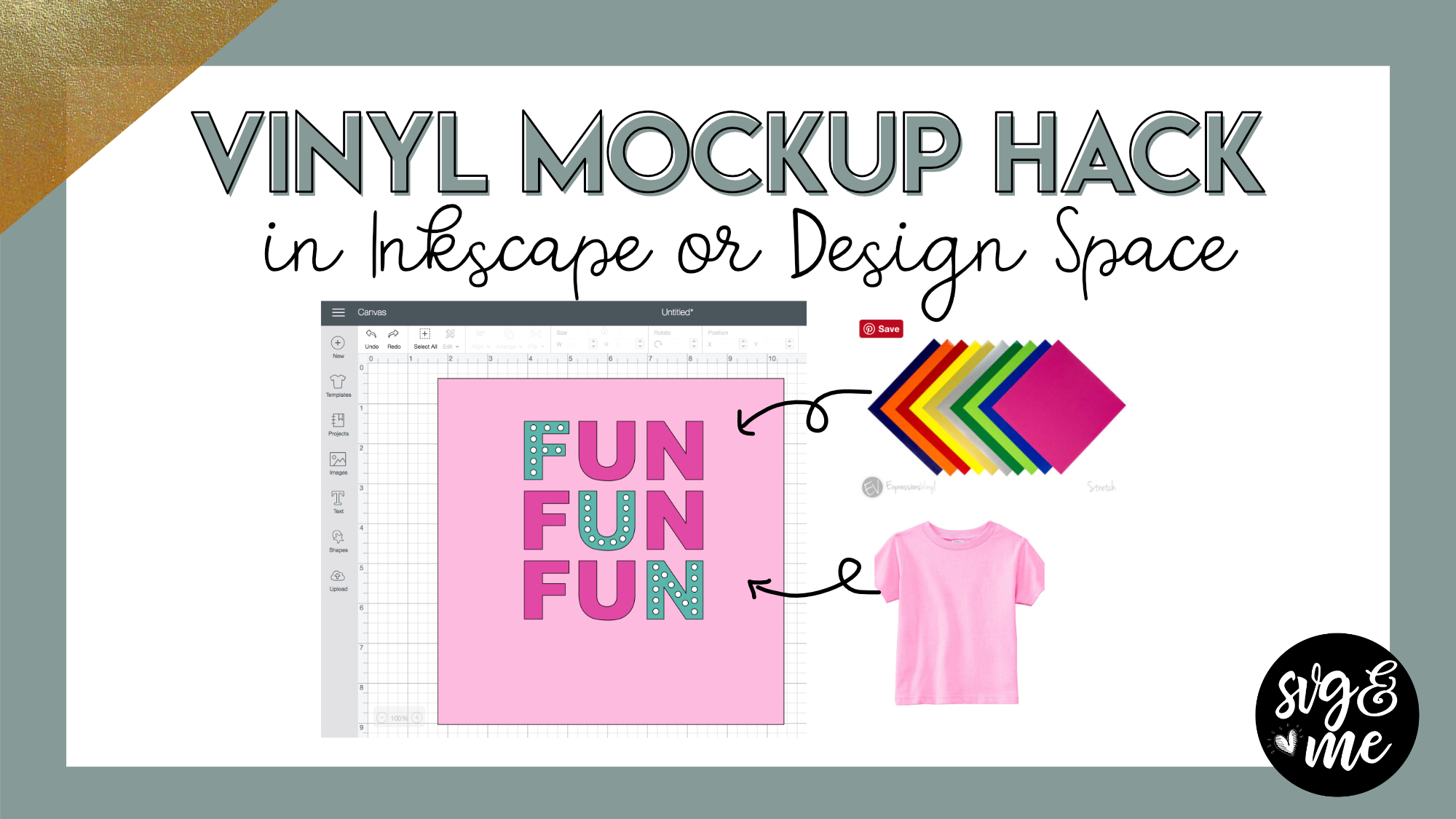
ColorZilla Chrome Extension
JiffyShirts Wholesale Apparel Supplier
-

I am so thankful that I ran across this today and joined. I’ve learned a lot already! Thank you!
-
So great to hear! So glad you joined too 🙂
-
-

Awesome!!! I have to search around for Hex codes all the time!!
-
I know – it’s such a fun hack to get realistic ideas of what it will look like before you cut.
-
-
-
Erica Martin wrote a new post 8 years ago
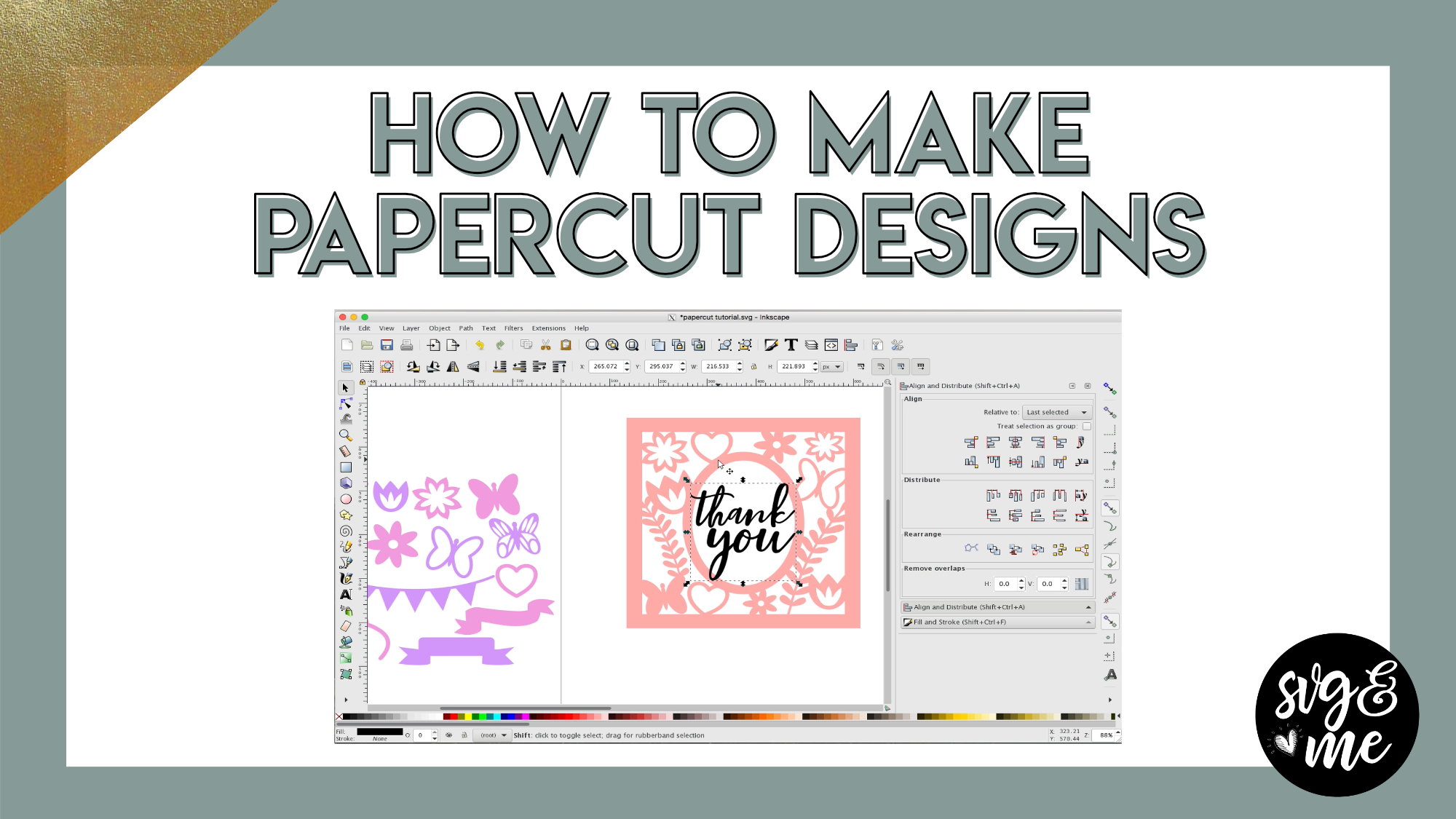
Download Cheat Sheet for Papercut Designs
Download Papercut Designing Starter Bundle
Watch Tutorial on Cutting Papercuts
Go get our pre-made Thank You Card and Home Sweet Home papercut designs in the SVG Library!
-
Awesome!! Thank you. Just what I was looking for!
-
Yay! Great to hear!
-
-
What fun! just starting, so this may be covered elsewhere, but what about using dingbats? How would they work – and/or how would we make them work? Thanks!
-
You can definitely use dingbats. You actually read my mind as I was planning on doing a video on using dingbat fonts for designing soon!
-
-
Thank-you so much for the cheat sheets! It helps me to have the steps written out. So many times I watch a to do video and jot down notes to help when I go to do it myself; otherwise, I am doing it on my computer while watching the video on my iPad. I appreciate the time and effort you put into your tutorials. Can’t wait to learn more.
-
Great to hear that you find the cheat sheets helpful! You’re very welcome 🙂
-
-
When creating your own border for one of these do you have to make the square? I’d like to see how you created the round one you have included it starter bundle.
-
No, you can do it with a circle as well the exact same way.
-
-
-
Erica Martin commented on the post, How to Fill Shapes with Text in Inkscape 8 years ago
You’re very welcome!
-
Erica Martin commented on the post, Single to Multi Color Traced Image Hack 8 years ago
Yes, exactly!
-
Erica Martin commented on the post, How to Cut Images Bigger Than Your Mat in Design Space 8 years ago
Awesome! So glad you enjoyed it! Thanks for the feedback.
-
Erica Martin wrote a new post 8 years ago
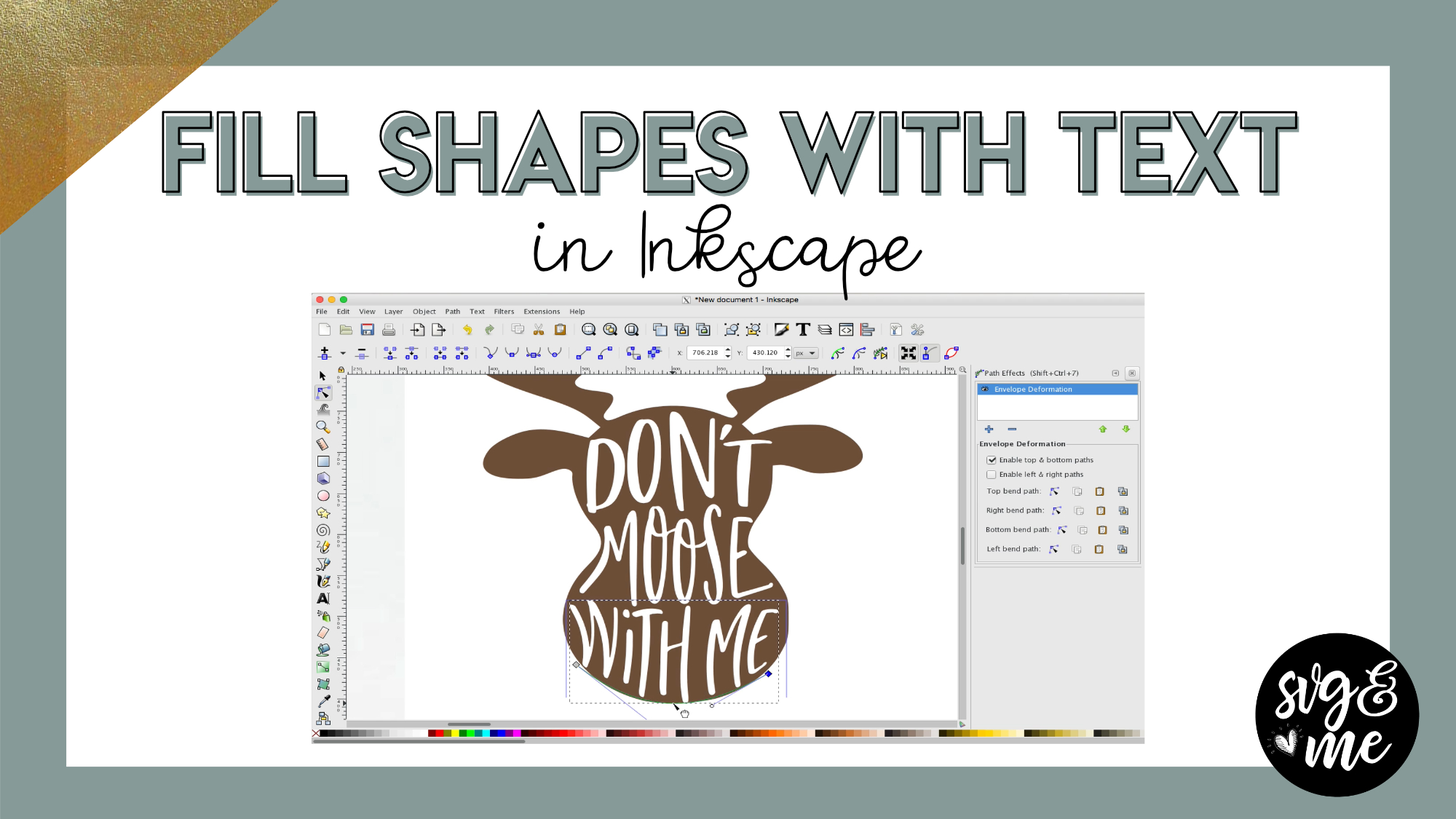
Download the Practice Shapes I Used
-
Thanks
-
You’re very welcome!
-
-
wow a lot to learn here, really love the tutorials
-
So glad to hear that – thank you!
-
-

Love these tutorials Erica….thank you
-
Yay! You’re very welcome 🙂
-
-

This video is just what I was needing! Your instructions are clear, and easy to follow. Thank you so much for teaching!!
-
Yay! Love hearing that – thanks so much for your support as a member!
-
-
Hi Erica!! Thank you for the amazing tutorials, they are so helpful and worth every penny. On this one, I am trying the envelope deformation and my box that shows the top green line or the bottom green line is not actually on my word, it is up above it. I deleted everything and started over and it still did it. Any ideas of what I might be doing wrong?
-
So glad you’re enjoying them! Can you send me a screenshot and maybe even the file itself? I’m happy to take a look [email protected]
-
-
Love your videos. They are so easy to follow. Now I just have to put my creative cap on and sort all my ideas I would like to do. Too many in my head. They are all a jumble right now. Thanks again for these great videos.
-
Thank you so much! Creativity will strike at moments you don’t expect and now you have the skills to start creating 🙂
-
-
How is this program different from Gimp 2.0?
-
This program is focused on graphic design (similar to Adobe Illustrator) Whereas gimp is more of a photo and image editing software (similar to Adobe Photoshop).
-
-
Oh oK. Got it.
-
-
Erica Martin commented on the post, Welcome Video #1: Courses 8 years ago
Yep, thanks for letting me know!
-
Erica Martin commented on the post, Welcome Video #1: Courses 8 years ago
Sorry for the confusion – I need to edit out the mentions of the annual membership. I changed it to a lifetime membership, which is what you have 🙂
-
Erica Martin commented on the post, Single to Multi Color Traced Image Hack 8 years ago
Glad you enjoyed it!
-
Erica Martin commented on the post, Design with Me: Custom Water Bottle Trackers 8 years ago
Good question. If you just do stroke to path you won’t have the fill inside the star. And if you get rid of the stoke and just use the fill it won’t be the same size as the other stars. So basically, I tried to simplify the steps as much as possible but you are making one copy into an outline and one into the fill and then combining the two.
-
Erica Martin wrote a new post 8 years ago
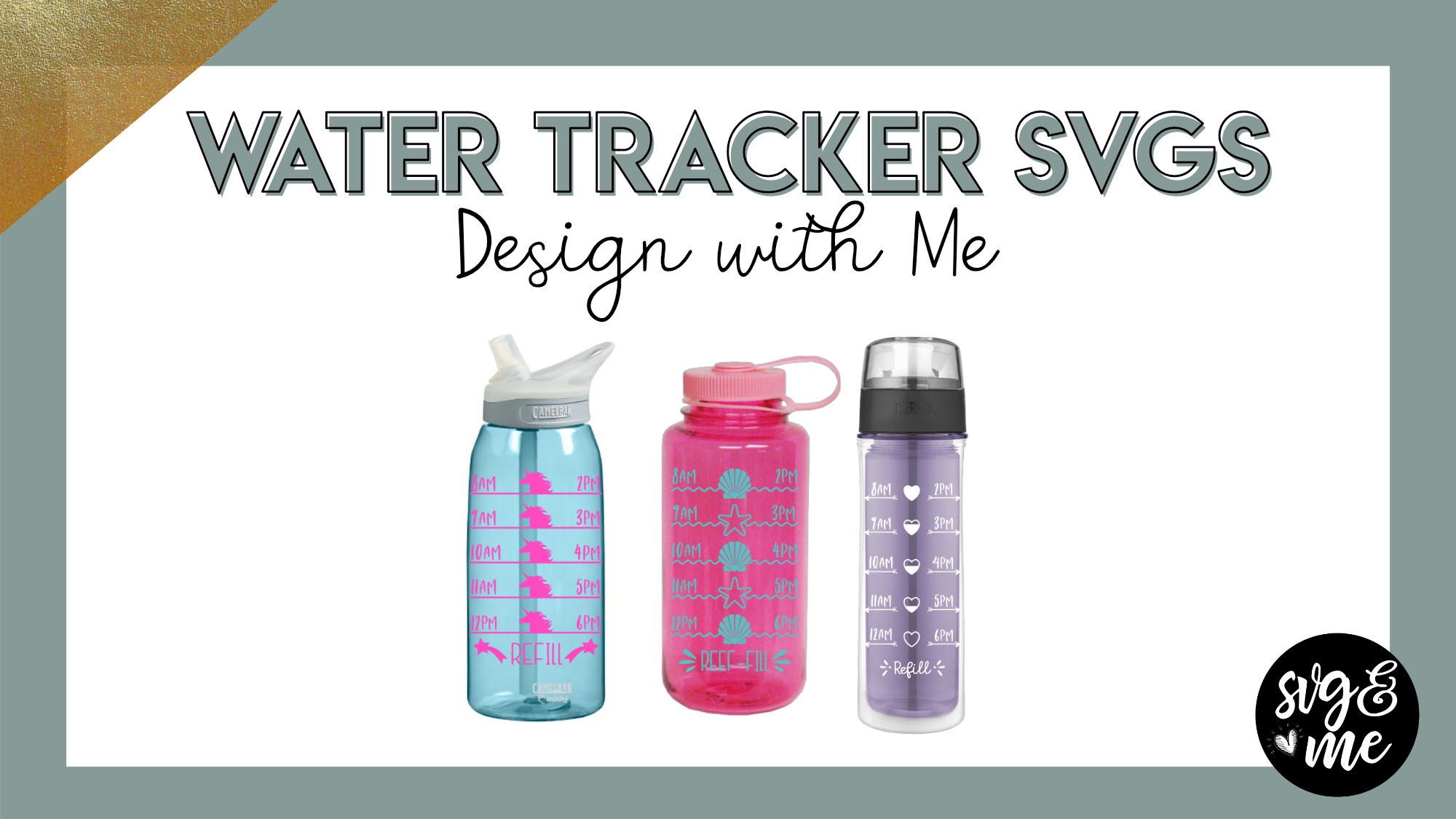
In this video, you’ll learn how to customize pre-made water bottle trackers as well as how to create your own from scratch!
Find our members-only pre-made water bottle trackers in the SVG Library.
-
Will you explain why you did the final star differently? “Remove stroke, duplicate then strok to path, then combine”? Why not just strok to path? I don’t understand why all the extra steps?
-
Good question. If you just do stroke to path you won’t have the fill inside the star. And if you get rid of the stoke and just use the fill it won’t be the same size as the other stars. So basically, I tried to simplify the steps as much as possible but you are making one copy into an outline and one into the fill and then combining the two.
-
-
@erica, everytime I try and duplicate the last star, select the line and do difference my line just disappears. What am I missing?
-
Nevermind I figured it out =)
-
Glad you figured it out!
-
-
so I made my own design, saved it, followed all of the directions and when I went into DS to upload it doesn’t show up in the work space. I can see the image on my saved projects but when I pull the image into the work space to cut it is completely blank?
-
Check out this tutorial: https://members.svgandme.com/export-placement/
-
-
ok. I created the svg but when I try to upload it into design space I get an error message that says The uploaded svg contained the following items that are not supported. text elements. auto flow text unsupported image type out of memory. HELP What did I do wrong?
-
This tutorial should help: https://members.svgandme.com/troubleshooting-upload-svgs-design-space/
-
-
Erica,
I am having trouble locating the pre-made tracker to work with. Has it been deleted from the library or am I missing it somewhere else? Thank you for your help. 🙂
-
Never mind, I found it in the graphic designs. It wasn’t loading for some reason.
-
Glad you found it!
-
-
-
Erica Martin commented on the post, Creating Patterned HTV Mockups 8 years ago
Awesome, so glad you found it useful!
- Load More


Thank you so much for this tutorial…definitely a game changer for those wanting to create an online business with their designs. <3 You are the best!!
So glad you enjoyed it! 🙂
oh I’ve been struggling with my mockups in photoshop, this way is so much easier! than you 🙂
Definitely! Sometimes simple is best and they still give a really great result!
Thank you so much Erica. I have been contemplating buying some mockups however I couldn’t see what I wanted and didn’t really want to pay much. Opened Unsplash and first search found some that were just perfect and for FREE. Yippee!
That’s the best feeling! Yay!
The t-shirt I have has a solid white background when I copy and paste it into Inkscape. The trace doesn’t work because it no longer looks like a shirt. How can I remove the white background?
There are some iPhone apps like eraser or I like this site: https://burner.bonanza.com/
I have a mcbook it wont let me copy and paste
Make sure you are using ctrl + C and V in Inkscape. It’s counterintuitive since you usually use cmd with Macs.
thank you 🙂
Of course!
Thank you! you saved me so much brain space and time!
Yay! Love to hear that 🙂
I’m copying and pasting a transparent image onto Inkscape but the background turns black : (
Try saving temporarily to your desktop instead and going to File > Import in Inkscape and selecting the file.
Worked beautifully. Thank you!
By the way, your prompt response is always much appreciated.
No problem! I’m also available via email if you need me 🙂
Loved this!!! Always wondered what a mockup was and this explained wonderfully and also how to use them. I also found some free mockups on designbundles.net in case anyone was interested.
Awesome! So glad you found it informative! 🙂
Hello!
I’m trying to do a mockup and I’m very lost and confused. I don’t know what I’m doing wrong.
I’m receiving the message that said: the chosen area to be exported is invalid. Please can you help me?
Are you dragging around the image to select it before you try to export? If you are, can you send me a screenshot of your entire screen with the error message to [email protected]
I love this video! I wish those mockups werent just for tshirts and signs though. Like I want to be able to do mock ups for all of my products. Maybe I just need to get creative.
Awesome! They’re not just for shirts and signs – you can do for all sorts of projects 🙂
Fantastic! I was wondering how am I going to create an example of everything and this was such a huge weight off my shoulders because now I know I don’t have to! Thank you so much ^_^
So glad it’s helpful for you!