


Cynthia Honor
,@chonor
3
Friends
You need to log in or create an account to post to this user's Wall.
-

Erica Martin wrote a new post 8 years, 4 months ago
-
Erica Martin wrote a new post 8 years, 4 months ago
Links Mentioned in Video:
Download the I Love Glitter Font
-
This is amazing! Thanks! I need to get Inkscape!
-

Thanks! Yes you do lady – got to take our course! 😉
-
-
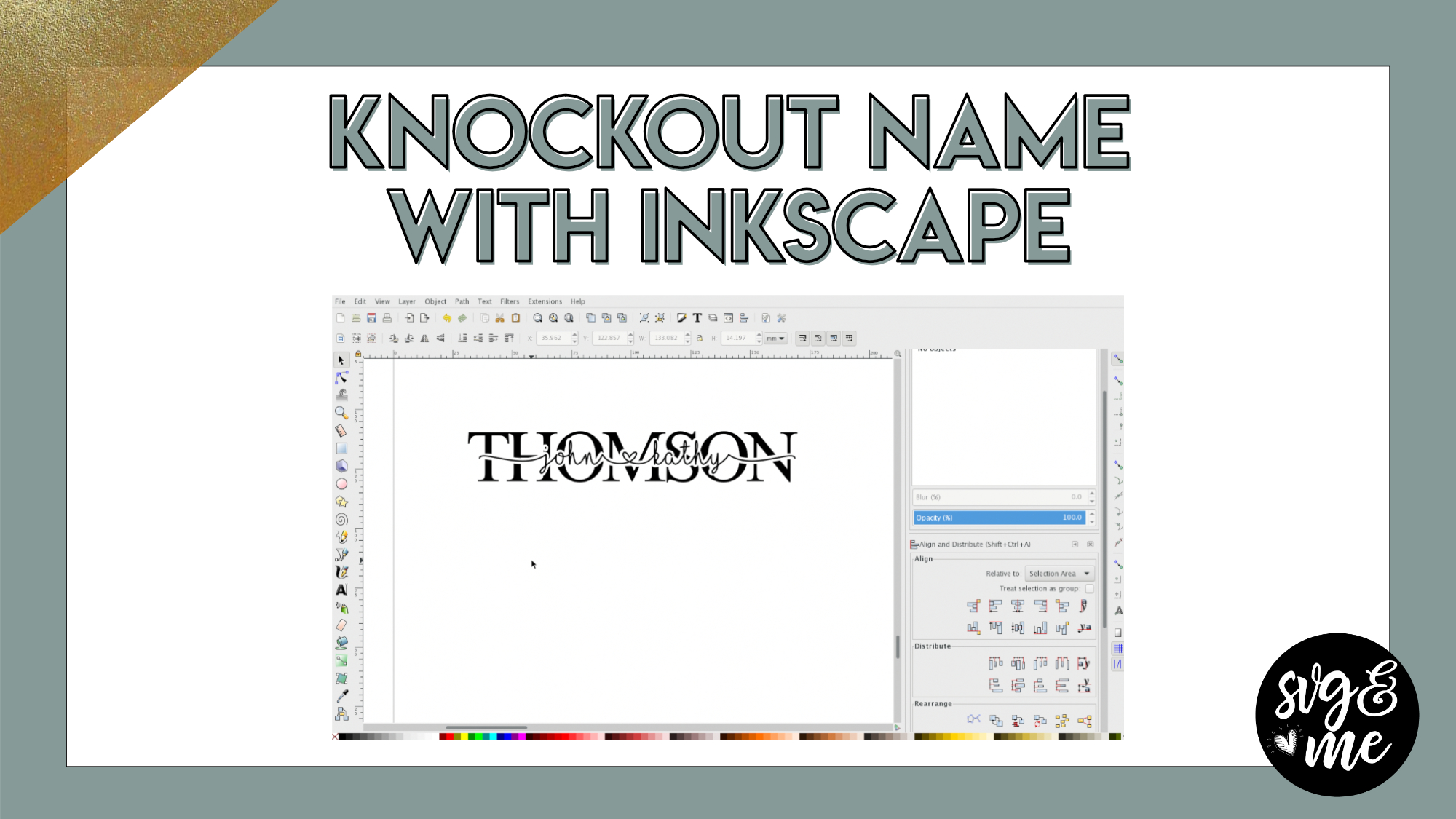
When I do this and click on “Difference” it is turning my big background name “white” instead of the names on top. Any insight on this? It is a setting that needs fixed?
-
You Are Awesome!! Thank You!
-
So sweet – thank you!
-
-

Definitely one of my favorites
-
This is awesome, thank you so much! I’ve just gotten around to this tutorial. You are a great instructor. I was able to follow along and do it with you 🙂
-
Perfect! Thank you very much!
-
-
When I click difference it is not seperating (Knockout) name
-
Could it be that you have something grouped or have more than two objects selected?
-
-
I sent you a screen shot. I don’t think I do.
-
Yes!!!! After joining this group months ago…..I finally made it through this tutorial!! Now I just need to complete the tutorial to learn how to export to design space!!!
-
Yay! You can do it!
-
-
Are there step by step written directions?
-
I’ve started adding some for many of the newer tutorials, but hopefully will be able to go back and add some to these original ones soon 🙂
-
-
Thank you! I’m a newbie to inkscape and Learning the new terms etc, the videos go too fast for me!
-
Hi there! I would recommend completing the course first before starting the tutorials. The course focuses on the essential skills you will utilize in the tutorials which is likely why you’re feeling that way.
-
-
Hi Erika. I’m trying to download Inkscape on my iPad and I’m stuck. I googled it, found it set up an account but now all I see is how to use it. Can you help?
I want to do the knockout name using it and can’t.Thanks so much.
-
Hi Karin, you’ll need computer access to use Inkscape.
-
-
Hi Erica. How do I export this to get it on design space as an svg. This is on my list of things to make and I’ve not succeeded yet….grrrr
Thank you-
We have a lesson in the Inkscape course on exporting SVGs and a checklist in the workbook that goes along with it. The key thing is to ensure everything is converted to a path. So, select it all and go to Path > Object to Path. Then you can save as a SVG and upload to DS. For more in depth instructions, I recommend watching the lesson in the course.
-
-
I don’t know what I am doing wrong. When I click difference it turns the knockout to black and it looks like a blob
-
Ok I realized I didn’t have the knockout selected first but when I select it, shift and select the name then path difference, nothing happens
-
Are you sure you have both selected? Feel free to send a screenshot to [email protected]
-
It works fine if I do it the simple way by just putting two squares overlapping then it will but out a portion. just not this.
-
-
-
for some reason I must have clicked something on the circle shape. I only get like a pie shape when I try to draw a circel
-
it looks like an oval when I click on it before I start to draw
-
Got your email and responded 🙂
-
-

can you make cheat sheet for this one
-

I love this! I went through this tutorial a little earlier and I’ve done 2 of these on pallet wood now. I’m so excited!
-
Yay! That’s awesome!
-
-
THANK YOU SO MUCH!
-
You’re welcome!
-
-
Hi! At minute 3:50 — when I fill in the gaps with circles and then do the union, there’s still holes. What am I doing wrong?!
-
how do you change ink scape lay out like your ?
-
Hi there! If you go to FAQs on the left hand menu it is question #4 with the answer 🙂
-
-
When i do the outset my computer does not make the text blacked out. Please help!
-
This course is so awesome! I can’t believe everything I learned so far. I can do so many more projects that seem impossible before because of you Erica Martin. THANK YOU!
-
That is the best compliment! I am thrilled to hear you’re feeling confident and inspired with your new skills!
-
-
-
Erica Martin wrote a new post 8 years, 4 months ago
-
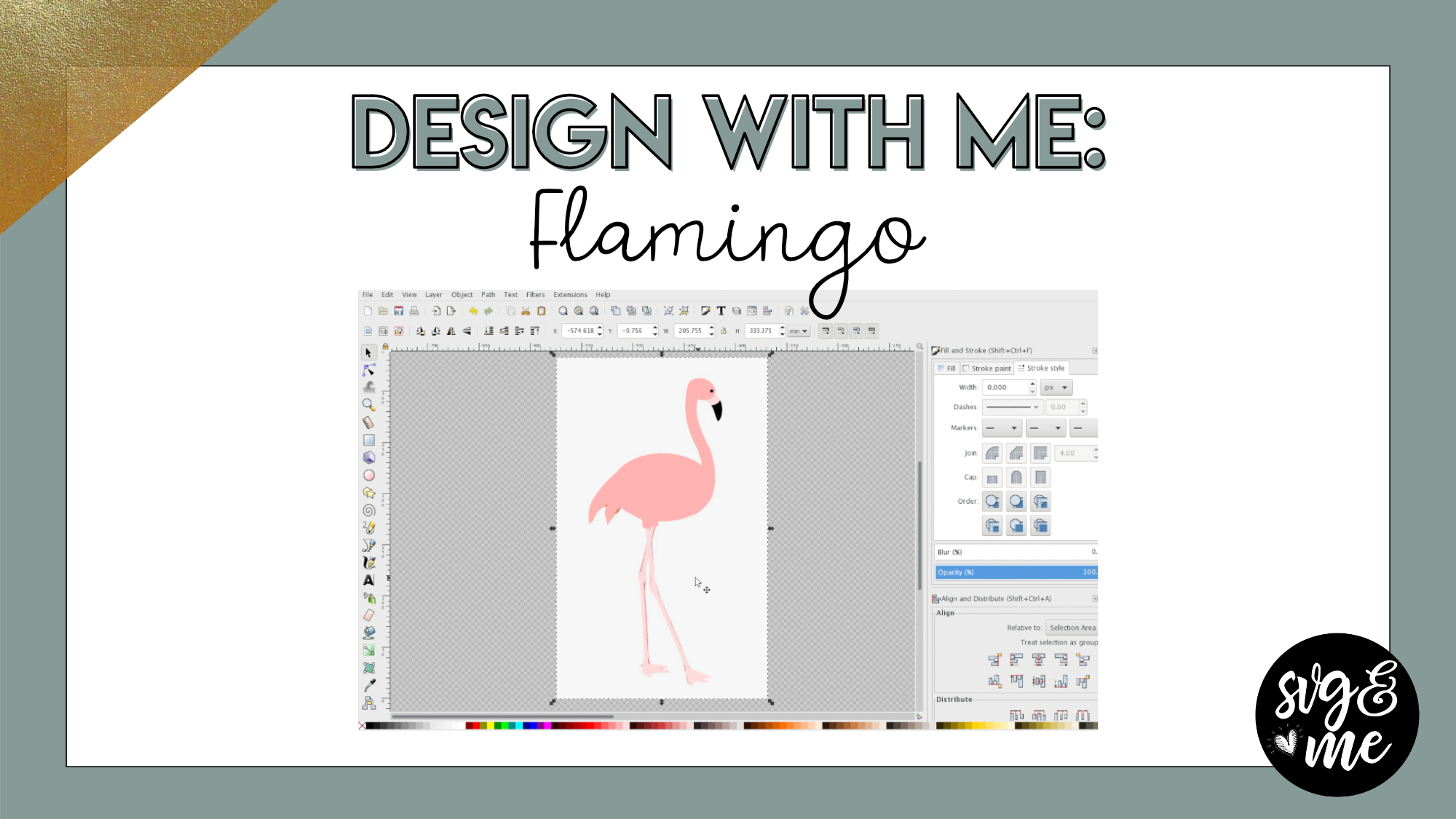
I still have a difficult time with nodes. I’ll practice with a blank page just to get a better hang of things. When to Group and use Union still cause me problems. I guess it is more about when to use each. The tutorials really help and are fun to try ad create. Thank You!!!
-

Love, love, love this tutorial….it’s a game changer for this crafter!! Thank you so much.
-
I agree! 🙂 Thank you!
-
-
-
Erica Martin wrote a new post 8 years, 4 months ago
-
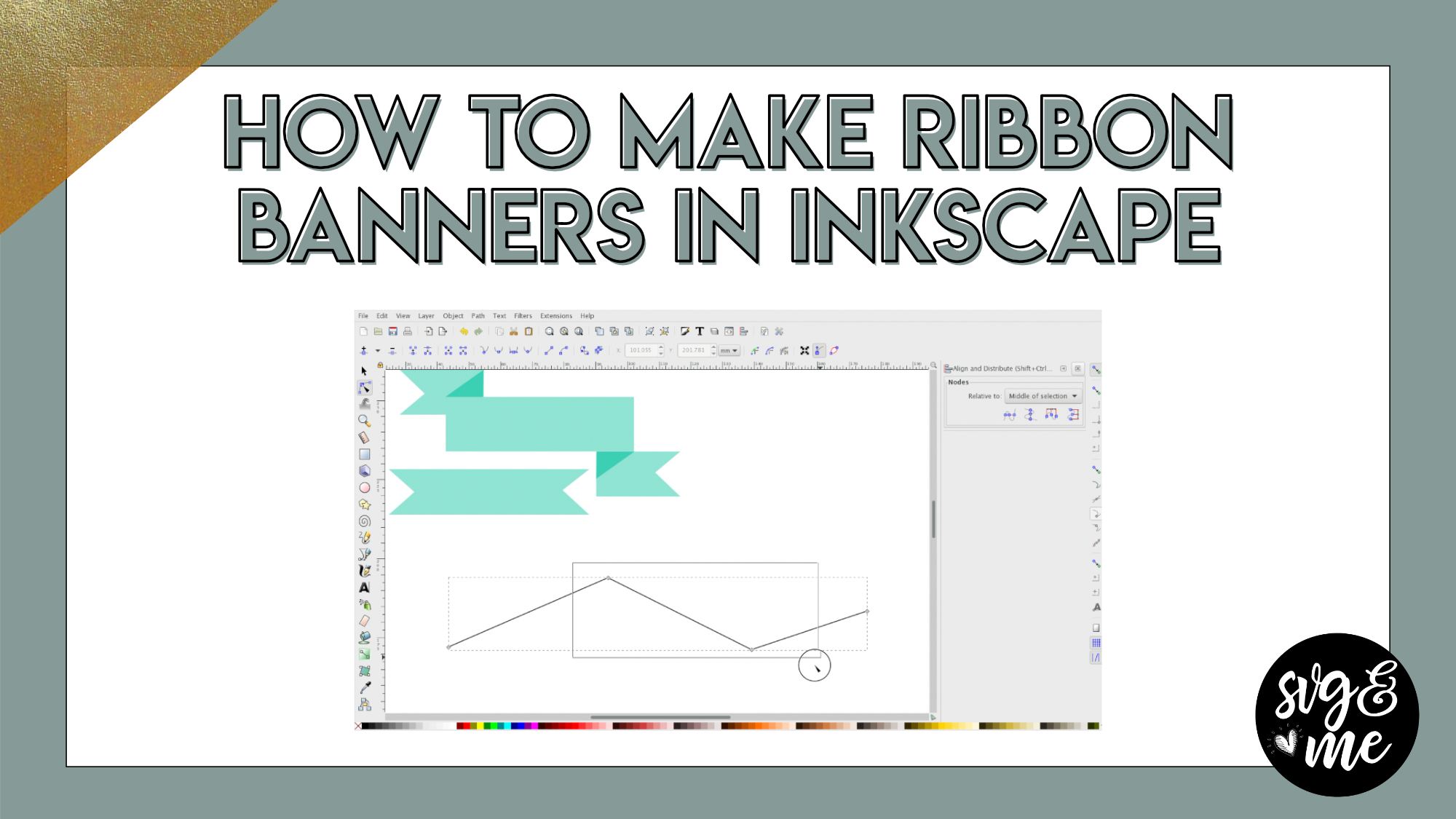
you make this look so simple. I love this tutorial
-
Yay! Thank you!
-
-
Forgot how to do a few bits so on a refresher. Tutorial was JUST what I needed. Thank you Erica.
-
Yay! Love to hear that – you’re welcome!
-
-
-
Erica Martin wrote a new post 8 years, 6 months ago
Download Cheat Sheets
-
Erica Martin wrote a new post 8 years, 6 months ago
Download Cheat Sheets


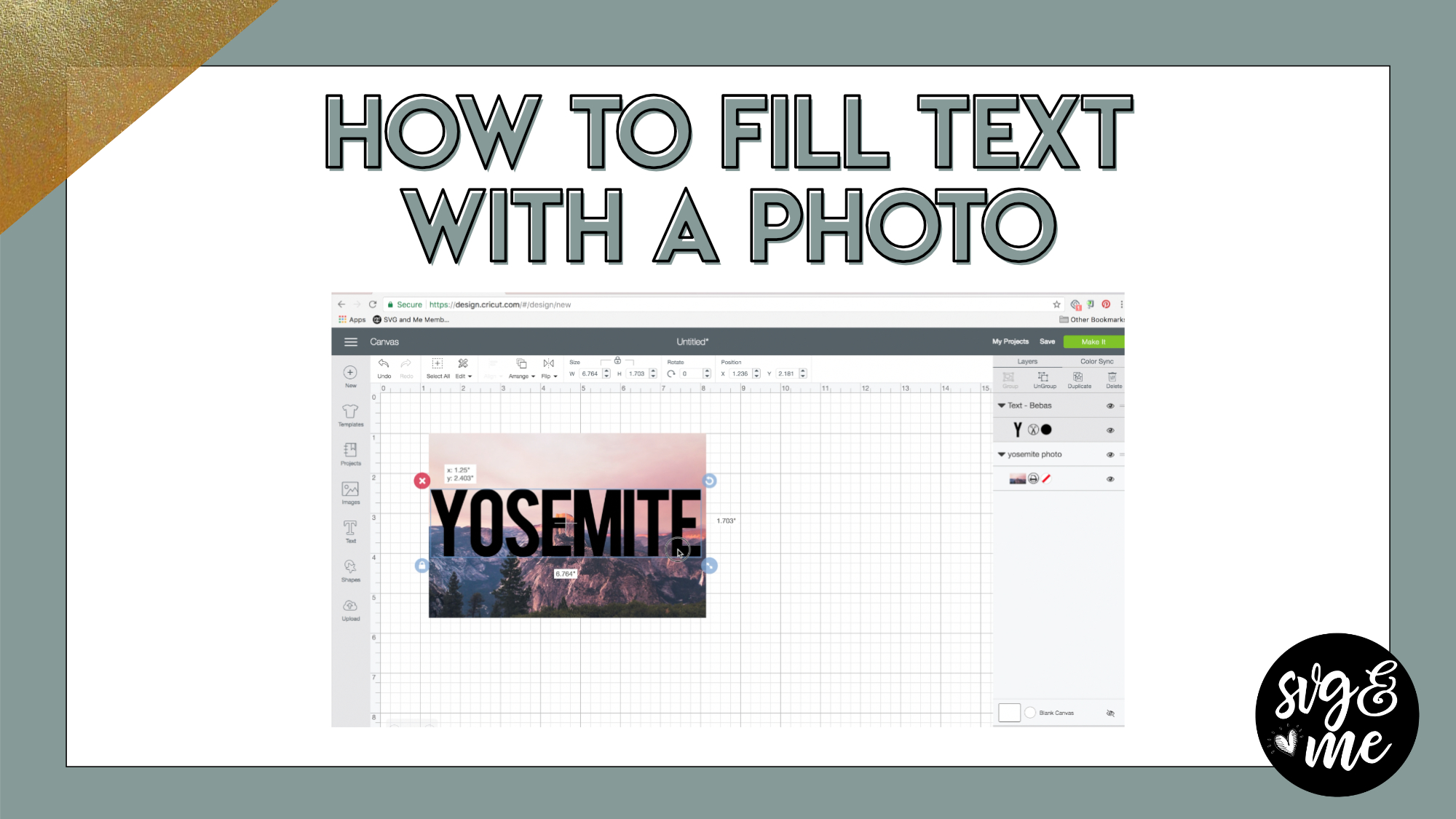
Can this be done in Inkscape as well?
Yep, you would just do the exact same thing except use Path > Difference (when selecting photo and number) instead of slice. Then, you’d probably want to export as a PNG. (under “File” menu)
I can’t seem to get this to work in inkscape. Do you have a tutorial for using inkscape and a photo cut out? I am just trying to crop my picture to be a circle instead of a square.
Thanks.
Pam Blanco
Yep, you would do it with a clipping mask in Inkscape which we go over in this tutorial: https://members.svgandme.com/quick-win-glitter-mockups/