


Ester Hope
,@esterh1
1
Friends
You need to log in or create an account to post to this user's Wall.
-

Erica Martin wrote a new post 7 years, 11 months ago
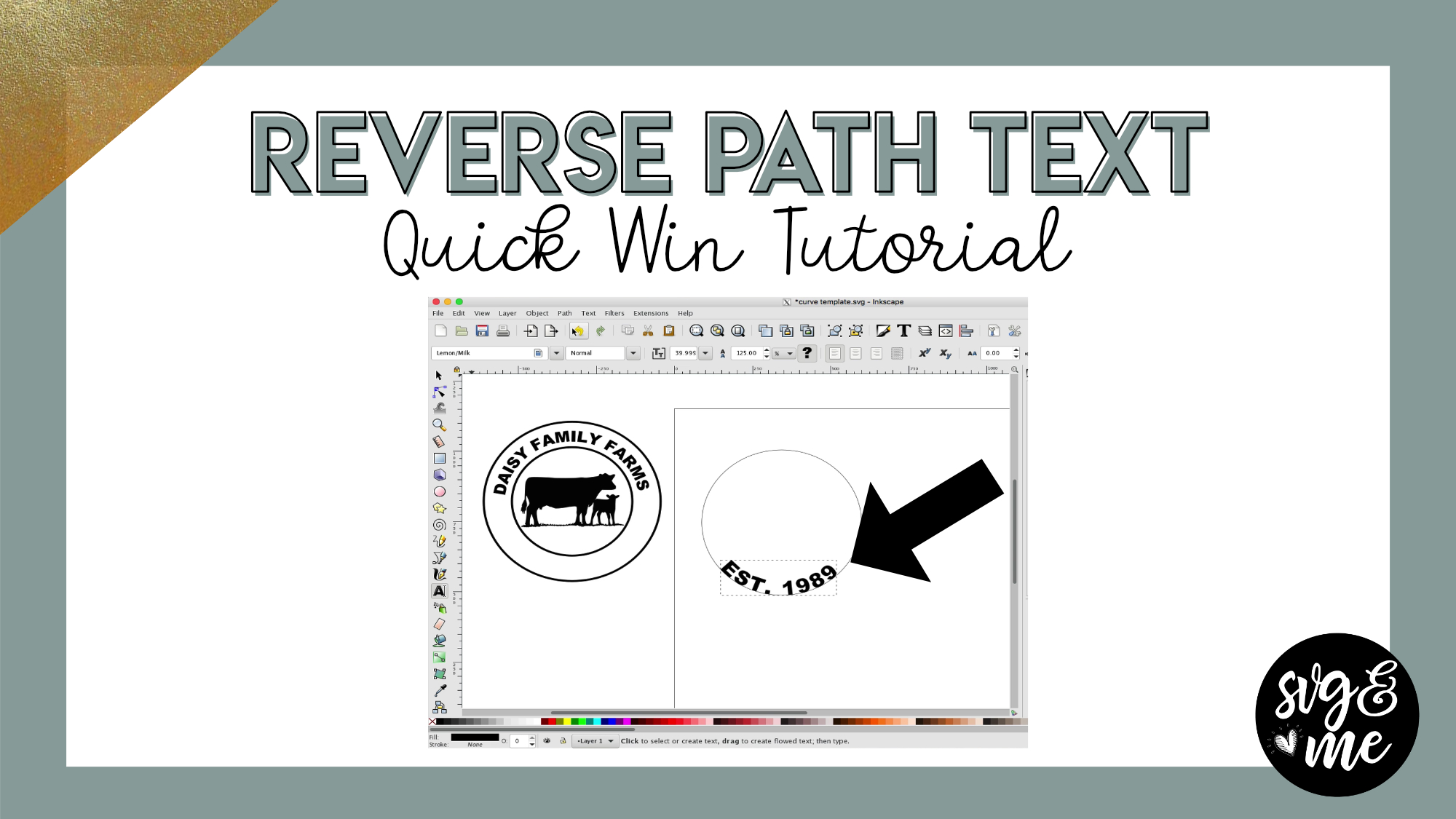
Download Practice Template
-
Erica Martin commented on the post, Quick Win: State Silhouette Design 7 years, 11 months ago
You’re welcome!
-
Erica Martin wrote a new post 7 years, 11 months ago
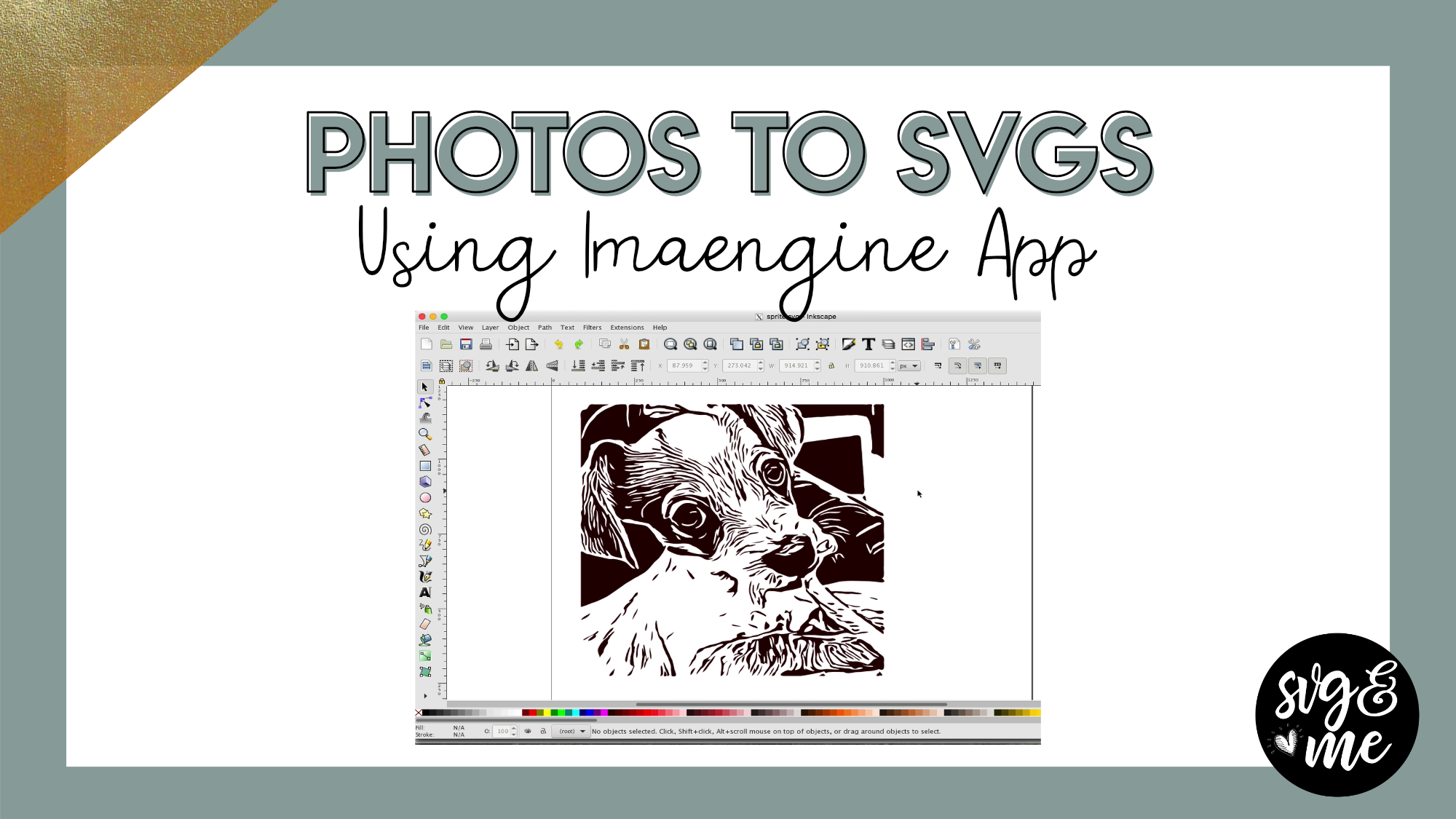
UPDATE: The Imengine app has been renamed to Vector Q so search for that instead when downloading it from the app store 🙂
-
Crazy question……when you cut something like this, what which part is weeded? The pieces or light pieces? Lol!! I’m picturing it and confusing myself just looking at it. But I have ideas for doing something using this but want to make sure I know what I’m doing. Thank you. 🙂
-

Not a crazy question. So typically the black on the image would be the vinyl portion. So you would weed out the white portions within the image. However, if you wanted to do the opposite like to create a stencil, you could always do a difference or slice it out of a square or other shape.
-
-
Ok, awesome! A stencil is actually what I’m looking at doing., well, one of the things any way. Thank you very much! 🙂
-
this was quite confusing for me to understand. I have this app on my phone but every time I tried to do anything with it I would get a message saying it was empty.
-
Hmm that doesn’t sound right. Perhaps you want to uninstall and reinstall the app if it’s not working properly.
-
-
Is there a similar app for Android?
-
I don’t have an Android unfortunately but I will be on the look out if I hear of one to share 🙂
-
That would be awesome – or one for a PC?
-
-
I too am unable to download app in Microsoft store for PC. Erica, do you know of an alternative program we can use?
-
This is actually for mobile devices. Do you have a non-iPhone?
-
-
If working on a Macbook Pro, what program should we use? I tried to find the Imaengine but wasnt coming up. Will keep looking but figured I would ask.
thanks!
-
The Inkscape course includes a lesson on how to convert photos to SVGs in Inkscape as well. Imaengine is a nice shortcut standalone program but it is for iPad and iPhone – not Mac computers.
-
-

I did a little project in imaengine, opened a dropbox account, put my file there, and went to dropbox.com. When I click on it though, I am not given an option to upload it to inkspace. I only get the options share and download. What am I missing, or doing wrong??
-
Hmm it may vary by computer or maybe dropbox did an update. No big deal you can just download and open in Inkscape that way too.
-
-
is anyone having issues uploading an imaengine svg having a weird line across it?
-
Can I name one I use on my android here. Is that ok
-
Absolutely!
-
Hi can you name the one you use on Android please?
-
-
I use it then zave in pictures and share it in messenger to myself
-
Oh good tip!
-
-
I’m also trying to picture the cut for the dog photo (small dog) when you cut it in your machine after weeding it just had the brown/black guess depending on color of vinyl of the dog?
-
I cannot find an app on my iPad that looks the same as the one above. So looked in the Inkscape course for the alternative method and could not find a lesson titled convert photo to sag or anything like it. Can you either assist in finding the app on my iPad or direct me to the course name in your Inkscape course? THANKS!
-
Hmm it might not have an ipad version. Do you have an iphone?
This would be the lesson on how to do it in Inkscape:https://members.svgandme.com/lessons/tracing-photos/
-
-

Hello I was having issues finding the app as well so I looked it up on google and the app has changed names it is now called vector Q. Erica can you confirm this or am I wrong.
-
Oh yep! You’re right I just updated the app and it changed names
-
-
-
Erica Martin commented on the post, How to Create a Custom Monogram in Design Space 7 years, 11 months ago
Oops, sorry I will add them now but it is monogramos font from dafont.com
-
Erica Martin commented on the post, Welcome Video #1: Courses 7 years, 11 months ago
Yes! You got it!
-
Erica Martin commented on the post, Quick Win: Vinyl Mockup Color Hack 7 years, 11 months ago
So great to hear! So glad you joined too 🙂
-
Erica Martin commented on the post, Filled Shape Designs: DIY Unicorn Heart 7 years, 11 months ago
Yay! Thanks, Susan!
-
Erica Martin wrote a new post 7 years, 11 months ago
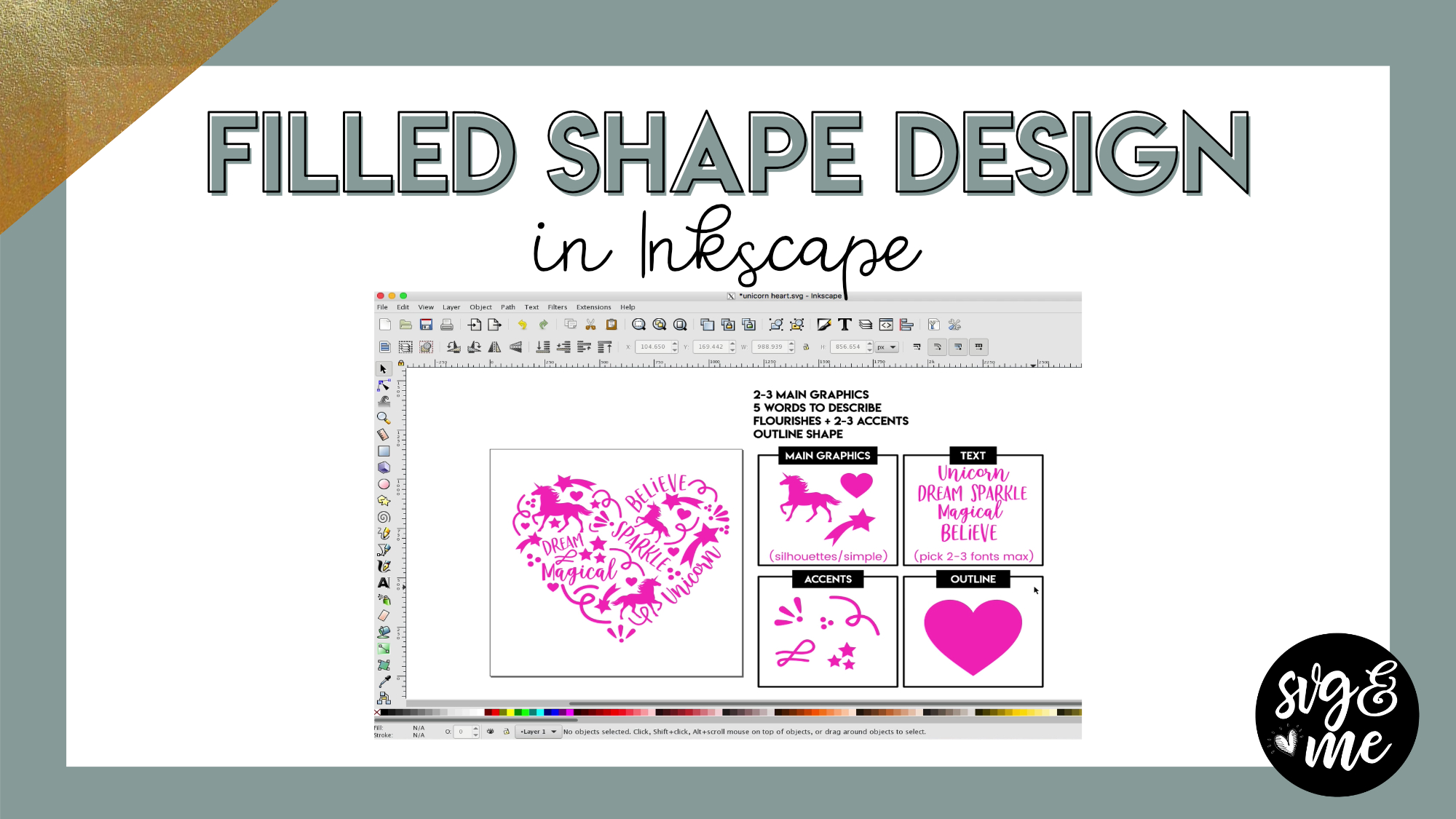
In this tutorial you will learn how to create your own filled shape designs using my easy to follow step-by-step system. You can even download a copy of my cheat sheet to use when designing:
Cheat Sheet […]
-
Love it! Thanks Erica, you make it so easy.
-
Yay! Thanks, Susan!
-
-
I love this, but I can’t get the SVG Form for designing cheat sheet to download
-
I just tested it and seems to be working. Maybe try one more time and let me know if still having problems.
-
I just tried to download the SVG cheat sheet as well, and couldn’t get it to work. Just opens in Internet Explorer as a blank page…
-
Which version – the SVG version? If so, go ahead and double click on the “blank page” when it opens and see if it then opens in Inkscape. The cheat sheet is off to the side so it may look like a blank page when it opens in your browser but you should see it once you get it open in Inkscape. If you still have problems, send me an email and I can help but I just tested it and it’s working for me.
-
It didn’t work that way either, but I figured it out! I just right clicked on it in my download folder, and it gave me the option to open with Inkscape! Thanks a bunch.
-
Oh awesome – good job!
-
-
-
-
-
-
I wanted to use this image but make it larger than the mat. When I try to intersect my rectangle and this image, it gives me the error that one of the objects is not a path and cannot perform boolean operation. Is there something I need to do to the unicorn image or am I doing something else wrong?
-
Hi there! So you are using the pre-made version of the unicorn heart? Are you doing it all one color? If so, I would select the entire design and hit ctrl + shift + g a few times to ensure it’s ungrouped. Then, go to Path > Union. Then you can place your rectangles and do the intersection over each section. Let me know if you have any problems.
-
That worked great! Thanks. I also played around with it in design space and was able to slice it after selecting the whole thing and hitting weld first- not sure why that worked but it did. I also restarted my computer and design space because the slice feature wasn’t working for me on any project and I think that helped too. Thanks, again!
-
Perfect! You’re very welcome.
-
-
-
-
Hello Erica, in this tutorial you were moving pretty fast for me to follow… But I notice you kept on clicking on ‘Path’ then to ‘Stroke to path’ … what were you doing? what is stroke to path?
-
Hi there! So the Stroke to Path is what you need to do to convert any line or outline you create to a path before you export. So in this case, we used the pencil tool to create the swirls and then need to convert them all to a path before saving using Path > Stroke to Path.
-
got ya! thanks!
-
-
-

The fill cheat sheet is not working for me for some reason.
-
Emailed you with a link to try 🙂
-
-
can I get this link also, I can’t get the files to open, everything is blank
-
The file may look blank because the cheat sheet is to the right of the page. Open it in Inkscape and see if you still don’t see it. If not, send me and email and I’ll make sure you get it.
-
-
I have tried Erica, but there is nothing there to load, my system says the page is blank even for saving
-
I’ll send you a link via email.
-
-
Hi Erica,
I am having such trouble after creating my fish silhouette …it won’t export to design space as it says it’s invalid…help, please! -
Help…..I followed all the directions as best as I thought but I am getting an error message “The chosen area to be exported is invalid”…what could I be doing wrong?
-
Are you saving as a SVG? Can you send us an email with the file and a screenshot of your entire screen when you get the error? [email protected]
-
-
-
Erica Martin wrote a new post 7 years, 11 months ago
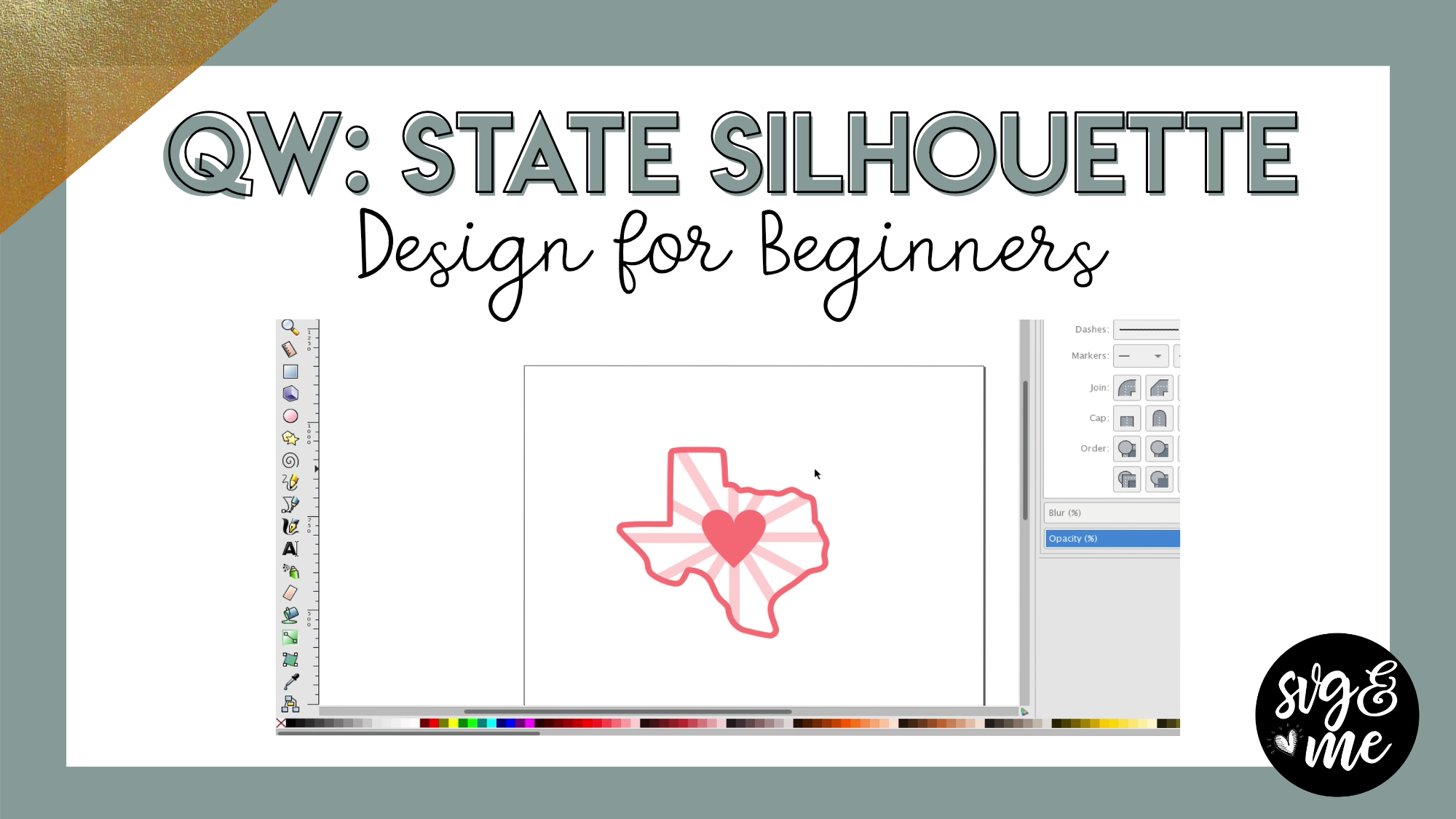
Instantly Download State Silhouettes Here:
A-H States
I-M States
N-R States
S-W States
-
Thank you
-
You’re welcome!
-
-
I’m having a hard time rotating the rectangle. Not sure what I’m doing wrong?
-
@erica Thank you but I figured out my mistake
-
Oh good!
-
-
I was skipping a step.
-
I NEED TO FIND THE SCREEN TO SHOW HOW TO KEEP LOTS OF TEXT FROM GETTING SCRAMBLED WHEN IT SHOWS UP ON SCREEN READY TO PRINT
-
Check out the “attach” lesson in the Design Space Course
-
-
I got it before I received your response Thank you
but I did send you a message that I cannot not open “Master cricut in 21 days
-
-
Erica Martin commented on the post, How to Make Papercut Designs 7 years, 11 months ago
You can definitely use dingbats. You actually read my mind as I was planning on doing a video on using dingbat fonts for designing soon!
-
Erica Martin commented on the post, New Feature!: How to Curve Text in Design Space 7 years, 11 months ago
Good to know how to do in both because the DS may be easier by the Inkscape version you can do on more than a circle shape you can do on any path 🙂
-
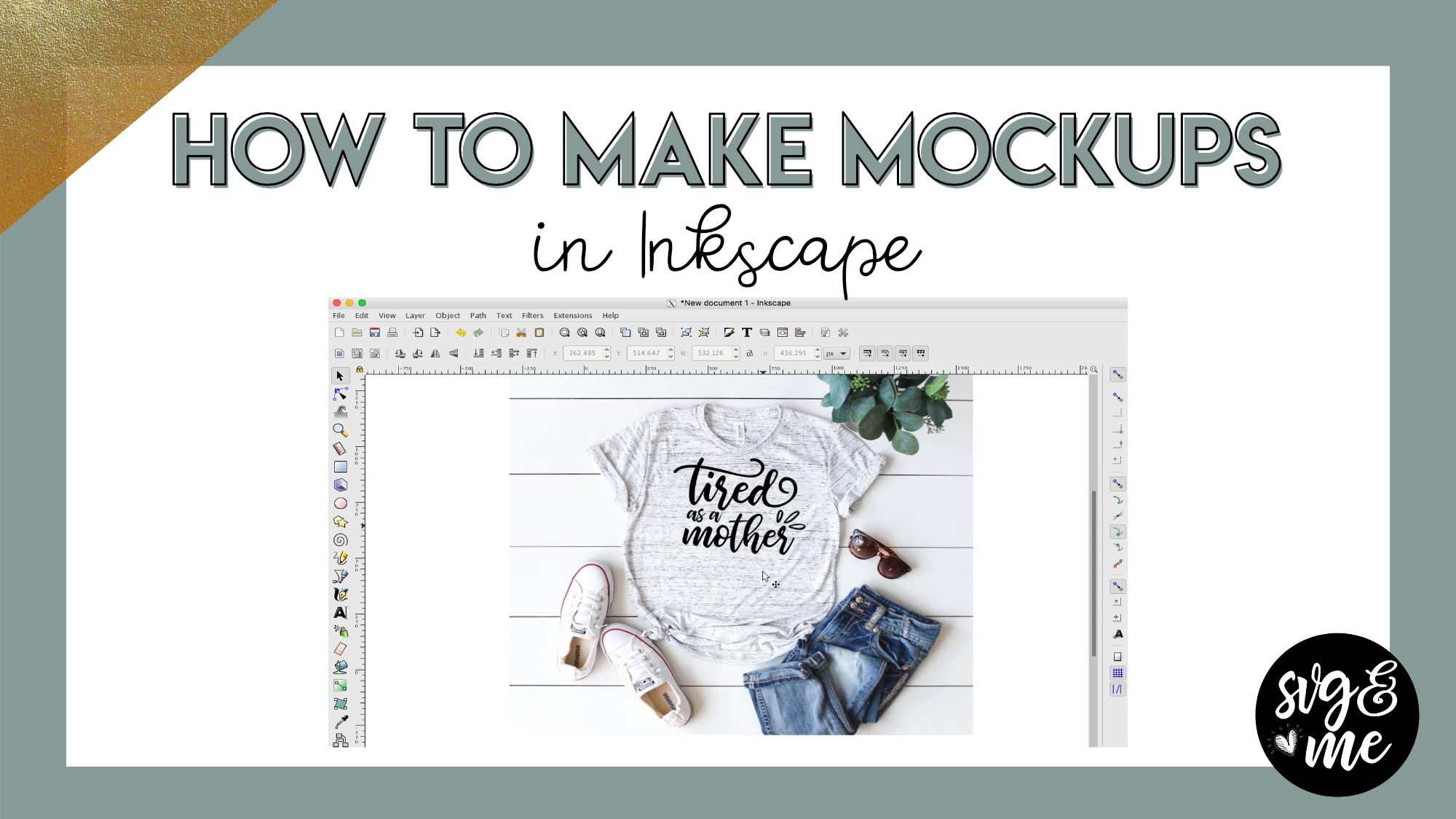
Erica Martin commented on the post, How to Create Mockups in Inkscape 7 years, 12 months ago
Definitely! Sometimes simple is best and they still give a really great result!
-
Erica Martin commented on the post, How to Create Mockups in Inkscape 7 years, 12 months ago
So glad you enjoyed it! 🙂
-
Erica Martin commented on the post, Infinity Sign with Custom Text 7 years, 12 months ago
You’re welcome! 🙂
-
Erica Martin commented on the post, Design with Me: Custom Water Bottle Trackers 7 years, 12 months ago
Glad you figured it out!
-
Erica Martin wrote a new post 7 years, 12 months ago
Links Mentioned in Video:
Unsplash.com
Pixabay.com
Carolina Mama Bear Etsy Shop
-
Thank you so much for this tutorial…definitely a game changer for those wanting to create an online business with their designs. <3 You are the best!!
-
So glad you enjoyed it! 🙂
-
-
oh I’ve been struggling with my mockups in photoshop, this way is so much easier! than you 🙂
-
Definitely! Sometimes simple is best and they still give a really great result!
-
-
Thank you so much Erica. I have been contemplating buying some mockups however I couldn’t see what I wanted and didn’t really want to pay much. Opened Unsplash and first search found some that were just perfect and for FREE. Yippee!
-
That’s the best feeling! Yay!
-
-
The t-shirt I have has a solid white background when I copy and paste it into Inkscape. The trace doesn’t work because it no longer looks like a shirt. How can I remove the white background?
-
There are some iPhone apps like eraser or I like this site: https://burner.bonanza.com/
-
-

I have a mcbook it wont let me copy and paste
-
Make sure you are using ctrl + C and V in Inkscape. It’s counterintuitive since you usually use cmd with Macs.
-
-
thank you 🙂
-
Of course!
-
-

Thank you! you saved me so much brain space and time!
-
Yay! Love to hear that 🙂
-
-
I’m copying and pasting a transparent image onto Inkscape but the background turns black : (
-
Try saving temporarily to your desktop instead and going to File > Import in Inkscape and selecting the file.
-
-
Worked beautifully. Thank you!
-
By the way, your prompt response is always much appreciated.
-
No problem! I’m also available via email if you need me 🙂
-
-
Loved this!!! Always wondered what a mockup was and this explained wonderfully and also how to use them. I also found some free mockups on designbundles.net in case anyone was interested.
-
Awesome! So glad you found it informative! 🙂
-
-
Hello!
I’m trying to do a mockup and I’m very lost and confused. I don’t know what I’m doing wrong.
I’m receiving the message that said: the chosen area to be exported is invalid. Please can you help me?-
Are you dragging around the image to select it before you try to export? If you are, can you send me a screenshot of your entire screen with the error message to [email protected]
-
-
I love this video! I wish those mockups werent just for tshirts and signs though. Like I want to be able to do mock ups for all of my products. Maybe I just need to get creative.
-
Awesome! They’re not just for shirts and signs – you can do for all sorts of projects 🙂
-
-

Fantastic! I was wondering how am I going to create an example of everything and this was such a huge weight off my shoulders because now I know I don’t have to! Thank you so much ^_^
-
So glad it’s helpful for you!
-
-
-
Erica Martin wrote a new post 7 years, 12 months ago
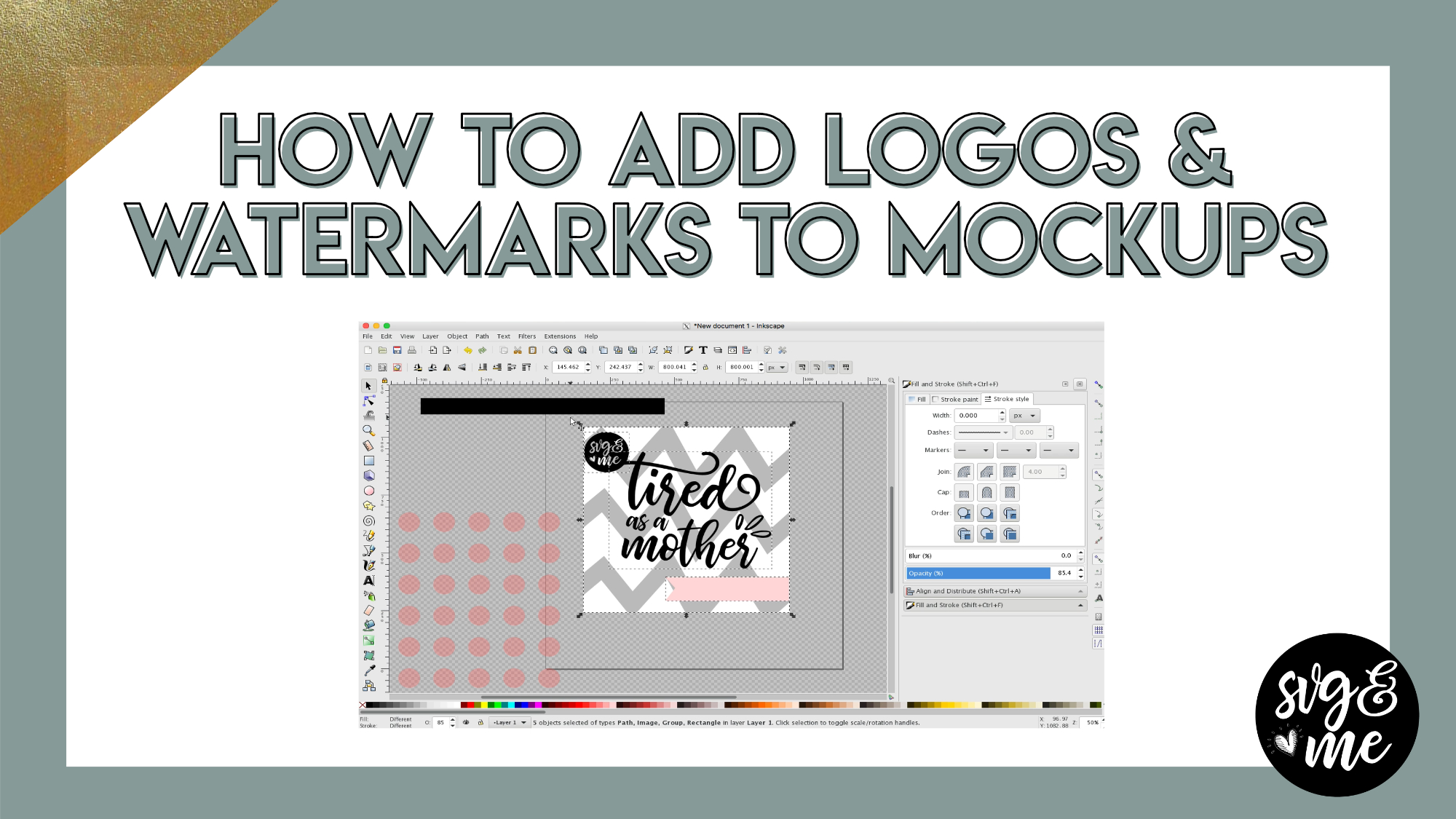
Recommend Watching Before This Tutorial: How to Create Mockups in Inkscape
In this tutorial, you’ll learn how to add your business logo or watermark overlays in Inkscape to copyright and protect your images […]
-
How would you use your logo/text as an overlay? I was going to put it on my mockup just to be safe.
-
Brilliant! Thank you for this one as well, I have some Polynesian tribal designs I want to protect once I create the SVG for them but wasn’t sure how to do that and this helped so much! I assume for my logo I would just be able to duplicate them and follow these steps and change the opacity and do the save. I’ll try it out and see if that’s it, thanks again ^_^
-
Glad it is coming in handy!
-
-
Thanks Erica, helpful as always.
-
Glad to hear it! You’re very welcome!
-
-
-
Erica Martin commented on the post, How to Cut Images Bigger Than Your Mat in Design Space 8 years ago
Got your message, but just in case others have the same question – there is an Inkscape version as well and I will add a link below this video.
-
Erica Martin commented on the post, How to Prep Images To Cut Larger Than Mat in Inkscape 8 years ago
Great, so glad you found it helpful!
-
Erica Martin commented on the post, How to Make Papercut Designs 8 years ago
Yay! Great to hear!
- Load More


Just a quick tip. Instead of adding all the spaces, I rotate my circles.
Good tip for perfectly symmetrical circles! However, for ovals or other shapes it’s best to use spaces since they aren’t the same on each side.
What if you want to do something like that but using a heart or different shape, is there a way to do it?