


Jeannie
,@jeanniea
1
Friends
You need to log in or create an account to post to this user's Wall.
-

Erica Martin wrote a new post 2 years, 7 months ago
Download Your Free Holiday PNGs
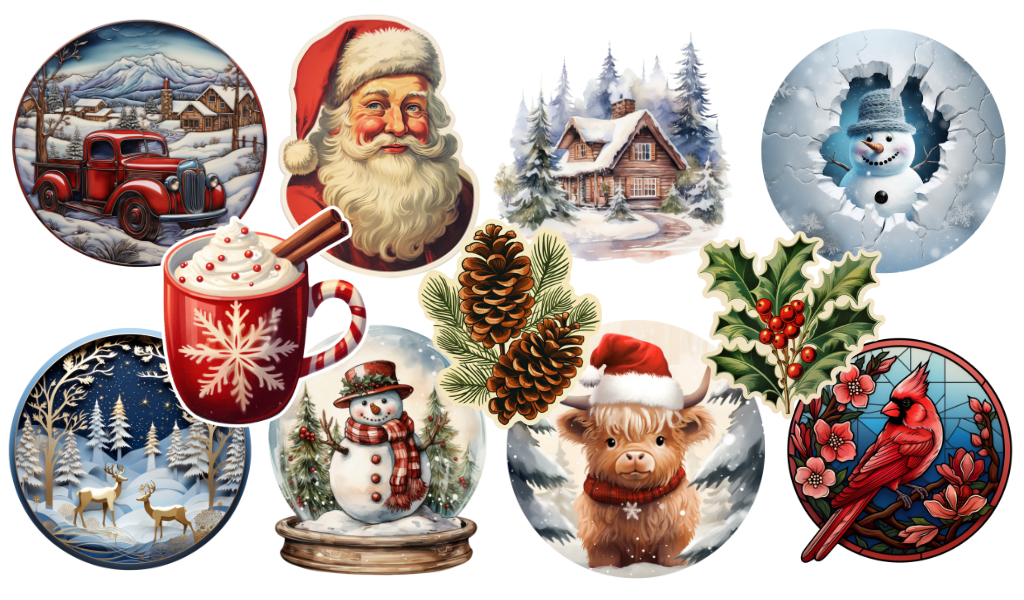 Download Your Free Holiday PNGs These are perfect to turn into gift tags, but I didn’t add a circle cut out just in case you wanted to use […]
 -
Erica Martin wrote a new post 2 years, 7 months ago
Member Question: Template Trace Help
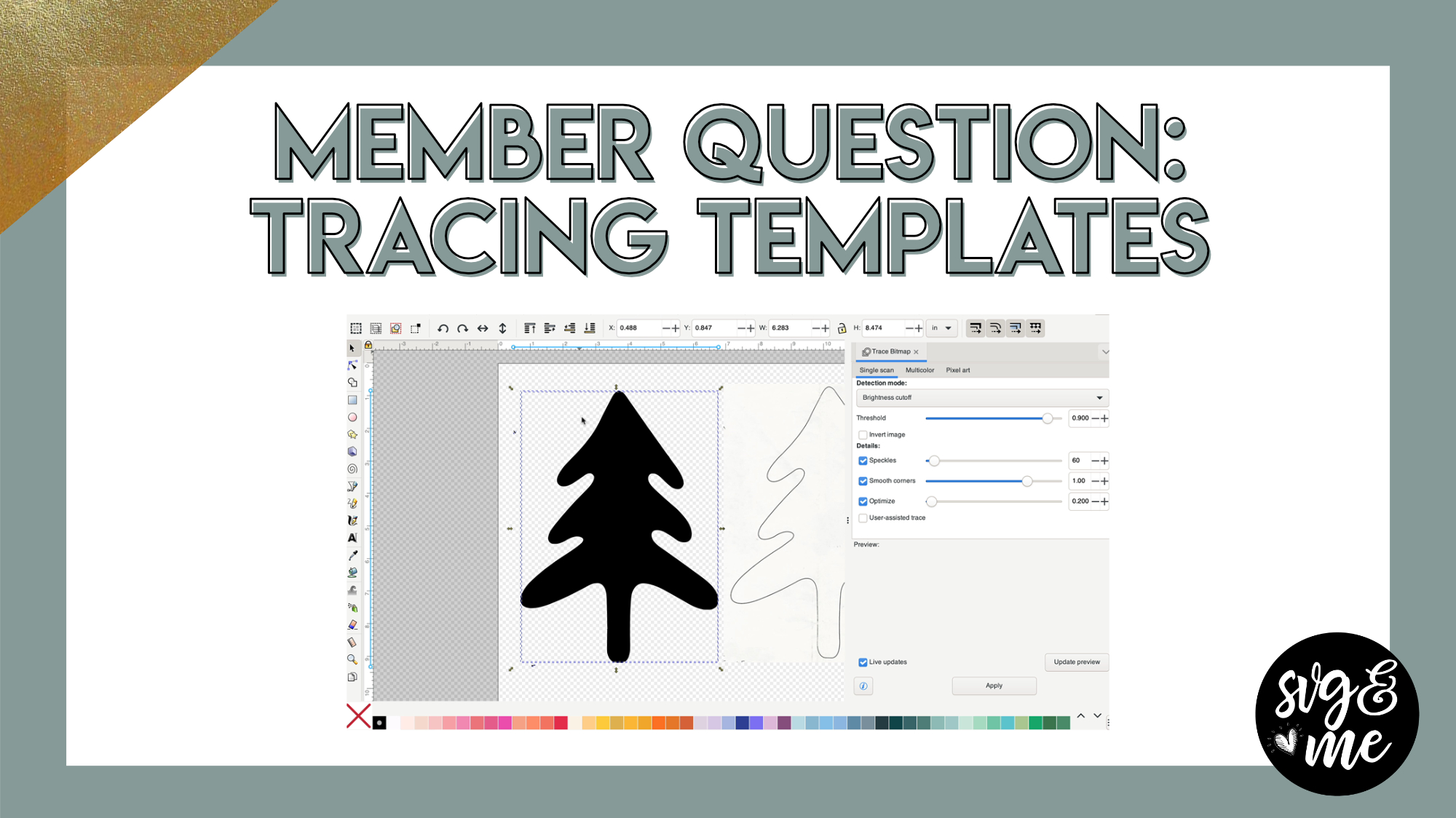 Download Practice Doc with Image Used in Video
-
I messed up 3 times closed out without saving to start new.
I am used to from the design studio that I can go back but I do not see that feature.
I must be missing it.lol
There is know way that you have start over if you messed up or? -
I found it 🙂
-
-
Erica Martin wrote a new post 2 years, 7 months ago
-

This is a fun design to know how to make especially during the holiday season. Thank you
-
Great tutorial, am loving these lessons. Thanks so much.
-
I have no clue why, but I followed to a T everything and everytime I go to twirl and set to 5.0 like you do, it gets distorted. It has been about 20 x redoing, no joke. I don’t know what could be wrong, especially when I follow everything exactly. Any suggestions?
-
-
Erica Martin commented on the post, AI Image FAQ 2 years, 8 months ago
Thank you! You’re very welcome!
-
Erica Martin commented on the post, How to Use the New Midjourney Site 2 years, 8 months ago
They do unless you upgrade to a much more expensive plan to get stealth mode, but it would be quite difficult to find them usually and not worth the more expensive plan in my opinion
-
Erica Martin commented on the post, Best Free AI Tool Alternatives 2 years, 8 months ago
It doesn’t restrict you but I would avoid using those in anything you sell
-
Erica Martin commented on the post, Best Free AI Tool Alternatives 2 years, 8 months ago
Yes that’s 3.3 hours of image generation time which works out to roughly 200-250 images I believe. You can also upgrade to Standard plan for about 3x more and unlimited time if you end up needing a lot more but I would start with basic
-
Erica Martin wrote a new post 2 years, 8 months ago
How to Use the New Midjourney Site
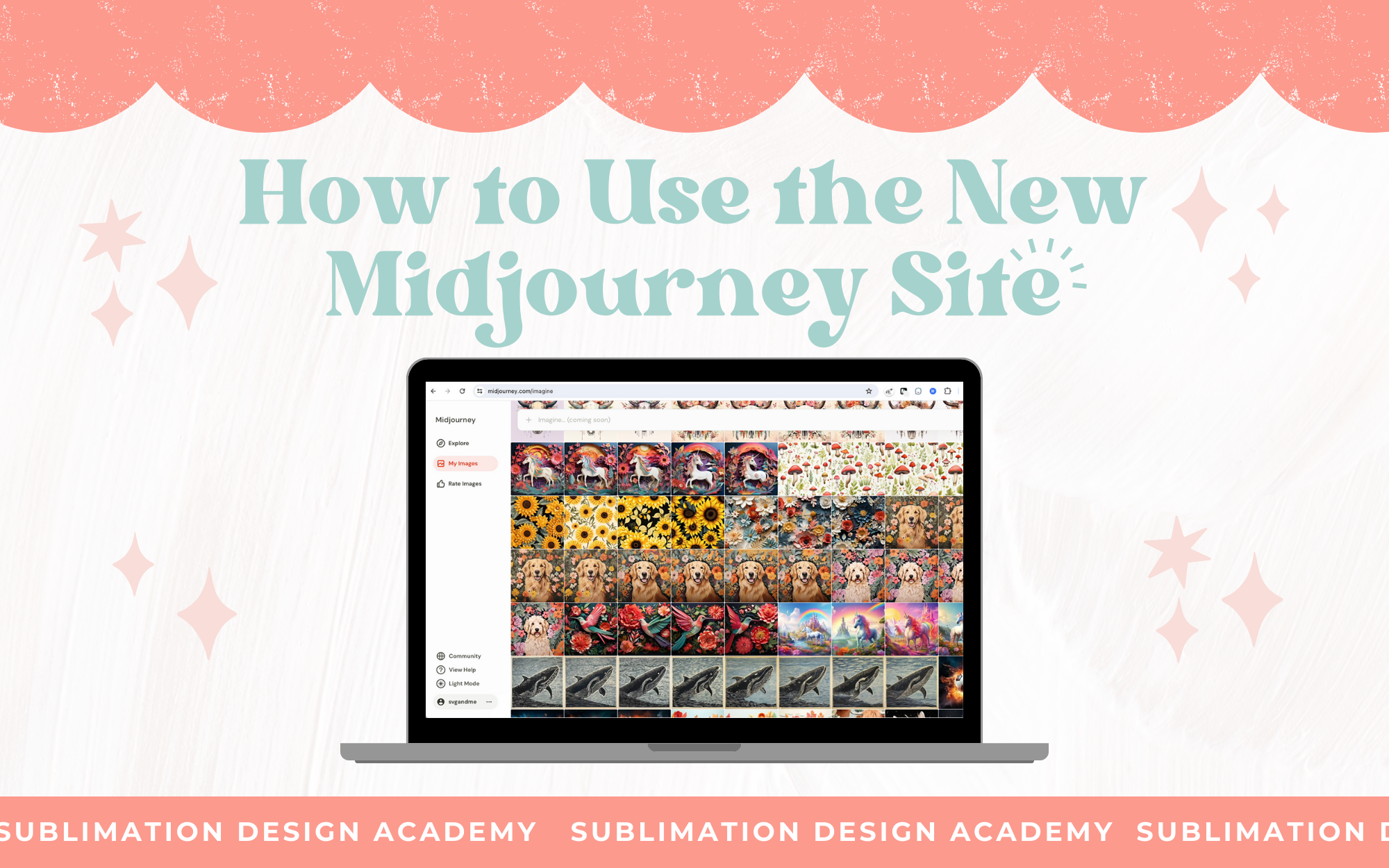 Links Mentioned: Midjourney.com/explore How to get prompt ideas tutorial
-
Question about searching the images. If you create your images on a private server do other people have access to those when they do a search?
-

They do unless you upgrade to a much more expensive plan to get stealth mode, but it would be quite difficult to find them usually and not worth the more expensive plan in my opinion
-
-
How do I add my images to the midjourney-site?
-
They automatically get added when you have an account
-
-
Is Midjourney free or paid subscription?
-
It’s paid
-
-
-
Erica Martin wrote a new post 2 years, 8 months ago
How to Upscale 2x/4x in Midjourney
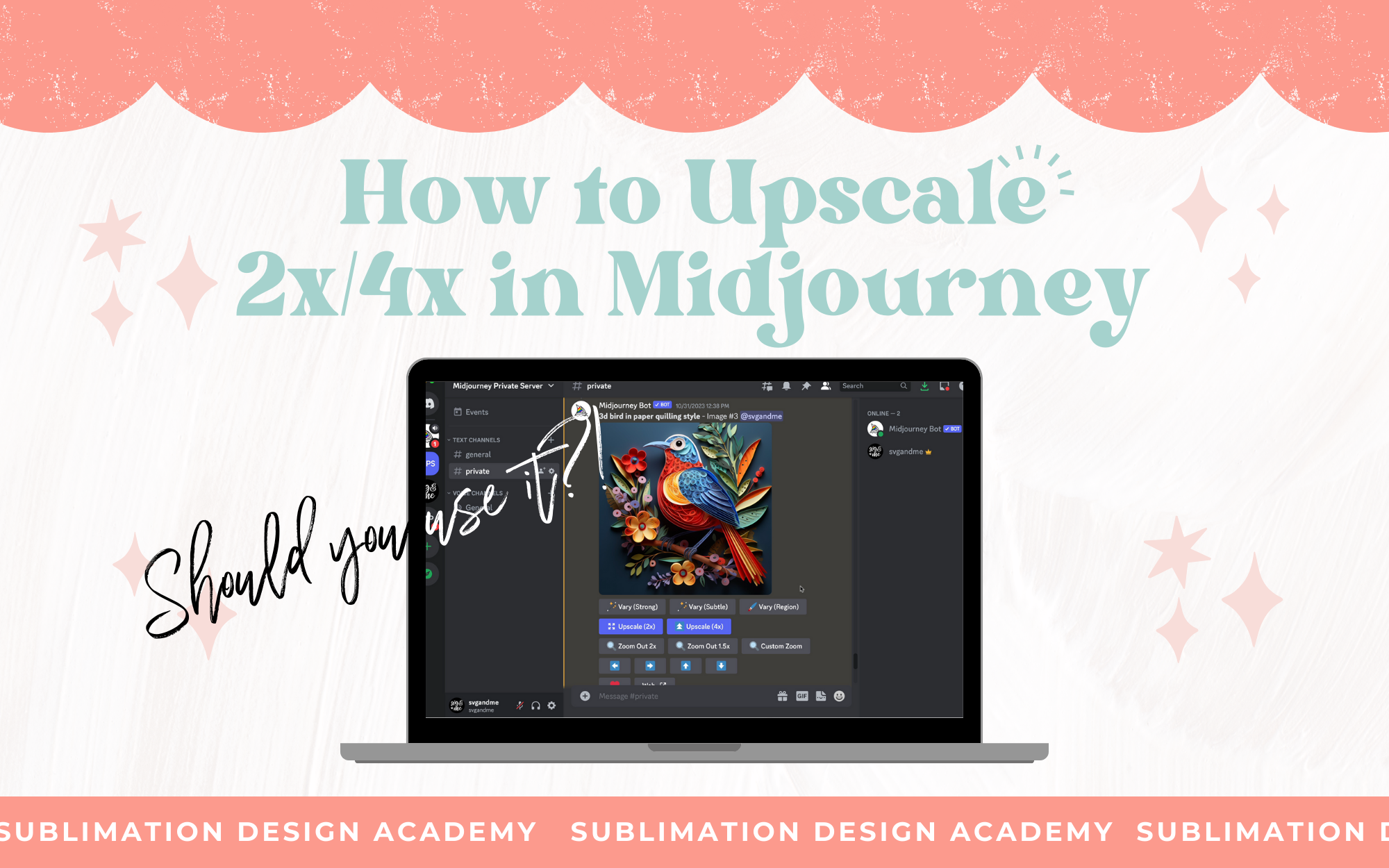 Links Mentioned: How to Upscale Your Images (video from the course) Upscayl (free program) Another amazing free upscale tool
 -
Erica Martin wrote a new post 2 years, 8 months ago
BigJPG.com: Another Amazing Free Upscale Tool
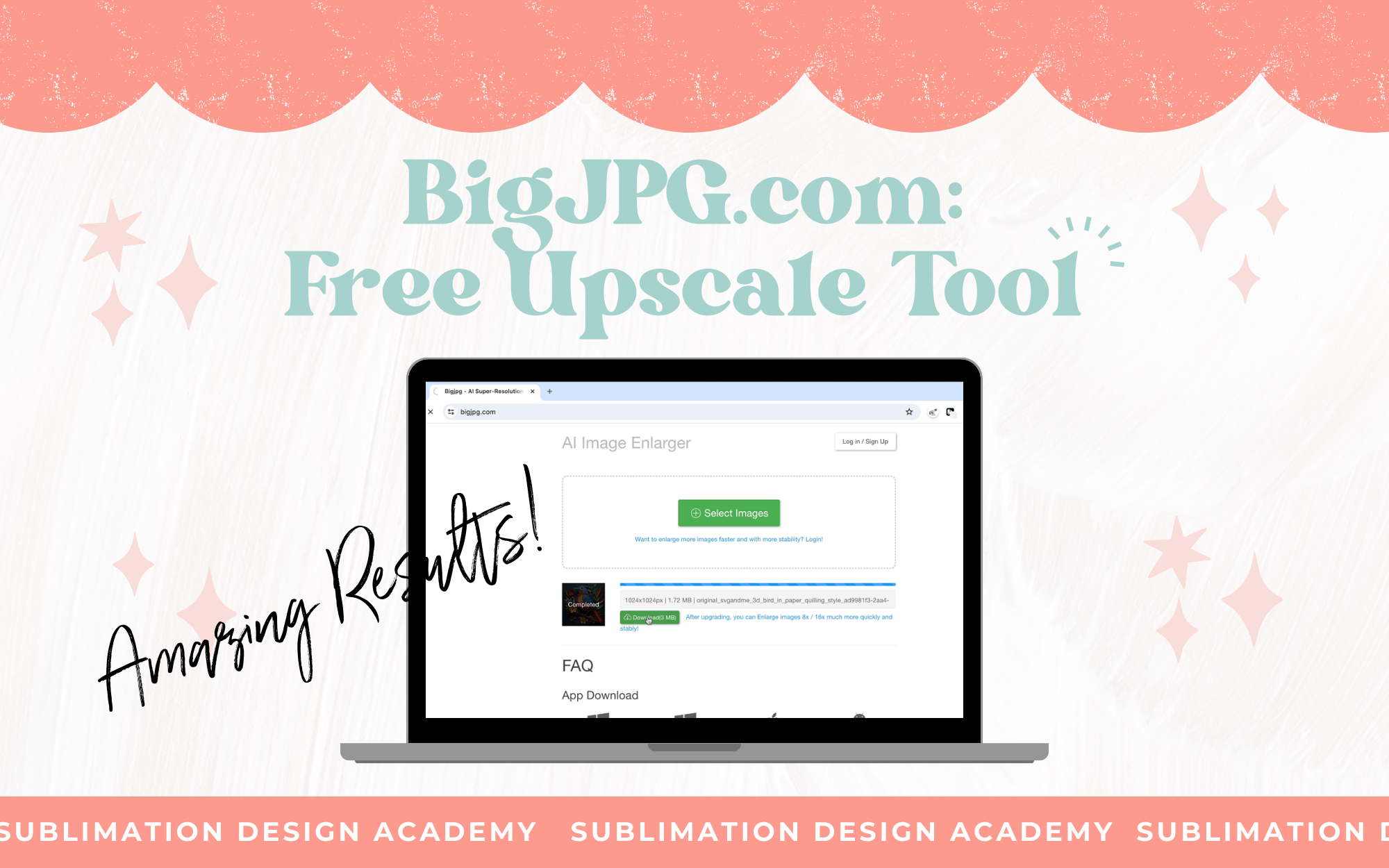 Links Mentioned: Bigjpg.com How to upscale images (lesson from the course) Upscayl.org
 -
Erica Martin commented on the post, Day 4: Santa Chimney Countdown Bookmark 2 years, 8 months ago
Haha I love it!
-
Erica Martin wrote a new post 2 years, 8 months ago
Split Image Animation
 Links Mentioned: Open Canva Template Used in Video
 -
Erica Martin commented on the post, How to Use Our Free Tumbler Mockups 2 years, 8 months ago
Yay! So glad to hear it!
-
Erica Martin commented on the post, Create a 3D Effect with Interpolate in Inkscape 2 years, 8 months ago
You’ll save as a SVG and upload to Design Space to cut on your Cricut. Check out the SVG upload lesson from the course if you have questions 🙂
-
-
Erica Martin commented on the post, How to Create Custom Frames from Any Graphic or Text 2 years, 8 months ago
Feel free to email me with a photo example. I am not quite sure what you mean.
-
Erica Martin wrote a new post 2 years, 8 months ago
Wraparound Animal Text Effect
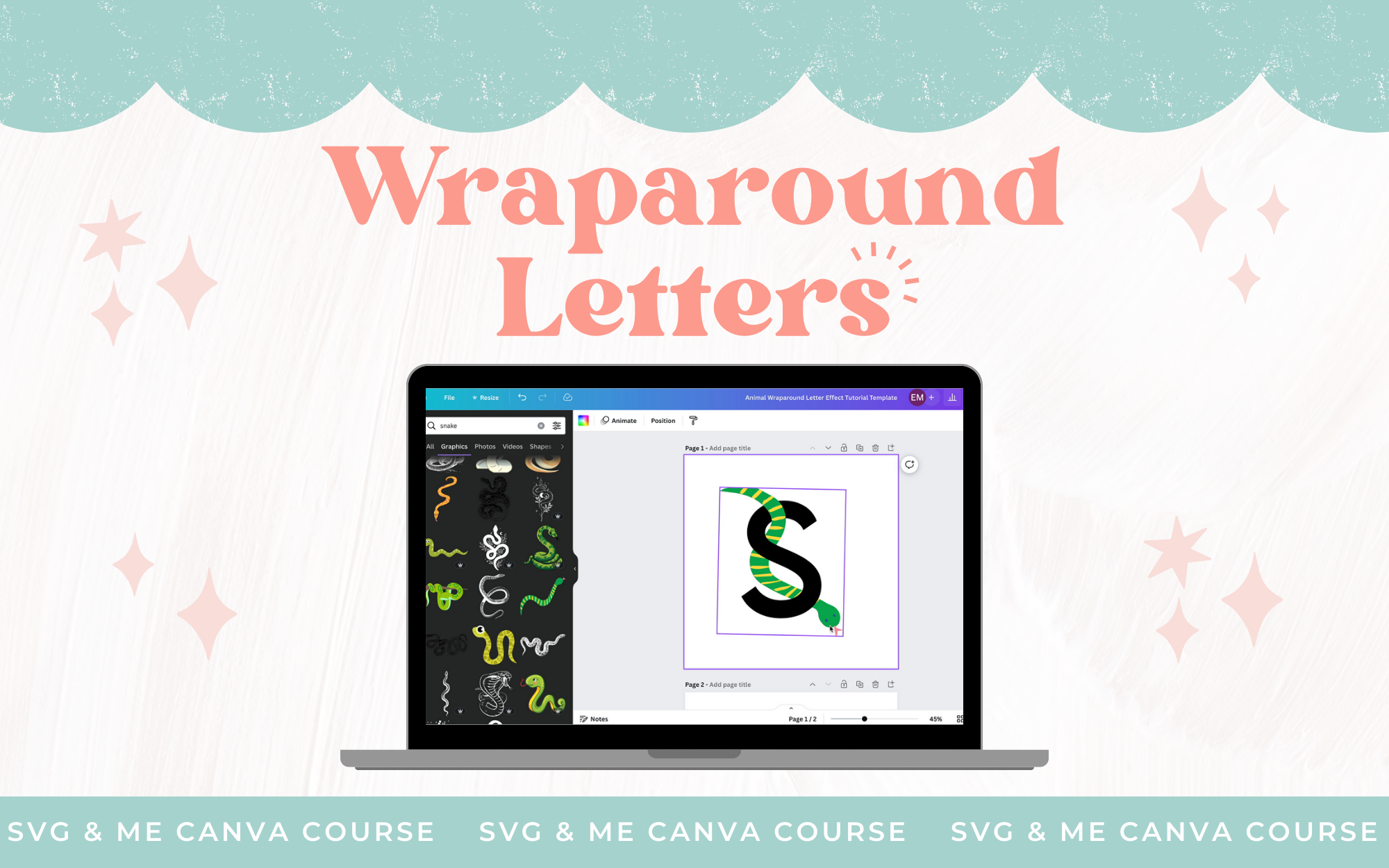 Links Mentioned: Open Practice Doc in Canva Pop Through Effect Lesson from Canva Course
 -
Erica Martin wrote a new post 2 years, 8 months ago
Flower Power Training (Members Version)
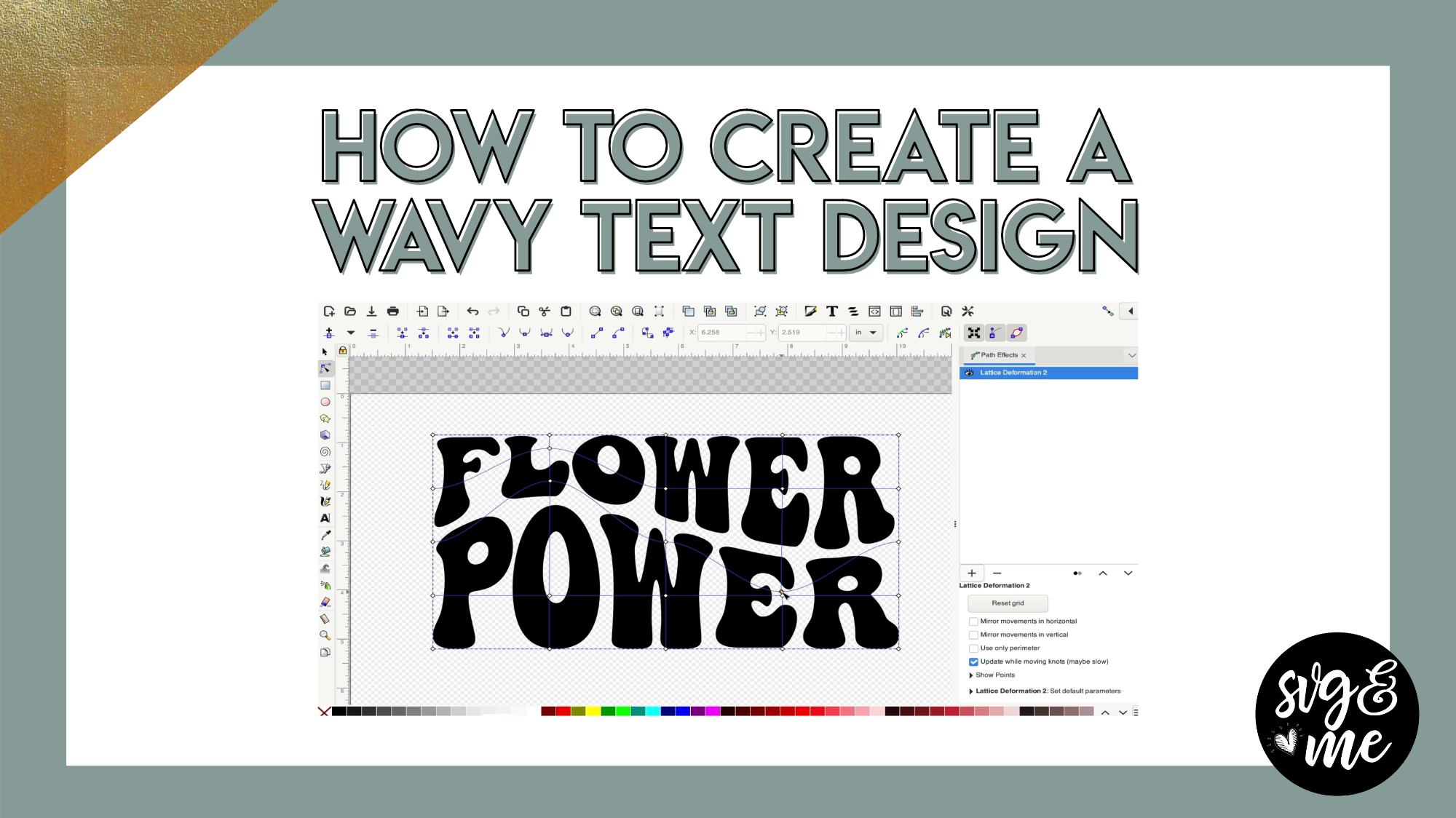 Links Mentioned: Download Flower Power Practice Doc Download Cheat Sheet Check out the members version of our Flower Power free training that teaches you how to create wavy text plus an awesome flower hack!
 -
Erica Martin wrote a new post 2 years, 8 months ago
-
You have a great eye for taking items apart to create one.
-
-
Erica Martin wrote a new post 2 years, 8 months ago
Create a 3D Effect with Interpolate in Inkscape
 Download Practice Doc
-
Hi,
How do you then set it up to cut on Cricut?-
You’ll save as a SVG and upload to Design Space to cut on your Cricut. Check out the SVG upload lesson from the course if you have questions 🙂
-
-
i tried this for the past hour and i couldn’t make it work. So frustrating. I finally did it… but i kept getting it in 3 pieces. shift to take off that pink layer doesn’t work. I had to keep holding option to select back layer to delete. Is there another button to press? Shift for me just keeps making a square selection. It doesn’t grab both images for me.
-
- Load More


What about Silhouette users?
Yep! Very easy to do in there as well. Here’s a quick video showing you how: https://www.loom.com/share/c37c4d9077004eeeb18d271c5cb4230f?sid=252599cc-e764-4aae-892a-79514649e074
Thank you Erica – you’re as awesome as ever!
Thank you!!!
Thank you! They are perfect…
Awesome!!!!
Thank you!!
Thank you Erica, I needed this inspiration for some Christmas stockings I’m making.
OH I love them !!! Thank you so much
Thank you so much!
Thank you so much!!