


Joella Nelson
,@joellamay
1
Friends
You need to log in or create an account to post to this user's Wall.
-

Erica Martin commented on the post, How to Crop Your Images in Photopea 2 years, 10 months ago
Yay! Great to hear!
-
Erica Martin commented on the post, Inkscape Split Path Hack (Single –> Multi-Color SVGs) 2 years, 10 months ago
That’s odd – mind sending a screenshot and the file to [email protected]?
-
Erica Martin wrote a new post 2 years, 10 months ago
New Magic Expand Tool (Pro Only)
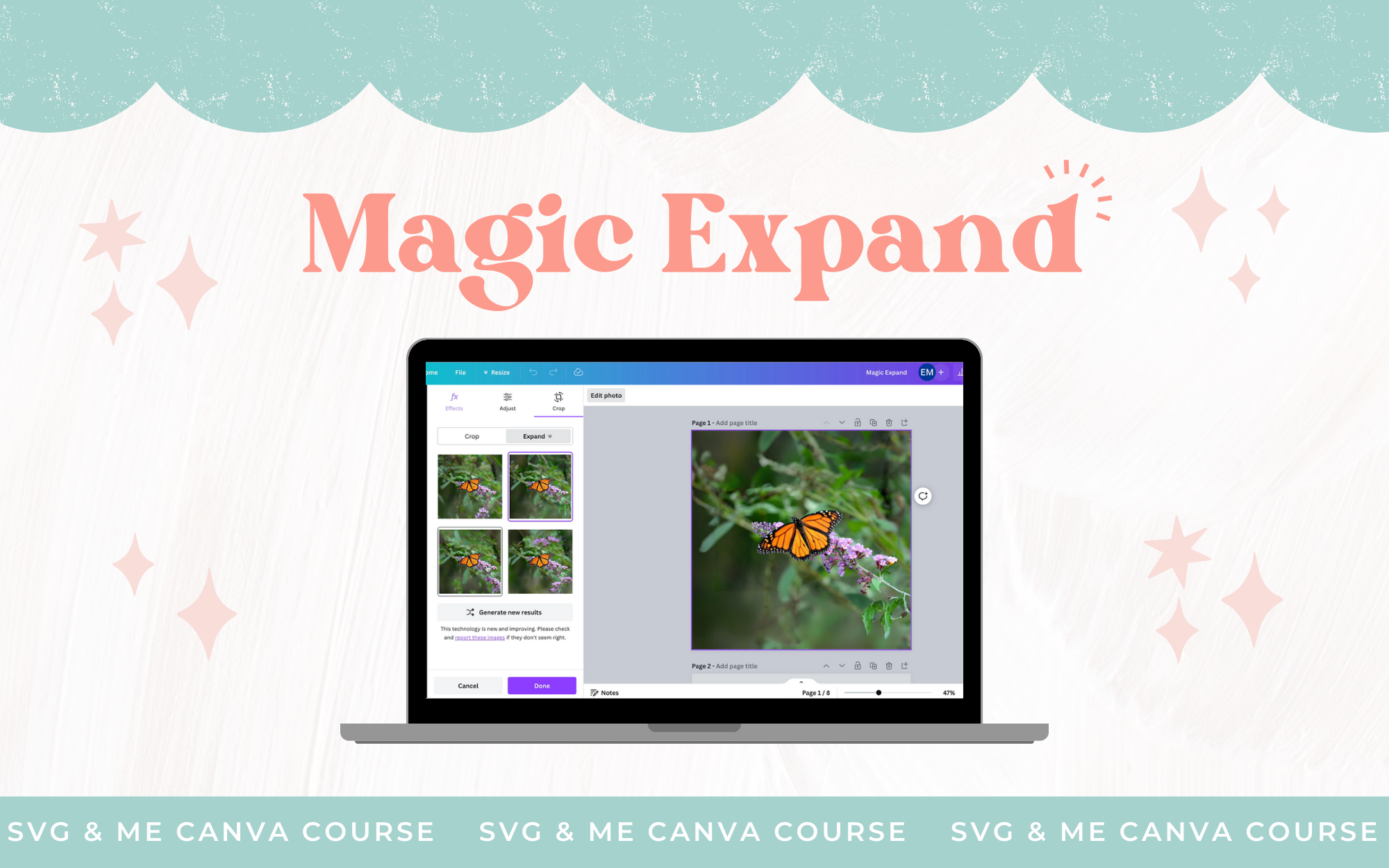 Links Mentioned: Open Practice Doc with Examples Used in Video New Tool #2: Magic Grab New Tool #3: Grab Text
 -
Erica Martin commented on the post, Commercial Use FAQs 2 years, 10 months ago
Check out video 1 of Sublimation Design Academy to learn all about it 🙂
-
Erica Martin wrote a new post 2 years, 10 months ago
How to Crop Seamless 3D Inflated Designs in Photopea
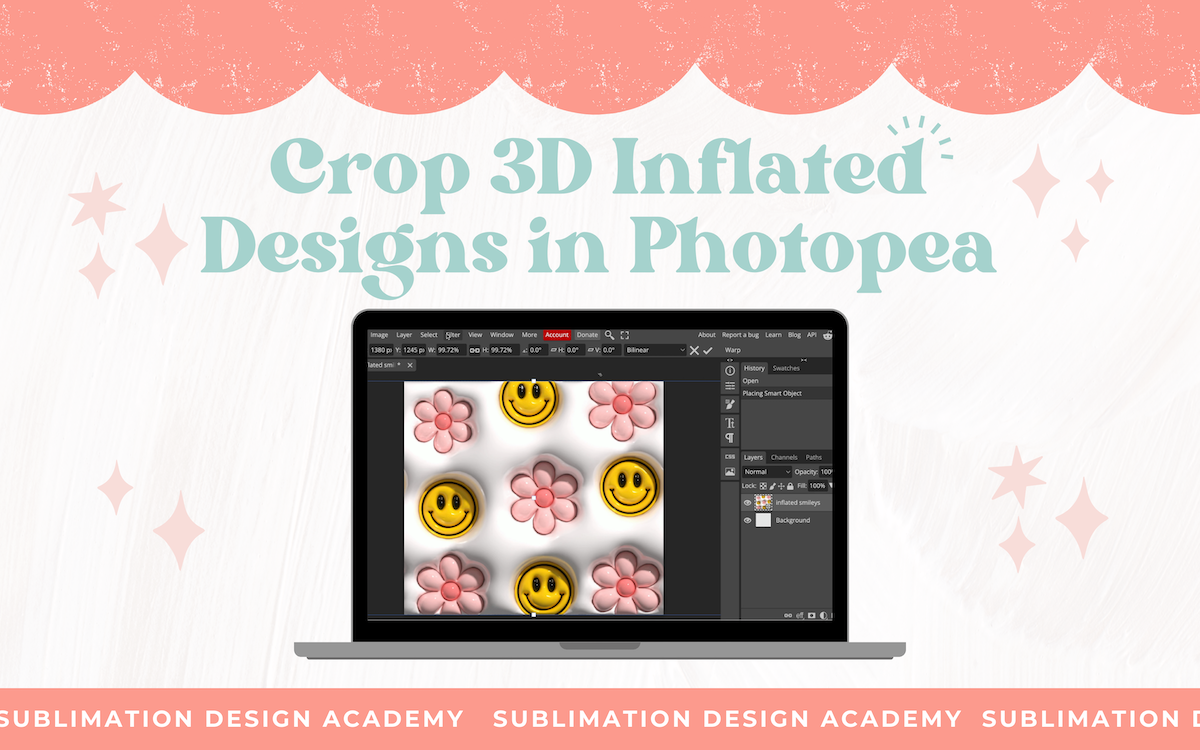 This is an alternative to the Canva method shown in the course (reference that video for how to create 3D inflated designs).
-
What is the link to verify if your image is seamless?
-
-
-
Erica Martin wrote a new post 2 years, 10 months ago
How to Expand Backgrounds and Create Seamless Wraps with Photoshop's Generative Fill
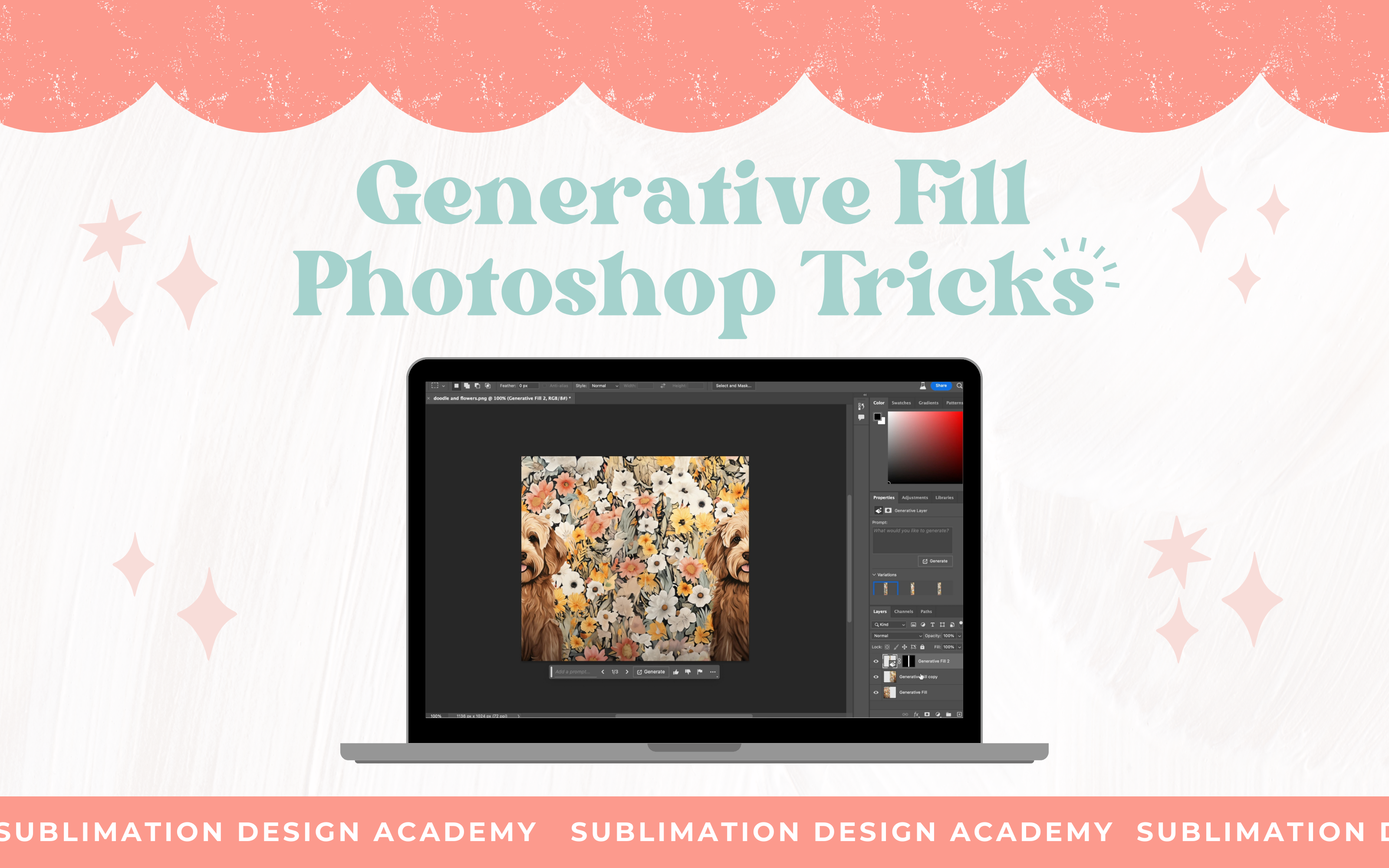 Links Mentioned: Doodle dog with flowers image example used IMPORTANT UPDATE: You can now use Generative Fill for commercial use according to Adobe’s latest announcement – yay!
 -
Erica Martin wrote a new post 2 years, 10 months ago
How to Crop Images in Photoshop
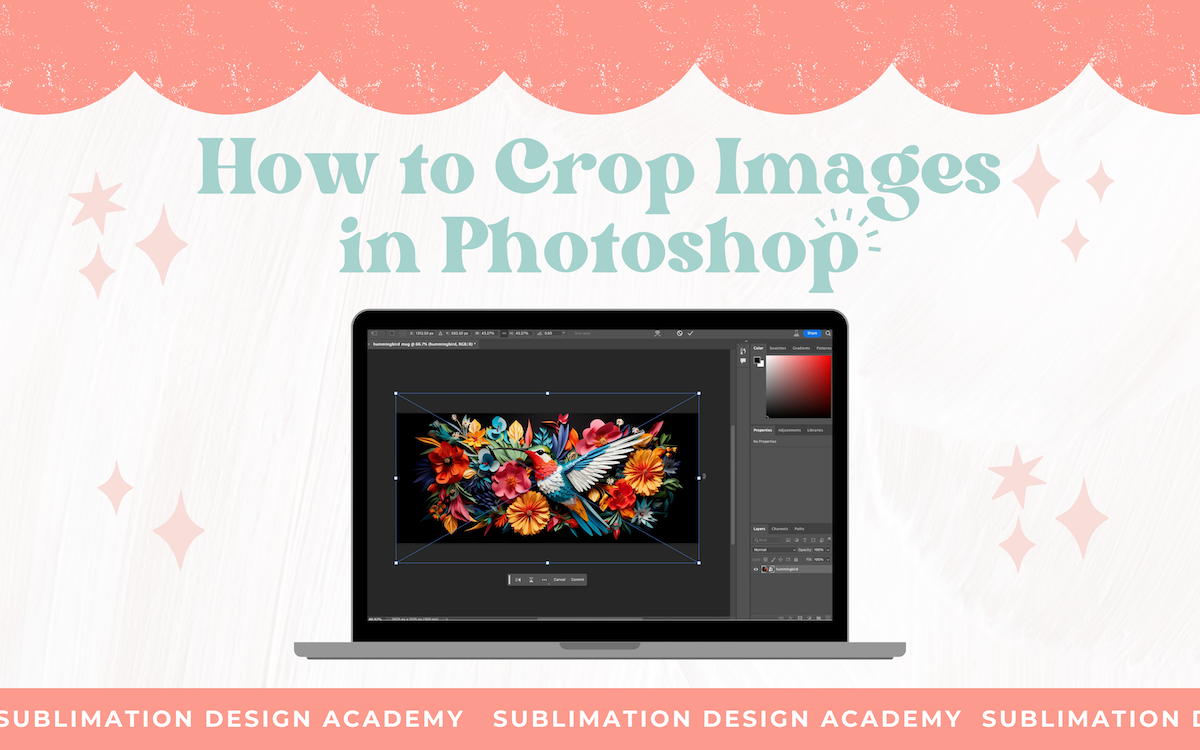 Links Mentioned: How to Crop Images in Photopea (free) How to Crop Images in Canva (free) Hummingbird Image Example Seamless Floral Image Example Free Seamless Pattern Checker
 -
Erica Martin wrote a new post 2 years, 10 months ago
How to Fix Problem Areas Using Photoshop Part 2
 Links Mentioned: Pumpkin and Orange Flowers Scene Example 3D Paper Flowers Example Haunted House Castle Example 3D Bear Art […]
 -
Erica Martin wrote a new post 2 years, 10 months ago
How to Fix Problem Areas Using Photoshop Part 1
 Links Mentioned: Sheep Oil Painting Example 3D Bear Art Example How to Fix Problem Areas Using Photoshop Part 2
 -
Erica Martin wrote a new post 2 years, 10 months ago
How to Remove Backgrounds Using Photoshop
 Links Mentioned: Download the Image Examples I Used Photopea.com StickerMule Trace Adobe Express
 -
Erica Martin wrote a new post 2 years, 10 months ago
-
Erica Martin wrote a new post 2 years, 10 months ago
-
Erica Martin wrote a new post 2 years, 10 months ago
-
Erica Martin wrote a new post 2 years, 10 months ago
-
Erica Martin wrote a new post 2 years, 10 months ago
Seller Design Pack Templates
 Links Mentioned: Go to the Seller Design Pack Homepage to Access The Templates Join Etsy and Get 40 Free Listings with My Referral Link!
 -
Erica Martin wrote a new post 2 years, 10 months ago
Commercial Use FAQs
 Links Mentioned: Canva’s Commercial Use Terms Canva’s Official Video on Print on Demand and Printables Canva’s Guide to Creating Products to Sell SVG & Me’s Sublimation Design Commercial License Terms
-
ok so you are talking about mid journey will you explain what that is please
-

Check out video 1 of Sublimation Design Academy to learn all about it 🙂
-
-
thank you watching videos now 😉
-
-
Erica Martin wrote a new post 2 years, 10 months ago
My Top Product Research Tips
 Links Mentioned: Pinterest Everbee Alura.io
 -
Erica Martin commented on the post, Holiday Gnomes: How to Repurpose Existing SVGs 2 years, 10 months ago
Hi there! Can you email a screenshot of what’s happening so I can better understand? [email protected]
-
Erica Martin commented on the post, Part 1: How to Install Ink/Stitch Extension 2 years, 10 months ago
Hi there! I just replied to your email but I would make sure you’ve unioned together all the letters before using ink/stitch and see if that helps
-
Erica Martin commented on the post, Tips & Tricks for Watching Our Videos 2 years, 10 months ago
Absolutely!
- Load More


very nice Thanks