


Crystal Leamon
,@kktimom4
1
Friends
You need to log in or create an account to post to this user's Wall.
-

Erica Martin wrote a new post 5 years, 10 months ago
-
Erica Martin wrote a new post 5 years, 10 months ago
For Cricut:
For Silhouette:
Links Mentioned in Video:
Create Bitmoji AccountDownload Chrome Web BrowserDownload Bitmoji Chrome ExtensionSticker Paper I Use
Important Note: If you have trouble copying and […]
-
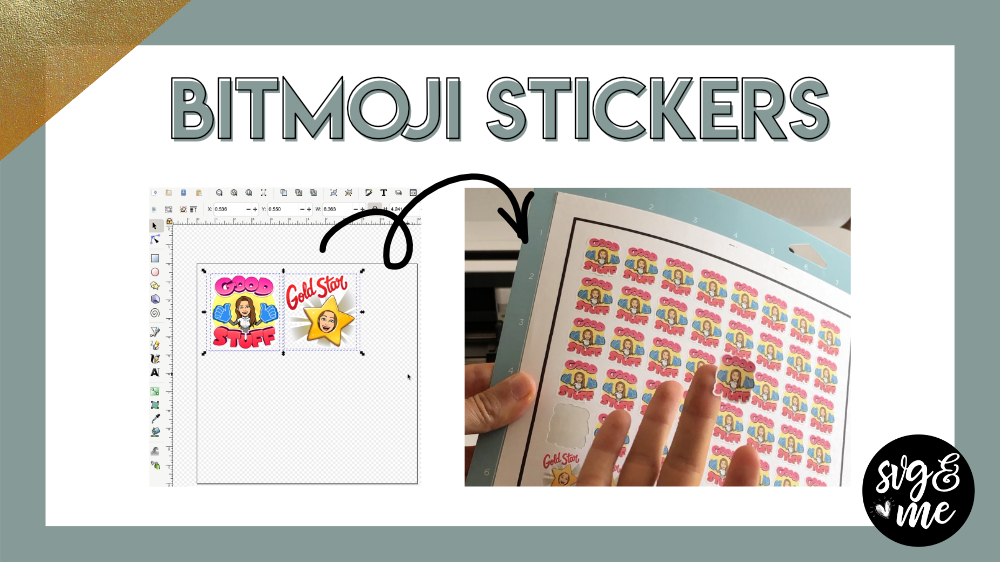
Hi Erica! Why do I have a black box around my sticker image?
-
This happened to me too. I had to save the bitmoji to my desktop instead of copying it and then import it into inkscape to get the image without the black box.
-
-

I wish I’d read the above Q / A before I did tutorial. Your “saving to Desktop” was the workaround for me too! You might edit the video and place a banner at appropriate second to try this if black box appears on emoji. (Just sayin’). Erica, your tutorials are the best! So easy to follow! Thank you!!
-

Good point! I will put a note below the video now
-
-

So, I was attempting to do this and when I paste in my bitmoji, it comes with a black background around it. If I paste it into something else like Word (or save it to pictures), the background is transparent & I can follow (mostly) the steps from there. Suggestions, or should I just keep the extra step if I want to make bitmoji stickers?
-
You can also temporarily save to your desktop and use File > Import to bring in the image that way.
-
Thank you! I will try that then!
-
-
-
-
Erica Martin wrote a new post 5 years, 10 months ago
Join Members-Only Facebook Group
-

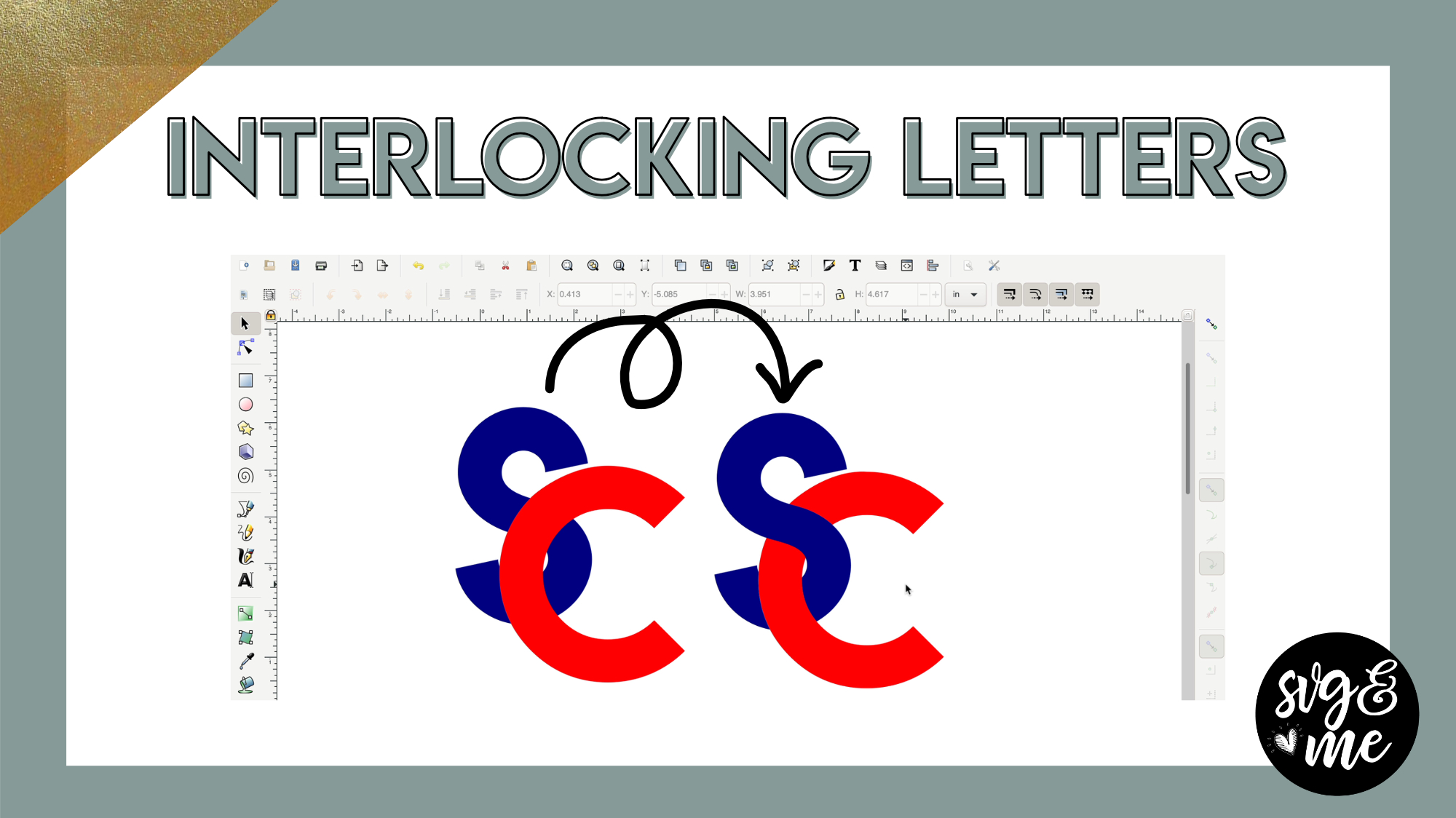
In order to get this to work, I had to change the letters to SVG (object to path) before doing the intersection.
-
It wasn’t working for me. So then I changed the letters to “object to path”. Still not working?
Trying the practice file now?
-
After doing Object to Path make sure you ungroup the letters 🙂
-
-

LOVE THIS !!!! Now want to do this with hearts, etc.
-
Yeah! That would be a great way to use it too with an outlined heart shape
-
-

I did it !!, thanks, I love this tutorial. I really appreciated.
-
Awesome!
-
-

Okay, I’m gonna have to invest in a new brain from Amazon or something…Erica, you KEEP blowing my mind!!!
-
Hahaha glad you enjoyed it!
-
-
-
Erica Martin wrote a new post 5 years, 10 months ago
-
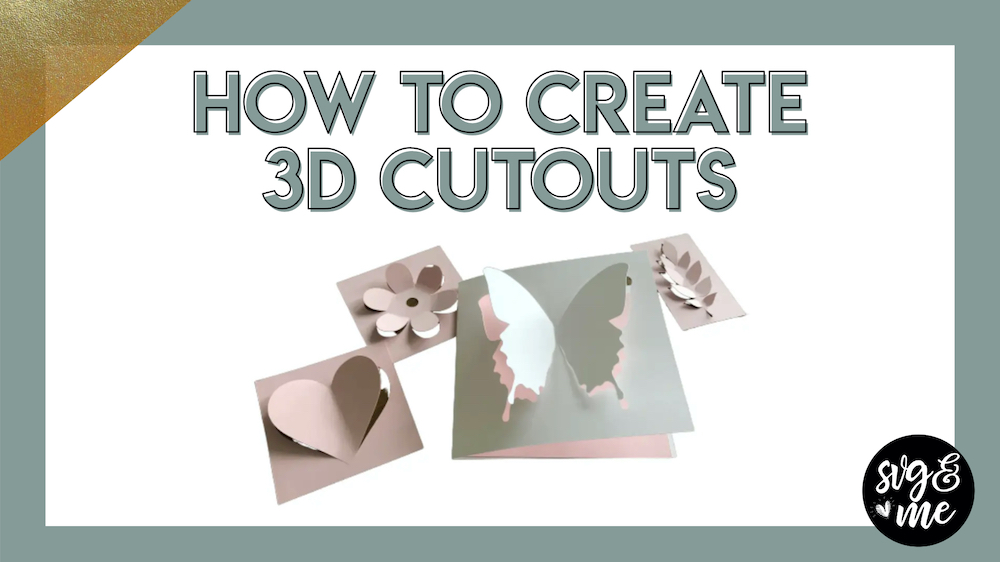
I love this tutorial. It was very easy to follow. I make many cards so this will be fun to use.
-
Great to hear!
-
-
I am so thankful that I came across this membership and took the time to get through all of my courses. These tutorials make all the difference in adding those little skills to make projects that much better!
-
Such a sweet compliment! Thank you!!
-
-
-
Erica Martin commented on the post, Secret Shortcut: Converting Text to a Path 5 years, 10 months ago
You’re welcome!
-
Erica Martin commented on the post, Shape Fill & Stroke Default Settings 5 years, 10 months ago
Go to the FAQ page (linked on left hand menu) and checkout question #1. If that doesn’t solve the problem send us an email at [email protected]
-
Erica Martin commented on the post, Shape Fill & Stroke Default Settings 5 years, 10 months ago
Great!
-
Erica Martin commented on the post, How to Create Monograms 5 years, 10 months ago
Hi there! Please email us at [email protected] with any account questions 🙂
-
Erica Martin commented on the post, My Favorite Mandala Creator (Beginner Friendly) 5 years, 11 months ago
Yay! So glad to hear it!
-
Erica Martin commented on the post, Welcome Video #1: Courses 5 years, 11 months ago
Thank you so much! We actually even have Silhouette Studio course what will be perfect for you as a Cameo user and you get that in addition to the Inkscape course at no added cost!
-
Erica Martin commented on the post, Design with Me: Penguin with Scarf 5 years, 11 months ago
Love that determination and from what I’ve seen in the facebook group you really have been doing some awesome practice projects!
-
Erica Martin commented on the post, Day 6: Snowflake Wine Glass Name Tags 5 years, 11 months ago
Definitely reach out if still having buffering issues. If you pause the video for a minute or so at the beginning that should give it time to buffer. Even if you have strong wifi it can run into slow downs at peak times so may be worth testing your connection. I use a site called speedtest.net
-
Erica Martin commented on the post, Converted Font Lookup Hack 5 years, 11 months ago
Yes, a great hack! Glad you found it useful!
-
Erica Martin commented on the post, Advanced Node Editing of Traces 5 years, 11 months ago
Exactly!
-
Erica Martin commented on the post, Text Effects 5 years, 11 months ago
Aww that is so incredibly kind of you to say – glad you see the potential of all the ways you can use these new skills!
-
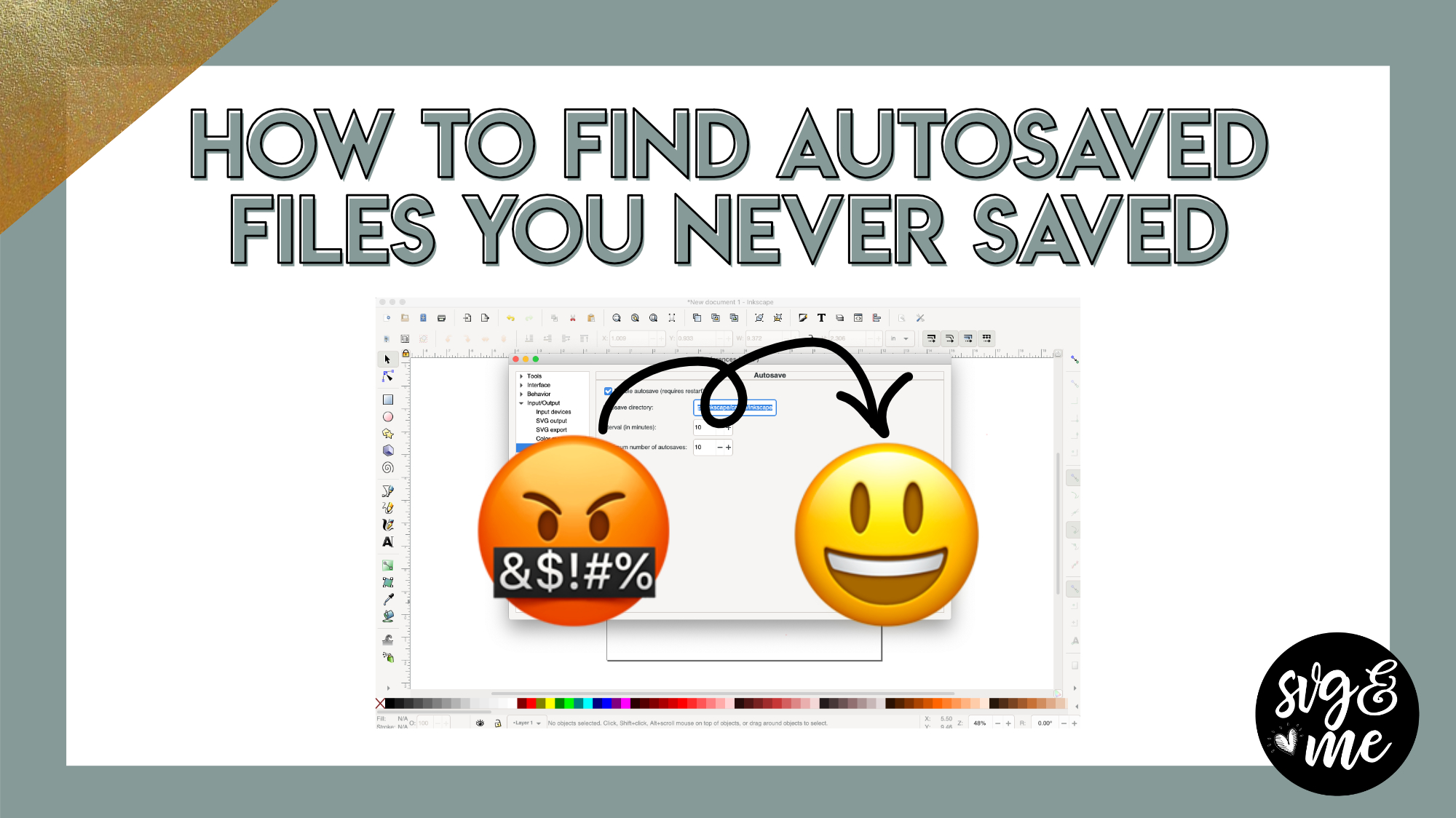
Erica Martin commented on the post, How to Find Autosaved Files in Inkscape (Even if You Never Saved Them) 5 years, 11 months ago
No it will just save one version of each of the files
-
Erica Martin commented on the post, How to Upload 3D SVGs 5 years, 11 months ago
Thanks! I use Mac but it works on both.
-
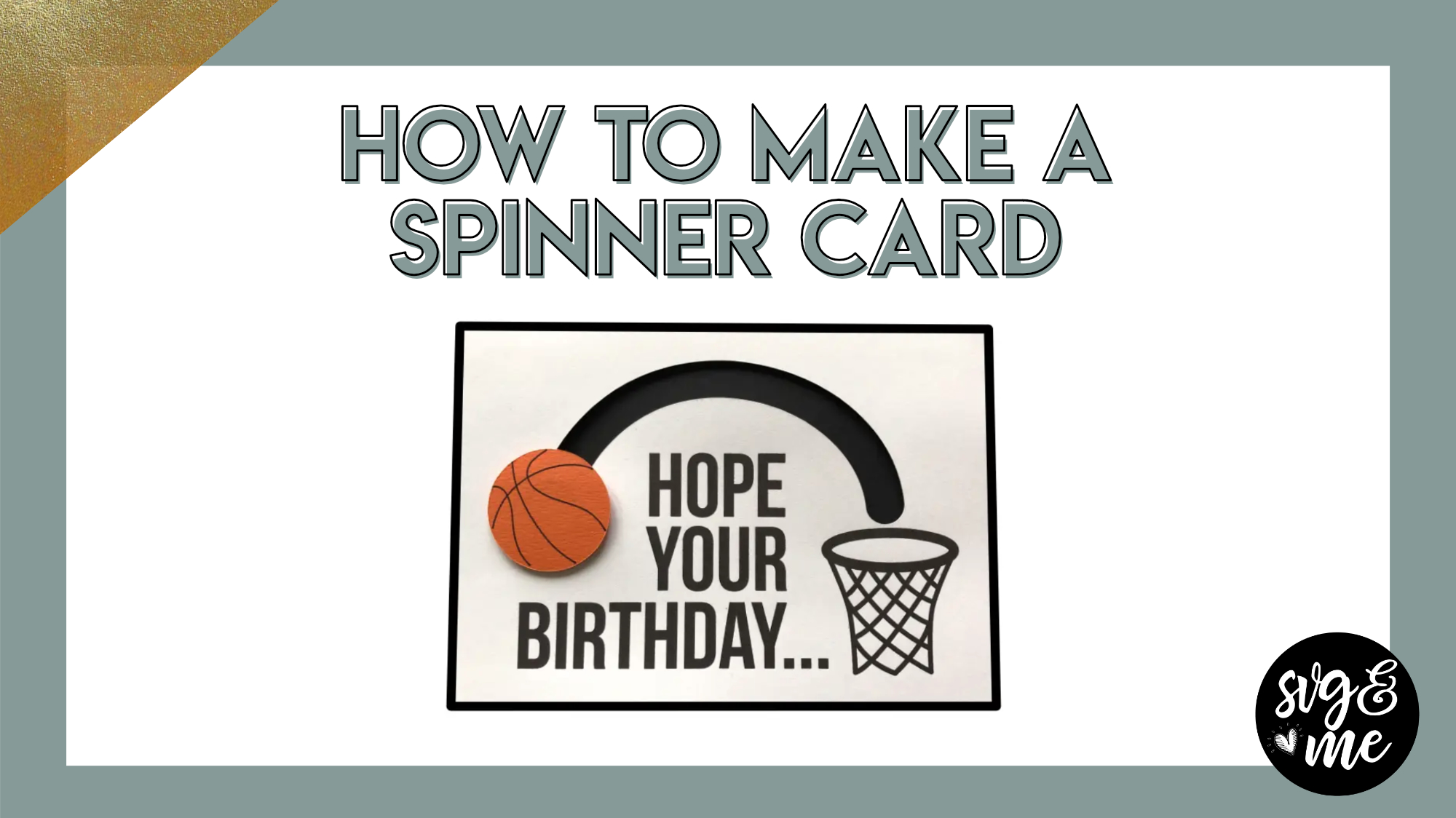
Erica Martin commented on the post, How to Make a Spinner Card 5 years, 11 months ago
Yep! We go over the document properties settings you need for scaling correctly in this lesson: https://members.svgandme.com/lessons/document-properties/
-
Erica Martin wrote a new post 5 years, 11 months ago
Download Basketball and Net SVGDownload Finished Basketball Spinner Card SVG
-

Brilliant. One question. I have never had my Inkscape documents come over at the right size in design space. So I have always had to do the resize. Is there a trick for getting them to come over at the correct size?
-
Yep! We go over the document properties settings you need for scaling correctly in this lesson: https://members.svgandme.com/lessons/document-properties/
-

Thank you Erica…what a fun card!
-
Glad you liked it!
-
-
-
Erica Martin wrote a new post 5 years, 11 months ago
-
Excellent tutorial. So what happens if you have multiple inkscape files opened (none of them saved). If you have autosaves set to 10, will it save 10 of each of the opened files.
-
No it will just save one version of each of the files
-
-
I followed the instructions. Then I played and created a pic in Inkscape. I left my computer for a couple of hours. When i came back I closed the file without saving. Now where do I find the “saved file”? I hadn”t even named it yet. Is it still saved somewhere?
-
- Load More


This is another awesome tutorial. Now I do not have to worry about spacing the letters evenly either! Thanx Erica !
Yes, absolutely! Glad to hear you enjoyed it!
Very good short tutorial.
Thanks!
This is my next craft project on my things to make list. This tutorial is going to make my time more productive.
Thank you so much!!!!!!
Awesome!
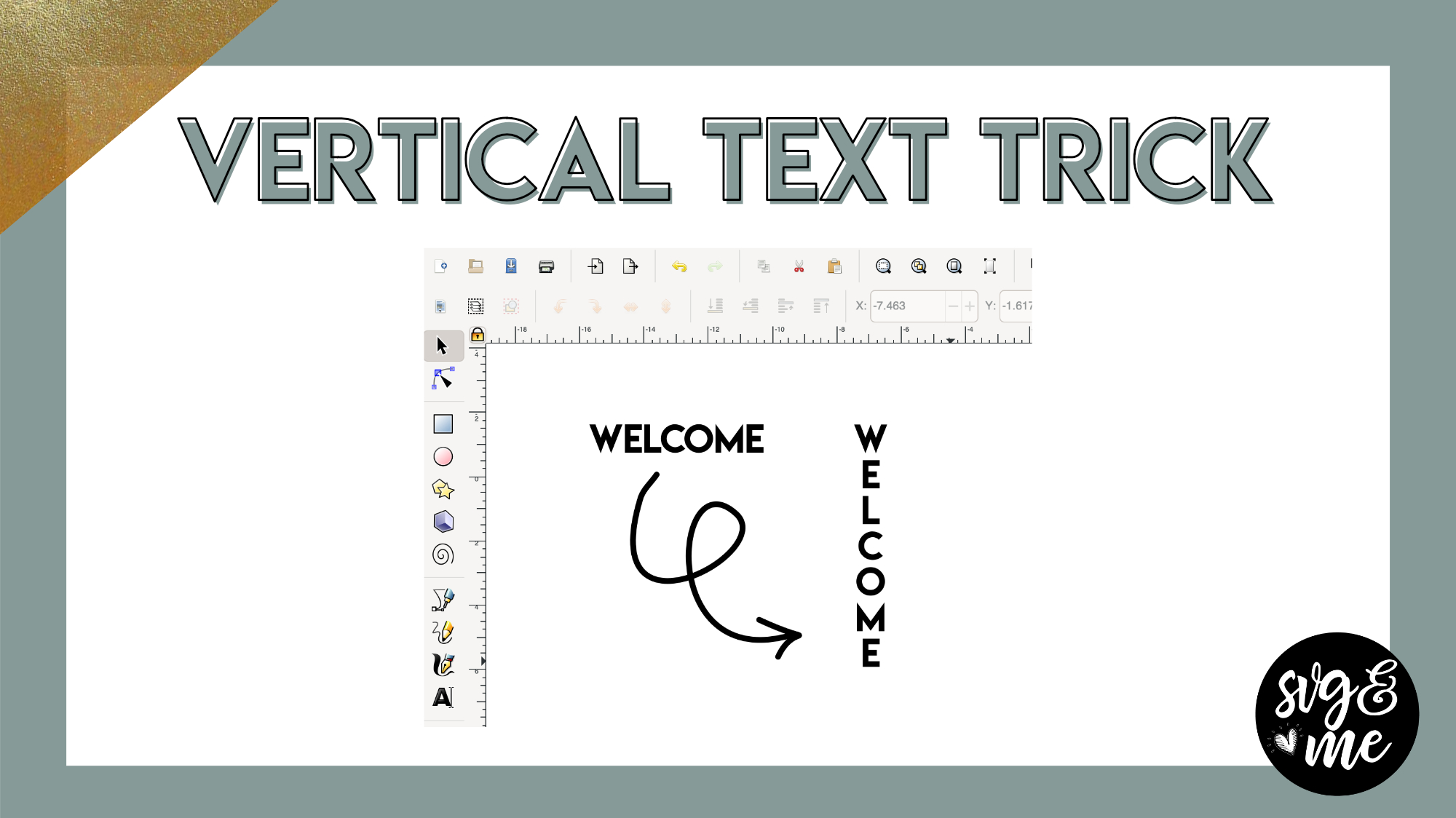
I updated Inkscape and having a hard time finding the writer’s mode can someone assist me with this please, thanks
Make sure you have the text tool selected and then email me a screenshot and I can help further 🙂
Perfect!! thanks.
You bet!
Great trick!
Thanks!
I don’t have that option and there is one of the little boxes that is greyed out in my version of inkscape
Feel free to email me a screenshot of what you are seeing, but make sure the text has NOT been converted to a path before you look for these options.
Thanks Erica. I figured it out.
I Need Help Please can someone please tell me where to find the writting mode arrow. i am not showing it.
Can you send a screenshot of your screen to my email?