


Crystal Leamon
,@kktimom4
1
Friends
You need to log in or create an account to post to this user's Wall.
-

Erica Martin commented on the post, How to Make Mandalas in Inkscape 7 years, 4 months ago
Oh good! Yes, they are so fun to make. Something very relaxing about the replicating patterns 🙂
-
Erica Martin commented on the post, Heartbeat Designs 7 years, 4 months ago
You bet!
-
Erica Martin commented on the post, How to Upload 3D SVGs 7 years, 4 months ago
You’re welcome!
-
Erica Martin wrote a new post 7 years, 4 months ago
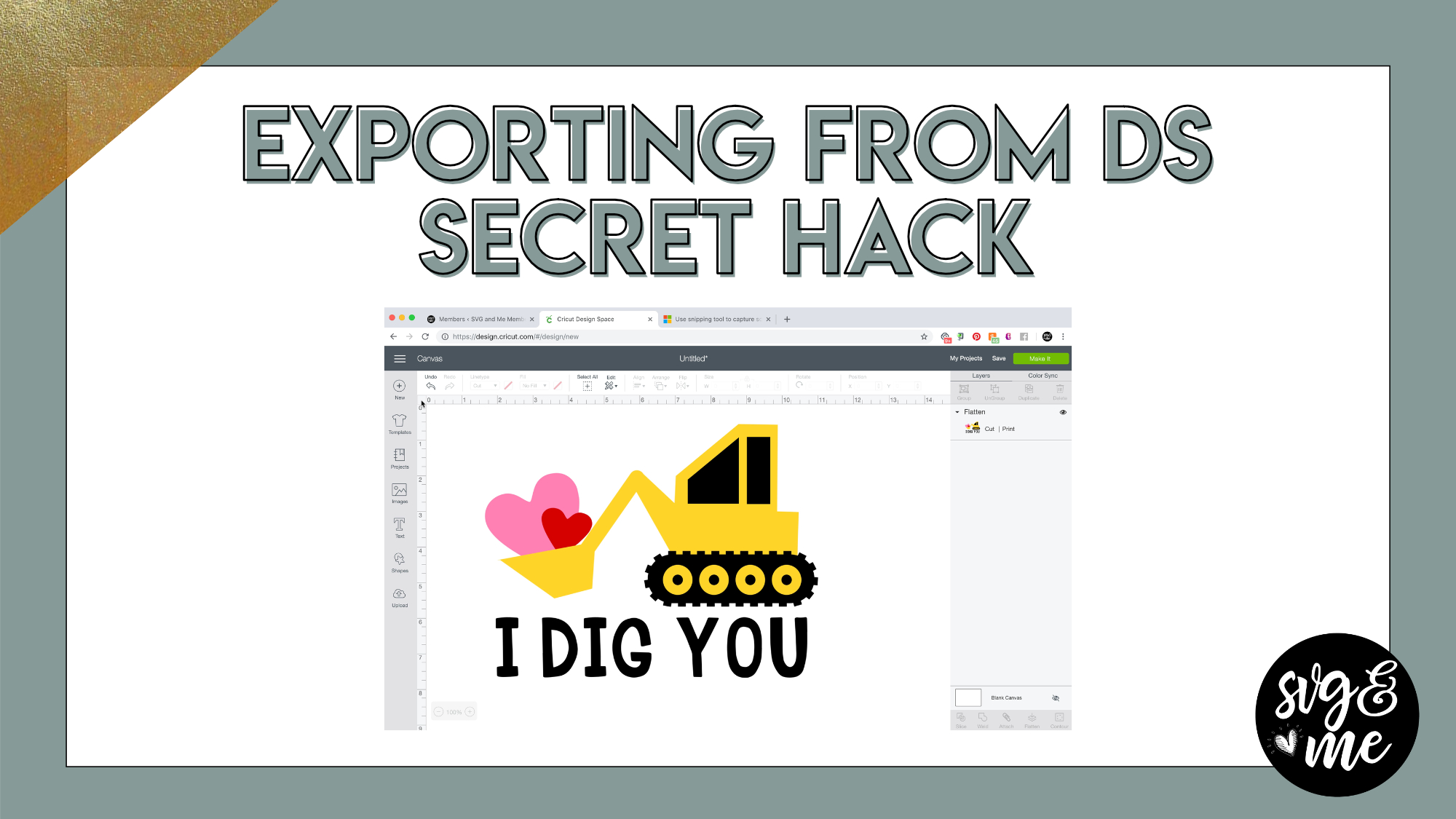
How to Use Snipping Tool (PCs)
-
Erica Martin commented on the post, Welcome Video #1: Courses 7 years, 4 months ago
Oh no! Does this link work? https://design.cricut.com/#/landing/user-project/134095942
-
Erica Martin commented on the post, How to Make Ribbon Banners in Inkscape 7 years, 4 months ago
Yay! Love to hear that – you’re welcome!
-
Erica Martin commented on the post, Heartbeat Designs 7 years, 4 months ago
You’re welcome!
-
Erica Martin wrote a new post 7 years, 4 months ago
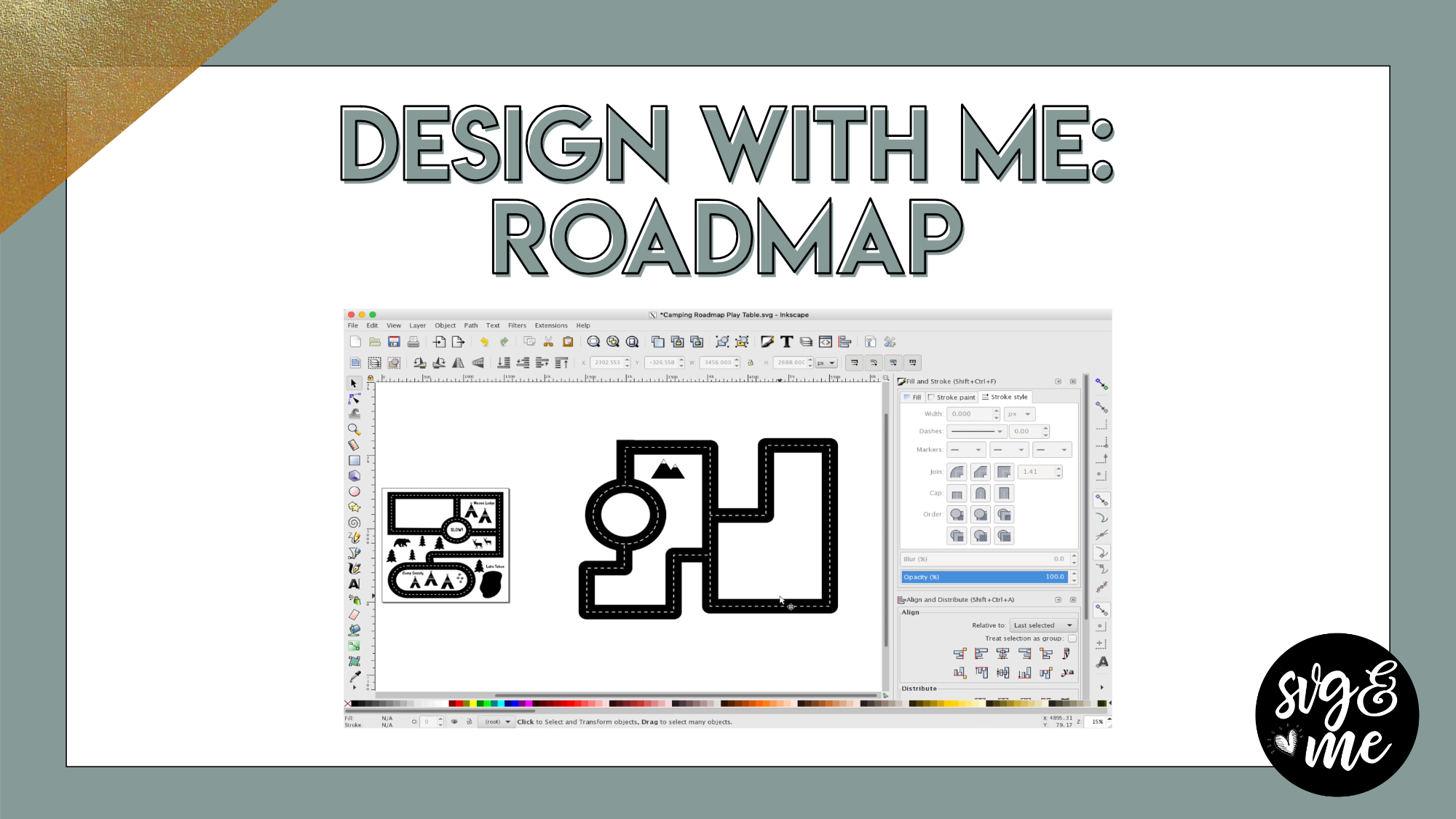
Download Pre-made Roadmap SVG
How to Cut SVGs Bigger Than the Mat Tutorial
-
Erica Martin commented on the post, Design with Me: Split Monogram Leprechaun 7 years, 4 months ago
Do you have any trouble with other videos? What browser do you use? Feel free to email me at [email protected]
-
Erica Martin commented on the post, Troubleshooting: Uploading SVGs to Design Space 7 years, 4 months ago
You’re very welcome!
-
Erica Martin commented on the post, How to Create Mockups in Inkscape 7 years, 4 months ago
Yay! Love to hear that 🙂
-
Erica Martin wrote a new post 7 years, 4 months ago
-
Thank You for the Tutorials
-
-
Erica Martin commented on the post, QW: Placement When Exporting from Inkscape 7 years, 4 months ago
Glad to hear it!
-
Erica Martin commented on the post, How to Make Mandalas in Inkscape 7 years, 4 months ago
Oh good – glad you found it!
-
Erica Martin wrote a new post 7 years, 5 months ago
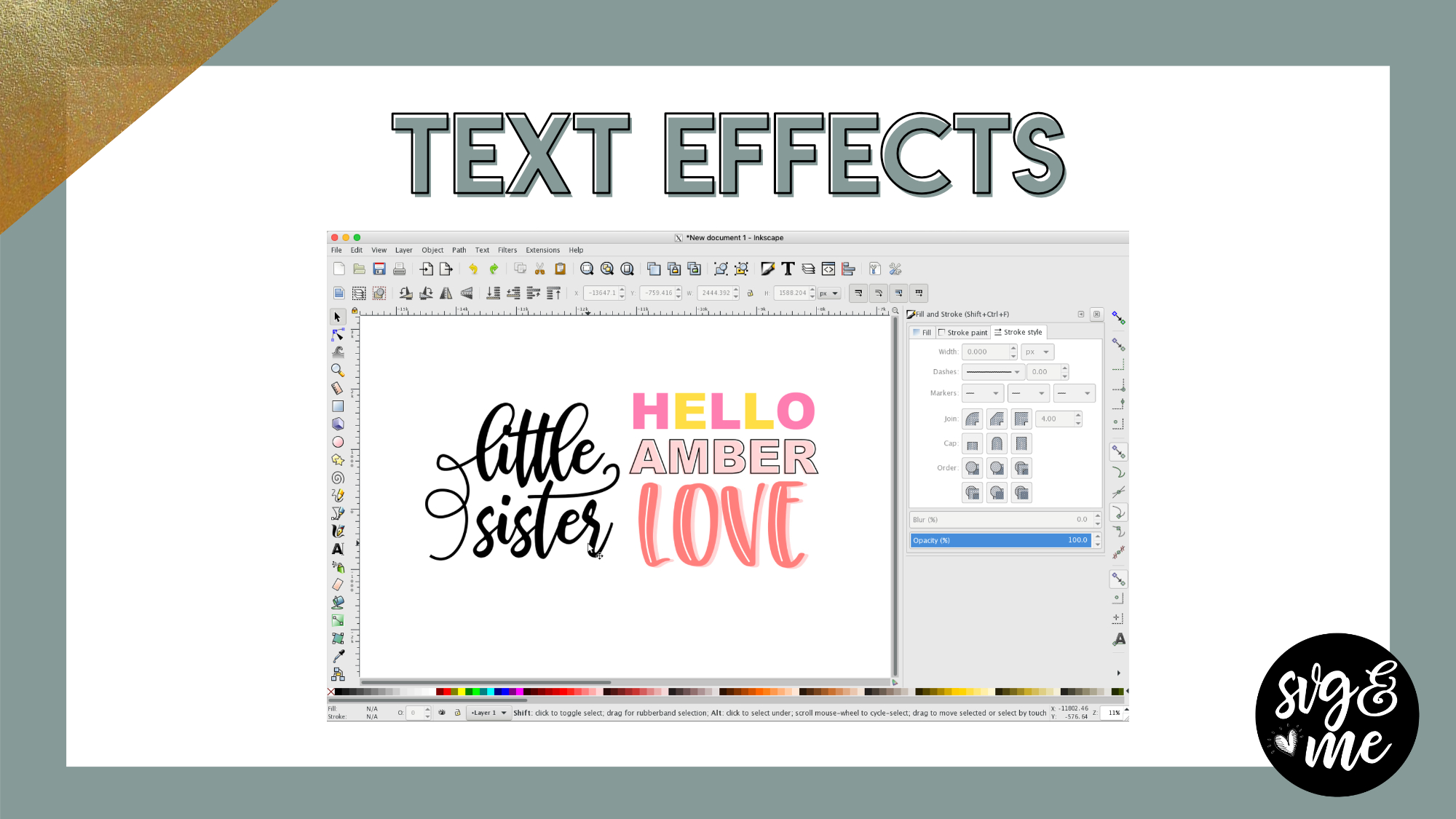
Spice up your fonts with these fun text effects to add a little something new to your designs! These are amazing skills you’ll use over and over again when designing.
-
Love it!
-
Thanks! Can’t wait to play with flourishes!
-
Thanks!
-
Thank You
-
This is a great one, that will make unique designs definitely, thank you!
-

So glad you enjoyed it! You’re very welcome!
-
-
Love it!
-

I signed up last night after watching your free tutorial…you make this look so easy. I think I might be able to add more to my projects after just watching 2 of your videos. You truly have been given a God given talent and I appreciate you sharing it with us.
Thank you so very much.
-
Aww that is so incredibly kind of you to say – glad you see the potential of all the ways you can use these new skills!
-
-
-
Erica Martin commented on the post, Heartbeat Designs 7 years, 5 months ago
Haha, no problem! You could create the heartbeat from scratch using the pen tool, just create the stroke (and thickness you want) and then convert to a path (Path > Stroke to Path).
-
Erica Martin commented on the post, New Feature!: How to Curve Text in Design Space 7 years, 5 months ago
Thank you! Glad you enjoyed it!
-
Erica Martin commented on the post, How to Make Fonts Stencil Friendly 7 years, 5 months ago
For small intricate fonts I recommend cutting on the washi sheet setting and then using the reverse weeding method. We go over both in our Mastering Your Cricut add-on course if you’re interested in learning these techniques: members.svgandme.com/member-myc
-
Erica Martin wrote a new post 7 years, 5 months ago
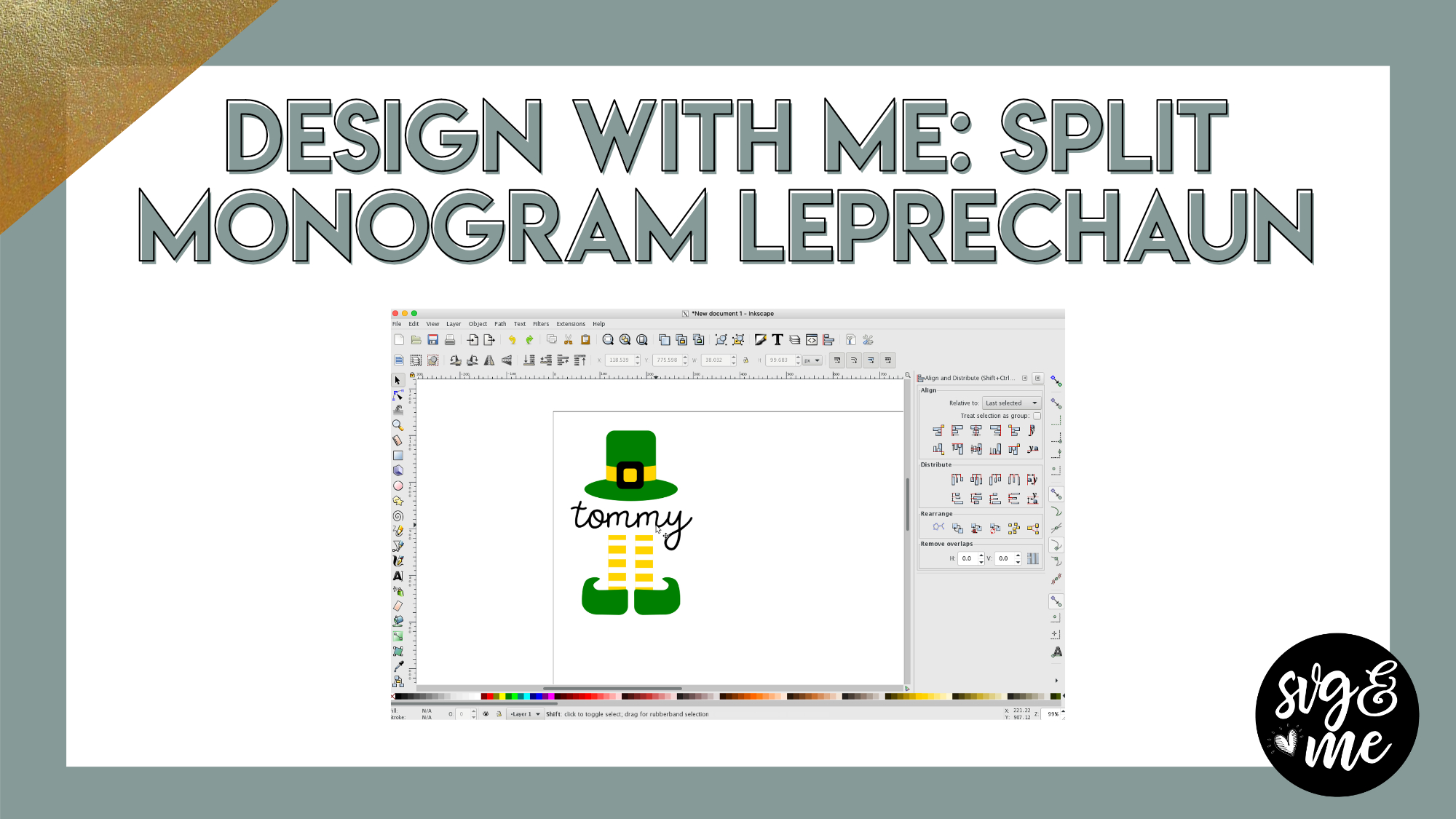
Perfect for St. Patrick’s Day, design along with me as we create this adorable split monogram leprechaun that you can personalize!
-
I get the following message “because of its privacy settings, this video cannot be played here”. What do I do in order to view? Thanks, Sharon
-
Do you have any trouble with other videos? What browser do you use? Feel free to email me at [email protected]
-
-
Thank You
-
-
Erica Martin commented on the post, Heartbeat Designs 7 years, 5 months ago
You bet!
- Load More
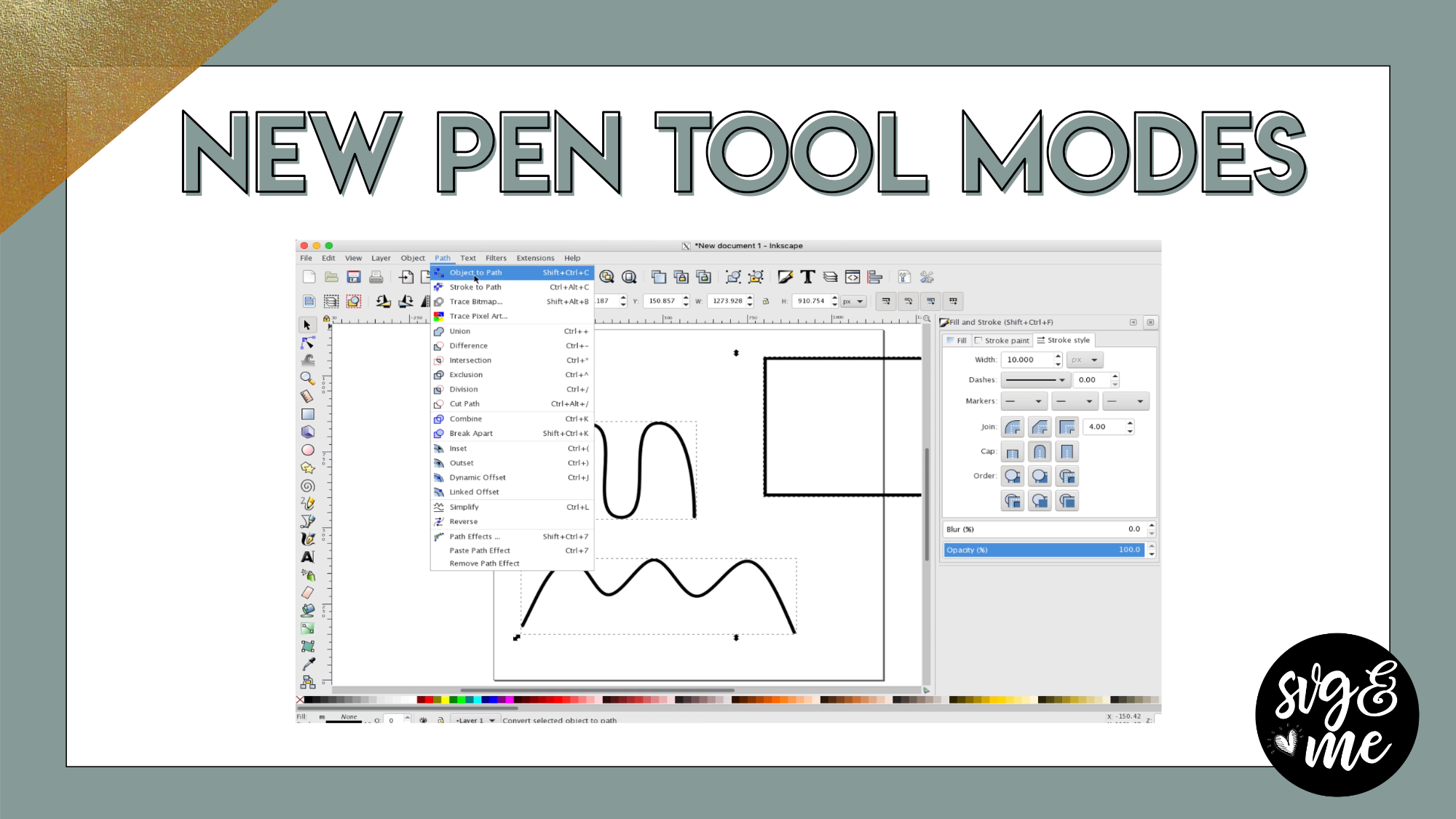


When I select ok my image shows in my Preview pain in Trace Bitmap but the pop-up box never closes and I don’t get an image that I can “un-group”
Have you watched the tracing basics lesson in the Inkscape course? I would make sure to check that out first. The popup window doesn’t close on it’s own. Just make sure you get all the settings right and hit OK and then you can close the window and pull the traced version away from on top. To ungroup the traced design, you can hit the ungroup button or shift + ctrl + g
@erica, is this able to be done with canvas workspace?