


Lisa Fangman
,@llfangman
1
Friends
You need to log in or create an account to post to this user's Wall.
-

Erica Martin wrote a new post 5 years, 3 months ago
Important Update: With the update of Design Space 6.9, you no longer need to resize your page to your design using ctrl + shift + r so please skip this step in the video.
-
Erica Martin commented on the post, How to Add Hatch Fills in Inkscape 5 years, 3 months ago
Before you save and upload, select the entire design and do ctrl + shift + r (PC) or command + shift + r (Mac) to resize the page to your design. Then you should be able to save and not have the uploading scale issue.
-
Erica Martin commented on the post, Custom Tumbler Templates (Cricut or ScanNCut) 5 years, 3 months ago
Canvas Workspace doesn’t have a curve feature so you’ll have to curve the text in Inkscape.
-
Erica Martin commented on the post, "Scatter" Rhinestone Designs 5 years, 3 months ago
Fantastic!
-
Erica Martin wrote a new post 5 years, 3 months ago
-
Erica Martin wrote a new post 5 years, 3 months ago
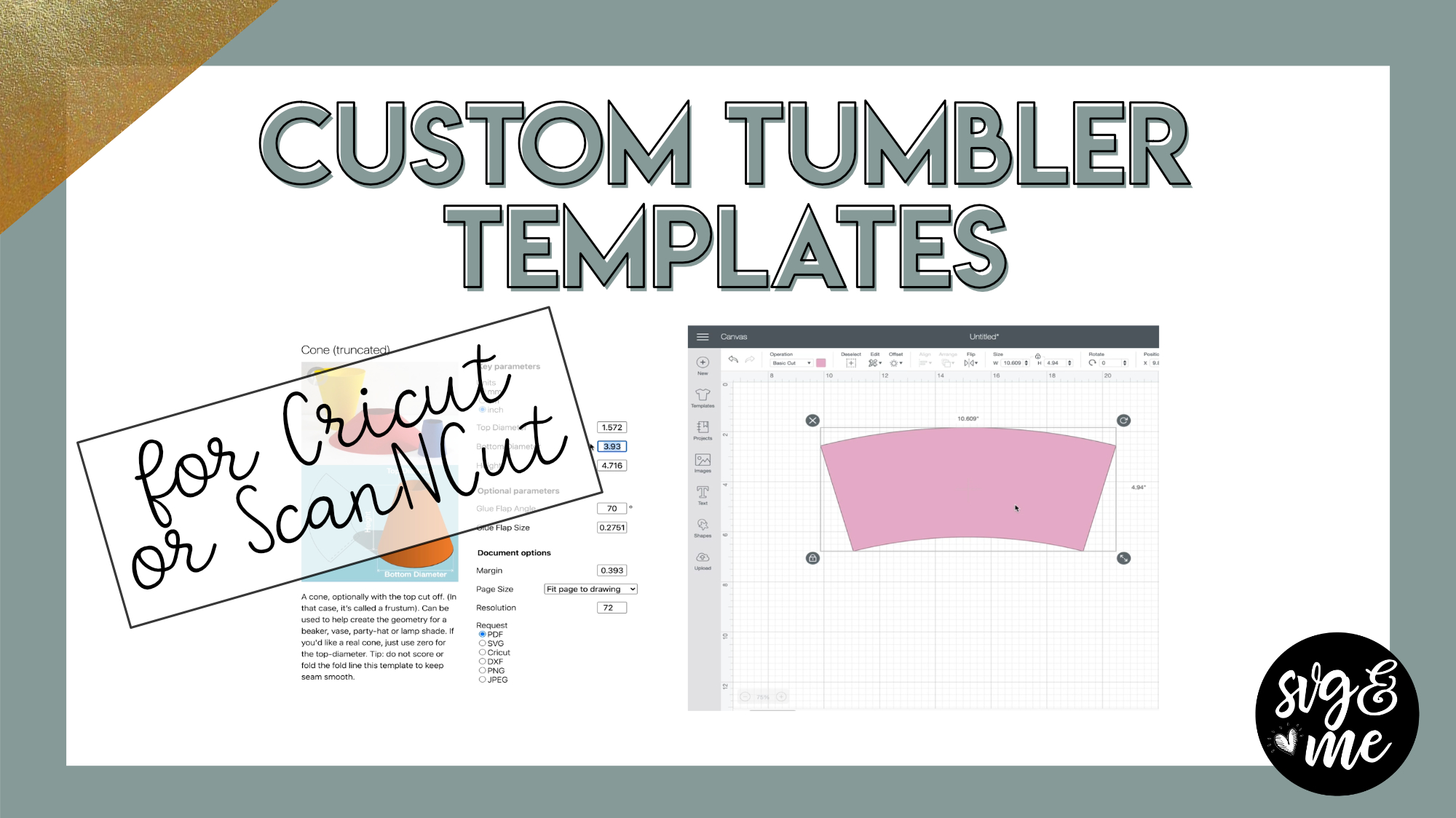
Links Mentioned in Video:
TemplateMaker.NL Cone Template GeneratorCricut Text Curve CalculatorCustom Tumbler Templates in Silhouette Studio Business Edition
Important Update: With the update of Design Space […]
-
How do you curve the letters in Canvas Wokspace?
-

Canvas Workspace doesn’t have a curve feature so you’ll have to curve the text in Inkscape.
-
-
So if I should only need a stripe around the cup with letters cut out of it, could I just resize the template in DS before or after slicing out the letters?
-
I guess what I am trying to say is, what if we don’t want a full template?
-
Yeah I would just make the circumference dimension be where you want the stripe to be on the cup and then the height be the height of the stripe when you create the template with templatemaker.nl
-
Thanks
-
-
-
I can’t get it to print in cricut.
-
This is awesome. I sell sublimated tumblers and usually just make full sheet now I can make abs will have hardly no waste. Is there an option in Inkscape to make transparent?
-
So glad it comes in handy! What do you mean make transparent? What are you trying to make transparent?
-
-

This was amazing. I actually did it! Love the text lesson on the curved surface too. Thank you so much.
-
Woohoo!
-
-
Hi Erica! Is there a way to adjust another template to fit the tapered tumbler template? For example, I purchased a crayon wrap template from Etsy, but it’s rectangular. I’d love to be able to put them on tapered kids cups!
-
You can try adjusting it using the warp tool in Silhouette Studio Business Edition. Check out our lessons here:
-
-
Thank you so much!
-
You’re very welcome!
-
-
Can you enter the curve dimension in Inkscape if you don’t have Cricut?
thank you-
Which machine do you have?
-
-
I have a scan n cut with canvas workspace
-
-
Erica Martin wrote a new post 5 years, 3 months ago
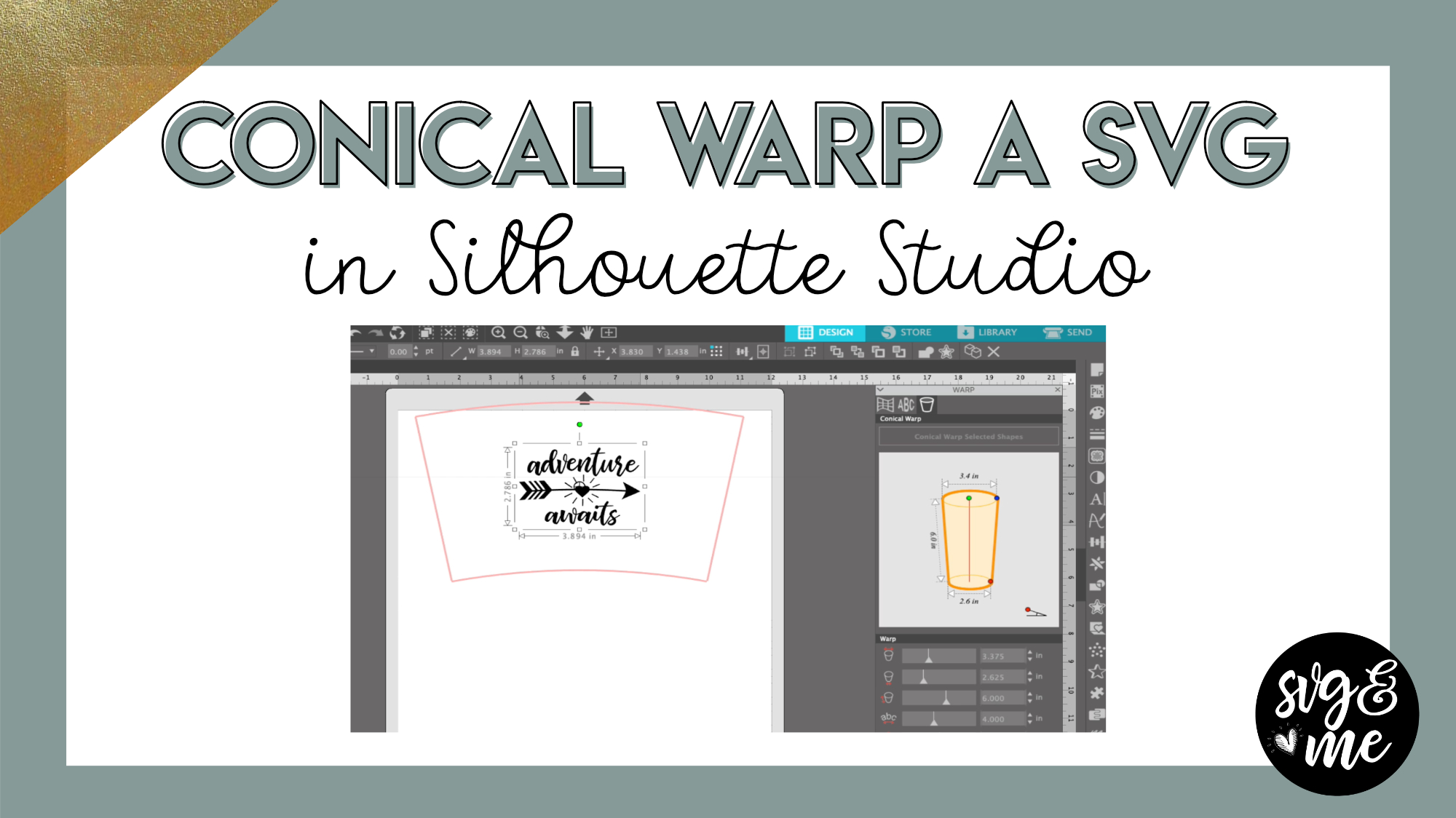
Links Mentioned in Video:
Part 1: How to Create Custom Tumbler Templates in Silhouette StudioDownload Adventure Awaits SVG
-
Erica Martin wrote a new post 5 years, 3 months ago
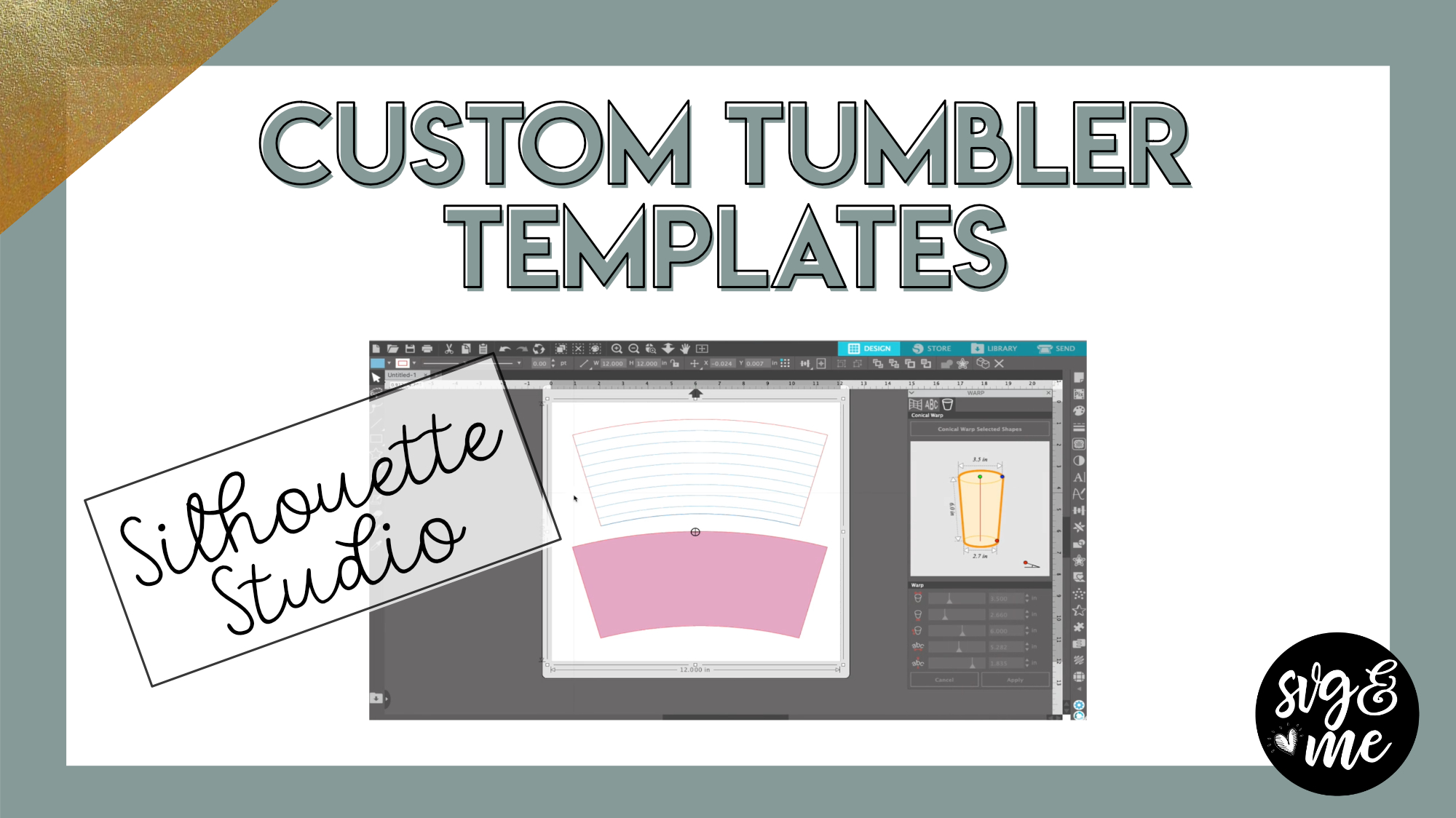
You will need Designer Edition Plus or Business Edition of Silhouette Studio to use the Conical Warp feature (click the links above for each to get the best deals).
Even if you do not have a Silhouette […]
-
Erica Martin wrote a new post 5 years, 3 months ago
Download Practice DocumentDownload Cheat Sheet
Important Update: With the update of Design Space 6.9, you no longer need to resize your page to your design using ctrl + shift + r so please skip this step […]
-
Erica Martin commented on the post, How to Use Weeding Boxes 5 years, 3 months ago
You bet!
-
Erica Martin commented on the post, Welcome Video #1: Courses 5 years, 3 months ago
Yay! So excited for you to get started with it and get hooked on the power of designing your own SVGs 🙂
-
Erica Martin commented on the post, Text to Path Shortcuts 5 years, 3 months ago
It may just be that the offset is so small that you aren’t seeing it. OR make sure you didn’t convert to a path first in which case you’ll have to ungroup the letters before doing the offset.
-
Erica Martin commented on the post, Animal Print Text Effects 5 years, 3 months ago
Glad to hear it!
-
Erica Martin commented on the post, How to Add Hatch Fills in Inkscape 5 years, 3 months ago
Glad you found it!
-
Erica Martin commented on the post, How to Make Custom Photo Puzzle Templates 5 years, 3 months ago
Yep you can cut magnetic paper on the explore air 2 as well. You can do a message too just put it on a white background shape the size of the puzzle you’re creating and flatten them together.
-
Erica Martin commented on the post, How to Export Rhinestone Designs from Silhouette Studio 5 years, 4 months ago
Good feedback! I will keep this in mind 🙂
-
Erica Martin commented on the post, Convert Photos to SVGs with Imaengine 5 years, 4 months ago
Oh yep! You’re right I just updated the app and it changed names
-
Erica Martin commented on the post, How to Export Rhinestone Designs from Silhouette Studio 5 years, 4 months ago
Haha not to worry! If you purchase and are having issues creating the outline of the rose design just email me the file and I’ll show you 🙂
-
Erica Martin commented on the post, How to Export Rhinestone Designs from Silhouette Studio 5 years, 4 months ago
Yep, you can! And if there are any holes you don’t want rhinestones around just make sure to release the compound path before adding the rhinestone outline.
-
Erica Martin commented on the post, Layered Shadowbox (Part 2) 5 years, 4 months ago
Oh great! I’m so glad to hear that they were helpful.
- Load More


I thought we were limited to 6×7” for print and cut? Did something change?
9.25×6.75″ is the limit for print and cut in DS. And keep in mind the letters can be cut on multiple pages or jumbled up if you are doing them on sticker paper or printable vinyl, etc.
What printable vinyl do you recommend? Also, what do you do if the vinyl isn’t long enough for your sign? Love this project and want to try it:)
Hi, Erica. I am wondering if we can still Knockout this one. Thanks
You’d want to do the knockout BEFORE the clipping mask with the photo and then it should work 🙂