


Lisa Fangman
,@llfangman
1
Friends
You need to log in or create an account to post to this user's Wall.
-

Erica Martin commented on the post, Design With Me: Valentine's Day Card 6 years, 5 months ago
So glad you enjoyed it!
-
Erica Martin wrote a new post 6 years, 5 months ago
Mentioned in Video:
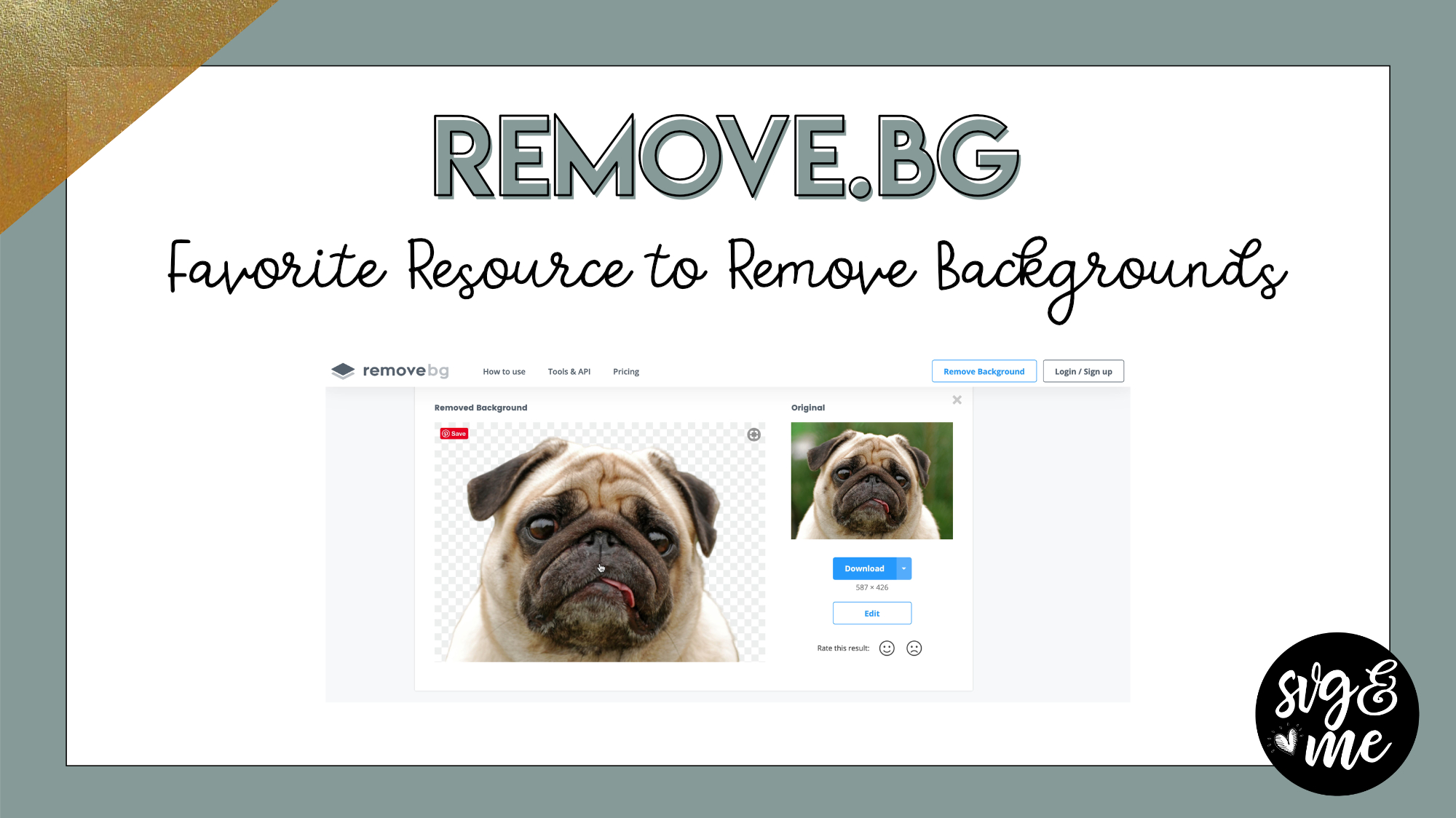
Go to remove.bg websiteLink to horse image to practice along
-
Erica Martin wrote a new post 6 years, 5 months ago
-
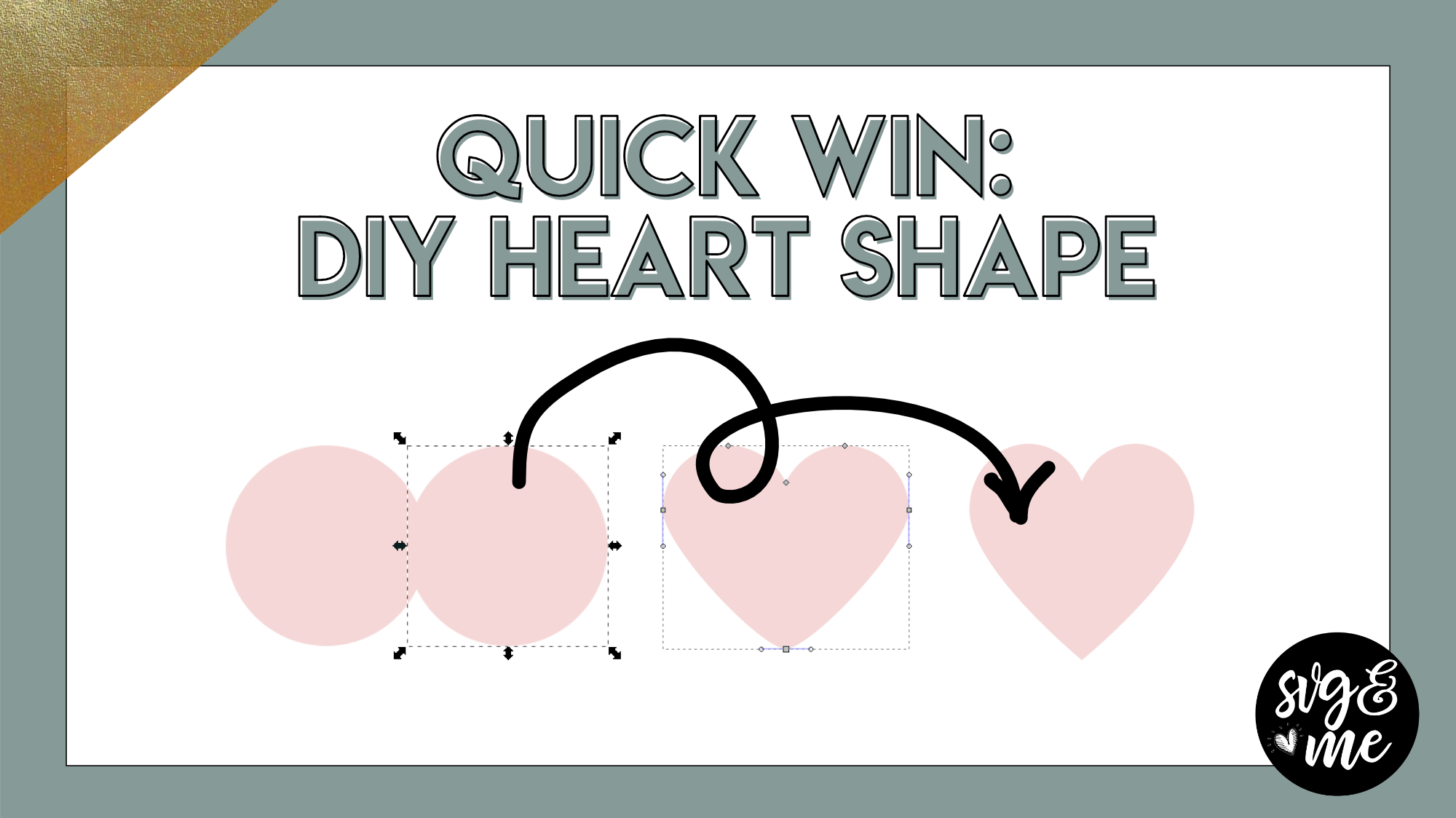
I need to know what settings you have on this video, my inkscape does not have the “arms” you show and I cannot delete the two nodes that made the heart shape to the point. I have to move to move my nodes to the tip and then gives me “cusp node to cusp node” warning. Now I have a tiny protrusion on the tip of my point. I can’t figure it out I went to my nodes icon to see if there are settings I can change and made some changes. but can’t get what you have.
-

Hi there! Sounds like you need to turn off snapping. Click the top icon on the right toolbar to turn it off so you don’t get those cusp notifications
-
-

how do i make my inkscape look like yours?
-
feel free to email me at [email protected] with a screenshot and what version you are running and I can help
-
-
i tried to this but when i tried to get rid of the other two nodes, it deleted the whole project?
-
-
Erica Martin commented on the post, Break Apart Method 6 years, 5 months ago
Yes, correct! If you want more help on using HTV we have the Mastering Your Cricut course that members get for 50% off if you’re interested (members.svgandme.com/myc-join)
-
Erica Martin wrote a new post 6 years, 5 months ago
For Cricut Users:
For Silhouette Users:
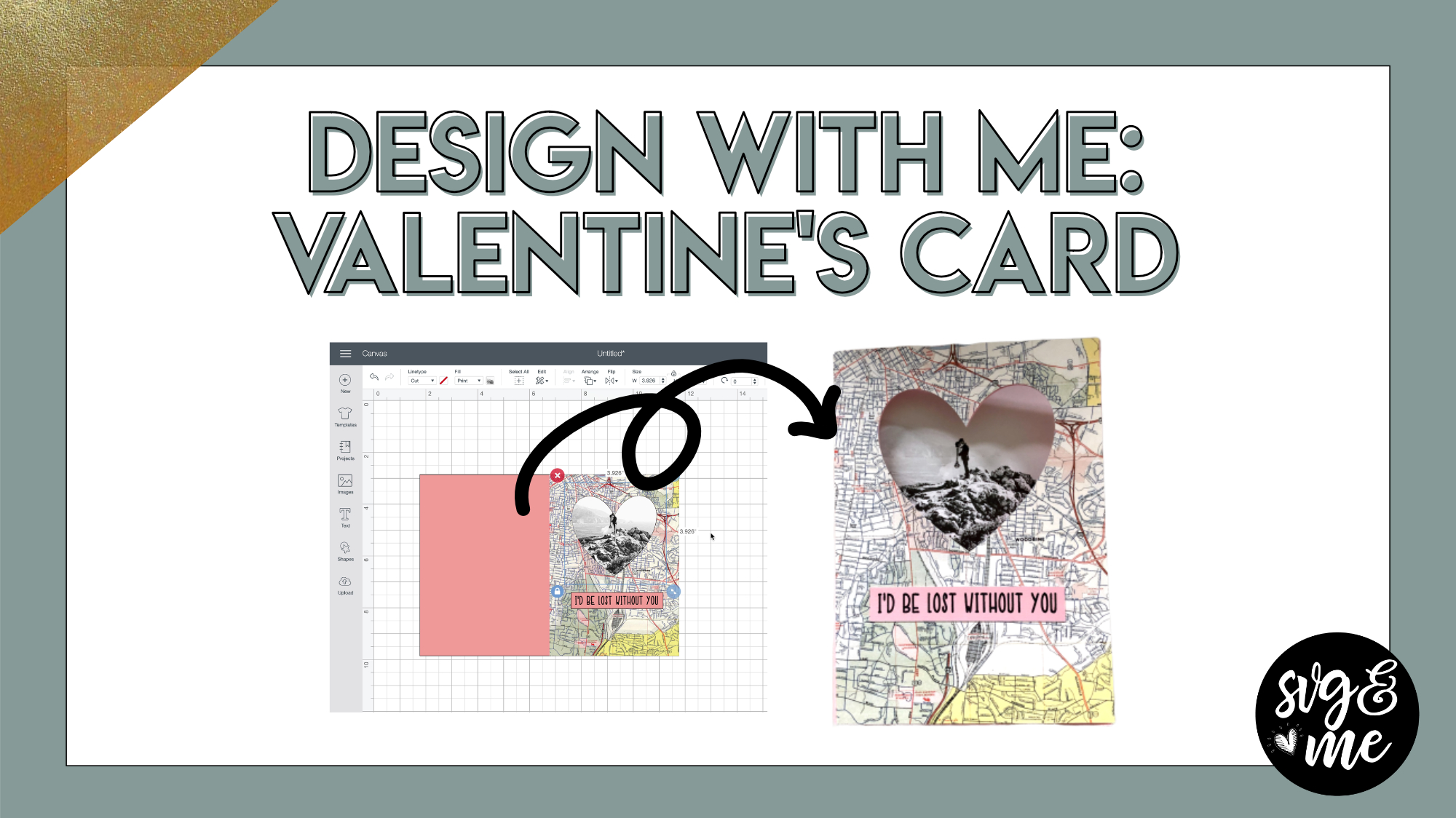
Is there anything more thoughtful than a homemade card? I don’t think so…especially when you even designed it yourself!
Check out this adorable card that you can […]
-
Great project! Thanks for the clear explanation.
-
So glad you enjoyed it!
-
-
thank you so much for this lesson
-
You’re welcome!
-
-
-
Erica Martin commented on the post, How to Make Mandalas in Inkscape 6 years, 5 months ago
Happy to help! You can turn off snapping by clicking the icon at the very top of the right hand toolbar with the arrow between the blue and green nodes.
-
Erica Martin commented on the post, Wordmark.it 6 years, 5 months ago
You’re welcome!
-
Erica Martin commented on the post, Wordmark.it 6 years, 5 months ago
Oh it looks like they may have changed it. You can still print the selections though and I just save that as a PDF so it’s basically the same thing as saving the image but for free 🙂
-
Erica Martin commented on the post, Wordmark.it 6 years, 5 months ago
Yes, it’s awesome!
-
Erica Martin commented on the post, Quick Win: How to Fix Distorted Text 6 years, 5 months ago
Good, I am glad it was a nice refresher about that trick!
-
Erica Martin commented on the post, Welcome Video #1: Courses 6 years, 5 months ago
Yay! That is absolutely the goal of the course so I am thrilled that you are feeling more confident. Thank you so much for sharing your kind words 🙂
-
Erica Martin wrote a new post 6 years, 5 months ago
Design With Me: Kid's Chore Chart
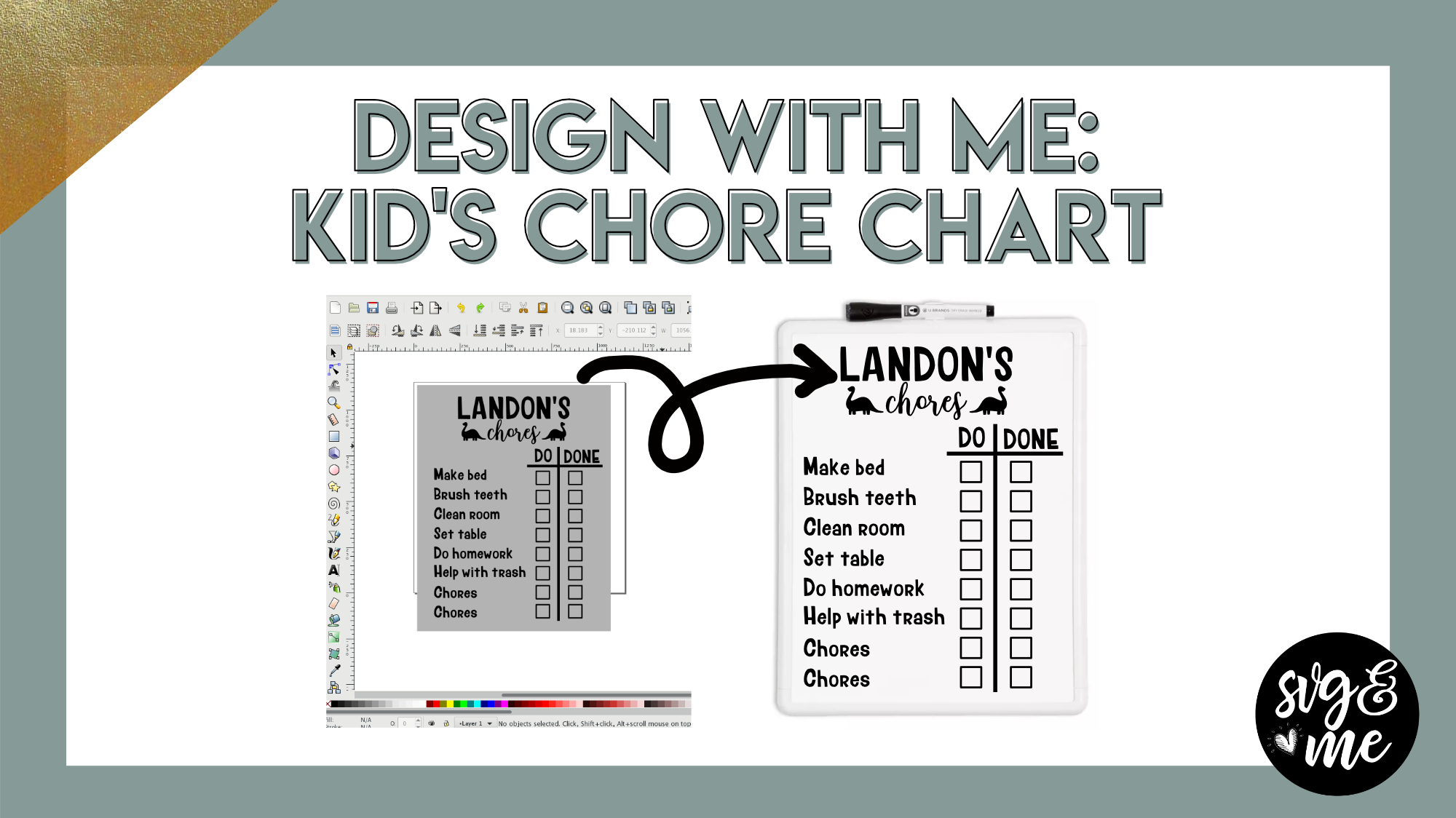 Links mentioned in video: 11″x14″ WhiteboardLumberjack Font Important note: When you upload your chore chart template to your cutting […]
 -
Erica Martin wrote a new post 6 years, 6 months ago
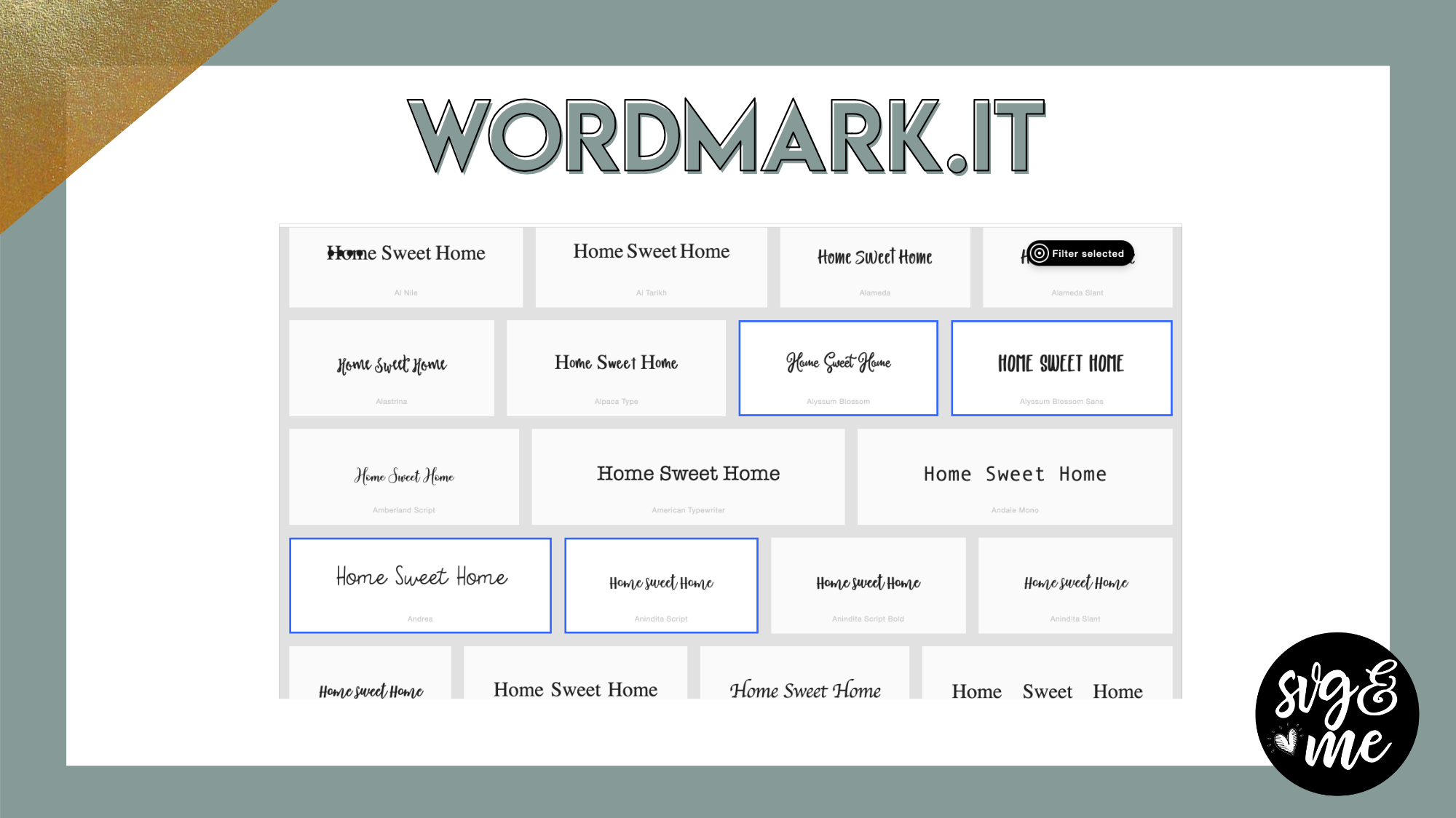
Go to Wordmark.it
-

Wow! This is terrific! Thank you for continuing to share your knowledge with these invaluable tutorials. This font selector is the best! So simple to install and start using.
-
Yes, it’s awesome!
-
-
PS: I don’t think you can save your selected fonts unless you purchase the pro version. Maybe I am missing something. Please check it out and let me know if I am wrong.
-
Oh it looks like they may have changed it. You can still print the selections though and I just save that as a PDF so it’s basically the same thing as saving the image but for free 🙂
-
-

Love this – thanks for sharing
-
You’re welcome!
-
-
OMG Game changer! THANK YOU so much for introducing this to us! This is going to save so much time in designing!
-
Yes! I think so too!
-
-
Thank you for the tutorial. I learned more about this site!
-
Great! You’re welcome 🙂
-
-
Erica,
Thank you so much for this. This will cut down so much time in finding that just right font.-
Yes, it’s a great resource! Glad you found it helpful
-
-
-
Erica Martin wrote a new post 6 years, 6 months ago
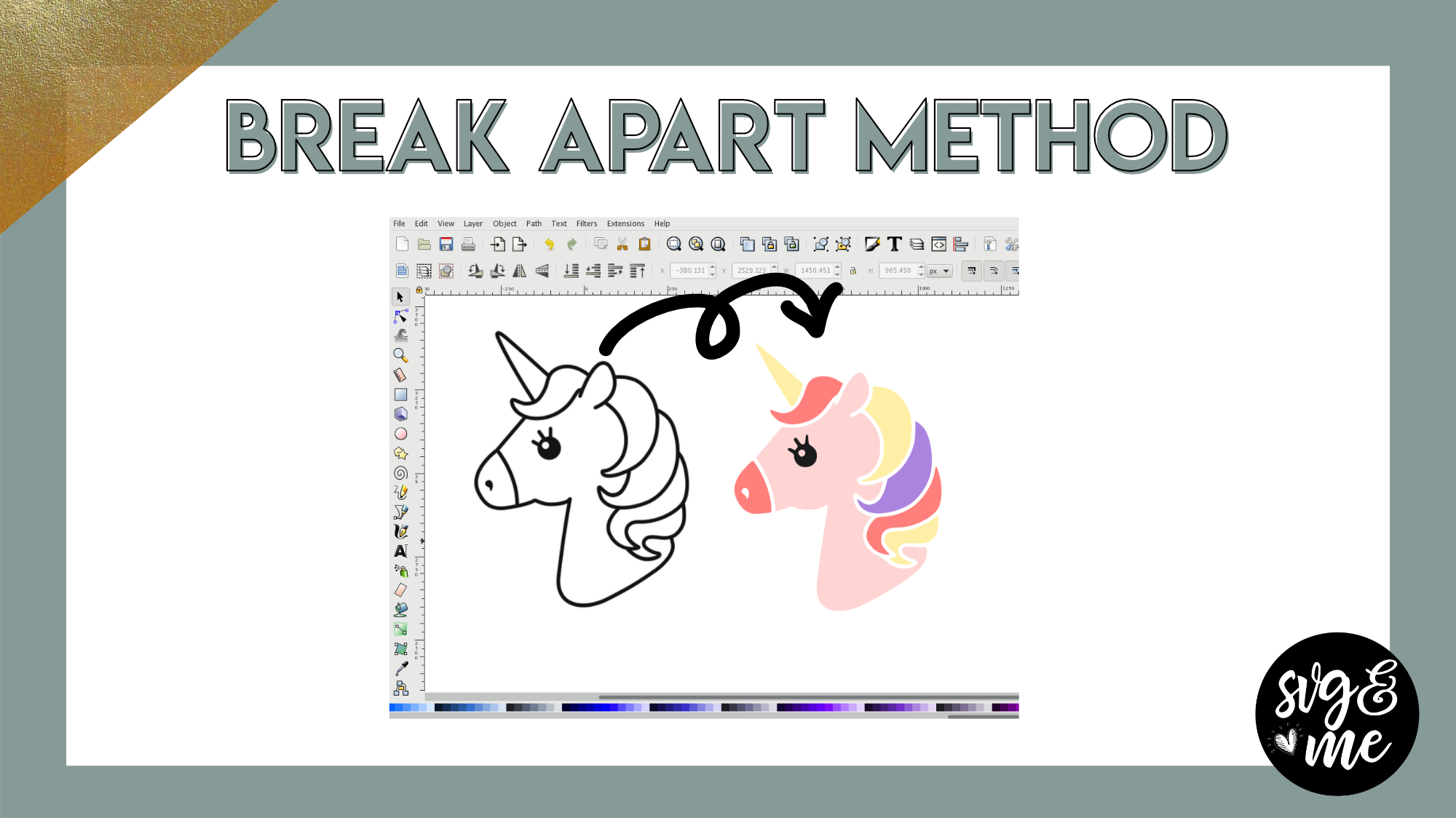
In the Inkscape course, you learned out to use the fill method to turn coloring page type images into multi-colored layered designs.
I recently discovered a new method that works even better for some simple […]
-
I do not understand how to get the different colors onto HTV. Do you have to cut each different color separately?
-
Yes, correct! If you want more help on using HTV we have the Mastering Your Cricut course that members get for 50% off if you’re interested (members.svgandme.com/myc-join)
-
-
Where can you find coloring pages that you can create from?
-
You can google coloring page + keyword to find images
-
-
Thank you. I also am trying to create layered svg projects for silkscreens. Like 2 part silk screens. Some people make 3 part ones for polymer clay. That is a medium I use a lot but the screens are so expensive. Is there a tutorial that would apply to this? Thank you 🙂
-
Did you check out the layered shadow box video?
-
-
https://www.etsy.com/listing/1133015477/moiko-silk-screens?ga_order=most_relevant&ga_search_type=all&ga_view_type=gallery&ga_search_query=moiko+silk+screen&ref=sr_gallery-1-1&tr_rank=1&organic_search_click=1&bes=1
This is an example. I did some research and this image is is from shutterstock images.
-
-
Erica Martin commented on the post, New Feature!: How to Curve Text in Design Space 6 years, 6 months ago
If it’s at the end you probably won’t need a hyphen since it will not have anything after it that you need a space for if that makes sense. You’ll just play with the sizing to make sure it wraps around the entire circle correctly.
-
Erica Martin wrote a new post 6 years, 6 months ago
-
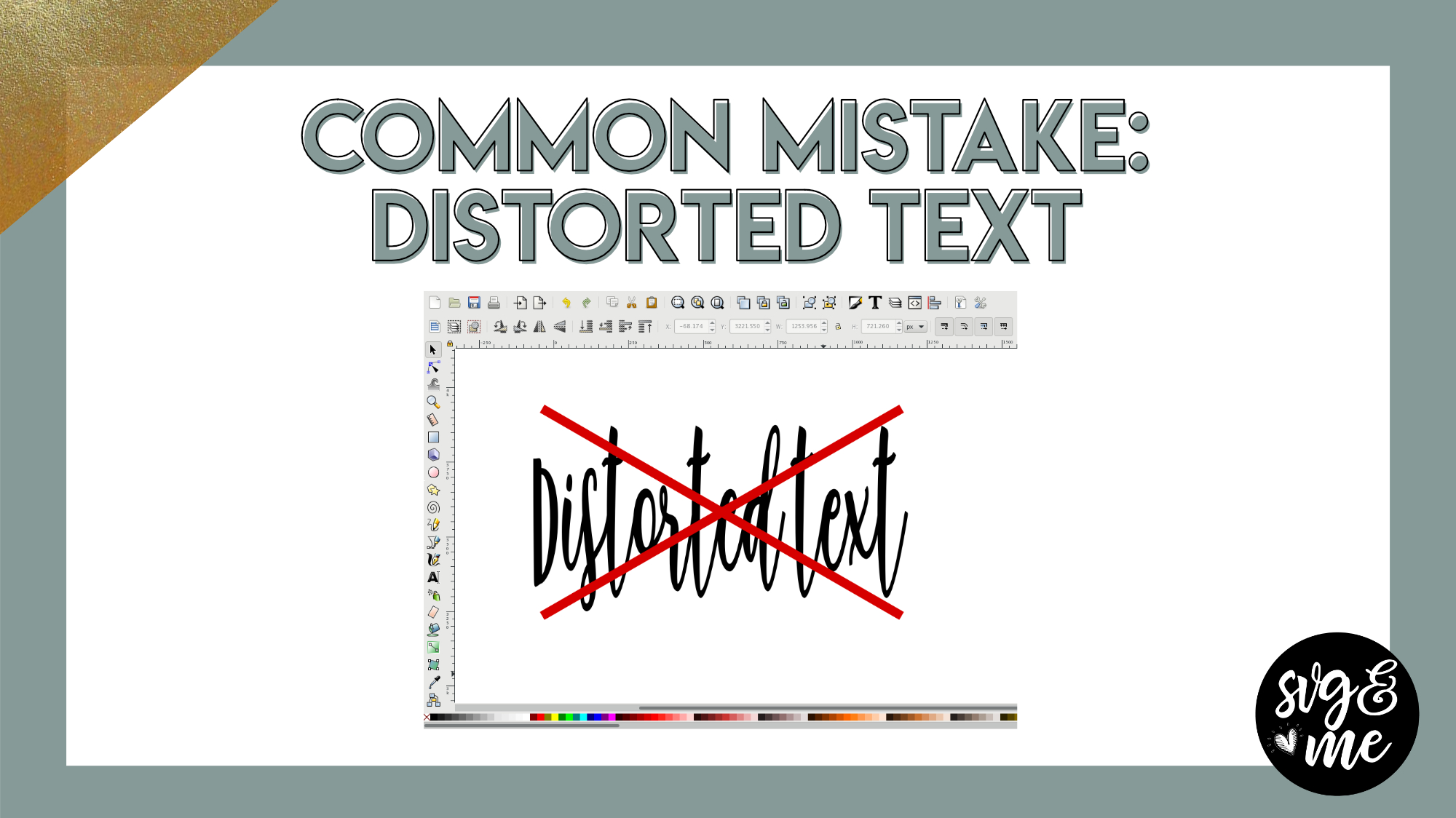
Great tip. I am sure I learned about the lock button in the course, but just forgot. Definitely using the lock button for text!
-
Good, I am glad it was a nice refresher about that trick!
-
-
Love having these Quick Win tutorials. Thank you Erica!!
-
Good to know – thanks for the feedback!
-
-
-
Erica Martin commented on the post, Design with Me: Pencil for Beginners 6 years, 6 months ago
Not to worry! You can pause, rewind and rewatch and time you’d like 🙂
-
Erica Martin commented on the post, Day 11: Christmas Gift Bag Design 6 years, 6 months ago
Woohoo! Glad you stuck with it and were successful! I completely know what you’re saying about shortcuts sometimes hurting you in the long run – I do the same thing sometimes 🙂 Happy New Year!
-
Erica Martin commented on the post, Design with Me: Halloween Graphics 6 years, 6 months ago
Check out the FAQ page – we have a question regarding this 🙂 (linked on the left hand menu)
-
Erica Martin commented on the post, Day 9: 3D Star Topper 6 years, 6 months ago
Yes! Have fun playing with 3D templates!
- Load More


Erica,
After going to the website, I didn’t understand the difference between an image and a preview. Can you download more than one image with the free account or can you only get one per month (lifetime?). Or do you know if the images are a higher resolution and the previews are the low resolutions that we can use with Inkscape and Cricut Design space?
Thanks,
Kim
When you say preview do you mean the result after you remove the background but before you hit “download”? They are basically the exact same. I usually just copy the “preview” and paste into a program but if you’re uploading to DS you probably want to download it and then upload to DS. Resolution is the same in my experience.
Hi
Can you please tell me the name of the app again you use for photos
Thanks
Naomi
It’s called Imaengine 🙂 If you search it under the tutorials we have a lesson on it too