


nicole ruttan
,@nicoleruttan91
1
Friends
You need to log in or create an account to post to this user's Wall.
-

Erica Martin commented on the post, Converted Font Lookup Hack 6 years, 1 month ago
You’re welcome! Yep, I loved it so much I had to buy it 🙂
-
Erica Martin commented on the post, Creating Stickers from Images (Silhouette Only) 6 years, 1 month ago
You’re very welcome!
-
Erica Martin commented on the post, Converted Font Lookup Hack 6 years, 1 month ago
Yes, super cool! Thanks to Beverly for sharing!
-
Erica Martin commented on the post, Knockout Name Using Inkscape 6 years, 1 month ago
That is the best compliment! I am thrilled to hear you’re feeling confident and inspired with your new skills!
-
Erica Martin wrote a new post 6 years, 1 month ago
Affiliate Links Mentioned in Video:
Farmhouse Lemonade Font
-
Erica Martin wrote a new post 6 years, 1 month ago
Links Mentioned in Video:
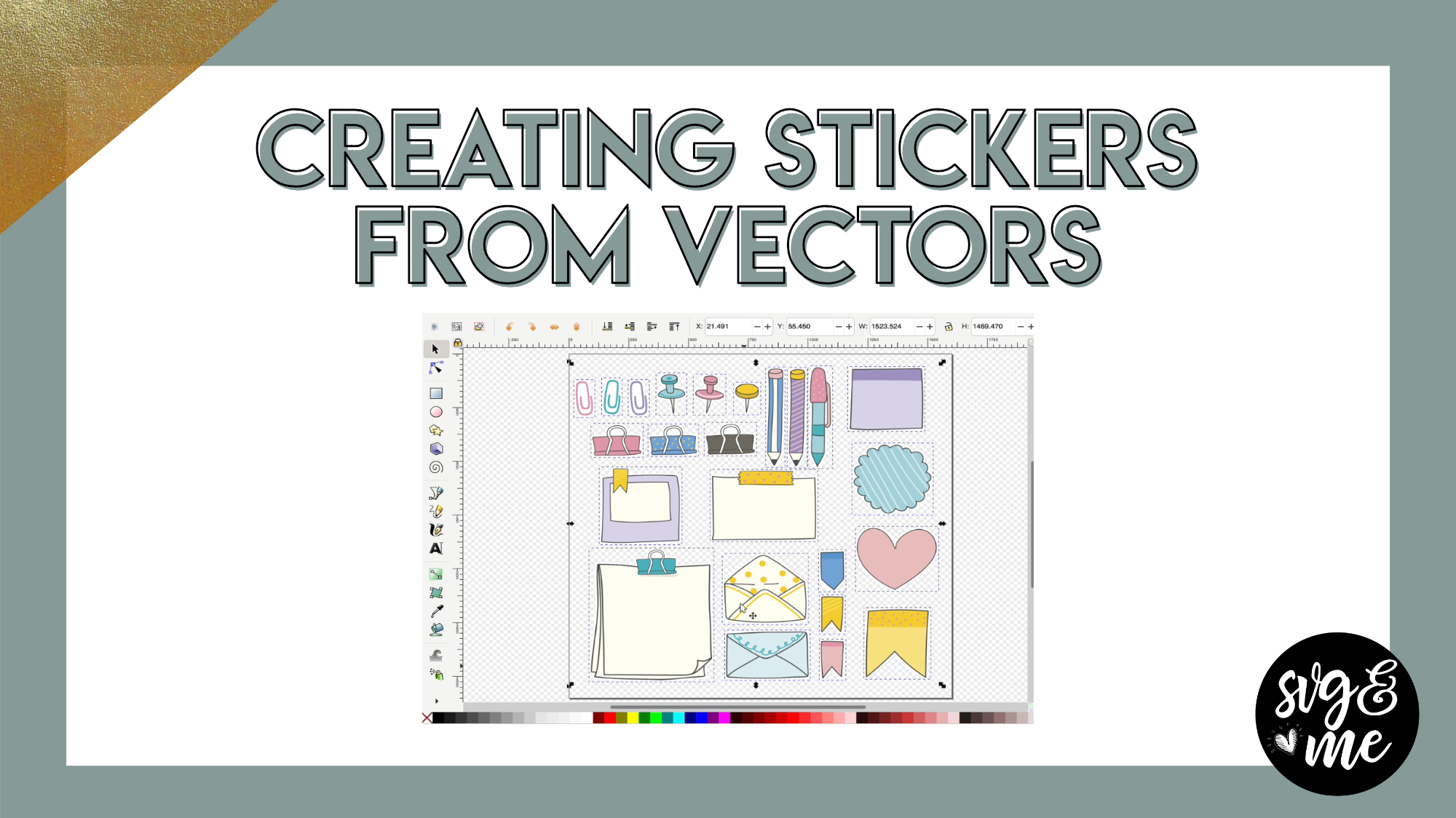
Planner Sticker Vector from Freepik.comTutorial on Creating Stickers from Images (Cricut Only)Tutorial on Creating Stickers from Images (Silhouette Only)Tutorial on Creating […]
-
I’m trying to wrap my head around one thing in particular. If you save a page of stickers as a png, (raster image file) will the machines (either or any) still cut around each individual sticker. For the Silhouette example in the video, it was an SVG that was uploaded and looks like it had the option to cut edge only, but if it were a png, wouldn’t the edge be the edge of the page? Or since they have a transparent background, it would know to go around each sticker? And same with the Cricut? So maybe I am answering my own question.. but I guess this would not work if it were saved as a jpg or a png without a transparent background. Right? In a different tutorial the teacher said to always include the jpg or png and an svg of just the cut lines, so I am wondering if that is a step that is not necessary.
-

Yes as long as there is no background it will cut around the outline of each sticker when you upload
-
-
-
Erica Martin wrote a new post 6 years, 1 month ago
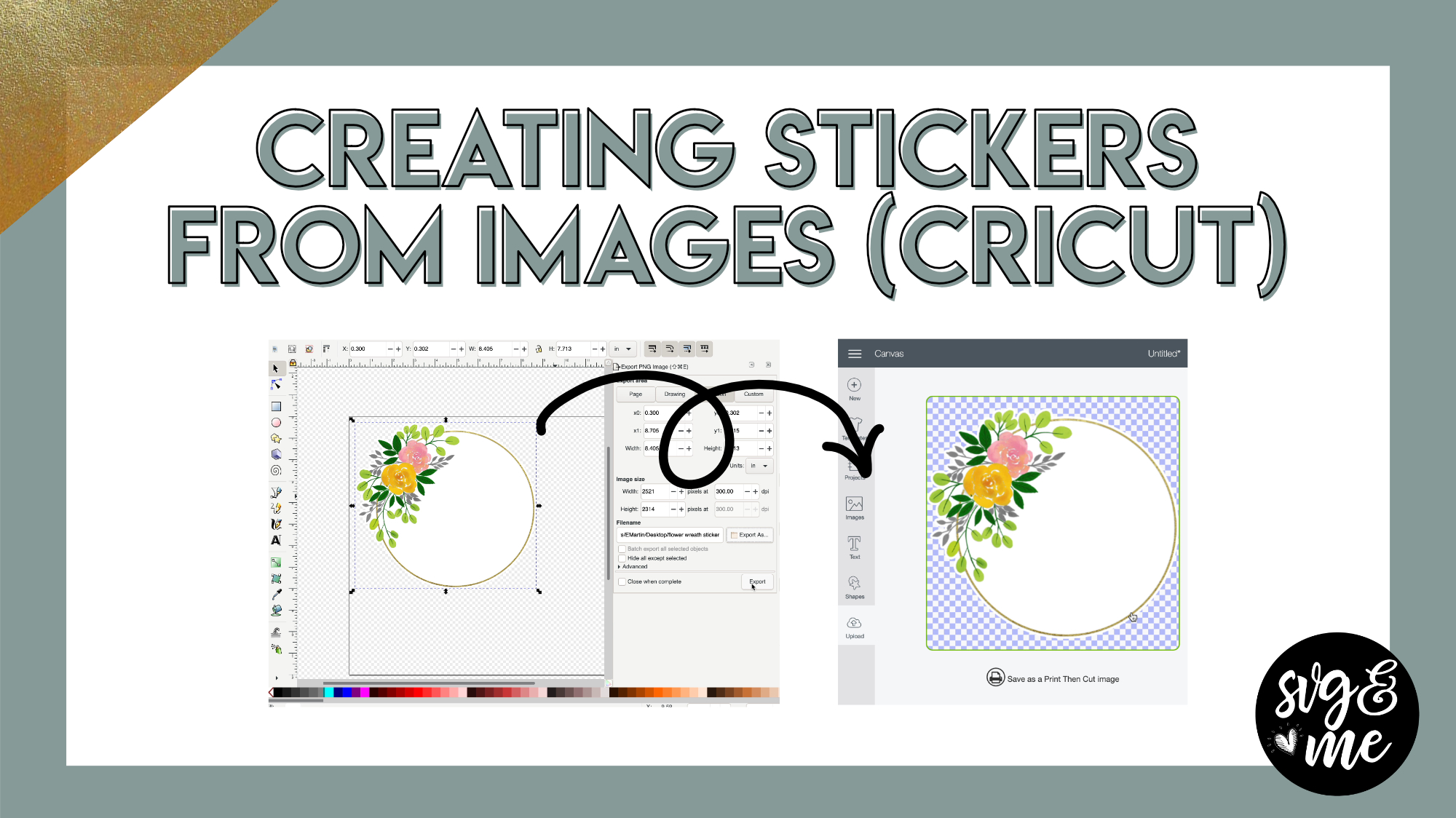
Link to Watercolor Flower Frame Used in Video
If you have a Silhouette, watch this tutorial instead.
Important Note: If you do NOT want a white gap around your stickers simply skip the offset step in the video.
-
Thank you this was very informative!!
-
You’re very welcome
-
-
Very well done! I learn by watching and this helps a lot
-
Awesome – so glad to hear that!
-
-

just what I needed, thank you, loved it
-
So glad to hear it!
-
-
Erica,
Thank you very much, what a super handy tool to have. If nobody
has told you yet today… You’re are AWESOME.stay safe, stay healthy, and wash your hands.
-
Thank you SO SO much! 🙂
-
-

Thank you for explaining so well. I have watched other videos and was confused. I feel I can actually do this now. Is there a cheat sheet to print for this?
-
So glad it was easy to follow. I can look into creating a cheat sheet for this 🙂
-
-
I cannot get my image to upload correctly. I followed everything you did to a t. It uploads into design space with a box around it
-
Feel free to email me the file and I’ll take a look [email protected]
-
-
-
Erica Martin wrote a new post 6 years, 1 month ago
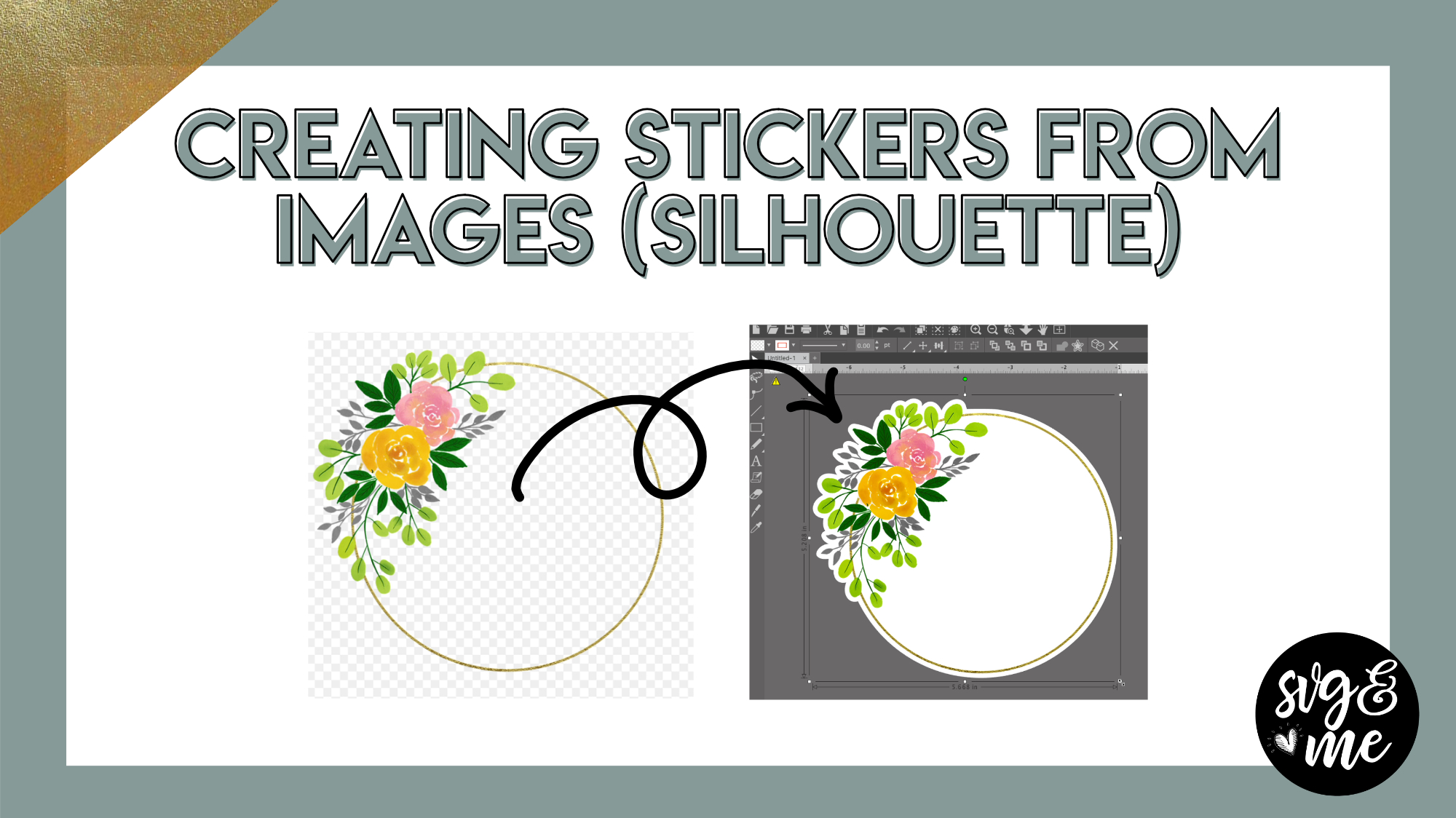
Link to Watercolor Flower Frame Used in Video
If you have a Cricut, watch this tutorial instead.
-
as always you make it so clear! thank you!!
-
You’re very welcome!
-
-
-
Erica Martin commented on the post, New Feature!: How to Curve Text in Design Space 6 years, 1 month ago
So glad to hear it’s already delivering value for you 🙂
-
Erica Martin commented on the post, Welcome Video #1: Courses 6 years, 1 month ago
That is so incredibly kind of you to say – thank you so much! You clearly know a lot about teaching so I am really flattered to hear that you are loving the course and finding my teaching style so helpful. I appreciate you taking the time to write this sweet message. It made my night! 🙂
-
Erica Martin commented on the post, How to Create Monograms 6 years, 1 month ago
Sounds like you may be downloading from the wrong place. Check out the first video of the course for the info on how to download and install Inkscape properly: https://members.svgandme.com/lessons/installing-inkscape/
-
Erica Martin commented on the post, New Feature!: How to Curve Text in Design Space 6 years, 1 month ago
That makes sense and you can definitely add the spacers wherever needed 🙂 So glad you’re enjoying the course!
-
Erica Martin commented on the post, Design with Me: State SVGs 6 years, 1 month ago
Yep! Make sure you are converting home to a path and ungroup and union the letters before you try to do a path > difference with the state silhouette.
-
Erica Martin wrote a new post 6 years, 1 month ago
Join our Members-Only Facebook Group
-

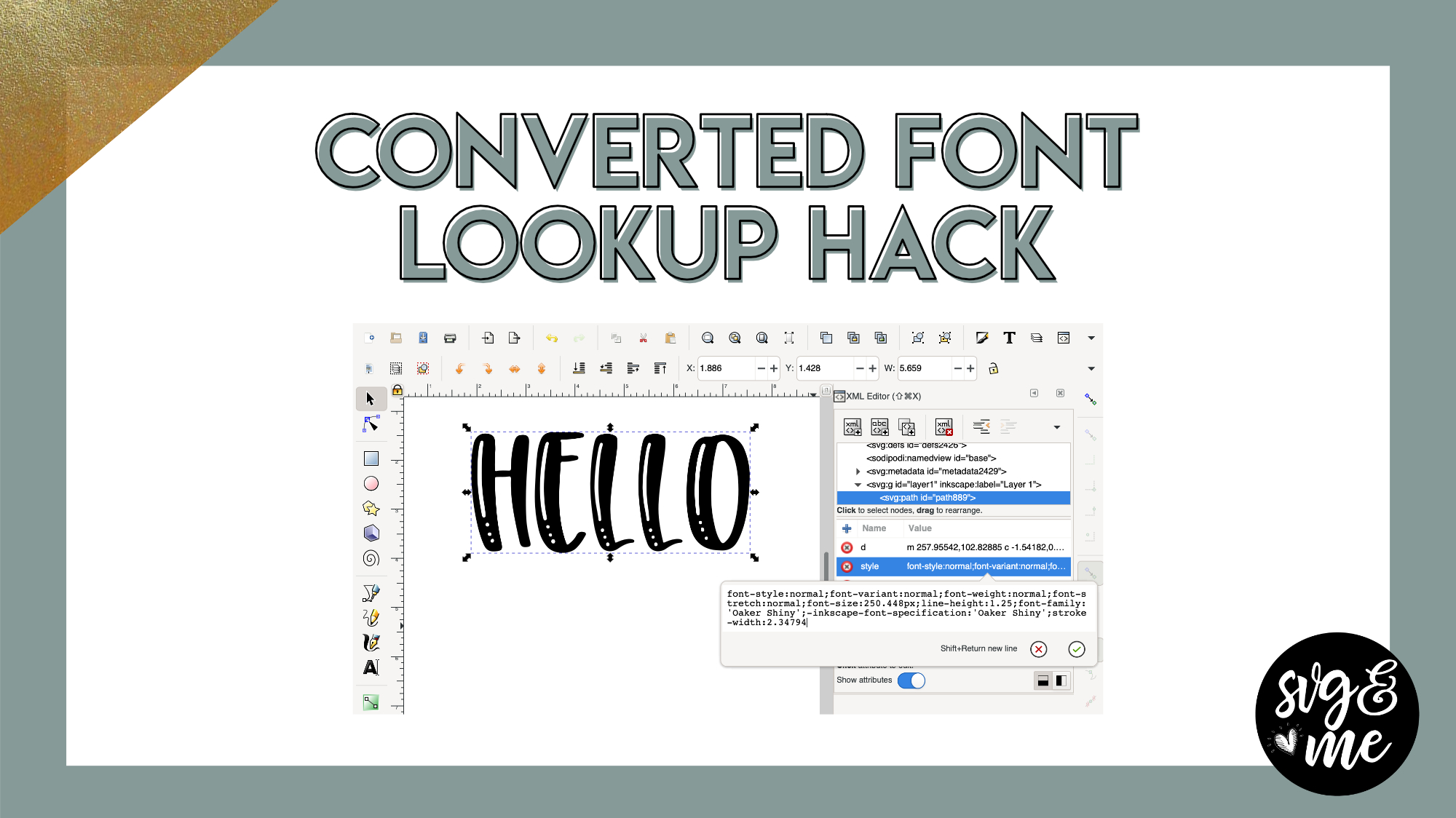
Thank you for this helpful hack! Also, where did you purchase this font? Thanks for the info!
-
You’re welcome! Yep, I loved it so much I had to buy it 🙂
-
-
OH MY GOODNESS! This is life changing thank you Erica and thank you Beverly!
-
Yes, super cool! Thanks to Beverly for sharing!
-
-

It was free on FontBundles.Net
-
For some reason the editor wouldn’t expand for me to click on style. And not sure how to send my screen shot on this comment.
-
Make sure you have your text ungrouped if you don’t see it at first 🙂
-
-
Thank you!
-
awesome
-
Wow, this is great! THANKS!
-
Yes, a great hack! Glad you found it useful!
-
-
OMG…mind blown!
-
Haha glad you liked it!
-
-
-
Erica Martin commented on the post, How to Create Mockups in Inkscape 6 years, 2 months ago
Awesome! They’re not just for shirts and signs – you can do for all sorts of projects 🙂
-
Erica Martin commented on the post, How to Use Weeding Boxes 6 years, 2 months ago
Yay! Yes, weeding boxes are awesome!
-
Erica Martin commented on the post, Quick Win: DIY Heart Shape 6 years, 2 months ago
Hi there! Sounds like you need to turn off snapping. Click the top icon on the right toolbar to turn it off so you don’t get those cusp notifications
-
Erica Martin commented on the post, How to Create Split Monograms (Single and Multi-Color) 6 years, 2 months ago
Glad you’re enjoying them! 🙂
-
Erica Martin commented on the post, Accordion Text Effect 6 years, 2 months ago
Thanks!
-
Erica Martin commented on the post, Quick Win: Candy Cane Monogram 6 years, 2 months ago
Oh just saw this! Great and so glad you’re enjoying them.
- Load More


Just a couple questions.
1. What sticker paper, if any, do you recommend? My printer won’t take heavy stock.
2. What paper setting in Design Space do you use? Sticker Paper or some other paper?
Thanks,
Robin Martin
Thank you SO much! Created my first teacher stickers!
This is amazing! I was just trying to design stickers in DS with cut and draw and not able to figure out how to stop the bubble letters. I like this version much better! Thanks Erica!
So glad to hear it!
TYSM for this, I was struggling making stickers and this was simple!
Glad it helped!