


Pam Hough
,@pamhough
1
Friends
You need to log in or create an account to post to this user's Wall.
-

Erica Martin commented on the post, Design Space Upload Scaling Glitch & How to Fix It 5 years, 4 months ago
You’re welcome!
-
Erica Martin commented on the post, Text to Path Shortcuts 5 years, 4 months ago
Nope!
-
Erica Martin commented on the post, Text to Path Shortcuts 5 years, 4 months ago
The act of doing the difference will convert everything to a path so you can save and be good to go. Although, it never hurts to select everything and go to Path > Object to Path before uploading to DS just for good measure.
-
Erica Martin commented on the post, Design Space Upload Scaling Glitch & How to Fix It 5 years, 4 months ago
Feel free to share photos of what’s happening via email or the FB group for more individualized help.
-
Erica Martin commented on the post, How to Export Rhinestone Designs from Silhouette Studio 5 years, 4 months ago
Oops! I will add it below the video. Forgot to do that. I cut my templates on Rhinestone World Magic Flock
-
Erica Martin commented on the post, Animal Print Text Effects 5 years, 4 months ago
Have you read through the section in the Mastering Your Cricut book and watched this lesson? https://members.svgandme.com/lessons/address-envelope/
-
Erica Martin commented on the post, Animal Print Text Effects 5 years, 4 months ago
Yay! Glad you like it!
-
Erica Martin commented on the post, Design Space Upload Scaling Glitch & How to Fix It 5 years, 4 months ago
You’re welcome!
-
Erica Martin commented on the post, How to Export Rhinestone Designs from Silhouette Studio 5 years, 4 months ago
Design Space can’t make rhinestone templates so you can get Silhouette Studio Business Edition and export them like shown in this video.
-
Erica Martin commented on the post, Create Your Own Templates 5 years, 4 months ago
So glad you enjoyed it!
-
Erica Martin commented on the post, Vertical Text Trick in Inkscape 5 years, 4 months ago
You bet!
-
Erica Martin commented on the post, How to Create Interlocking Letters in Inkscape 5 years, 4 months ago
Awesome!
-
Erica Martin wrote a new post 5 years, 4 months ago
Links Mentioned in Video:
Download Latest Version of Inkscape
-
Erica Martin wrote a new post 5 years, 4 months ago
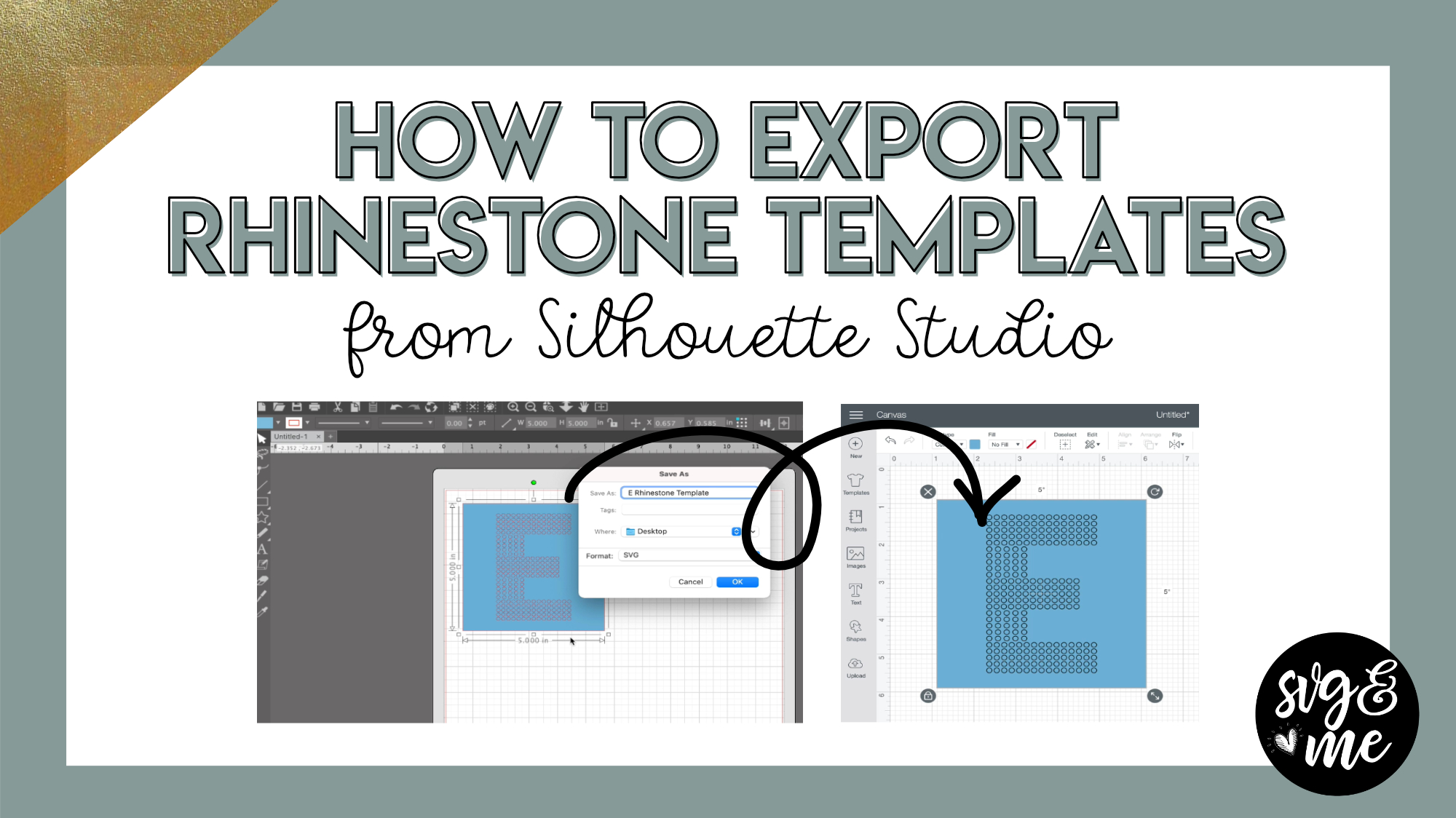
You will need to upgrade to Silhouette Studio Business Edition in order to be able to export designs as SVGs to be used on other machines like a Cricut. Click here to get the best deal on SS Business […]
-

Hi Erica, could you please make the same tutorial for Cricut Design Space, I will really appreciated. thanks
-

Design Space can’t make rhinestone templates so you can get Silhouette Studio Business Edition and export them like shown in this video.
-
Hello Erica,
Do you cut your template using vinyl or softflex iron-on?
-
Oops! I will add it below the video. Forgot to do that. I cut my templates on Rhinestone World Magic Flock
-
-
-
-
Erica, if I import an svg into that software, for example a rose, and if I want the outline of the rose to have rhinestones, can I use that Edge option, or is this only for text?
-
Yep, you can! And if there are any holes you don’t want rhinestones around just make sure to release the compound path before adding the rhinestone outline.
-
-
I have no clue what that means! I’ve only used design space and Inkscape and just have a cricut. I wanted to check that the rhinestone maker could be used for more than text before considering purchasing the software. Thank you!
-
Haha not to worry! If you purchase and are having issues creating the outline of the rose design just email me the file and I’ll show you 🙂
-
-
Erica. Thanks again for another fabulous video. Please do more silhouette videos. The size in the name is so helpful! Angela
-
Good feedback! I will keep this in mind 🙂
-
-
@erica Will you be making this one for canvas workspace as well? I am in dire need of this!!
-
You can buy Silhouette Studio Business Edition via the link in this post and then export as a SVG that you can upload to Canvas Workspace. Canvas Workspace does not have a built in rhinestone feature.
-
-
-
Erica Martin wrote a new post 5 years, 4 months ago
IMPORTANT PLEASE READ!
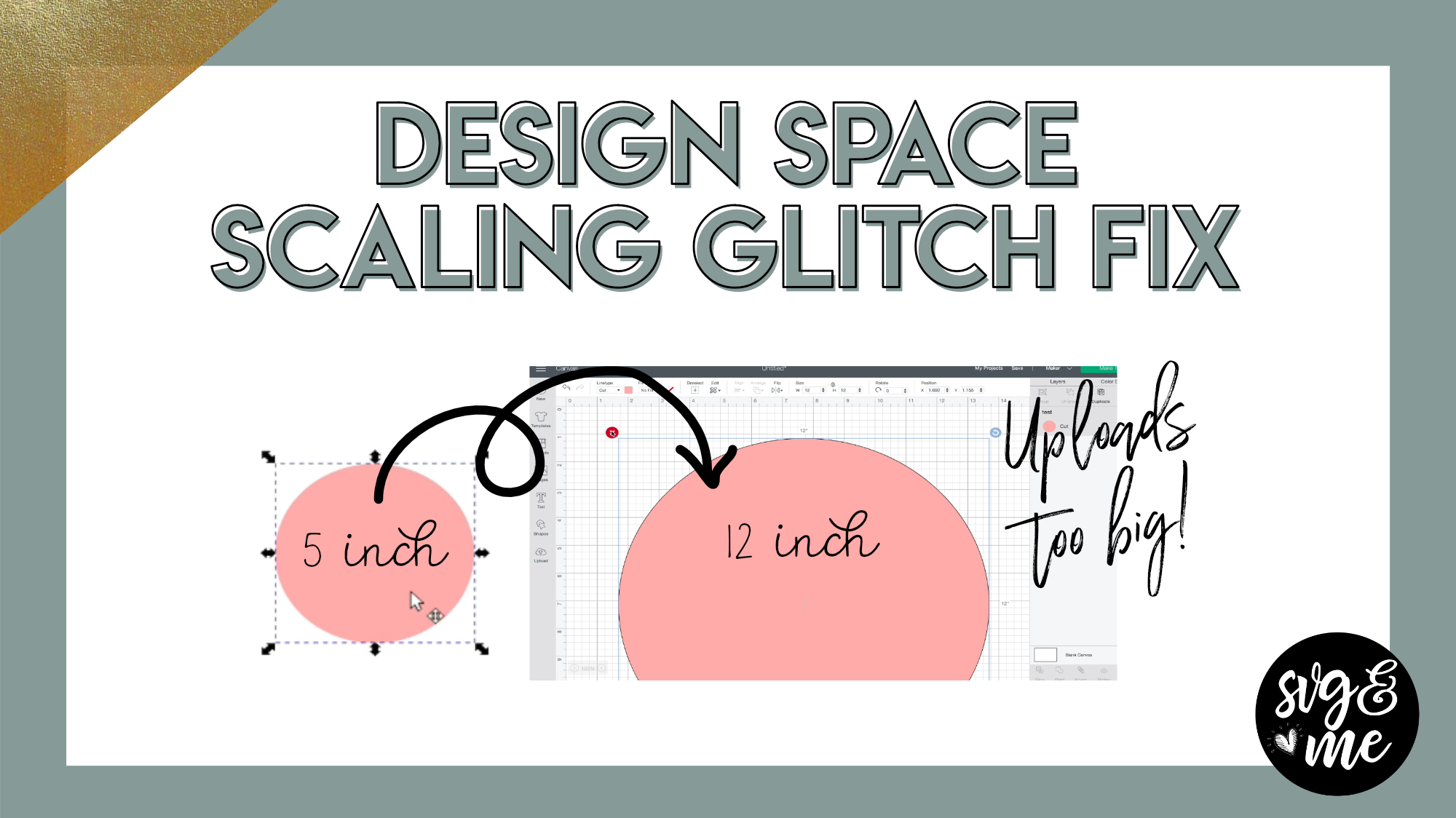
With the release of Design Space 6.9 this step is no longer needed. So, do NOT use ctrl + shift + r to resize your documents before saving any more.
-
Great fix thanks 🙂
-
thank you!!!!
-
You’re welcome!
-
-

Another glitch is using the roll bar on your mouse while holding down shift on PC. This would allow scrolling right and left. But now you can’t do that in DS. BooHoo! I used it all the time!!!! I guess it was a trade off for the ctrl + roll on mouse that allows zooming to be easier. But I liked the right to left shortcut.
-
Thank you, I have been trying to do an iron on for the past week, the patterns would nit fit together. I thought I was loosing my mind.
I cut this same design out 4 times and gave up. I’ll try one more time.-
Feel free to share photos of what’s happening via email or the FB group for more individualized help.
-
-
Thank you very much !
-
You’re welcome!
-
-
-
Erica Martin wrote a new post 5 years, 4 months ago
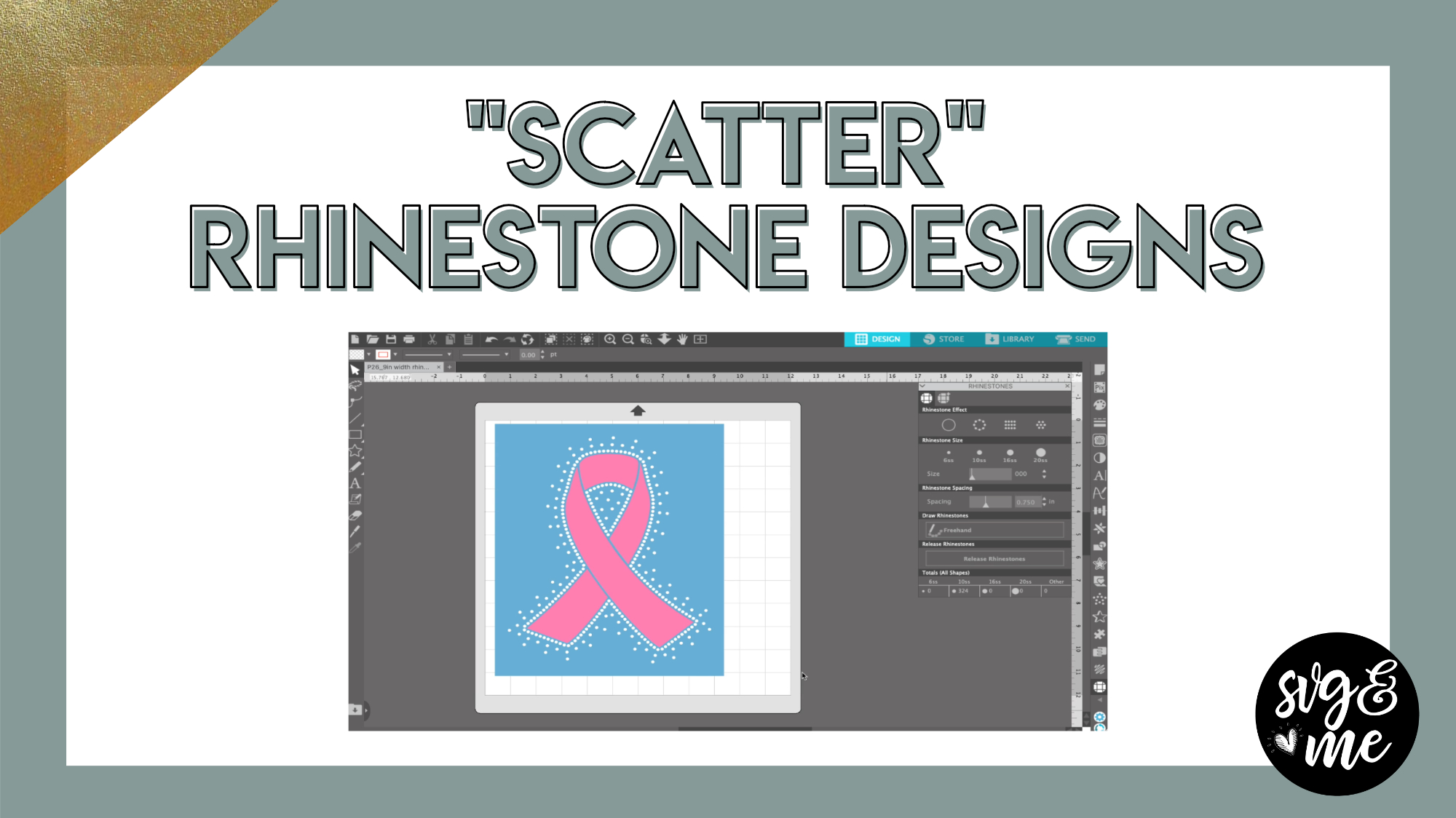
Silhouette Studio Business EditionDownload Cancer Awareness Ribbon SVGTutorial on How to Export Rhinestone Designs from Silhouette Studio
-
Thanks so much for this tutorial. I don’t have Silhouette Studio but was able to use this concept on Scan Cuts A Lot to achieve this same look. LOVE it!!!!
-
Fantastic!
-
-
My Silhouette Studio doesnt give me the option to save as .svg
-
You need Business Edition to export as SVG
-
-
-
Erica Martin commented on the post, Animal Print Text Effects 5 years, 4 months ago
Glad to hear it!
-
Erica Martin commented on the post, Welcome Video #1: Courses 5 years, 4 months ago
Haha darn dinner getting in the way! So glad you’re loving it!!
-
Erica Martin commented on the post, Animal Print Text Effects 5 years, 4 months ago
Oh yes! That will come in handy 🙂
-
Erica Martin wrote a new post 5 years, 4 months ago
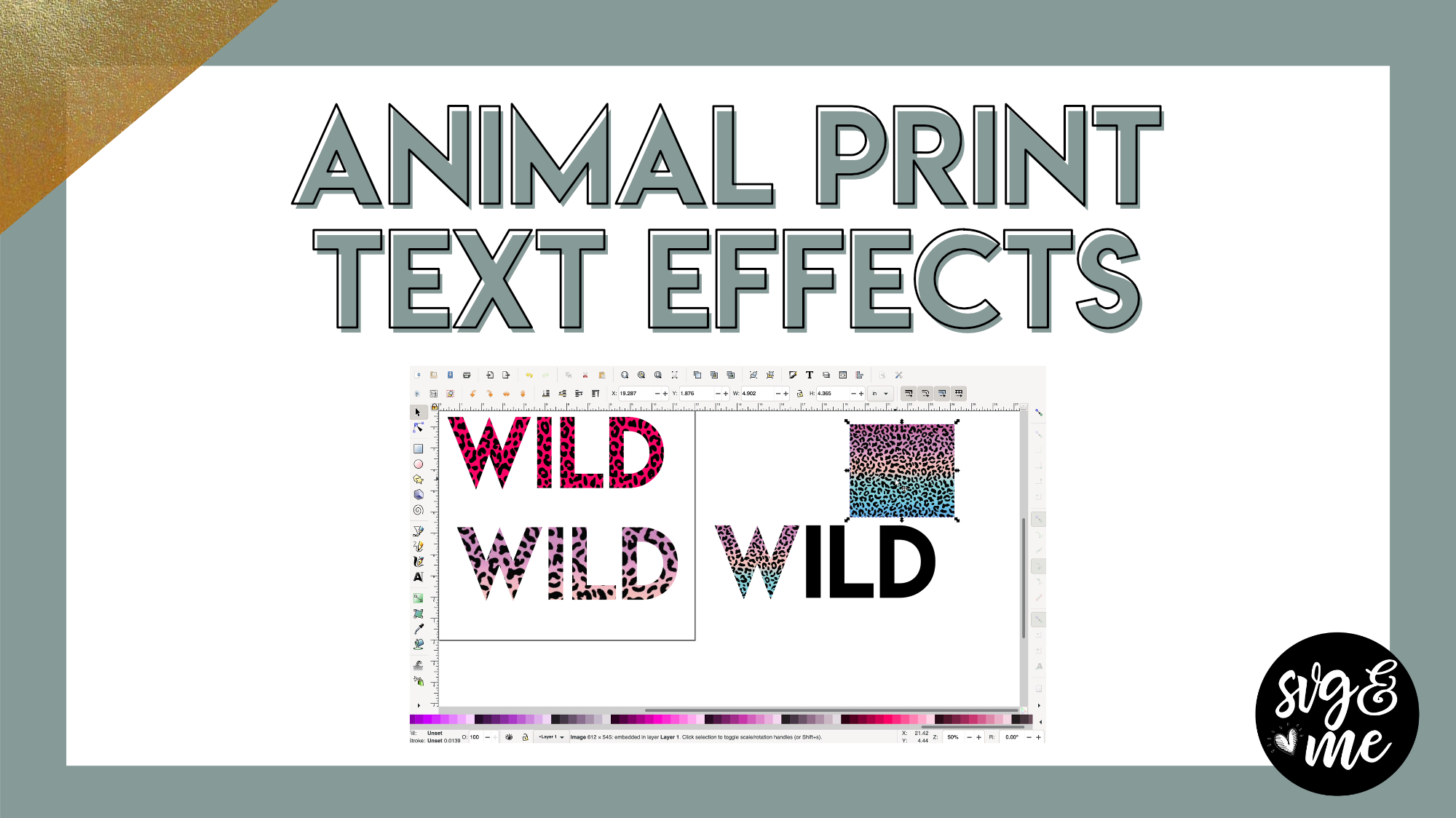
And below is a quick video to show you how to add a fun outline to it too!
-
Enjoyed this!
-
Glad to hear it!
-
-
This is great Erica! Thank you. I needed this when I made the dalmation shirt for my granddaughter. Next time. 🙂
-
Oh yes! That will come in handy 🙂
-
-

Wow, I really love it, esp. with the Black outline.
-
Yay! Glad you like it!
-
-
Erica, would you do a course on using Cricut pens? I just can’t get the knack of using them to write cards and address envelopes.
-
Have you read through the section in the Mastering Your Cricut book and watched this lesson? https://members.svgandme.com/lessons/address-envelope/
-
-
Thank you, I learned a lot!
-
Glad to hear it!
-
-

It wont let me download practice version keeps saying check with software supplier Im have trouble with some other things downloading also .
-
Thank You so much…Sorry so late. Personal reasons , I haven’t been online for a while.
-
- Load More


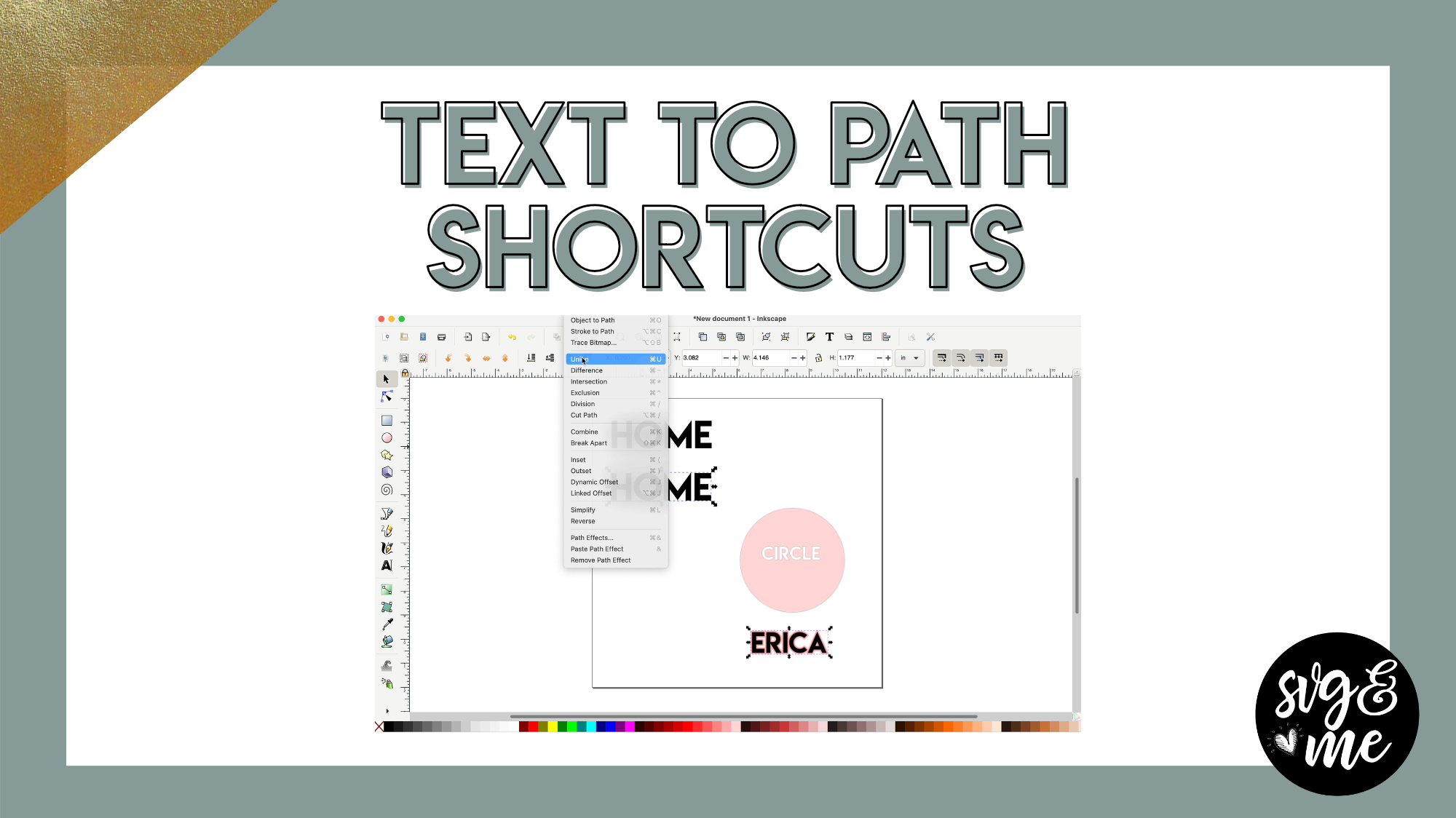
In the example of the word circle in the shape of a circle will that save as an svg so the cut out appears in design space or would you need to then convert it to a path before saving?
The act of doing the difference will convert everything to a path so you can save and be good to go. Although, it never hurts to select everything and go to Path > Object to Path before uploading to DS just for good measure.
If I uninstall inkscape to download the newest version, will I loose all my files connected to the old version?
Nope!
Just trying to start with a broke wrist and I am still stumped on how to make something an svg….
Understood all but the shadow layer, could not get that to work right. Like yours, evenly extended around each letter. as though each letter was separate. I did update to the new version, and the circle word cut out and the script worked fine. I must be missing how you are enlarging it after clicking path, outset.
It may just be that the offset is so small that you aren’t seeing it. OR make sure you didn’t convert to a path first in which case you’ll have to ungroup the letters before doing the offset.