


Virginia Jordan
,@virginialuvs2
1
Friends
You need to log in or create an account to post to this user's Wall.
-

Erica Martin commented on the post, Custom Color Palettes (Part 1) 2 years, 10 months ago
Glad you enjoyed it!
-
Erica Martin commented on the post, Quick Win Design: Bee 2 years, 10 months ago
Awesome! Thanks!
-
Erica Martin commented on the post, Design With Me: We Love Mom Photo Card 2 years, 10 months ago
Aww you’re so kind!
-
Erica Martin commented on the post, How to Use Division to Color Block Shapes or Text 2 years, 10 months ago
Yay! So glad to hear it!
-
Erica Martin commented on the post, My New Favorite Background Remover Tool! 2 years, 10 months ago
Haha Love to hear that!
-
Erica Martin wrote a new post 2 years, 10 months ago
-
Erica Martin wrote a new post 2 years, 10 months ago
Best Free AI Tool Alternatives
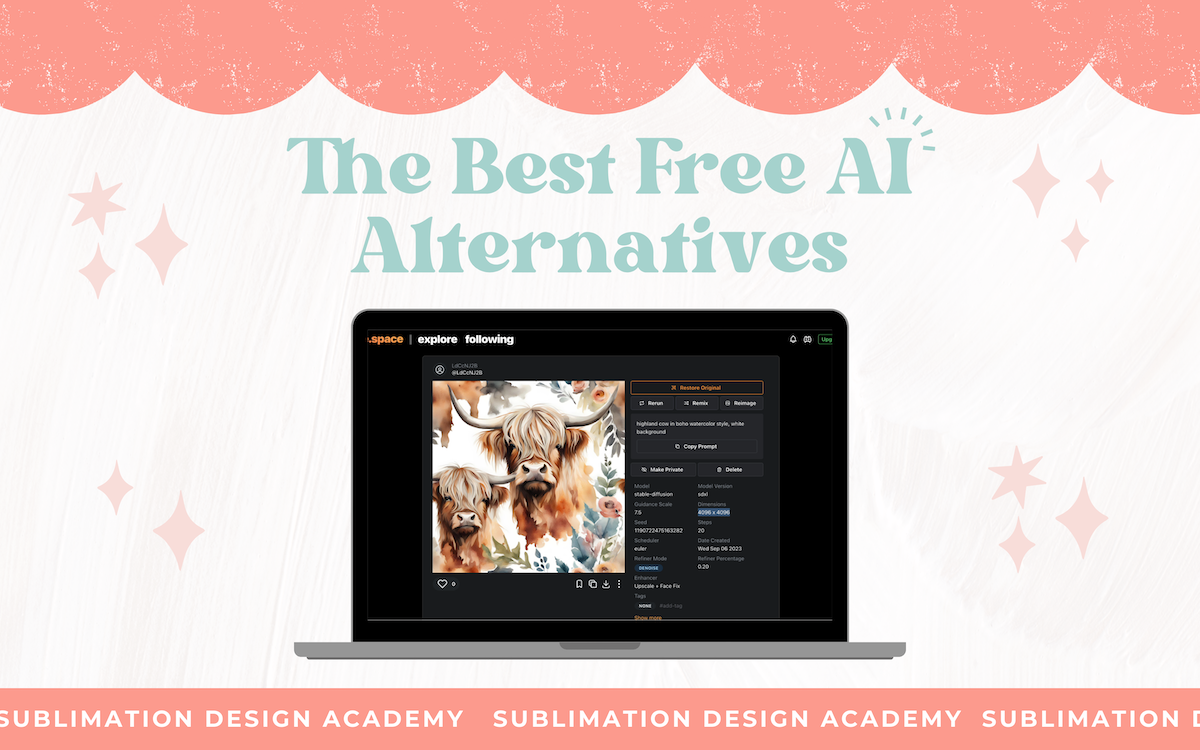 Links Mentioned: Open Google Sheets Comparison Summary Adobe Firefly Mage.space Leonardo AI CF Spark Canva’s Magic Media app (formerly called Text to Image)
-
On the midjourney subscription, it says it is for 3.3 hours/mo. is that in actual creating the image? or how is that 3 hours measured. that doesn’t seem like a lot of time for an entire month
-

Yes that’s 3.3 hours of image generation time which works out to roughly 200-250 images I believe. You can also upgrade to Standard plan for about 3x more and unlimited time if you end up needing a lot more but I would start with basic
-
-
Does midjourney restrict you from using licensed names such as Disney characters or sports teams?
-
It doesn’t restrict you but I would avoid using those in anything you sell
-
-

Erica I love your teaching style!! Thank you
-
You’re very welcome!
-
-
Hi Erica, I am a little confused on the 3.3 hours thing. how does that work? Like do I activate the propt and then I have 3.3 hours to do everything, or will it stop timing me if I close the window after just a few minutes of messing around? Do I have to end a session somehow? Thank you in advance!
-
No it only counts the time where you are the actually generating images not when you are just browsing or creating prompts etc
-
-
This is a fantastic and extremely informative course! Well worth the money1 Thanks for putting this together!!
-
I am so glad to hear you are loving it! Thank you!
-
-

hi erica when I signed up to this program i was a little confused and I dont thing i put in the private tab on and can’t figure out how to fix this so confused not computer smart lol
-
-
Erica Martin wrote a new post 2 years, 10 months ago
How to Use Our Free Tumbler Mockups
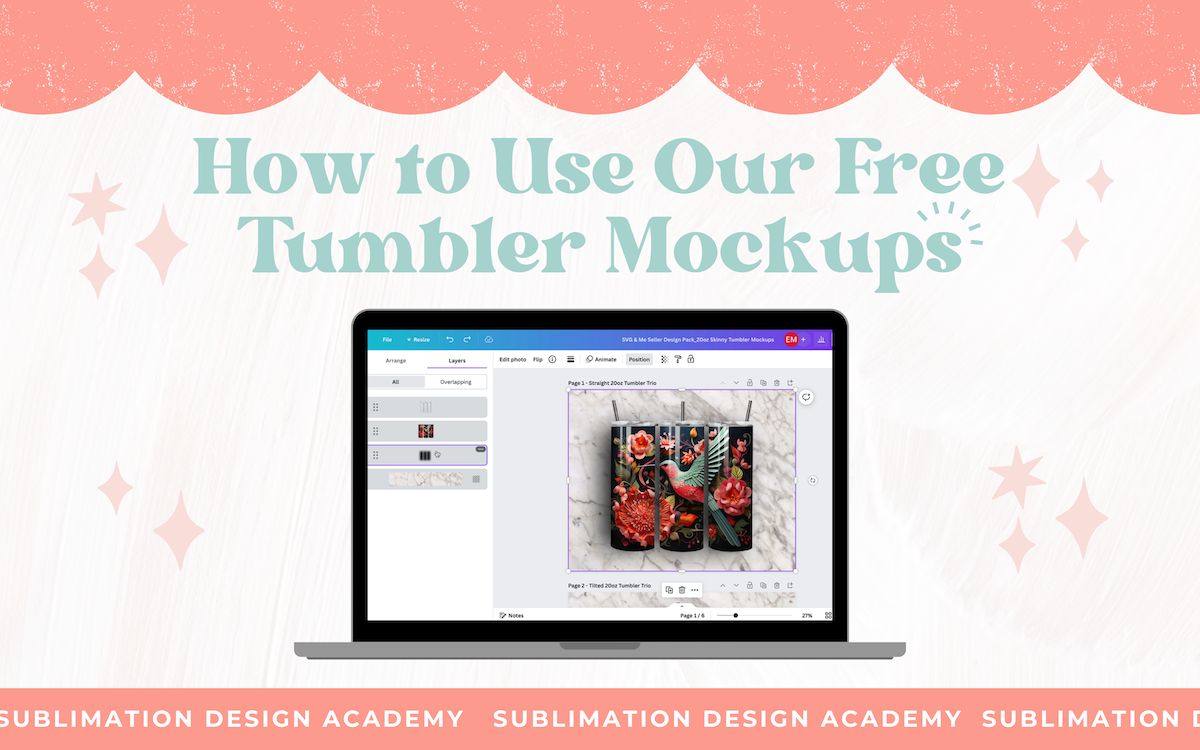 Links Mentioned: Open Canva Project: 20oz Tumbler Mockups Open Canva Project: 20oz Rotating Tumbler Mockup
-
Very nice video. Great explanation!
-
Glad you enjoyed it!
-
I love your videos, very creative content
-
-
All I can say is WOW!!! I am blown away by your course and this video!!! This has been a total game changer for me! I have always looked at your page and wished i could do one like it. You are an amazing woman to share all of these things with us! Thank you so much for your generosity!!! I am excited to start creating!!!! Many, many blessings to you!!!
Patti
-
Aww thank you so much for taking the time to write this incredibly kind comment! It really does mean so much to me to hear that so I truly appreciate it and I’m so glad you enjoyed the course!
-
-
Hi Erica,
Your knowledge of all the different design softwares has always blown me away, but this courses is truly amazing. I have experimented with Midjourney, but you have answered all the questions I had. I think I currently own all of your courses, but this one makes me want to revisit them. Thank you for being the amazing instructor you are and for sharing your knowledge and designs with your students.
Thank you,
Barbara-
What an incredibly kind comment – thank you so much! It put a big smile on my face and made my morning 🙂 Thanks again Barbara!
-
-

Much easier explained and helpful and quicker than You Tube LOL – thank you.
-
Thanks so much!
-
-
I am just getting started with my training. I have been crafting for a while and I always took pictures and videos and then posted. This is going to save so much time. I can’t wait to see what other surprises you have for me. Thank you Erica!
-
Yay! So glad to hear it!
-
-
got through the first set of videos. great job, i hope the information is in the book, downloaded and printed it. i am a visual learner. i deleted my inkscape and canva. couldn’t figure them out. now i will have to download them again. will go with free until i decide if it will be worth my while. ty for the information
-
Thank you so much! These are amazing! Fantastic Course!!!
-
So glad you enjoyed it! Thank you!
-
-
Erica your videos and courses are awesome but im struggling with the rotating tumber one.
I cant seem to get my images to go into the little box, where they are meant to go, what am i doing wrong please help
thank you so much for being so kind.
Regards Lynn-
Feel free to email me a screen recording using loom.com and I’m happy to offer tips on how to do it differently
-
-
If you create your own image what size does the image need to be so it fits in the tumbles properly?
-
You’ll want to measure your specific tumbler to determine this (circumference at top and bottom and height) to determine since all are different sizes.
-
-
Erica Thank you so much for all this information. I was ready to quit my designing business when I saw this course. I work out of my house, and it got flooded and I lost a lot of my sublimation inventory. I was ready to through in the towel. You will never know how much this course has meant to me. I feel like a kid on Christmas morning. I watched the entire course and now to go back and implement them. Again, thank you so much.
-
That is SO amazing to hear!!! Yay! Thank you for sharing!
-
-
your cours is incredible, nill be going through it all again so it will stick ! lol
What type of file do I need to save my designs to that will work ? some of my files I saved as jpeg and pdf are just sitting on top and not into the frame.
thank you !-
So glad you’re loving it! The file type won’t change the frame so make sure you are correctly placing the image in the frame BEFORE you save (usually as JPG or PNG for mockup)
-
-
Hi Erica, these videos are fantastic! You are a true GEM of a teacher!!
Do you use Printify for your Tumblers orders to Etsy, or do you use another manufacturer? Trying to figure out which products to use after designs have been made. Thanks so much!!
-
Such an amazing class. I’ve learned so much that I’ll be going over this again! You have done such a great job explaining everything to us. I can’t express how grateful I am that I found you and this wonderful class. You have been an absolutely amazing teacher!! This is so worth every cent. Thank you
-
Thank you so much for all that you teach and share. This is one of the best courses I’ve ever taken. I’ve re-watched some of the videos a few times and learn something new each time. I appreciate you!
-
-
Erica Martin wrote a new post 2 years, 10 months ago
How to Crop Your Images in Photopea
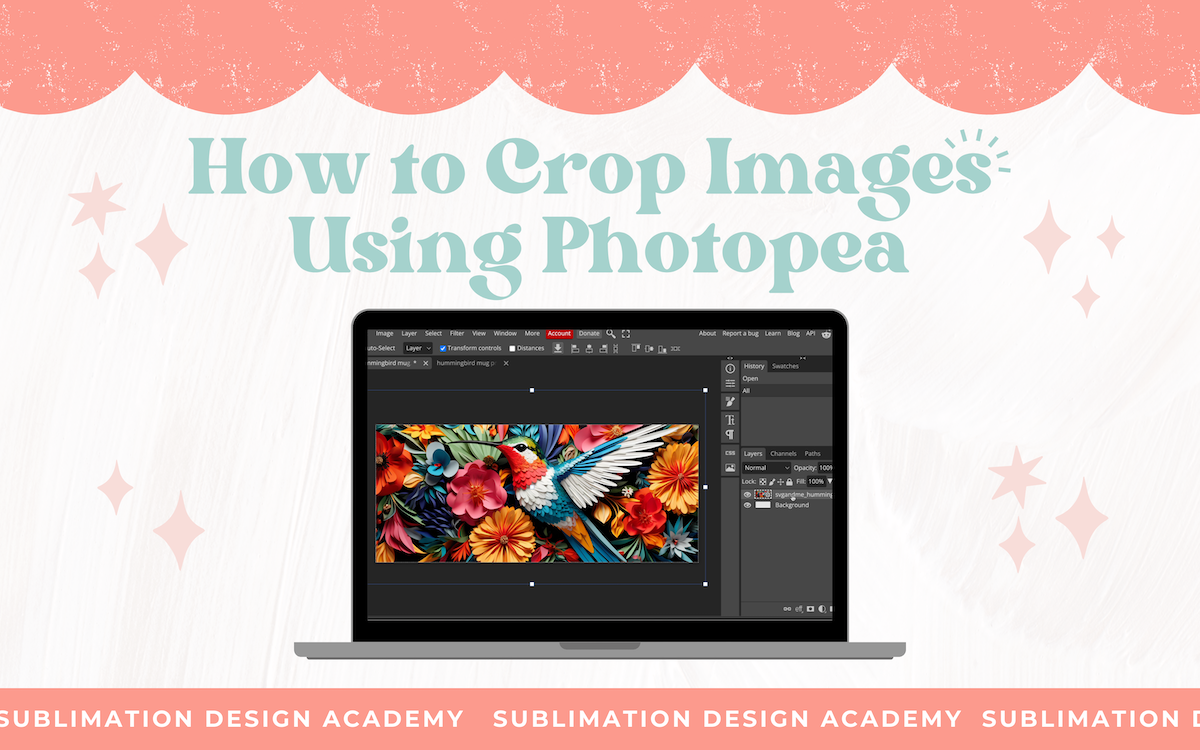 Links Mentioned: Photopea.com Hummingbird Image Example Seamless Floral Image Example Free Seamless Pattern Checker
-
Thank you! I knew how to use the “tile” parameter to create seemless designs, but I’ve been wondering how to create seamless tumbler wraps from the cropped design! I know that is an important feature to those who creare tumblers to sell and now I know how to do it!
-
Yay! Great to hear!
-
-
-
Erica Martin wrote a new post 2 years, 10 months ago
How to Create Custom Frames from Any Graphic or Text
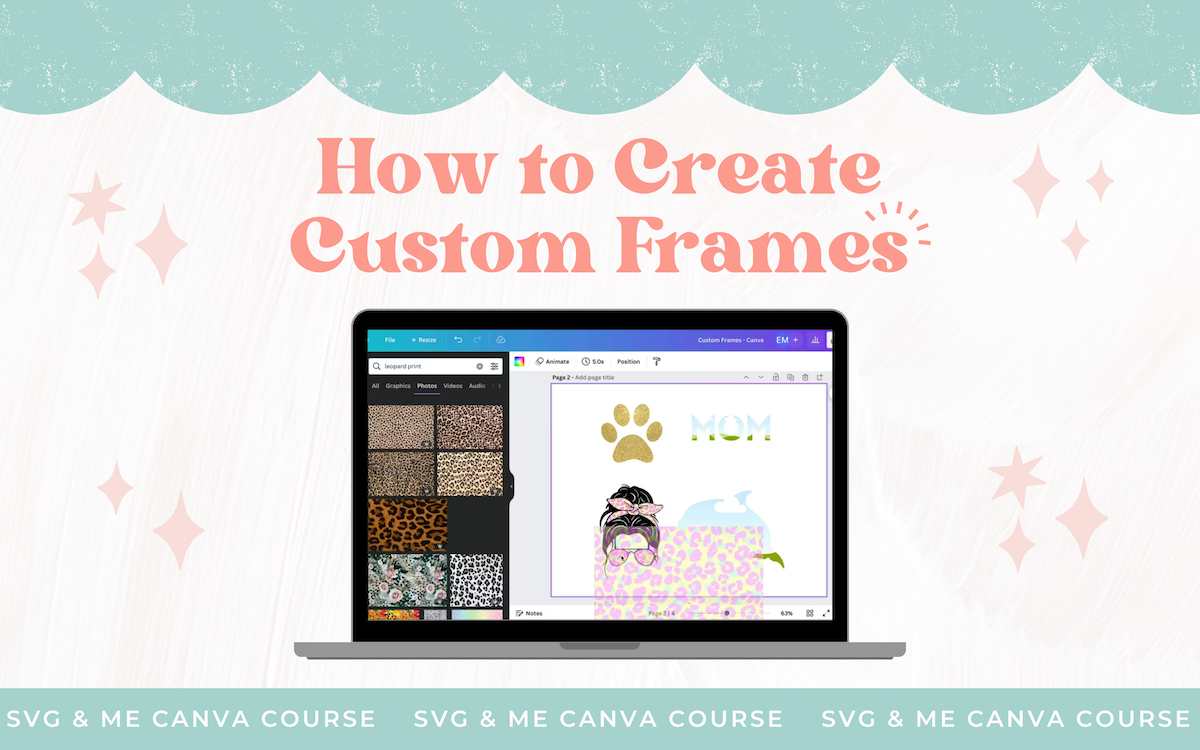 Links Mentioned in Video: Open Canva Project: Custom Frames
-
Is there a way to make a frame with sections? I have seen some on Etsy with a word but each letter has sections to add photos to.
-
Feel free to email me with a photo example. I am not quite sure what you mean.
-
-
-
That’s really cool!
-
-
I have imported my SVG files into inkscape, but I am unable to ungroup them. I have tried the break apart option also which doesn’t work. I am certain the file is an svg. It does have different colors. Why is nothing happening when I use Ungroup? Thanks!
-
is there a printout for this tutorial that we can follow?
-
-
Erica Martin wrote a new post 2 years, 10 months ago
Inkscape's Calligraphy Pen
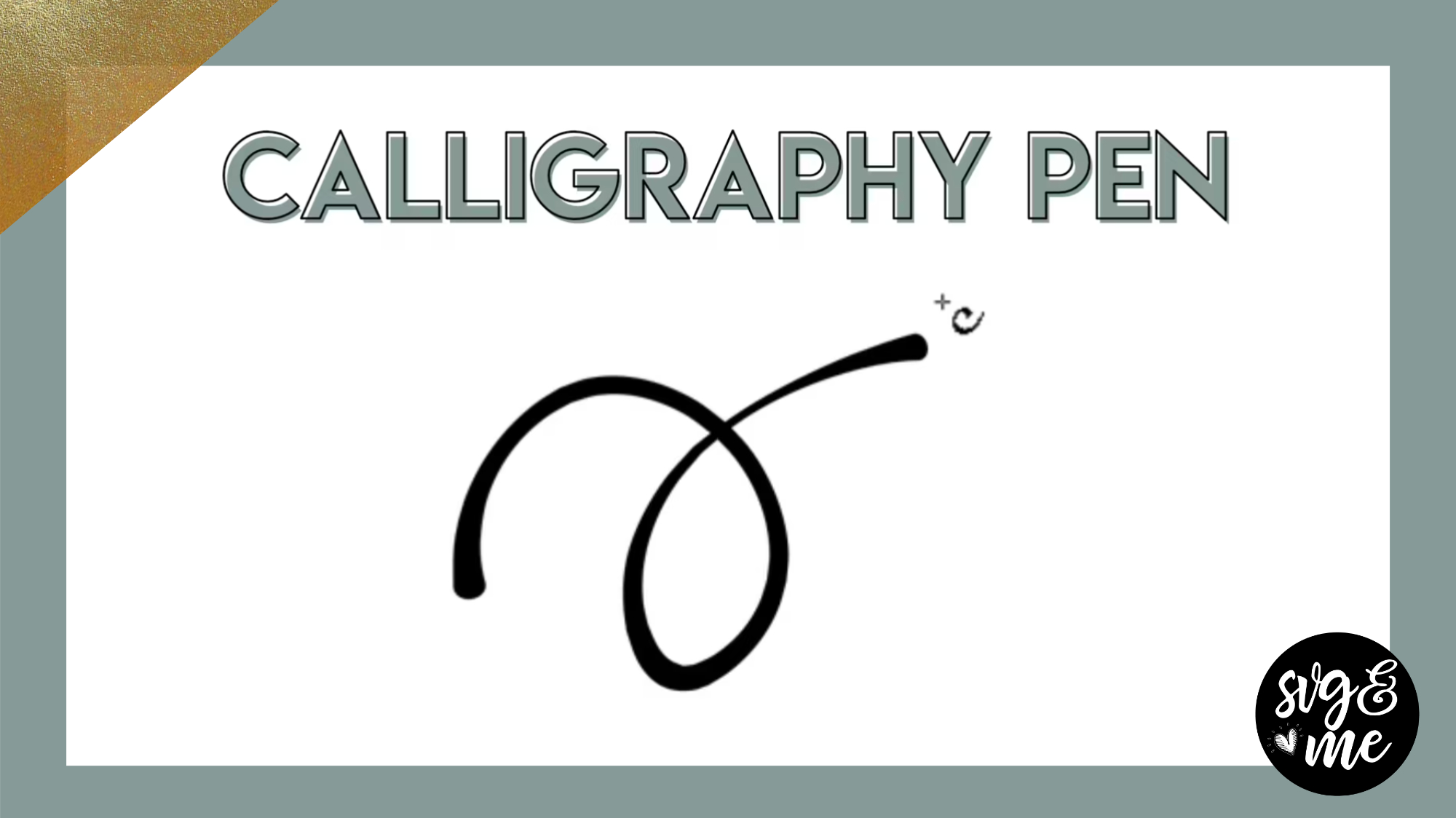 Download Cheat Sheet Download Practice Doc
 -
Erica Martin wrote a new post 2 years, 10 months ago
Inkscape's Spray Tool
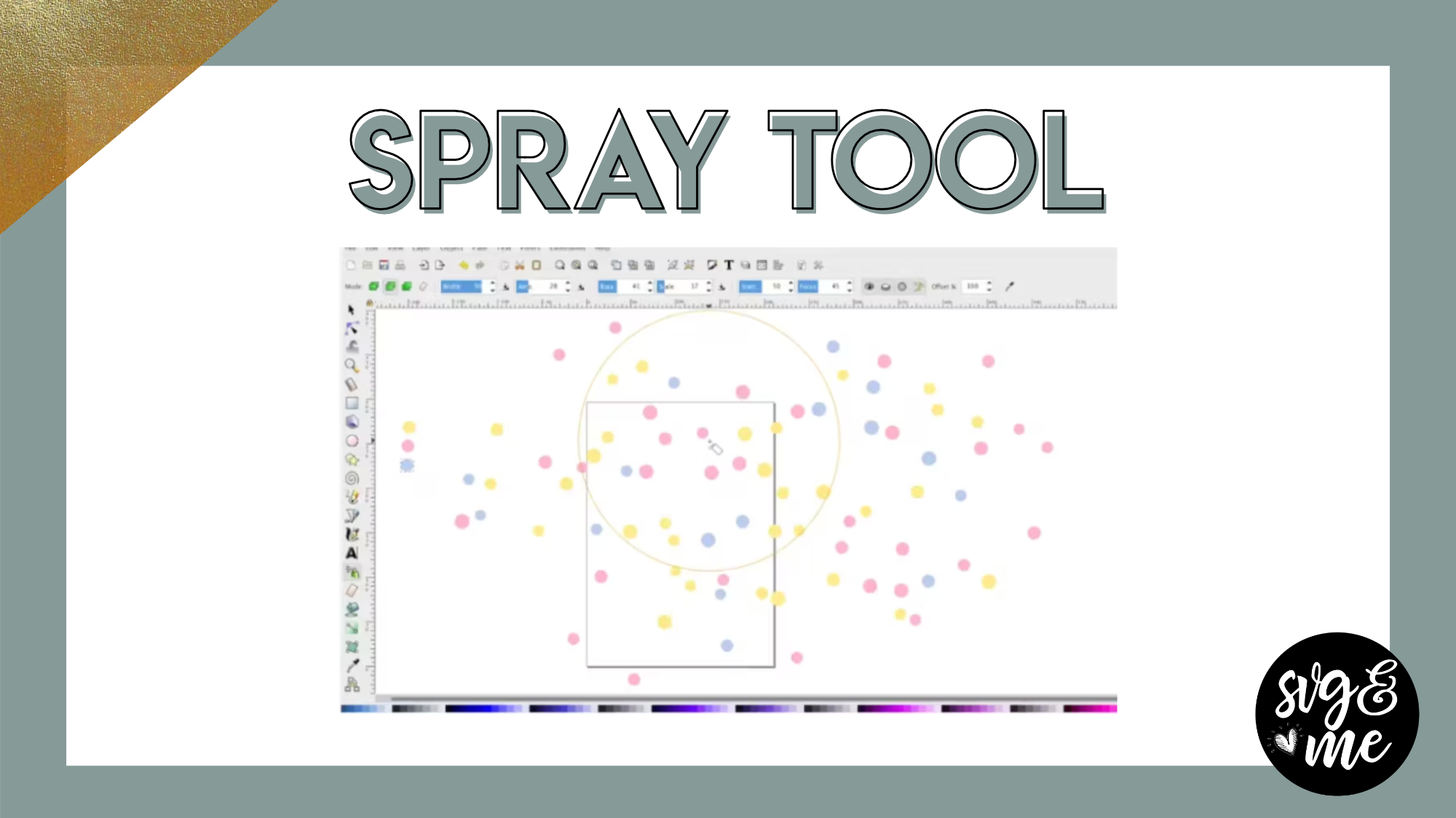 Download Cheat Sheet
 -
Erica Martin commented on the post, Design With Me: We Love Mom Photo Card 3 years ago
You’re very welcome! You could totally design this I promise 🙂
-
Erica Martin commented on the post, Tips & Tricks for Watching Our Videos 3 years ago
You’re very welcome! Thank you for the sweet message!
-
Erica Martin commented on the post, Design With Me: We Love Mom Photo Card 3 years, 1 month ago
You’re very welcome!
-
Erica Martin commented on the post, Inkscape 1.2 Update: What's New?! 3 years, 1 month ago
Hey Christy! Check out the note on this on the Inkscape install video (first lesson of the Inkscape course) which explains more 🙂
-
Erica Martin commented on the post, Inkscape Duplicating Hack 3 years, 1 month ago
You’re very welcome!
-
Erica Martin commented on the post, My New Favorite Background Remover Tool! 3 years, 1 month ago
You’re welcome!
-
Erica Martin commented on the post, Design With Me: We Love Mom Photo Card 3 years, 1 month ago
So glad you enjoyed it!
-
Erica Martin commented on the post, My New Favorite Background Remover Tool! 3 years, 1 month ago
You bet!
- Load More


Excellent info!!! Thank you very much for this tutorial!!!
Thank you! You’re very welcome!