


Ester Hope
,@esterh1
1
Friends
You need to log in or create an account to post to this user's Wall.
-

Erica Martin commented on the post, Advanced Subtraction and Offset Method 7 years, 3 months ago
Yay! So glad you’re enjoying it! I believe these fonts are the Chinup Buttercup Duo: https://creativemarket.com/Nickylaatz/2045262-Chin-Up-Buttercup%21-Font-Duo-Extras?u=willowandpine
-
Erica Martin commented on the post, Knockout Name Using Inkscape 7 years, 3 months ago
You’re welcome!
-
Erica Martin commented on the post, Single to Multi Color Traced Image Hack 7 years, 3 months ago
Check out the tracing lesson on the fill method in the Inkscape course. I think that may be what you’re looking for: https://members.svgandme.com/topic/tracing-fill-method/
-
Erica Martin commented on the post, How to Create Mockups in Inkscape 7 years, 3 months ago
No problem! I’m also available via email if you need me 🙂
-
Erica Martin commented on the post, How to Create Mockups in Inkscape 7 years, 3 months ago
Try saving temporarily to your desktop instead and going to File > Import in Inkscape and selecting the file.
-
Erica Martin wrote a new post 7 years, 3 months ago
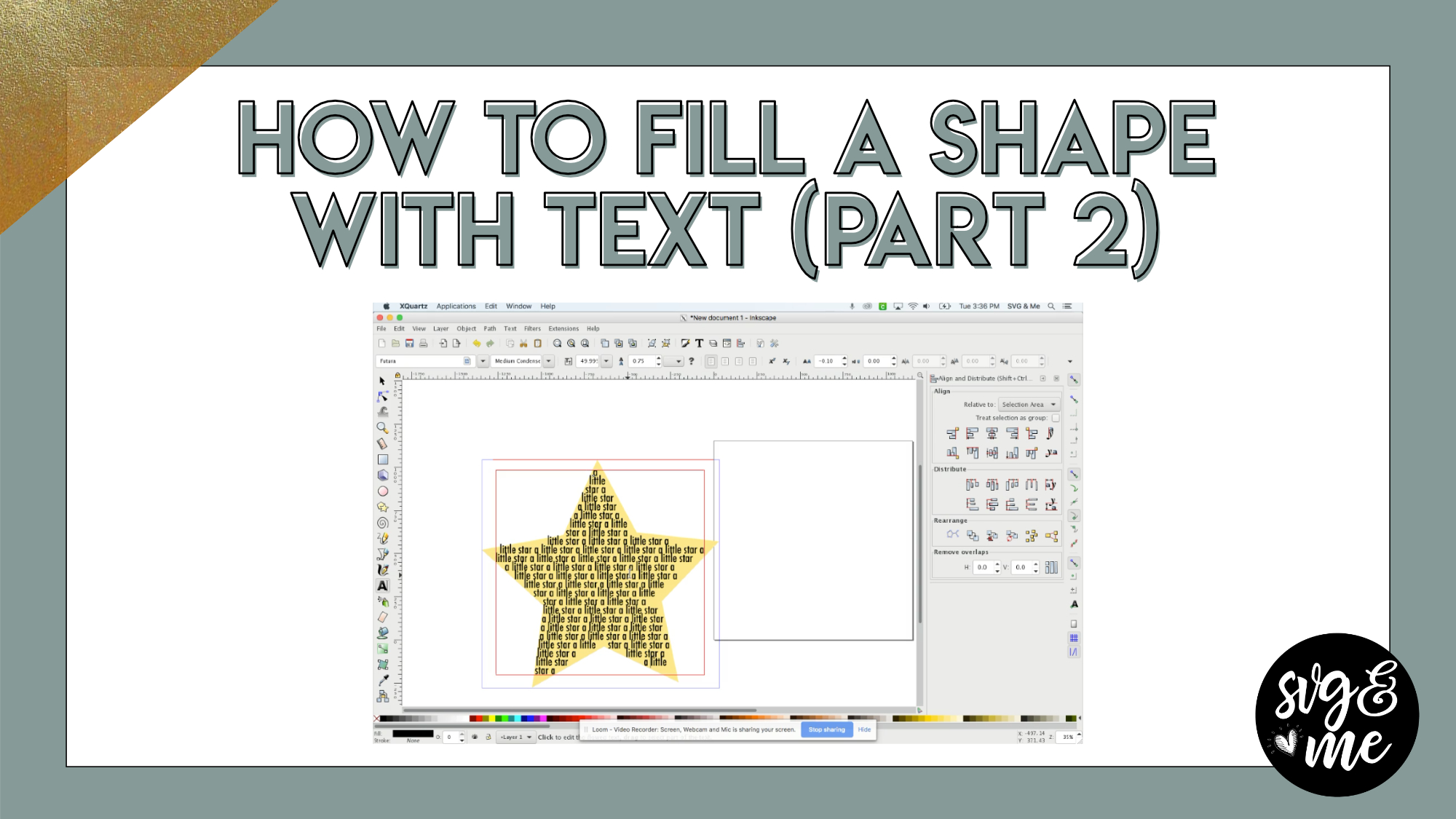
In a previous tutorial, we went over how to fill a shape with text by modifying the size and orientation of that text. Check out that tutorial here.
But in this part 2 tutorial on filling shapes with text, I […]
-
Erica Martin commented on the post, Member Question: Trace & Cleanup a Logo 7 years, 3 months ago
You’re welcome!
-
Erica Martin commented on the post, Member Question: Trace & Cleanup a Logo 7 years, 3 months ago
Aww you’re very welcome!
-
Erica Martin wrote a new post 7 years, 3 months ago
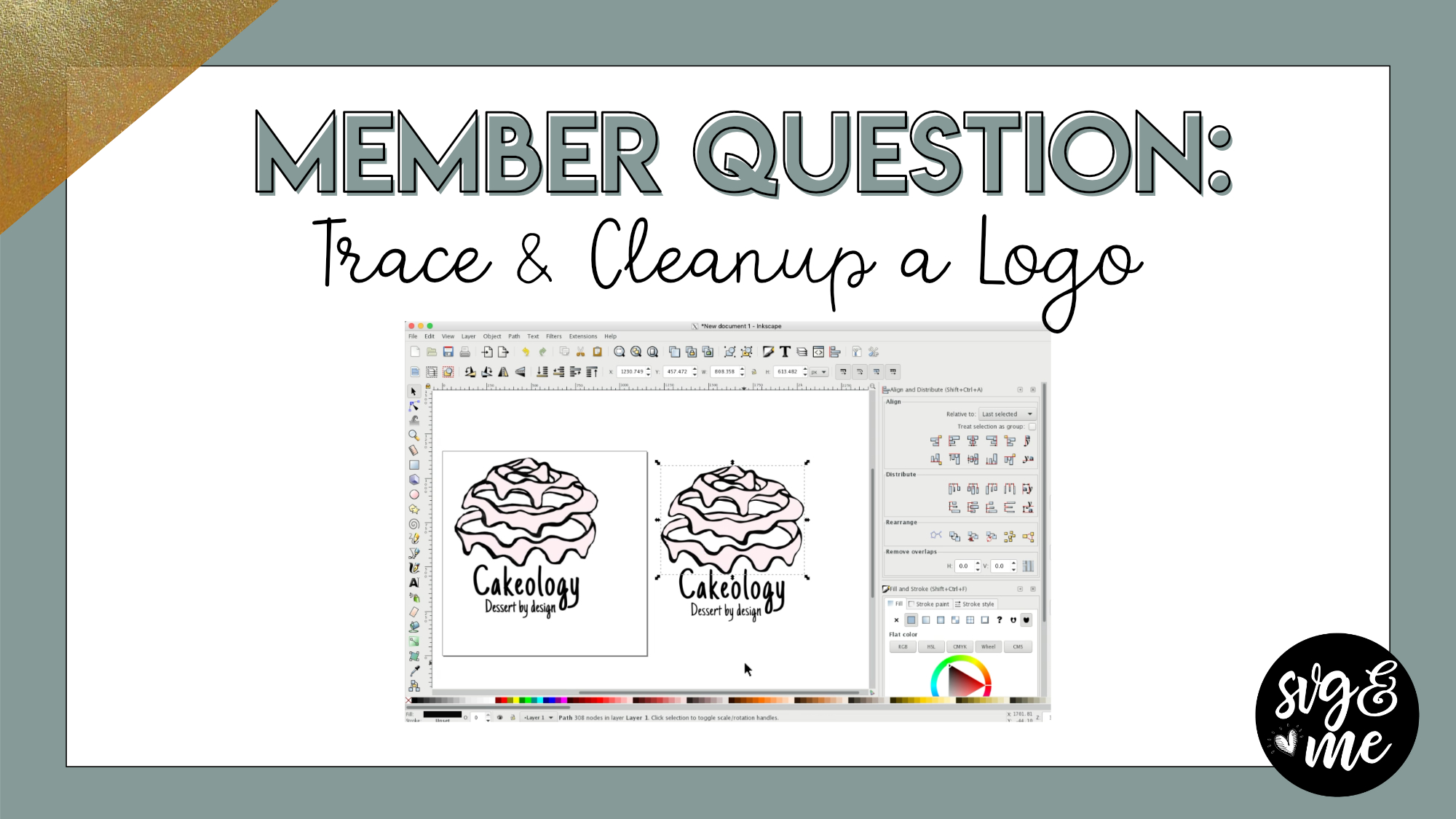
A member question in the Facebook group inspired this impromptu tutorial! Comment below if you want to see real life examples like this more often.
Feel free to submit requests or post questions in the FB […]
-
Wow! You are so, so sweet to help me (and possibly many others) with this tutorial. I’ll go through it slowly again and make sure to follow all the steps. I can’t wait to make it and show my friend!
-

Aww you’re very welcome!
-
-
❤️ Thank you
-
You’re welcome!
-
-
Good afternoon Erica,
my name is Karen and I just purchased your course on yesterday and I have silhouette cameo 3. My question is can things done in inkscape also be imported into cameo for a print and cut and if so do you have any tutorials on how to work with designs done in inkscape then imported into cameo.-
Hi Karen, you would do all the exact same steps. The only thing different is that you would upload to Silhouette Studio instead of Design Space. 🙂
-
-
Thank you Erica so much, I am really confused, however I am determined to get the hang of it
-
Thank You
-
-
Erica Martin wrote a new post 7 years, 3 months ago
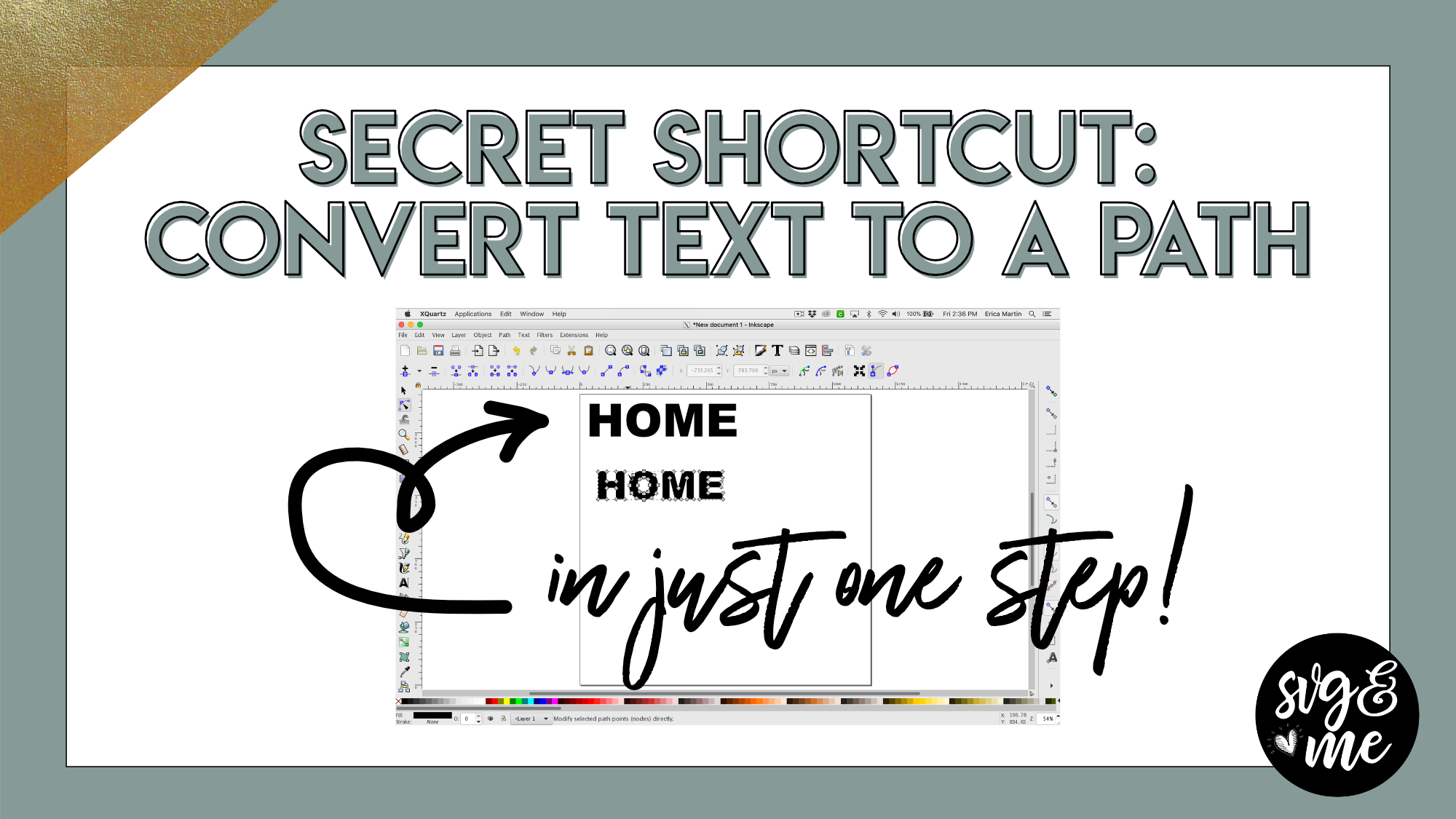
This secret shortcut will condense a multi-step process we do very often of converting text to a path into just one single step with this trick!
-
Thank You
-

Awesome! Thank you
-
You’re welcome!
-
-
-
Erica Martin commented on the post, Welcome Video #1: Courses 7 years, 3 months ago
Actually Inkscape is unique in that the shortcuts are the same for Mac and PC. Are there specific shortcuts you found didn’t work?
-
Erica Martin commented on the post, New Feature!: How to Curve Text in Design Space 7 years, 3 months ago
I don’t have a cheat sheet on this one yet but you can come rewatch the video any time you’d like.
-
Erica Martin commented on the post, Design with Me: Unicorn Face 7 years, 3 months ago
Oh great – Perfect opportunity to practice!
-
Erica Martin commented on the post, Heartbeat Designs 7 years, 3 months ago
It could just be that it’s not showing since the templates are off to the side of the page. When you open it do you still not see it?
-
Erica Martin commented on the post, Welcome Video #1: Courses 7 years, 3 months ago
Yay! Great job! I don’t believe there’s a separate course complete button. You just mark each lesson complete and once you do them all it will automatically list the course as 100% complete.
-
Erica Martin commented on the post, Heartbeat Designs 7 years, 3 months ago
Is there a button with three dots in the top right that you can click and select “Download”? I believe that it may look blank because the templates are off to the side. Once you download and open, let me know if you still can’t access it.
-
Erica Martin commented on the post, Knockout Name Using Inkscape 7 years, 4 months ago
Yay! That’s awesome!
-
Erica Martin wrote a new post 7 years, 4 months ago
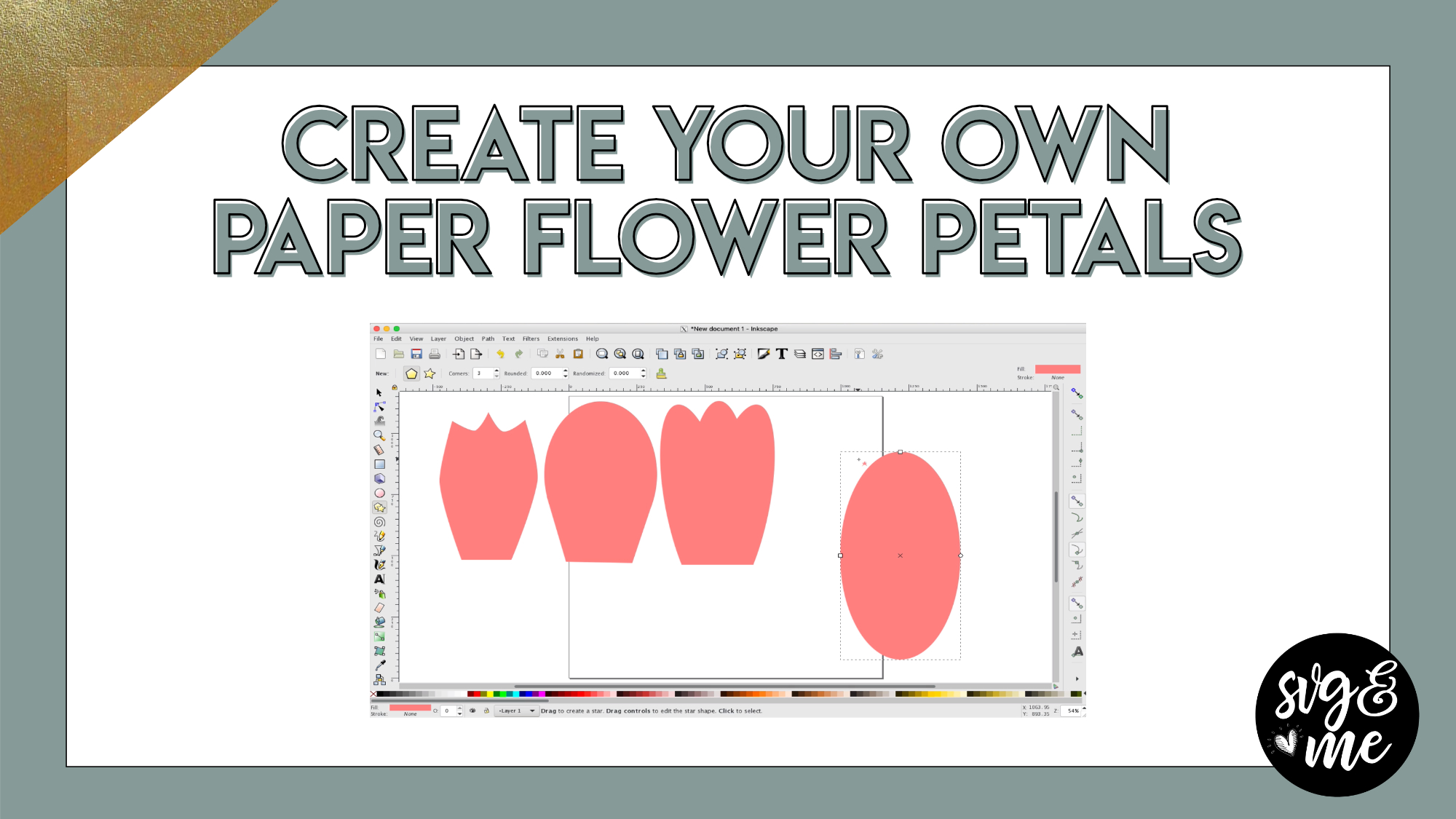
Pre-made Flower Petal Starter Kit
-
Thank You
-
You’re very welcome! Thanks for being a member!
-
-
What about Silhouette users? How do you create different sizes of a petal you create?
-
-
Erica Martin commented on the post, Advanced Knockout Designs in Inkscape 7 years, 4 months ago
I don’t have a PDF for this one yet but I can add it to my to do list 🙂
-
Erica Martin commented on the post, How to Upload 3D SVGs 7 years, 4 months ago
That’s so sweet – you’re very welcome!
- Load More


Thank You
Hi Erica. I have a question for you. I am trying to put the lyrics to a song inside of a heart. I am assuming it would be the same concept as this tutorial. I have the lyrics all typed out. I select the heart and the lyrics together. Click on text > flow into frame. When I do this, it puts the words in a heart shape, but the heart is upside down … If I am thinking right, it has something to do with the path of the heart? I tried doing a Path > reverse and now the lyrics are upside down and mirrored and the heart shape is still upside down…Any suggestions?
Try selecting just the heart and doing Path > Object to Path before the step where you put the text inside and see if that helps.
Hey Erica, I am trying to do the opposite. Can you put shapes into letters? for example, Can I add tiny circles into the letters TF (college bold font)?
What do you mean by tiny circles? If you email me with more info I may be able to help