


Ester Hope
,@esterh1
1
Friends
You need to log in or create an account to post to this user's Wall.
-

Erica Martin wrote a new post 7 years, 9 months ago
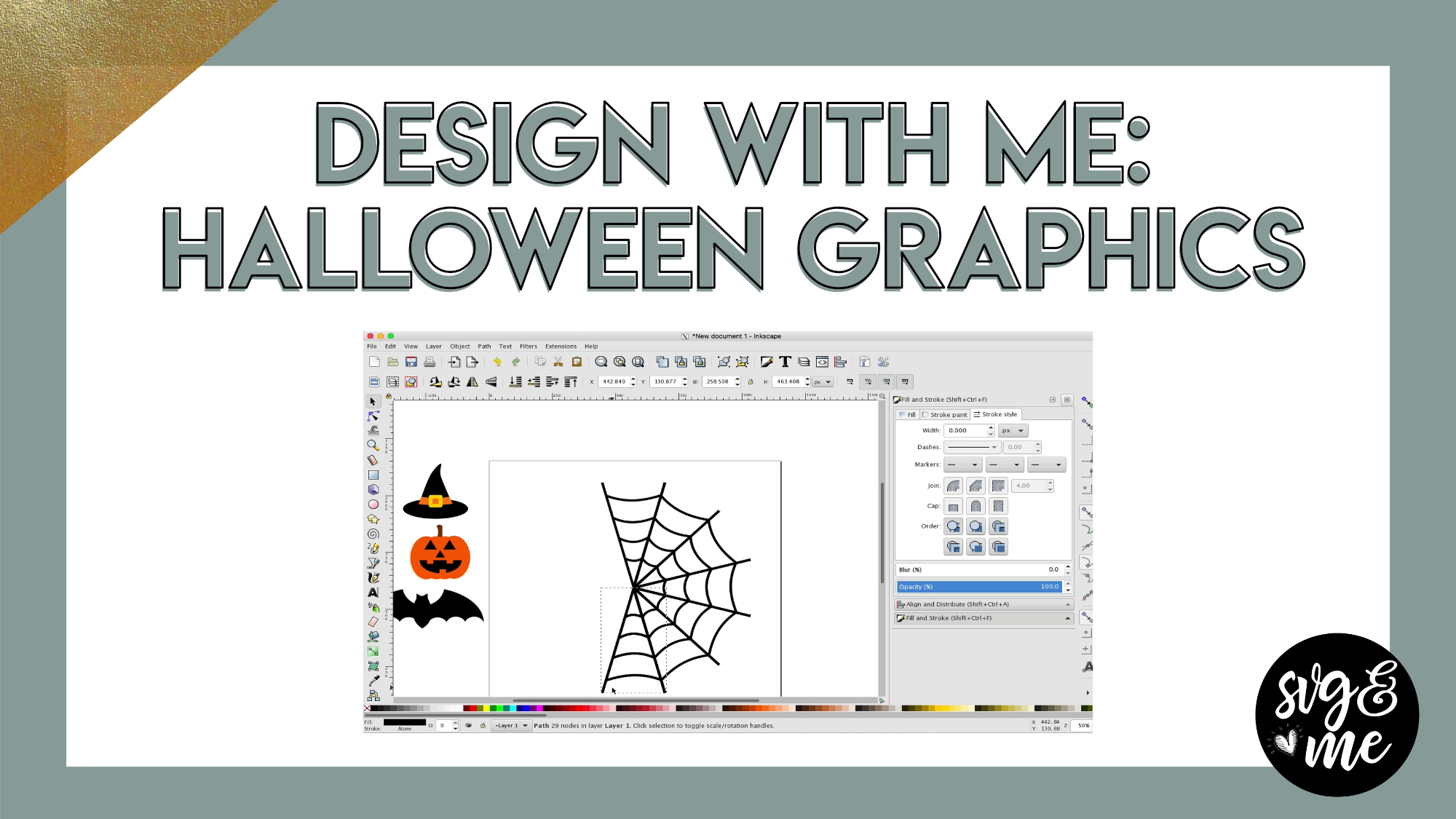
Use these Halloween graphics to create your own SVGs, stickers, etc. Watch one at a time or design them all:
Witch’s Hat (0:20)
Jack O’ Lantern (4:17)
Bat (7:35)
Spider Web (11:05)
-
Erica Martin commented on the post, Advanced Knockout Designs in Inkscape 7 years, 9 months ago
Not a problem – glad it worked out!
-
Erica Martin commented on the post, Quick Win: State Silhouette Design 7 years, 10 months ago
Oh good!
-
Erica Martin commented on the post, Quick Win: Vinyl Mockup Color Hack 7 years, 10 months ago
I know – it’s such a fun hack to get realistic ideas of what it will look like before you cut.
-
Erica Martin commented on the post, Design with Me: Unicorn Face 7 years, 10 months ago
Hmm I am not quite clear on what you mean. Feel free to send me a screenshot and I will help you troubleshoot. Is it just that you don’t have a fill color selected?
-
Erica Martin wrote a new post 7 years, 10 months ago
-

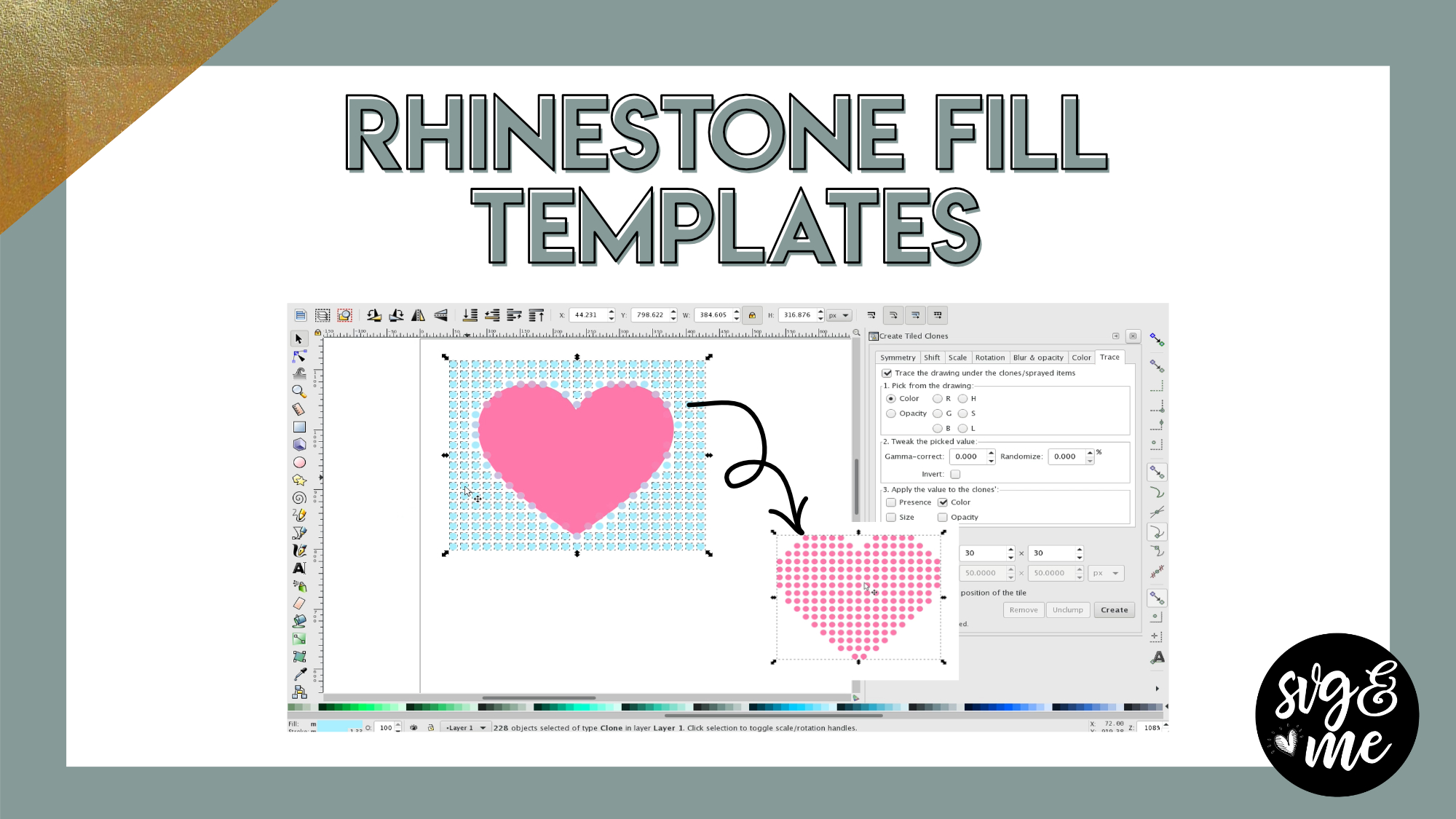
WHAT BLADE AND MATERIAL setting DO I USE TO CUT A RHINESTONE TEMPLATE WITH MAGIC FLOCK AND A CRICUT MAKER? Sorry for all cap words
-
Oh no Erica… is the video not working?
-

Seems to be working on my end. What are you seeing?
-
-
-
Erica Martin commented on the post, Advanced Knockout Designs in Inkscape 7 years, 10 months ago
Was it perhaps grouped? Make sure it is fully ungrouped before you try the inset. That is my best guess as to why it wasn’t working the first time.
-
Erica Martin commented on the post, How to Make Papercut Designs 7 years, 10 months ago
Great to hear that you find the cheat sheets helpful! You’re very welcome 🙂
-
Erica Martin commented on the post, Filtering DaFont.com for Commercial Use Fonts 7 years, 10 months ago
In general, yes. Like I mention on the video, I am weary of using fonts that seem to clearly violate copyrights like Disney or movies, but most commercial fonts work for creating your own SVGs to sell.
-
Erica Martin commented on the post, Convert Photos to SVGs with Imaengine 7 years, 10 months ago
I don’t have an Android unfortunately but I will be on the look out if I hear of one to share 🙂
-
Erica Martin commented on the post, Rhinestone Outline Templates in Inkscape 7 years, 10 months ago
Yay! You’re welcome!
-
Erica Martin commented on the post, New Feature!: How to Curve Text in Design Space 7 years, 10 months ago
You’re welcome!
-
Erica Martin commented on the post, How to Make Fonts Stencil Friendly 7 years, 10 months ago
Glad you found it helpful! Yes, it can be helpful to grasp how to use nodes when you see practical examples of why you’d want to edit them.
-
Erica Martin wrote a new post 7 years, 10 months ago
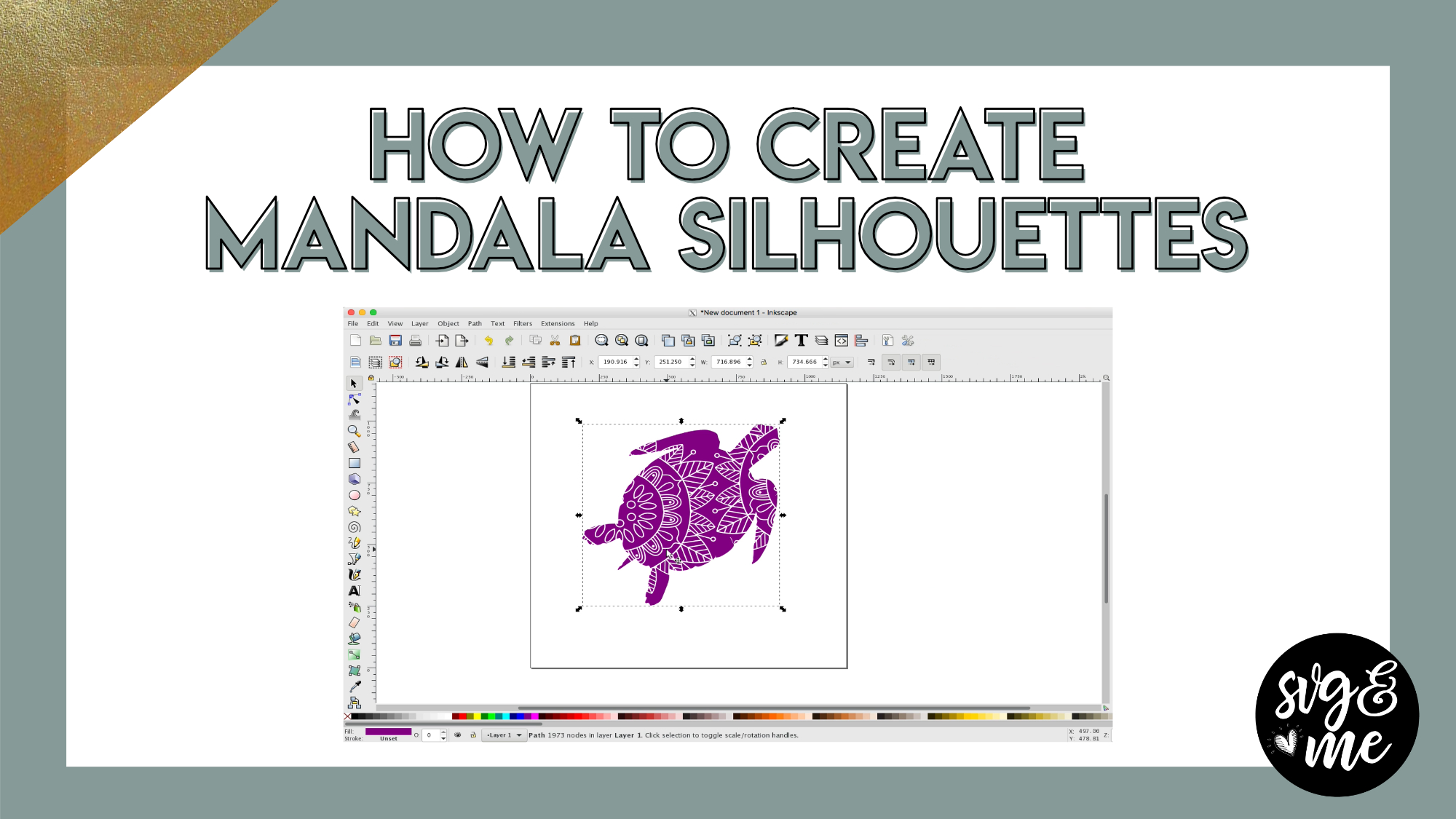
Download a Mandala Design to Practice
-
Good morning, I’m trying to o a silhouette of a dress svg in Inkscape following your tutorial. I’m only in the beginning stages and when I get to trace bitmap, there is no prev. I do get the trace bitmap pop up, but no preview. I did all the same checks you did (stack scans, remove background). I’m not sure what I’m missing but would really appreciate your help. Thank you so much in advance!
-
Hi there! There should be a live preview check box at the bottom right of the trace bitmap window, check that to on and then you should be able to see the preview.
-
-
Looks fabulous. Will have to find a mandala to down load
-
We have some in the SVG library and I linked one below this video 🙂
-
-
Thank you for this! I was able to make one in less than 10 minutes after watching this video! So happy with my first one!
-
How cool is that?! So great to hear 🙂
-
-
where can i find the video that you mention to how to make our own mandala design i looked in the play list you provided and i cant find it . thanks Mary
-
Here you go! https://members.svgandme.com/mandala/
-
-
-
Erica Martin commented on the post, Welcome Video #1: Courses 7 years, 10 months ago
Yes, sorry for any confusion. I had originally considered doing monthly or annual memberships and need to update that reference in this video. You do have lifetime access if you joined via our webinar promo either via the single payment or 5 payment plan. The bonus workbooks are both available at the bottom of the homepage (members.svgandme.com).…[Read more]
-
Erica Martin commented on the post, Advanced Knockout Designs in Inkscape 7 years, 10 months ago
No problem!
-
Erica Martin wrote a new post 7 years, 10 months ago
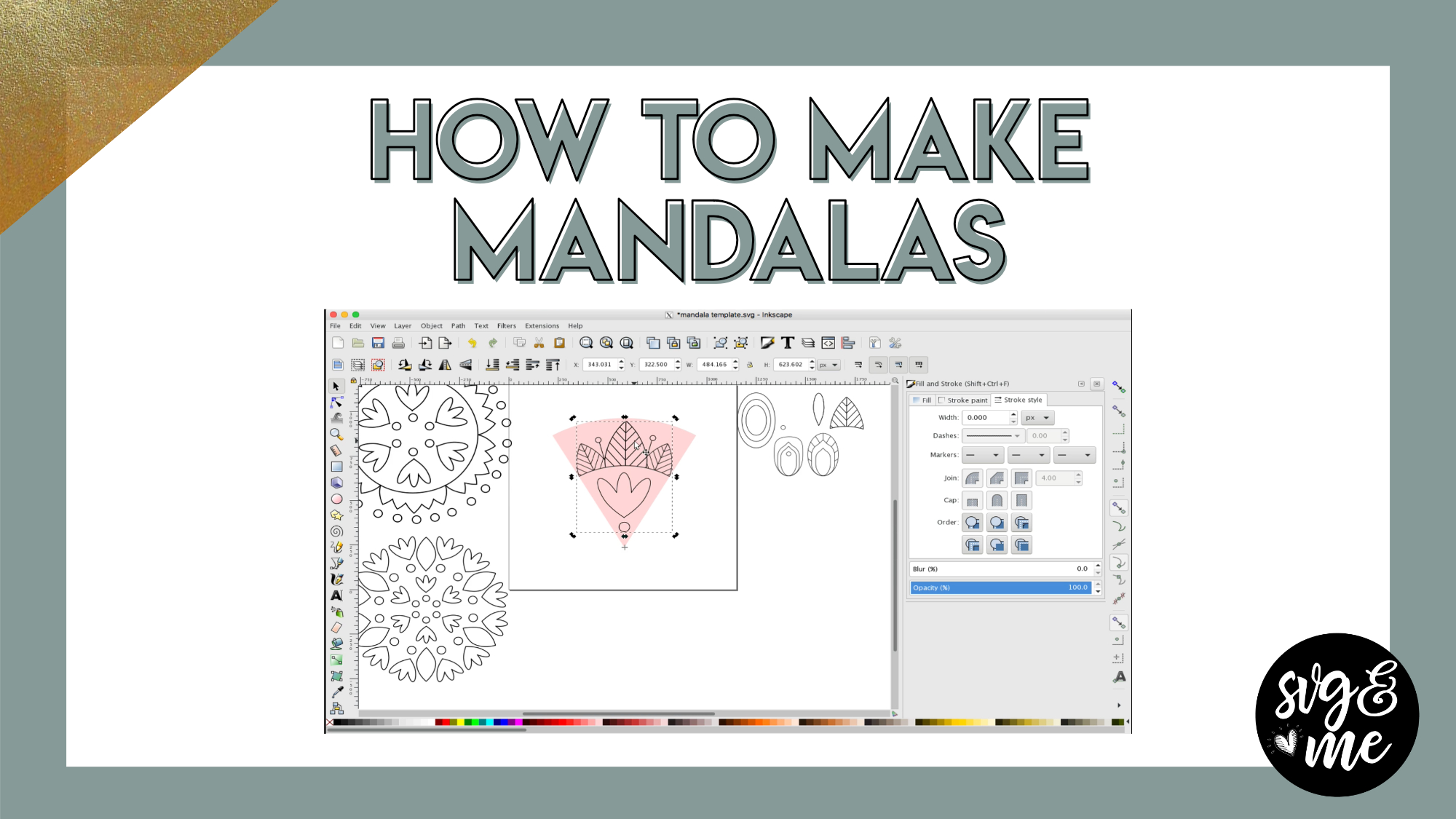
Download the Mandala Design Kit (Recommended)
-
Please ignore my previous comment, got it now.
-
Oh good! Glad you figured it out!
-
What is a mandala? Is that a silly question?
-
You’ll learn in the tutorial 🙂 They are basically repeating geometric patterns.
-
-
-
Where do you find the Mandala kit? Thought it might have a link in the comments.
-
Never mind! Found it. Tried search first and it did not work. Now I see the pink link under the video. Thanks
-
Oh good – glad you found it!
-
-
-

Hi Erica,
I’m really excited about what I’m learning, and I was following along on this tutorial and doing well until I got to the part where you hold the control button and drag the corner around to start filling in the other areas of the mandala. For some reason, that’s not working for me. I’ve re-watched that part several times and have tried it over and over. I’m not sure what the issue is. Any suggestions? I may have to try it with a mouse to see if that works better than the touchpad on my laptop.Thank you!
Sheila -
Disregard my previous question. The mouse made the difference. I’m so excited to see how my mandala turned out! Can’t wait to try the more intricate ones!
-
Oh good! Yes, they are so fun to make. Something very relaxing about the replicating patterns 🙂
-
-
how do you get the mandalas that I have created in inkscape into design space?
-
Hi there! You would just save as a SVG and then upload into DS. There is a video in the course on this process and a checklist in the Inkscape course workbook to help. Let me know if you run into any specific problems.
-
-
In your tutorial you made the Pink shaped mandala and they weren’t all connected how to you print it if not all connected?
-
If they are not all connected it would work best for a HTV or vinyl design which does not all need to be connected 🙂
-
-
Hi Erica,
I’m hoping you can help me. I am working with the second mandala the lesson. The one when you duplicated and rotated the edges should line up and touch. I have zoomed all the way in and positioned my hashtag at the tip of the pie, duplicated the design, and rotated while holding down the ctrl key — the duplicated design seems to be snapping in a position too far away from the original. I hope that makes sense. Any help you can give me is greatly appreciated!!!-
Happy to help! You can turn off snapping by clicking the icon at the very top of the right hand toolbar with the arrow between the blue and green nodes.
-
-
-
Erica Martin commented on the post, Filled Shape Designs: DIY Unicorn Heart 7 years, 10 months ago
I’ll send you a link via email.
-
Erica Martin commented on the post, Advanced Knockout Designs in Inkscape 7 years, 10 months ago
So did you duplicate your unicorn and change the copy a different color before you did the inset? Feel free to reach out to me via email ([email protected]) so we can troubleshoot better. It would also be super helpful and much quicker to troubleshoot if you can do a screen recording of what you are doing. You can get a free account with…[Read more]
-
Erica Martin commented on the post, Advanced Knockout Designs in Inkscape 7 years, 10 months ago
Hi there! Yes, you’ll need to have your unicorn image open in your project and make sure it is a traced SVG image in order to be able to use it in the design. You can determine this by selecting it with the “Edit Paths by Nodes” tool and making sure there are nodes around it.
- Load More


I love it! You make it look so easy.
Aw thank you!
How can I make my Inkscape program larger for me to work with.
Check out the FAQ page – we have a question regarding this 🙂 (linked on the left hand menu)
thank you I will.
I could not pull the web line down evenly. It twisted all over.