


Ester Hope
,@esterh1
1
Friends
You need to log in or create an account to post to this user's Wall.
-

Erica Martin commented on the post, How to Fill Shapes with Text in Inkscape 7 years, 11 months ago
So glad to hear that – thank you!
-
Erica Martin commented on the post, Filled Shape Designs: DIY Unicorn Heart 7 years, 11 months ago
Oh awesome – good job!
-
Erica Martin wrote a new post 7 years, 11 months ago
-
Erica Martin commented on the post, Filled Shape Designs: DIY Unicorn Heart 7 years, 11 months ago
Which version – the SVG version? If so, go ahead and double click on the “blank page” when it opens and see if it then opens in Inkscape. The cheat sheet is off to the side so it may look like a blank page when it opens in your browser but you should see it once you get it open in Inkscape. If you still have problems, send me an email and I can…[Read more]
-
Erica Martin commented on the post, Welcome Video #1: Courses 7 years, 11 months ago
Absolutely!
-
Erica Martin commented on the post, How to Create Mockups in Inkscape 7 years, 11 months ago
That’s the best feeling! Yay!
-
Erica Martin wrote a new post 7 years, 11 months ago
-
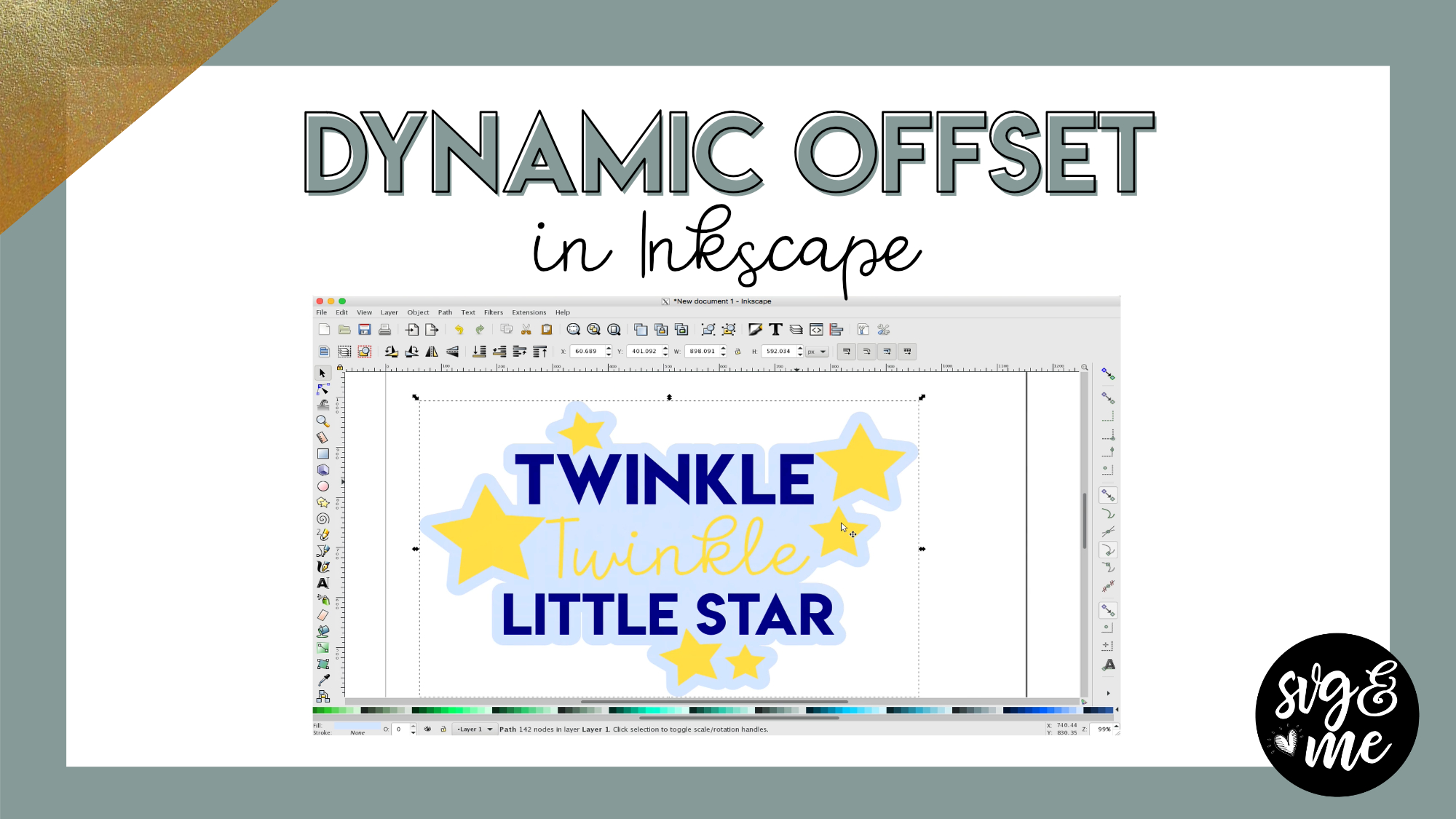
can you do this with a picture you have downloaded off the internet and adding a word to it and making the whole thing a dynamic onset? I am trying right now and it won’t work!!!
-

You’ll need to trace the image first in order to be able to create the dynamic offset from it.
-
-
Do you get rid of some of the courses? I am trying to find the one for the text with offset and cannot find it
-
No, here it is 🙂 https://members.svgandme.com/inset-outset/
-
-
This link doesn’t work can you point me in the right direction for text with offset please?
-
Which link doesn’t work?
-
-
the link you posted above https://members.svgandme.com/inset-outset/ doesn’t work
-
-
Erica Martin commented on the post, Filled Shape Designs: DIY Unicorn Heart 7 years, 11 months ago
Perfect! You’re very welcome.
-
Erica Martin commented on the post, Filled Shape Designs: DIY Unicorn Heart 7 years, 11 months ago
Hi there! So you are using the pre-made version of the unicorn heart? Are you doing it all one color? If so, I would select the entire design and hit ctrl + shift + g a few times to ensure it’s ungrouped. Then, go to Path > Union. Then you can place your rectangles and do the intersection over each section. Let me know if you have any problems.
-
Erica Martin commented on the post, Filled Shape Designs: DIY Unicorn Heart 7 years, 11 months ago
Hi there! So the Stroke to Path is what you need to do to convert any line or outline you create to a path before you export. So in this case, we used the pencil tool to create the swirls and then need to convert them all to a path before saving using Path > Stroke to Path.
-
Erica Martin commented on the post, Infinity Sign with Custom Text 7 years, 11 months ago
Hi there! Do you want to save your file and send it to me and I can walk you through what to do next? [email protected] Otherwise, you’ll need to make sure your infnity symbol is converted from Stroke to Path. Then create a rectangle over where the word will be and slice that out of the symbol with Path > Difference and then weld the word to the…[Read more]
-
Erica Martin commented on the post, New Feature!: How to Curve Text in Design Space 7 years, 11 months ago
So glad to hear that!
-
Erica Martin commented on the post, New Feature!: How to Curve Text in Design Space 7 years, 11 months ago
Perfect!
-
Erica Martin commented on the post, Infinity Sign with Custom Text 7 years, 11 months ago
Hi there! Feel free to reach out to me via email with your file and I can walk you through what to do! [email protected]
-
Erica Martin commented on the post, Quick Win: Reverse Path for Curved Text in Inkscape 7 years, 11 months ago
Good tip for perfectly symmetrical circles! However, for ovals or other shapes it’s best to use spaces since they aren’t the same on each side.
-
Erica Martin commented on the post, Infinity Sign with Custom Text 7 years, 11 months ago
Cute idea!
-
Erica Martin commented on the post, Filled Shape Designs: DIY Unicorn Heart 7 years, 11 months ago
I just tested it and seems to be working. Maybe try one more time and let me know if still having problems.
-
Erica Martin commented on the post, How to Make Ribbon Banners in Inkscape 7 years, 11 months ago
Yay! Thank you!
-
Erica Martin commented on the post, Infinity Sign with Custom Text 7 years, 11 months ago
Glad you enjoyed it!
-
Erica Martin commented on the post, Design with Me: Unicorn Face 7 years, 11 months ago
Try turning off snapping and see if that helps. You do so by turning off the button in the upper right corner in the right toolbar that is a blue and green node with an arrow in between (at the very top)
- Load More


excellent hack… thanks for the video!
Thanks! Glad it helped!
Great video. Ty
You’re very welcome!
very helpful – thanks