


Joella Nelson
,@joellamay
1
Friends
You need to log in or create an account to post to this user's Wall.
-

Erica Martin wrote a new post 3 years, 3 months ago
Custom Color Palettes (Part 1)
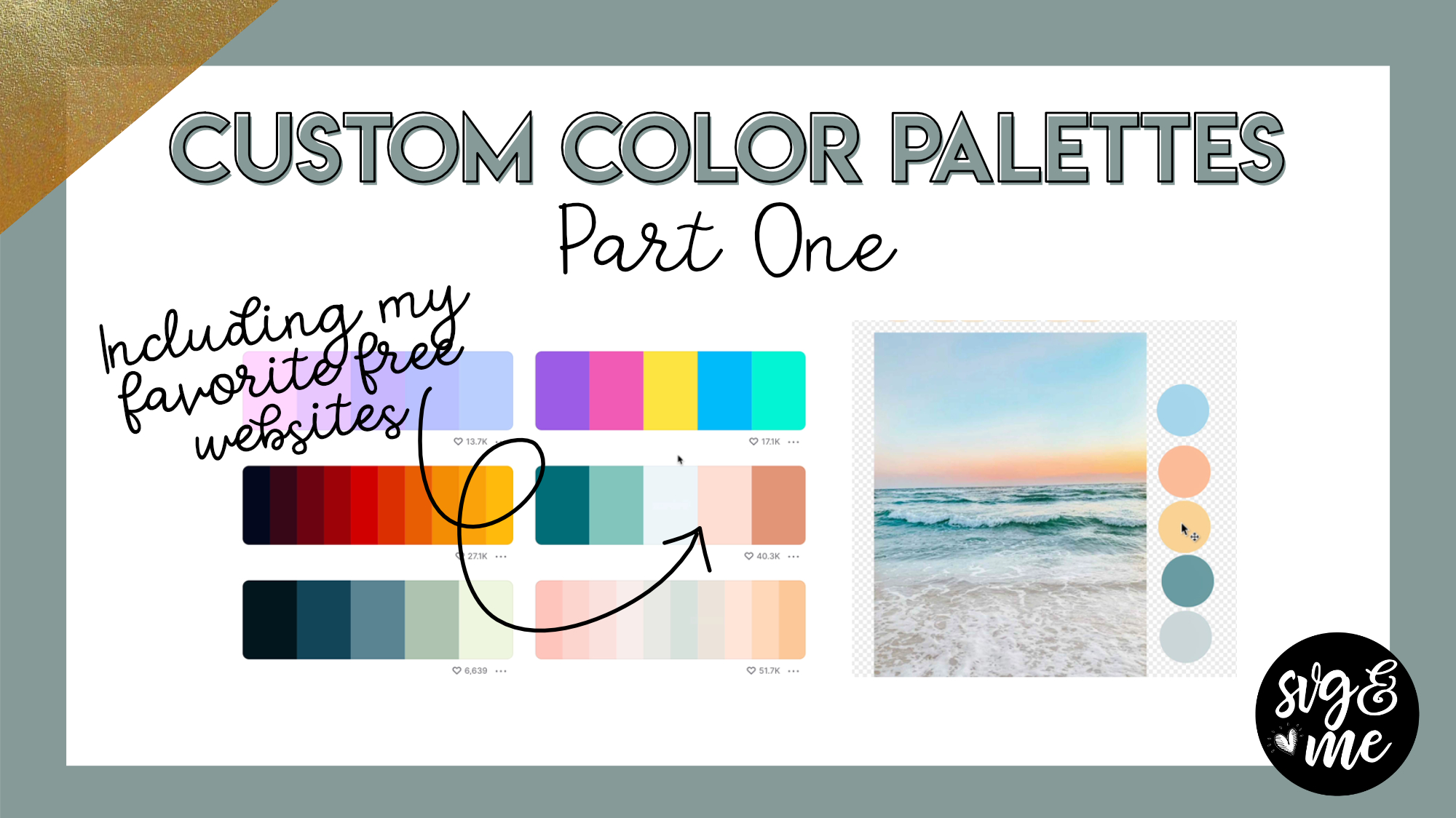 Links Mentioned in Video: My Favorite Websites for Color Palettes coolors.co color.adobe.com colorhunt.co Canva color […]
 -
Erica Martin wrote a new post 3 years, 3 months ago
Custom Color Palettes (Part 2)
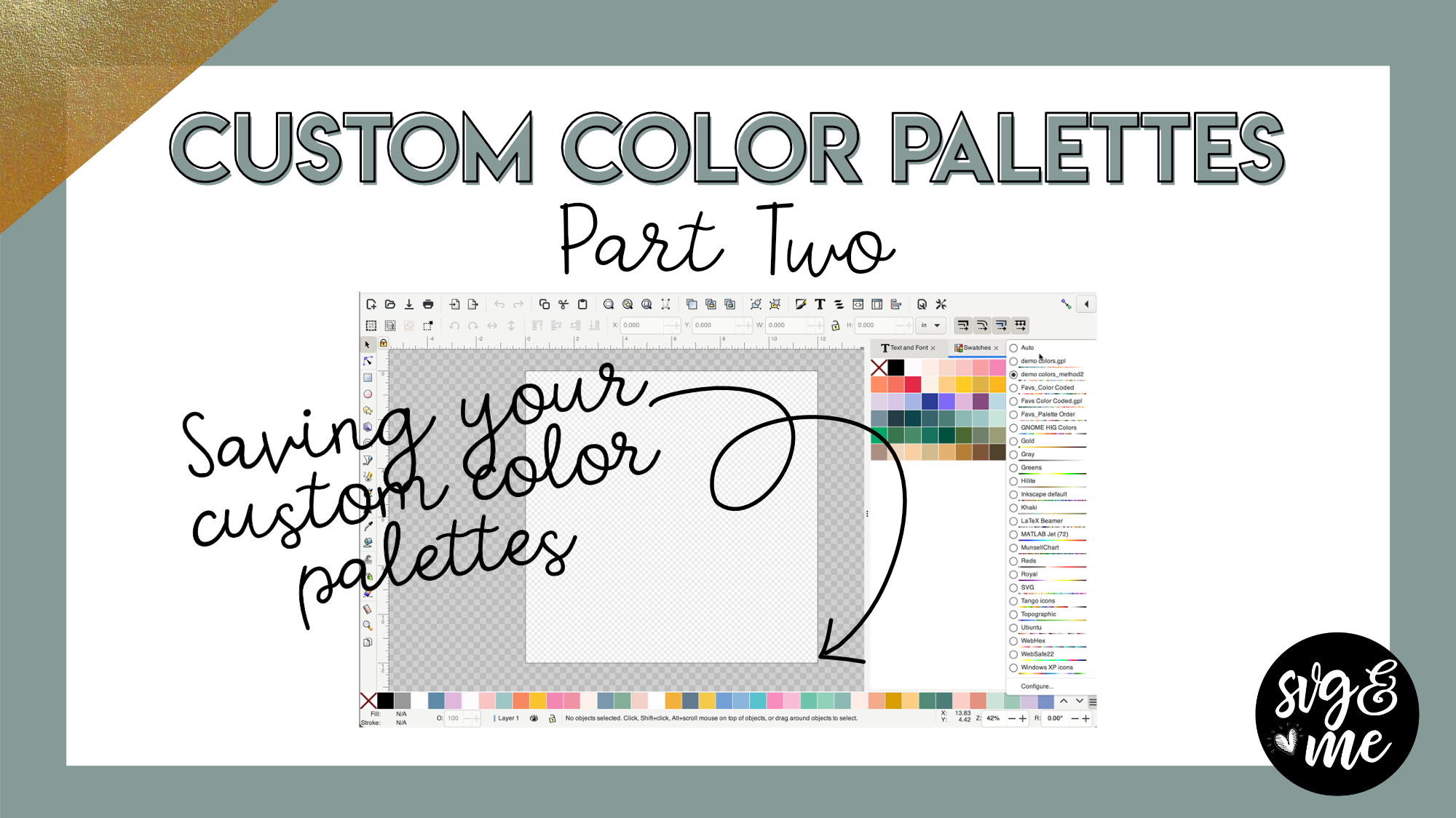 Links Mentioned in Video: Click Here to Download All Blank Color Palette Template SVG Color Palette Demo SVG My Favorite Colors Palette SVG Color Palette Generator Extension Download Page
-
Thank you!!! Loved the tutorial.
-

Yay! So glad you enjoyed it!
-
-
Absolutely loved the color pallets tutorials!!!
-
Yay! So glad to hear it!
-
-
thank you love how you teach.
-
Hi Erica, where would I find part one of this. Great tutorial
-
-
Erica Martin wrote a new post 3 years, 3 months ago
-
Exciting news!
-
Thank you for all the work you put in to this awesome membership!
-
You’re very welcome! Thank you for the sweet message!
-
-
thanks this will make learning better.
-
Absolutely!
-
-
-
Erica Martin wrote a new post 3 years, 3 months ago
Design Space Updates
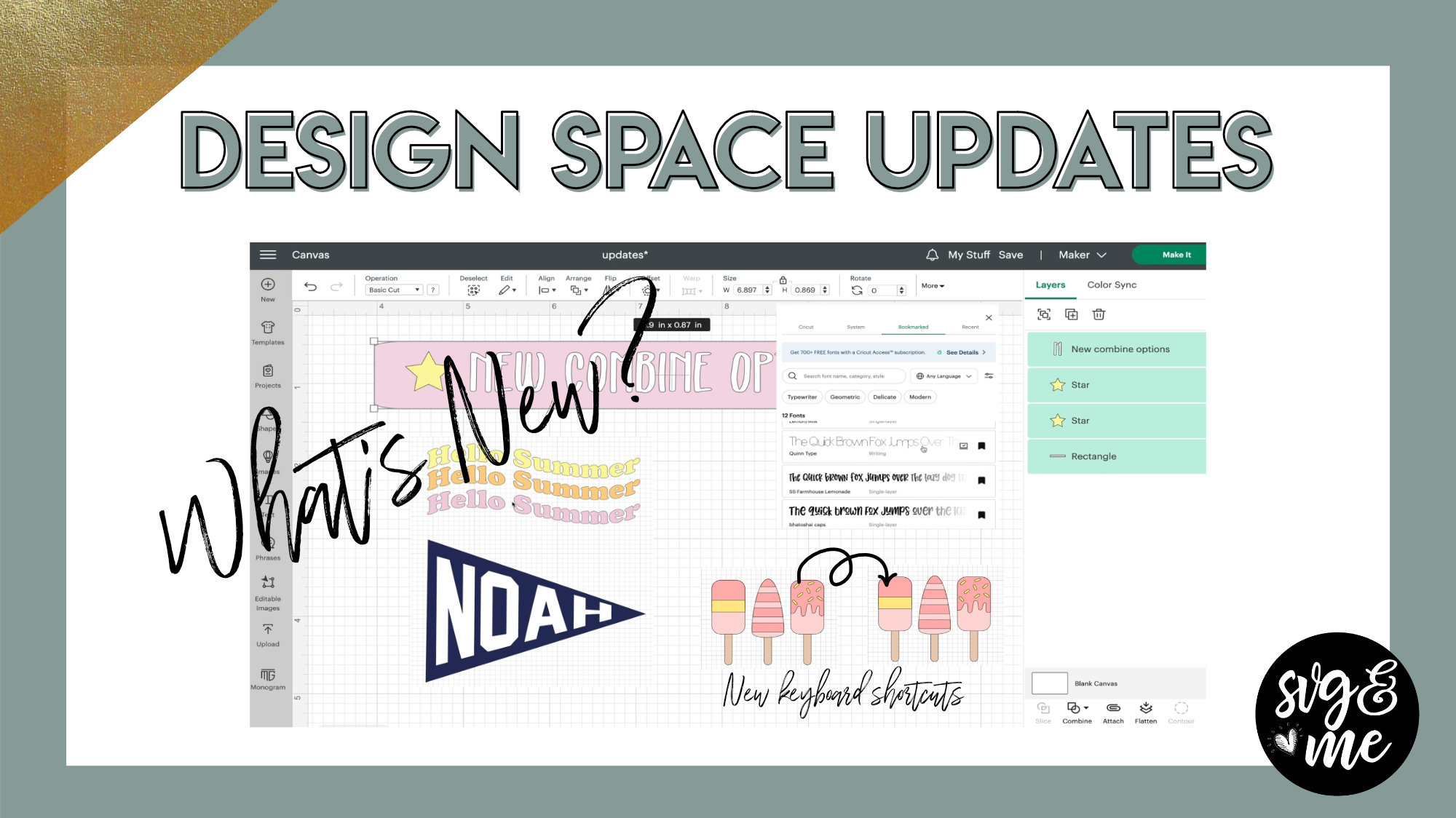 New Lessons – Check Them Out!: Warp Text Weld vs Unite Slice vs Subtract Intersect Exclude Auto Background Remover and Monogram […]
-

Great video! Thank you 🙂
-
You’re welcome!
-
-
i have a WAY better understanding of these functions. mandi pederson
-
Awesome! So glad to hear it!
-
-
Thank you Erica . Great to add to my collection. These new features are amazing.
-
You’re very welcome!
-
-
your explanations are priceless. thank you !!!
-
Aw thank you!
-
-
-
Erica Martin wrote a new post 3 years, 3 months ago
Inkscape 1.2 Update: What's New?!
 Links Mentioned in Video: Download Inkscape Version 1.2 Here How to Save Your Inkscape Default Template Download Default Templates Download Split Path Practice Doc
-
Erica, I did not have a welcome window pop up. It just opened to a new document. Where do I find the settings that you are talking about? Cathy
-
You can turn the welcome dialog back on in the preferences > interface > Windows > check the show welcome dialog box on
-
-
This isn’t working for me, Erica. All I get is the 4 square test for DS.
-
Also didnt get welcome setup. Went straight to the page. I went into preferences and set up the page there.
Cheers Lily -
I got all of them now I downloaded again thank you for your help
-
Oh good!
-
-
HI Erica,
I’ve been hesitant to download version 1.2.2 because the Inkscape download page states:
“Do not update to macOS Ventura if you rely on Inkscape! There is an unresolved issue that currently affects all GTK3 based apps on macOS Ventura, making the app unresponsive to certain mouse events. (GTK is used by many different programs, and builds those programs’ user interfaces for you to interact with.)”
I have Ventura 13.3.1 on my MacBook Pro. I don’t necessarily rely on Inkscape, although I’m not sure how they define “rely”. I am guessing downloading is fine seeing as you’re a Mac user and you have obviously downloaded it. What are your thoughts on this?
Thanks, Lynne-
I would hold off updating for now if you have Ventura. Version 1.3 is slotted to be released before too long and I am hoping it will be compatible with Ventura OS
-
-
Thanks, Erica, and welcome back!
-
Thank you!!
-
-

I tried to import web image a few times and got the error message and I clicked OK and then nothing. I have version 1.2.1.
-

I just bought the membership today. Excited to get going! 🙂 I followed your instruction video to download Inkscape version 1.1 … but I see there has been an update. Should I go ahead and update to Inkscape version 1.2? I have been using Design Space for a few years now, but I am new to Inkscape. Thanks for your assistance! Christy
-
Hey Christy! Check out the note on this on the Inkscape install video (first lesson of the Inkscape course) which explains more 🙂
-
-
-
Erica Martin wrote a new post 3 years, 3 months ago
Saving Default Templates in Inkscape
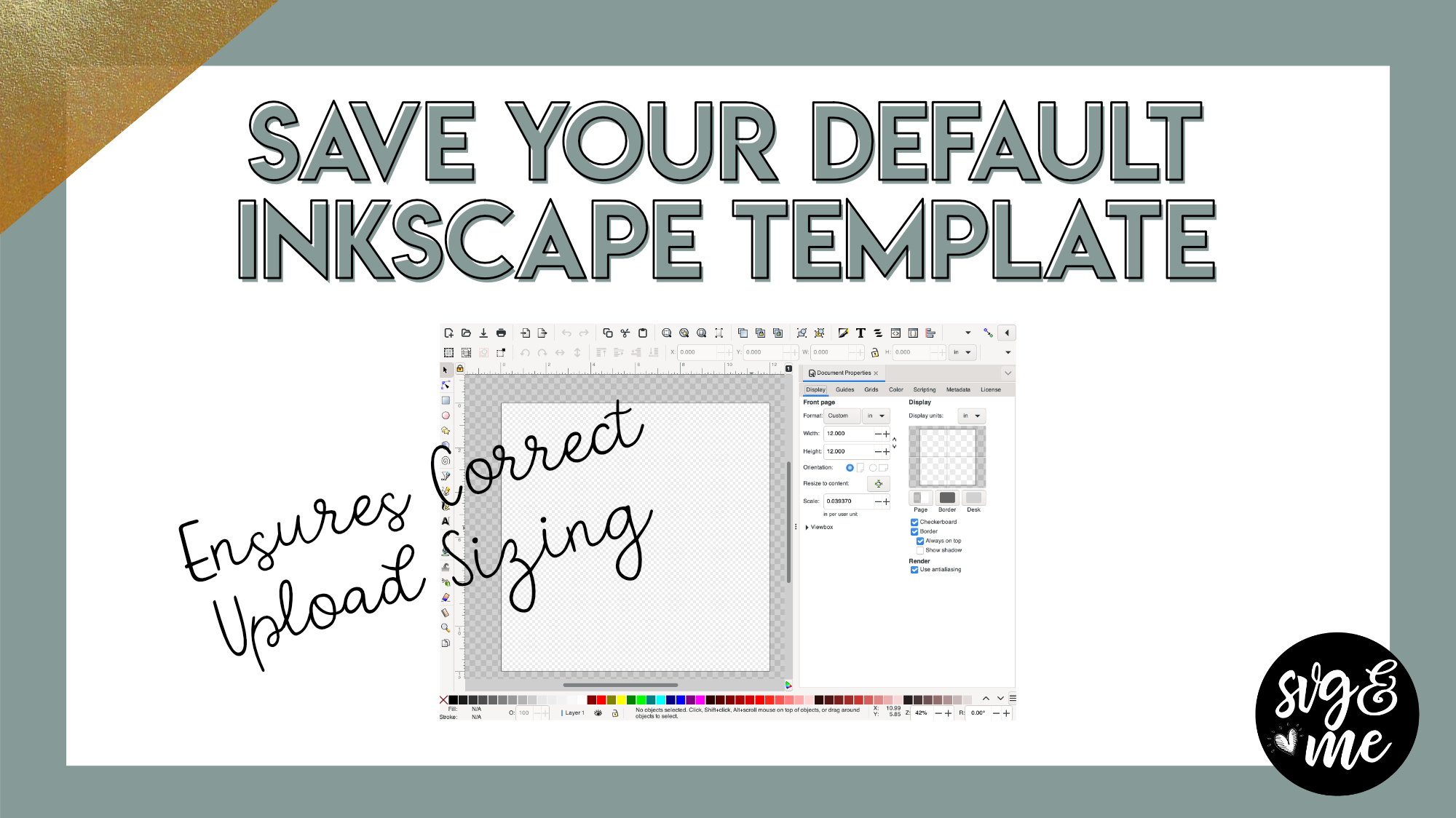 Download Default Templates Note: You can follow along with this video and use the default templates linked above regardless of which version […]
-
hi i download default template i open it all i get on there is the square and the circle, I didn’t get all the ones you had on your zip file. I dont know what I am doing wrong thank you for all you do
-
That’s all I got, too
-
Can you email me a screenshot? I just double checked it and all the files are there [email protected]
-
-
I did not get the silhouette template…can you send it to me?
-
When I click to download the cricut template it brings it up in Google and I cant download it because it does not have the option to download in Inkscape. Must be doing something wrong. Thanks for your help.
-
Hi there! Look at FAQ #4 here and see if that solves your issue 🙂
-
-
-
Erica Martin commented on the post, Part 1: Lasercut Cards with Premade Patterns 4 years ago
You would set it in Canvas Workspace and we cover it in this lesson https://members.svgandme.com/lessons/line-types-color/
-
Erica Martin commented on the post, Custom Tumbler Templates (Cricut or ScanNCut) 4 years, 1 month ago
Which machine do you have?
-
Erica Martin commented on the post, Break Apart & Exclusion Trick 4 years, 1 month ago
Double check that everything is ungrouped and if so feel free to email me the file to take a look [email protected]
-
Erica Martin commented on the post, Division Hack #2: Thickening Connected Lines 4 years, 1 month ago
Can you email me a screenshot of what your screen looks like? [email protected]
-
Erica Martin commented on the post, Division Hack: Single to Multicolor Design 4 years, 1 month ago
Hi there, you won’t be able to put Inkscape on your android phone so you’ll want to download the practice docs to open on your computer to practice in Inkscape 🙂
-
Erica Martin commented on the post, How to Create a Custom Mom Split Monogram 4 years, 2 months ago
Feel free to save where you are having an issue and email me the file at [email protected] and I can help walk you through it. In the bottom right corner of the video you can click on the little gear icon and click on the speed dropdown to slow down the video if having trouble following. My voice will probably sound a little funny slowed down…[Read more]
-
Erica Martin commented on the post, Division Hack: Single to Multicolor Design 4 years, 3 months ago
Yep you can use the knife tool!
-
Erica Martin commented on the post, Easter Bunny Placecards 4 years, 3 months ago
Thank you!
-
Erica Martin commented on the post, Break Apart & Exclusion Trick 4 years, 3 months ago
You bet!
-
Erica Martin commented on the post, Division Hack #2: Thickening Connected Lines 4 years, 3 months ago
Yay! So glad to hear it – thanks for the kind words!
-
Erica Martin commented on the post, Division Hack: Single to Multicolor Design 4 years, 3 months ago
You bet!
-
Erica Martin commented on the post, Part 1: Lasercut Cards with Premade Patterns 4 years, 3 months ago
Do you have trouble with all the zip files or just this one?
-
Erica Martin commented on the post, Division Hack: Single to Multicolor Design 4 years, 3 months ago
Thanks for the inspiration!!
-
Erica Martin wrote a new post 4 years, 3 months ago
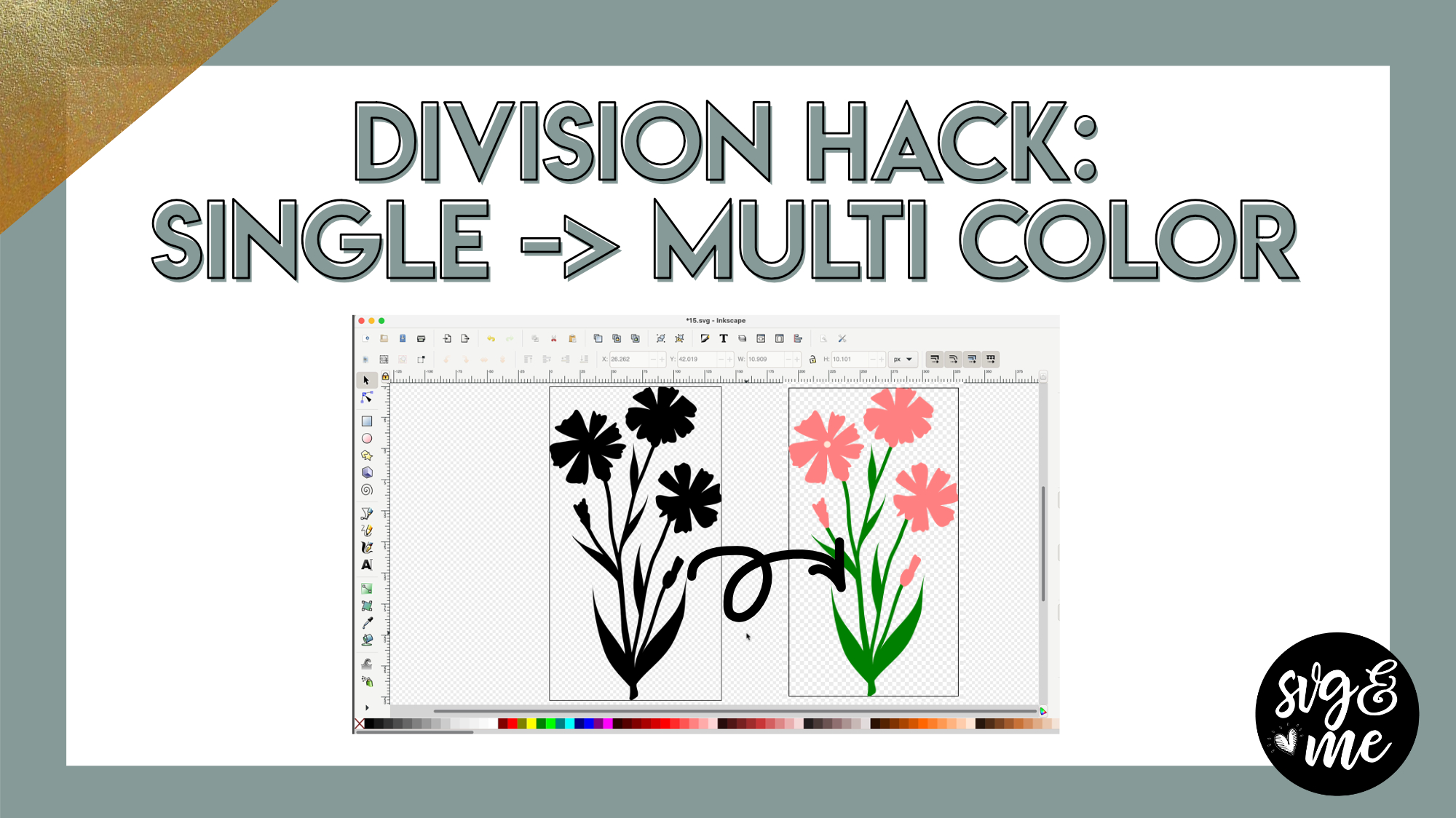
Download Practice Doc*
*This practice doc has a slightly different flower design than used in the video but the process will be the exact same so you can still easily follow along*
Remember: If you use […]
-
Thanks Erica! You’re amazing!!!!
-
Thanks for the inspiration!!
-
-

Thx so much
-
You bet!
-
-

Wow, you make it look so easy! Thank you!
-
Would this work using Silhouette Studio?
-
Yep you can use the knife tool!
-
-
Thank you Erica you do make it so easy
-
This is wonderful. Thank you! I don’t know if the problem is with my phone but when I’m downloading the practice tutorial it will download but I can’t open the download in my android. it keeps telling me that it cannot open the file, so I’m not sure what’s happening. Thank you.
-
Hi there, you won’t be able to put Inkscape on your android phone so you’ll want to download the practice docs to open on your computer to practice in Inkscape 🙂
-
-
Thanks for awesome video
-
Thank you – that makes things much easier
-
This is great, thanks.
-
- Load More


That was cool thank you for sharing that with us
You’re very welcome!
This was a great tutorial, Loved it! on to the next one. Also, with the new updates I don’t have to be in private mode to work in SVG & ME!
Thank you! Woohoo! That’s great to know.
WOW! that was awesome.
Glad you enjoyed it!