


nicole ruttan
,@nicoleruttan91
1
Friends
You need to log in or create an account to post to this user's Wall.
-

Erica Martin commented on the post, Quick Win: Candy Cane Monogram 7 years, 6 months ago
No problem!
-
Erica Martin wrote a new post 7 years, 6 months ago
-
Erica Martin commented on the post, New Feature!: How to Curve Text in Design Space 7 years, 6 months ago
So glad to hear it!
-
Erica Martin commented on the post, Convert Photos to SVGs with Imaengine 7 years, 6 months ago
Hmm it may vary by computer or maybe dropbox did an update. No big deal you can just download and open in Inkscape that way too.
-
Erica Martin commented on the post, Quick Win: Candy Cane Monogram 7 years, 6 months ago
You would just go ahead and ungroup and then delete the placeholder “SVG” monogram. Then you can add your own.
-
Erica Martin wrote a new post 7 years, 6 months ago
-
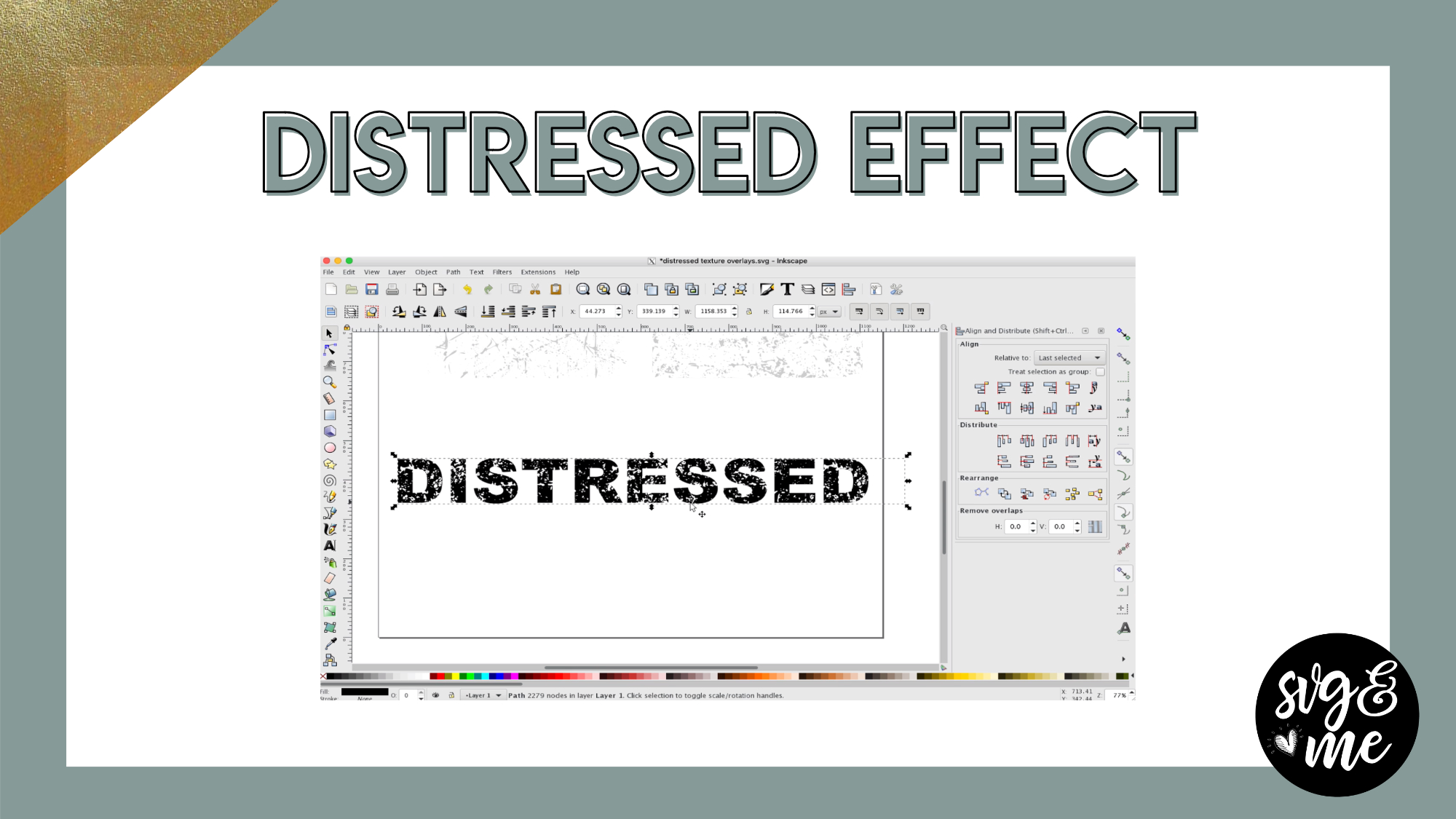
Awesome tutorial! This is probably a foolish question but… is it possible to
do a print of the “grunge”on cardstock. I have always wanted to purchase
a rubber stamp of grunge but never really found one I was willing to spend
money on. If this is possible there would be so many possibilities of sizes
and shapes. I look forward to your feedback.-

Not a foolish question at all! You absolutely can do that! If you want to cut around it, you can do it via print and cut or just print the design from Inkscape.
-
-
Thank you! I can’t wait to try it!!!
-
You’re welcome!
-
-

I would weed out the large letters and overlay it on the words
-
Thank You
-
-
Erica Martin commented on the post, Infinity Sign with Custom Text 7 years, 6 months ago
You’re welcome!
-
Erica Martin commented on the post, Upload SVGs to Design Space with iPhone 7 years, 6 months ago
Perfect – glad to hear it!
-
Erica Martin wrote a new post 7 years, 6 months ago
-
I’m a new person on this and i’m having fun
-
-
Erica Martin commented on the post, Knockout Name Using Inkscape 7 years, 6 months ago
Hi Karin, you’ll need computer access to use Inkscape.
-
Erica Martin commented on the post, How to Fill Shapes with Text in Inkscape 7 years, 6 months ago
Yay! Love hearing that – thanks so much for your support as a member!
-
Erica Martin commented on the post, Quick Win: Candy Cane Monogram 7 years, 6 months ago
That’s so sweet – thanks for the kind words! I am so glad you’re enjoying the content.
-
Erica Martin commented on the post, How to Create Mockups in Inkscape 7 years, 6 months ago
Of course!
-
Erica Martin wrote a new post 7 years, 6 months ago
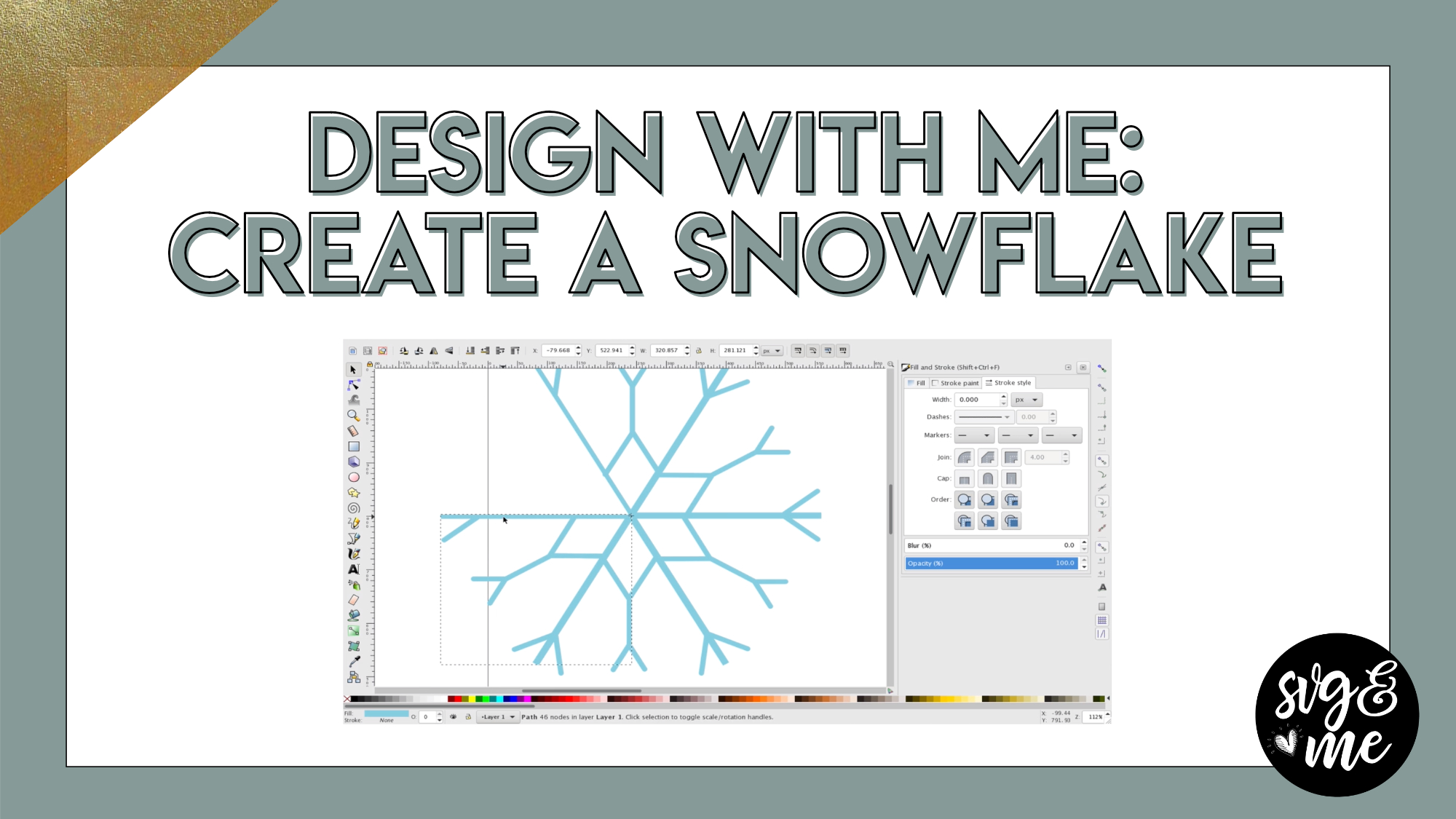
Download the Snowflake Template SVG
Download the Cheat Sheet
Are you ready to create your own winter wonderland? I’ll show you the method to create amazing snowflakes in Inkscape in a fraction of the time and […]
-
Erica Martin commented on the post, Quick Win: Candy Cane Monogram 7 years, 6 months ago
Great – no problem!
-
Erica Martin commented on the post, Quick Win: Candy Cane Monogram 7 years, 6 months ago
Sounds like you are using uppercase. Make sure you are using lowercase so you don’t get the background.
-
Erica Martin commented on the post, How to Create Mockups in Inkscape 7 years, 6 months ago
Make sure you are using ctrl + C and V in Inkscape. It’s counterintuitive since you usually use cmd with Macs.
-
Erica Martin wrote a new post 7 years, 7 months ago
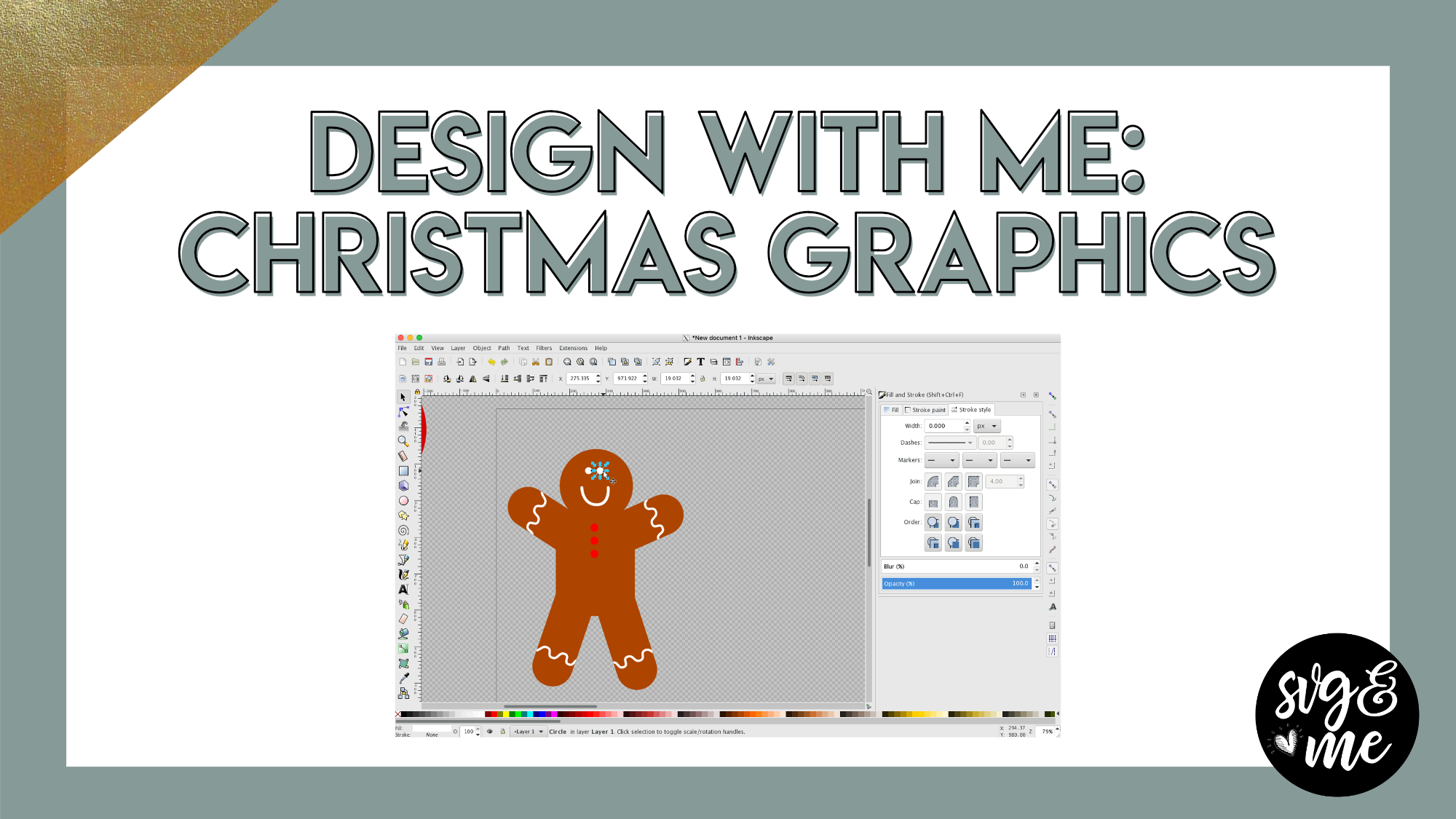
Time Stamps for Each Graphic:
Ornament 0:00
Candy Cane 2:10
Gingerbread Man 6:42
Santa Hat 12:20
Stocking 15:30
-
Super cute!! Love your tone of voice and the time you take to explain step by step!!!
-
Thank you so much! Glad you’re enjoying the lessons 🙂
-
-
-
Erica Martin wrote a new post 7 years, 7 months ago
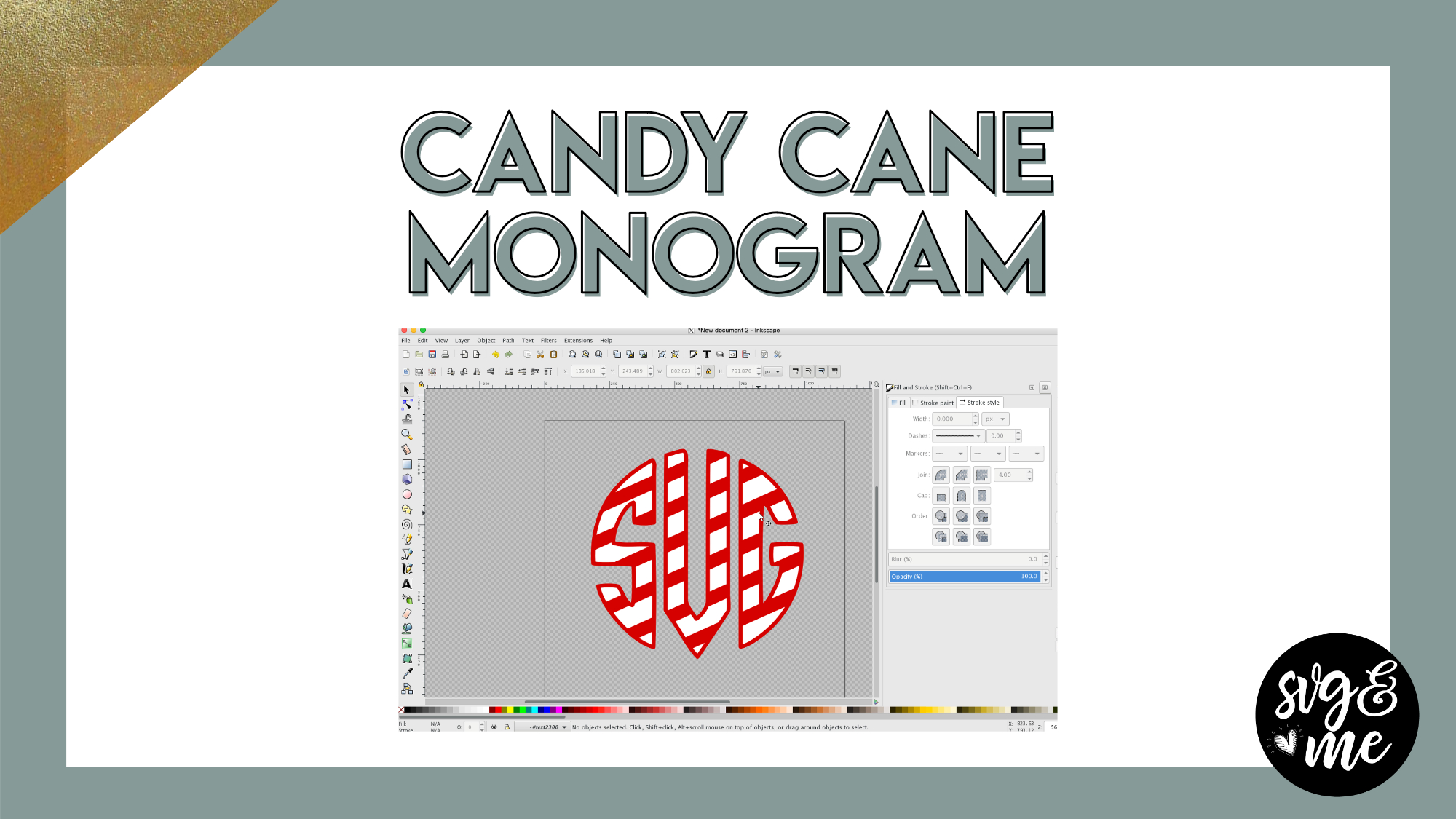
Download the Monogramos font here
-
My monogramos font has the background on it and I’m not sure how to make it just like yours…what can I do?
-
Sounds like you are using uppercase. Make sure you are using lowercase so you don’t get the background.
-
-
glad that was an easy fix…worked perfectly! Thanks again!
-
Great – no problem!
-
-
Thank you so much for this. I was going crazy trying to figure it out in design space, but this was so much easier. I am forever grateful for the amazing resources on your site. xo
-
That’s so sweet – thanks for the kind words! I am so glad you’re enjoying the content.
-
-
Ok, trying this again and another way and I keep having trouble…I have imported a frame from the SVG library and the insert of the frame has the “SVG” initials in it and I want to insert my own monogram. I can’t seem to figure it out. What am I suppose to do? Thanks for helping this newbie!
-
You would just go ahead and ungroup and then delete the placeholder “SVG” monogram. Then you can add your own.
-
-
fantastic! thanks!
-
No problem!
-
-
Erica, I have tried to no avail to make this adorable candy cane monogram and I’ve gone back and forth and watched the video as I’ve tried to make one in Inkspace and I do everything right until I get to the “intersection” part and it never works. What piece might I be missing? Thanks for your insight.
Caryn-
Do you duplicate the monogram before doing the intersection? If so, you may want to take a video with your phone of what you do and I can better help if you email that. [email protected]
-
-
thanks…I’ll try to do the video since I am duplicating the monogram.
-
Ok sounds good
-
-
I sent you the video in a separate email…hope you got it!
-
I don’t think I saw it come through yet
-
-
Please help! I have downloaded the font. I can use it in Microsoft Word, but not sure how to download to Inkscape.
-
Hi there! Check out question #2 on the FAQ page (linked on the left hand menu too) https://members.svgandme.com/faqs/
-
-
Thank you! I used the FAQ’s section and found the answer to my question. I’m loving the tutorials!!!
-
Oh just saw this! Great and so glad you’re enjoying them.
-
-
-
Erica Martin commented on the post, How to Make Mandalas in Inkscape 7 years, 7 months ago
You’ll learn in the tutorial 🙂 They are basically repeating geometric patterns.
- Load More


I don’t know what I am doing wrong. I imported a double heart image. Did the “trace bitmap” and deleted the jpg image. I did the steps as in the video. But once I reached the part where it should do the difference, it is not working.
I tried creating a circle in Inkscape and doing the same steps and it worked fine. So….any thoughts as to why it isn’t working with the double heart image I imported?
I am guessing that you may have something grouped so try ungrouping using the ungroup button or shift + ctrl + g. If that doesn’t work, make sure that you just have two objects selected before you do the difference.
Loved this!!!!