


Lisa Fangman
,@llfangman
1
Friends
You need to log in or create an account to post to this user's Wall.
-

Erica Martin wrote a new post 4 years, 3 months ago
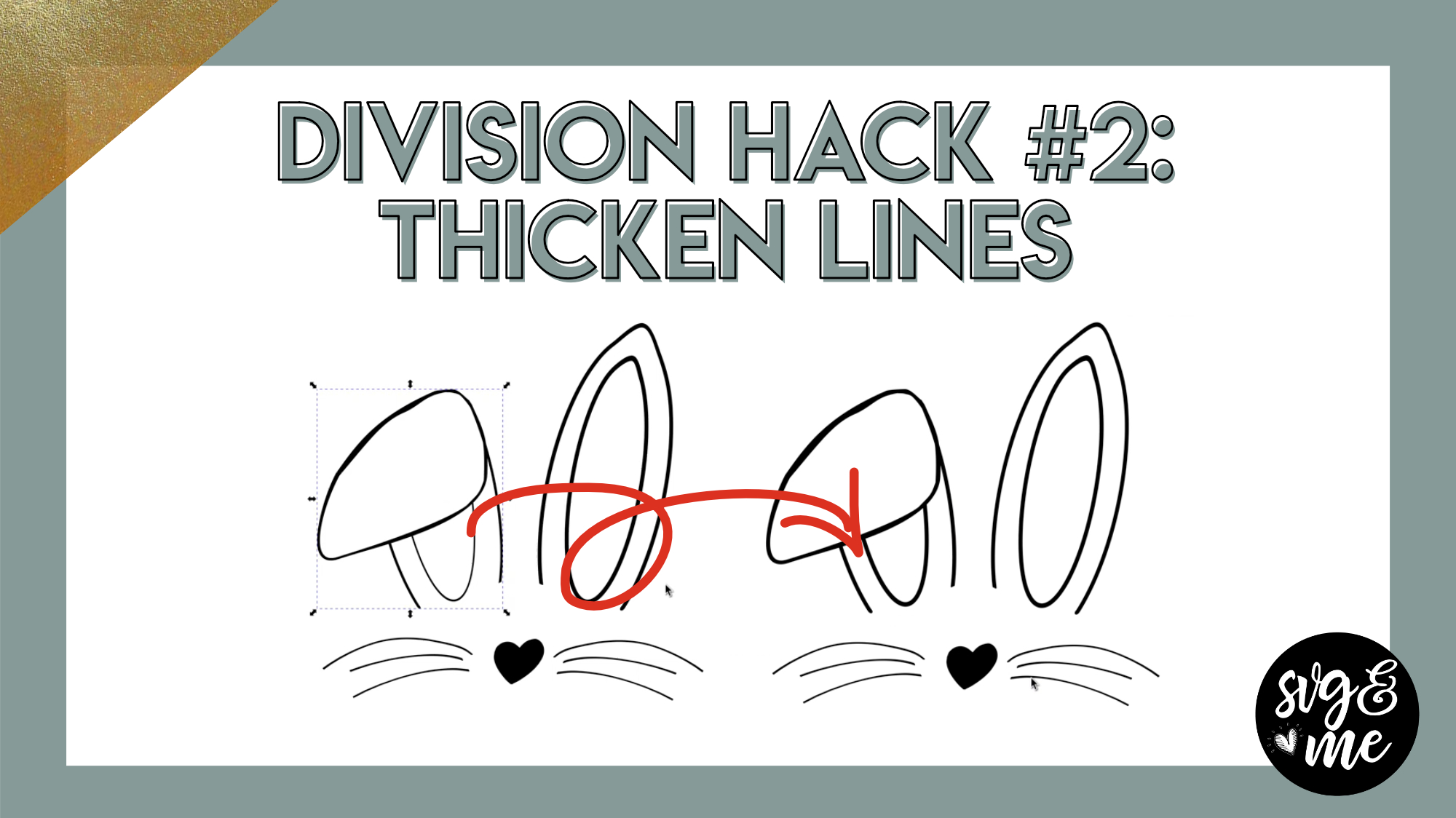
Download Practice Doc
-
Erica Martin wrote a new post 4 years, 3 months ago
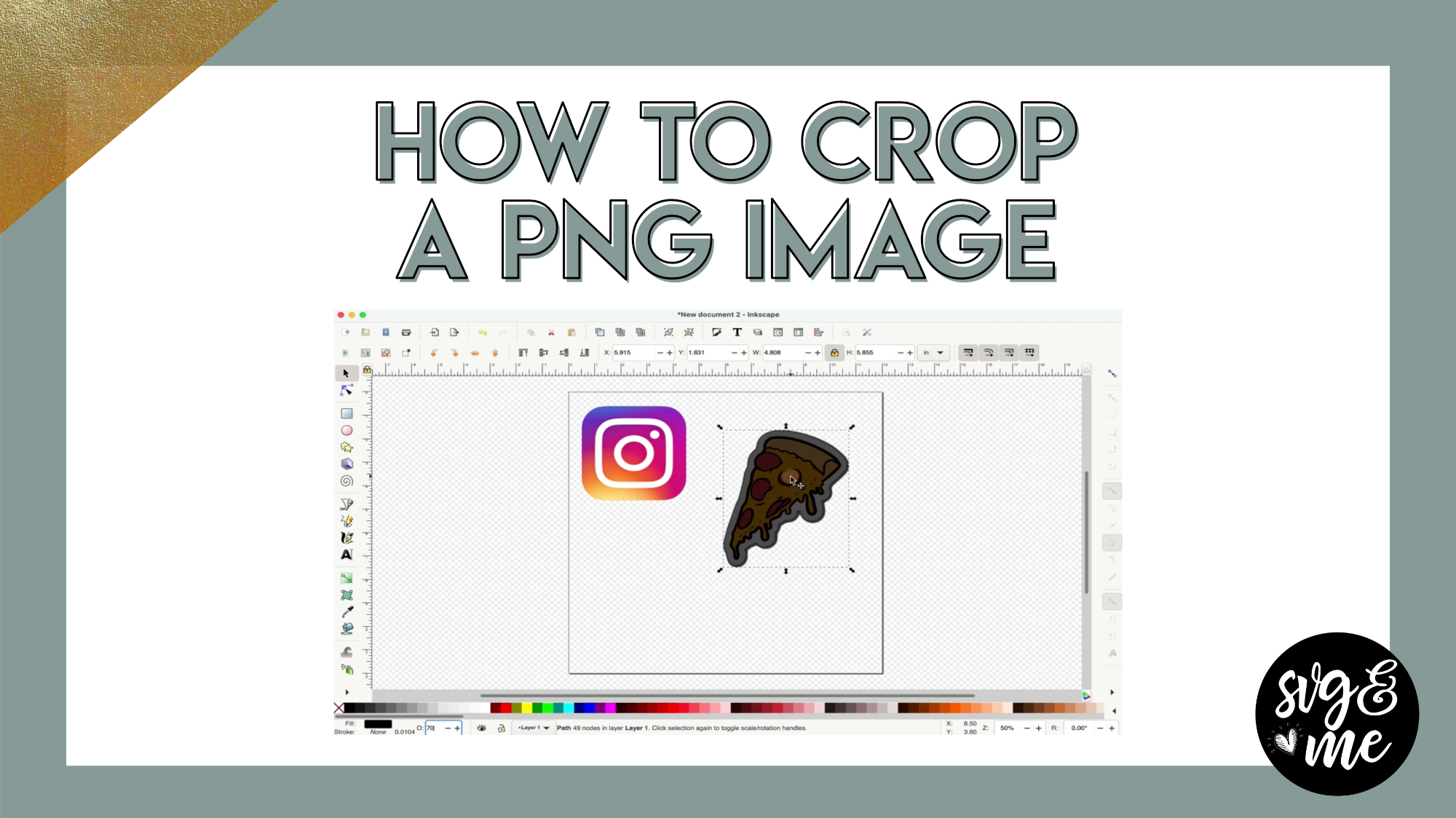
Download Practice Doc
-
Very helpful. Thank you
-
Thank you! I have been trying to figure out how to do this!
-
Life saver! Thanks
-
-
Erica Martin wrote a new post 4 years, 3 months ago
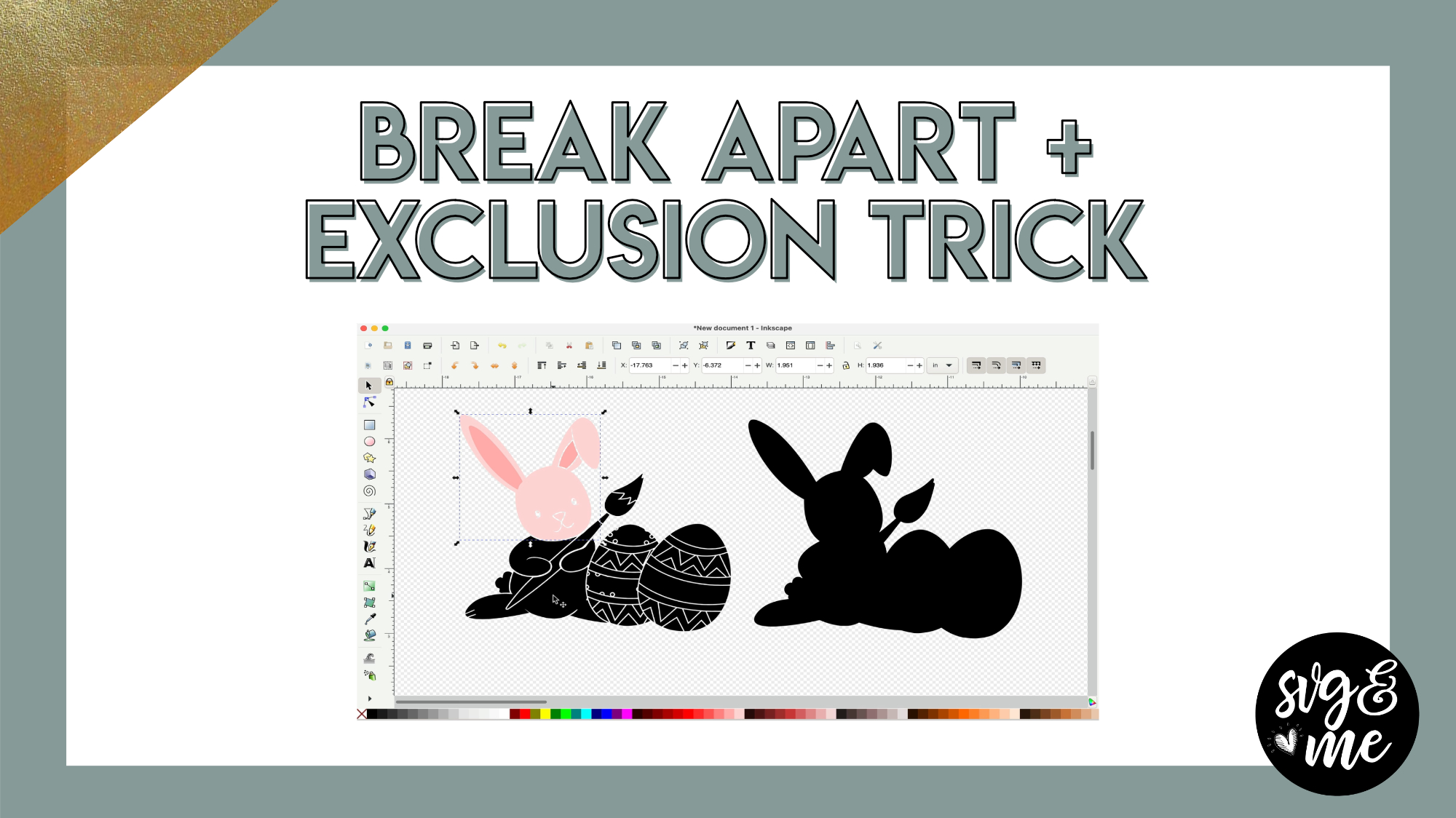
Link to Bunny Image Used in Video
-
Thank you so much Erica!!
-

You bet!
-
-
My exclusion didn’t work, it stayed black. My screen looks like yours and everything was selected. Any suggestions
-
Double check that everything is ungrouped and if so feel free to email me the file to take a look [email protected]
-
-
Is this the method that you would use to make an image into a layered shadow box design? I saw a lovely butterfly that was broken apart in sections to be layered and was wondering how to do that.
-
Yes we actually have this tutorial on how to do those peekaboo mandalas https://members.svgandme.com/3d-mandalas-peek-a-boo/
-
-
-
Erica Martin commented on the post, Part 1: Lasercut Cards with Premade Patterns 4 years, 3 months ago
Emailed you 🙂
-
Erica Martin commented on the post, Creating Stickers from Text 4 years, 4 months ago
Glad it helped!
-
Erica Martin commented on the post, Welcome Video #1: Courses 4 years, 4 months ago
So glad you did too! Yay!
-
Erica Martin commented on the post, Part 3: Converting Images into Embroidery Files 4 years, 4 months ago
Oftentimes this is related to the nodes needing to be adjusted slightly or if it’s text make sure to convert to a path first. Feel free to email me the file for individualized help
-
Erica Martin commented on the post, Creating Stickers from Images (Cricut Only) 4 years, 4 months ago
Feel free to email me the file and I’ll take a look [email protected]
-
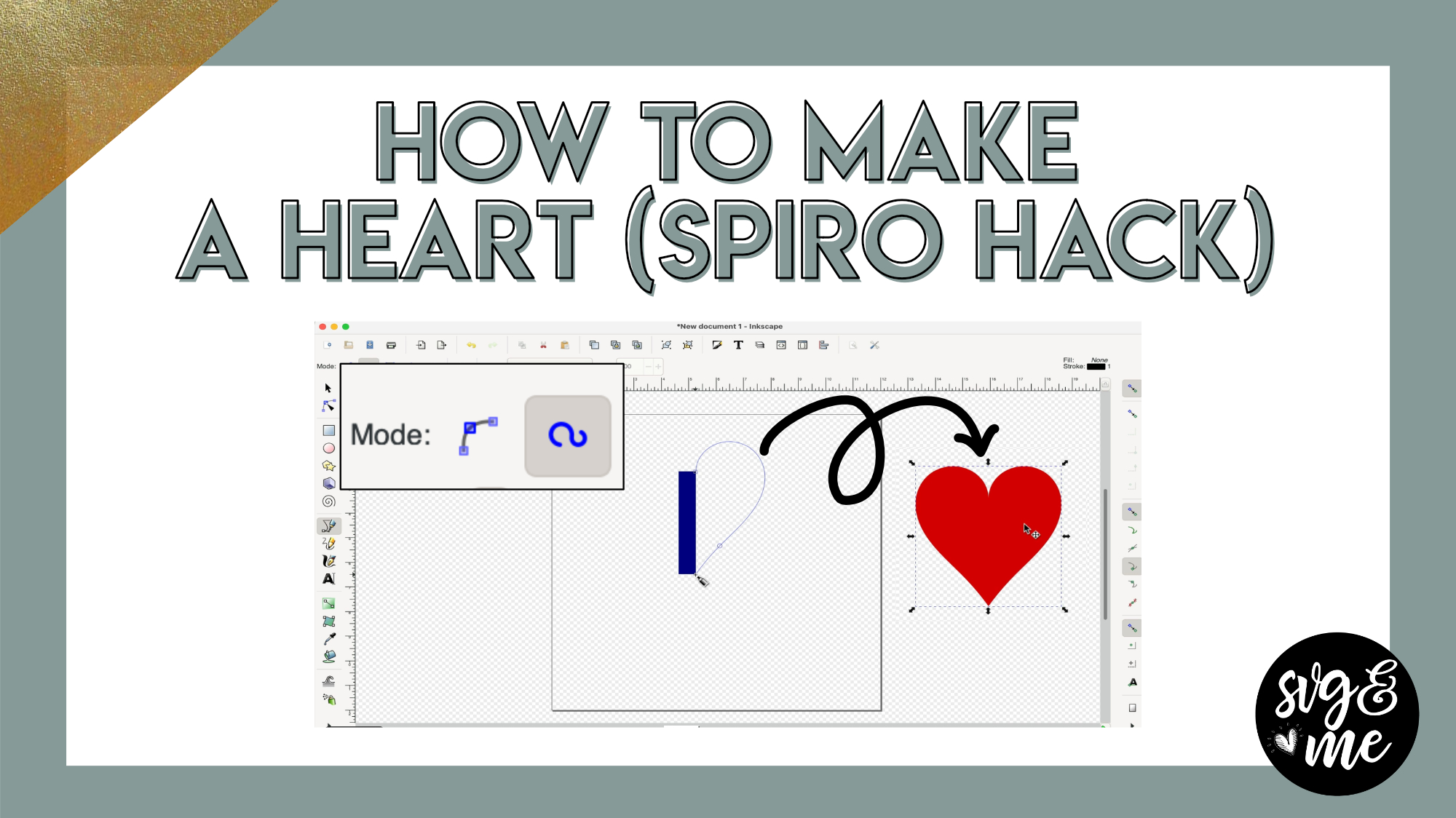
Erica Martin commented on the post, How to Make a Heart (Spiro Pen Mode Hack) 4 years, 4 months ago
Thank you!!
-
Erica Martin commented on the post, How to Mockup a Gallery Wall in Inkscape 4 years, 5 months ago
Woohoo!
-
Erica Martin commented on the post, Help! White Layer Missing From a Traced Image 4 years, 5 months ago
Aww thank you!
-
Erica Martin commented on the post, How to Make a Heart (Spiro Pen Mode Hack) 4 years, 5 months ago
So glad you liked it!
-
Erica Martin commented on the post, How to Add Hatch Fills in Inkscape 4 years, 5 months ago
Makes me sooo happy to hear!
-
Erica Martin commented on the post, Part 1: Baby Announcement Shadowbox 4 years, 5 months ago
Glad you figured it out!
-
Erica Martin commented on the post, How to Create Interlocking Letters in Inkscape 4 years, 5 months ago
Hahaha glad you enjoyed it!
-
Erica Martin commented on the post, How to Create 3D Cutouts 4 years, 5 months ago
Such a sweet compliment! Thank you!!
-
Erica Martin commented on the post, How to Make a Heart (Spiro Pen Mode Hack) 4 years, 5 months ago
Yes, it’s a great trick! You’re welcome and the real thanks goes to Lois 🙂
-
Erica Martin commented on the post, Inkscape 1.1 Update: What's New? 4 years, 5 months ago
You’re very welcome! Glad it was helpful
-
Erica Martin wrote a new post 4 years, 5 months ago
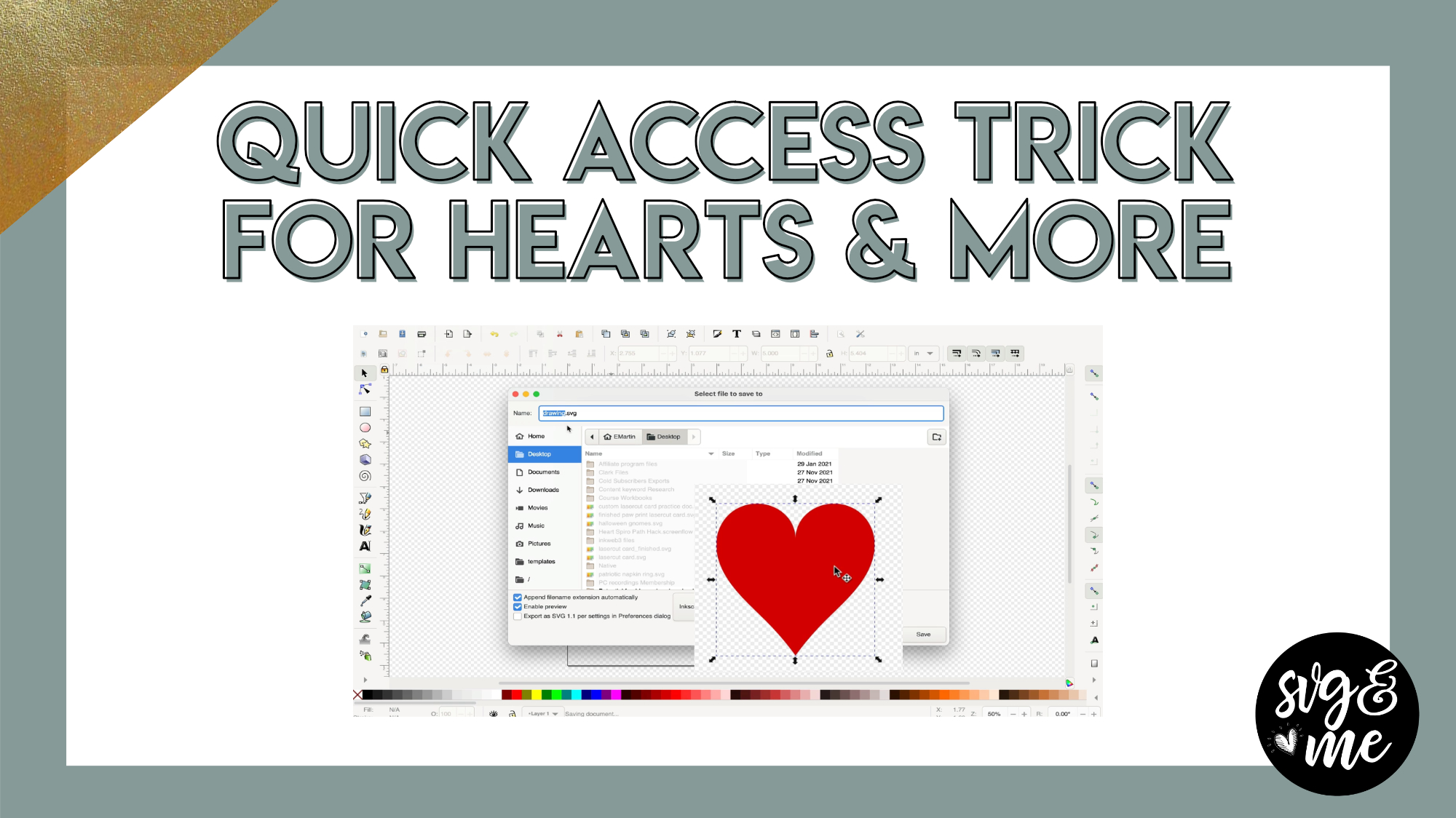
Links Mentioned in Video:
How to Design a Heart (Spiro Pen Mode Trick)How to Design a Heart (Edit Nodes Method)
-
Erica Martin wrote a new post 4 years, 5 months ago
Links Mentioned in Video:
Tutorial on the Alternative Method for Designing Hearts
-
Erica, are only designing in Inkscape?
-
How awesome is that! Thanks for the tutorial.
-
Yes, it’s a great trick! You’re welcome and the real thanks goes to Lois 🙂
-
-

Such a great hack!!! I draw so many different hearts that this is going to make my world so much easier.
-
So glad you liked it!
-
-
Thanks for the mention Erica.
Glad you liked my method.-
Thank you!!
-
-
- Load More


Great video I could really use this info
Love your videos. I learn soooo much. Thank you
Yay! So glad to hear it – thanks for the kind words!
I am not able to get my screen to look like yours no matter if I use default, custom or wide.. I am using version 1.1. I even tried standing on my head. No luck. Can you help?
Can you email me a screenshot of what your screen looks like? [email protected]
Hi Erica,
I have Ver. 1.3.2. I cannot get inset, outset, linked or dynamic offset to work. All I get is a distorted image. I try it on the other laptop, it does the same thing. Please help. Thanks
Usually this is because your document props settings are off. Follow along with the doc properties lesson and download and use the default templates I provided to fix this