


shyeolsn
,@shyeolsn
1
Friends
You need to log in or create an account to post to this user's Wall.
-

Erica Martin commented on the post, Holiday Gnomes: How to Repurpose Existing SVGs 4 years, 9 months ago
Thank you! I bet you have accomplished more than you think!
-
Erica Martin commented on the post, Holiday Gnomes: How to Repurpose Existing SVGs 4 years, 9 months ago
Thanks so much!
-
Erica Martin commented on the post, Holiday Gnomes: How to Repurpose Existing SVGs 4 years, 9 months ago
I love that you already have ideas swirling in your head!!
-
Erica Martin commented on the post, Holiday Gnomes: How to Repurpose Existing SVGs 4 years, 9 months ago
So great to hear – thank you!
-
Erica Martin commented on the post, Holiday Gnomes: How to Repurpose Existing SVGs 4 years, 9 months ago
You’re very welcome!
-
Erica Martin commented on the post, Holiday Gnomes: How to Repurpose Existing SVGs 4 years, 9 months ago
So glad you enjoyed it!
-
Erica Martin commented on the post, Holiday Gnomes: How to Repurpose Existing SVGs 4 years, 9 months ago
Thank you!!!
-
Erica Martin wrote a new post 4 years, 9 months ago
Links Mentioned in Video:
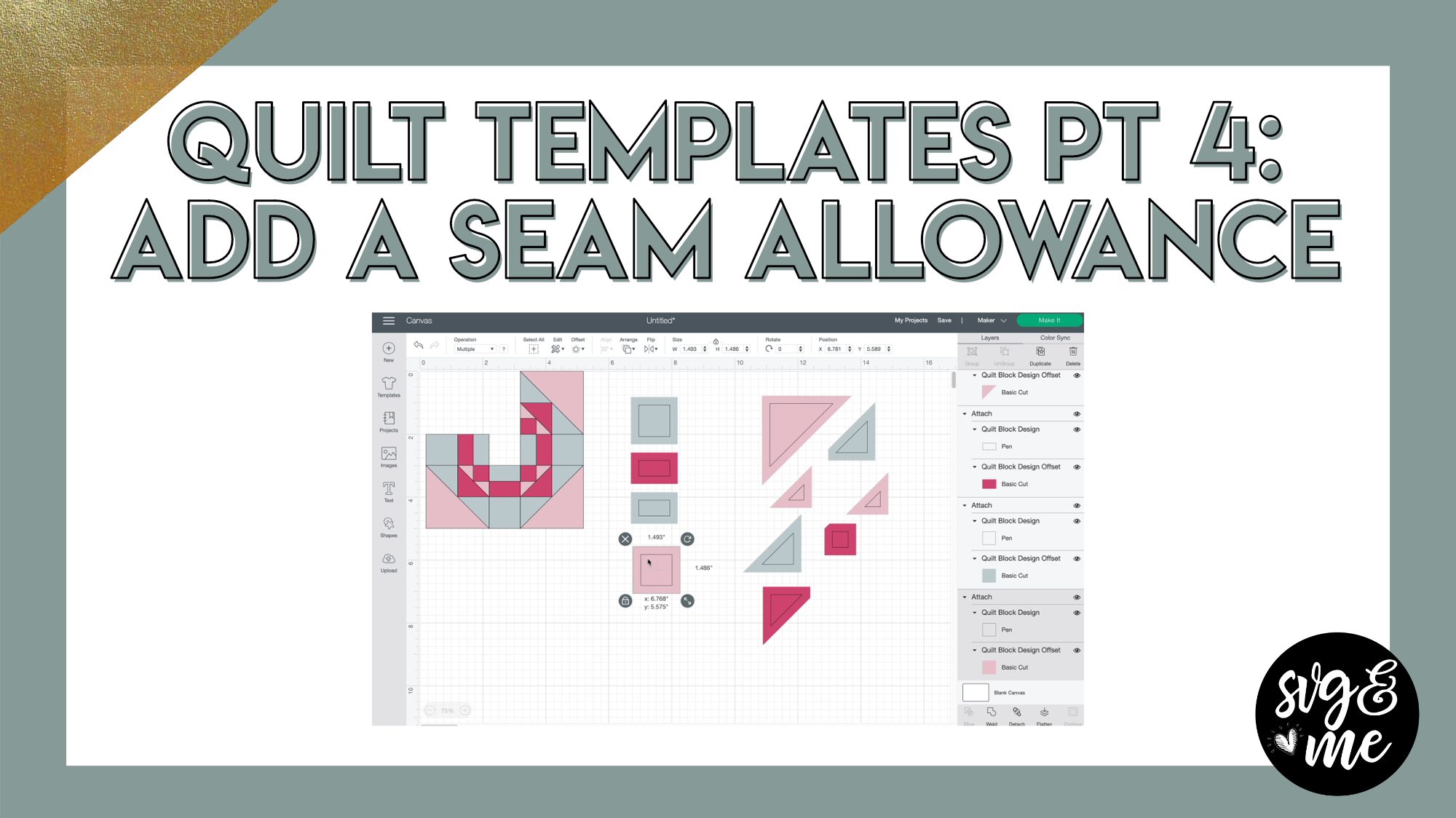
Part 1 Quilt Templates: PDF MethodPart 2 Quilt Templates: Trace MethodPart 3 Quilt Templates: Block + Cut MethodDownload Finished Quilt Template SVG
-
Erica Martin wrote a new post 4 years, 9 months ago
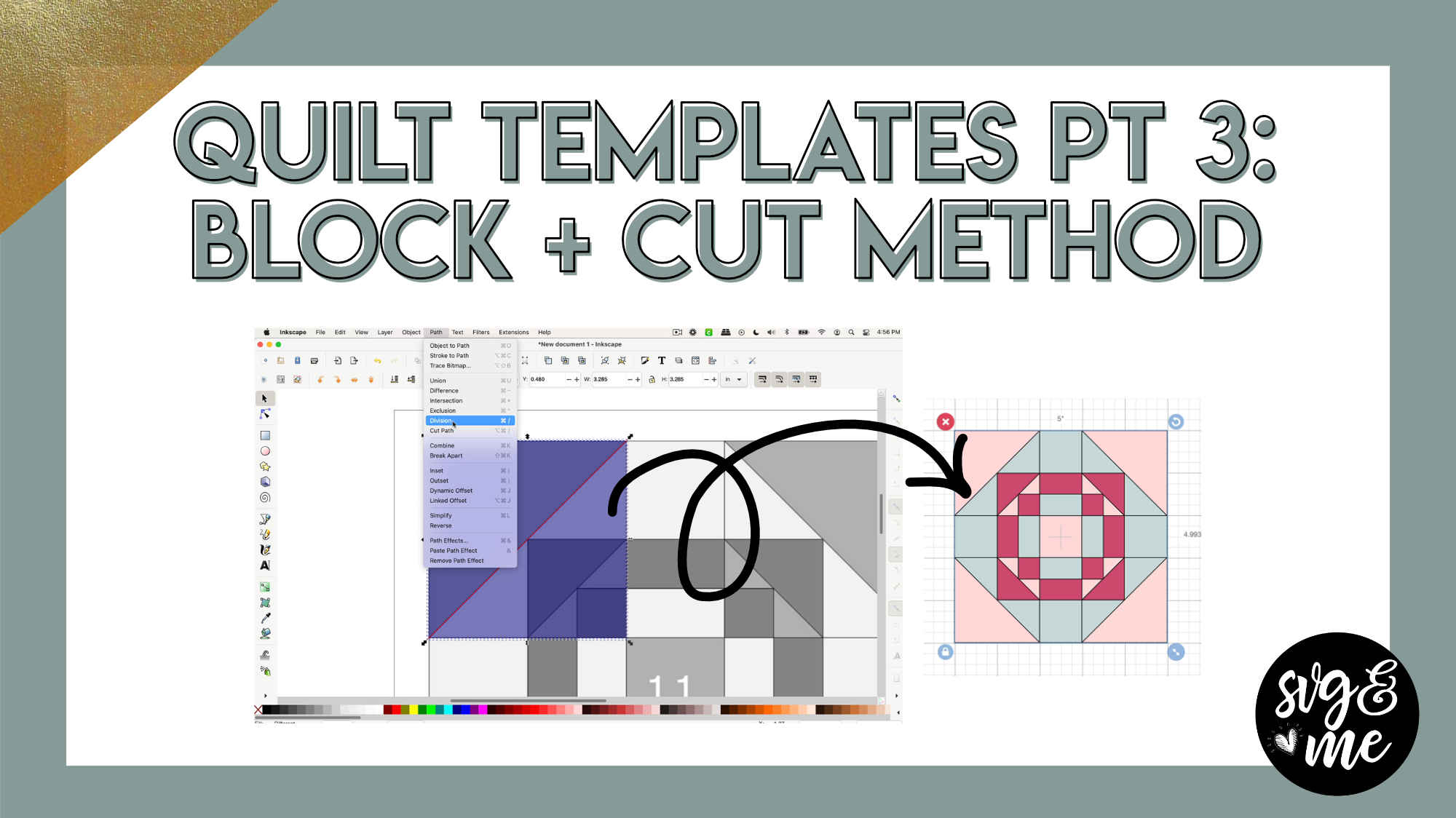
Download Practice Doc
Go to Generations Quilt Patterns Page
-
Erica Martin wrote a new post 4 years, 9 months ago
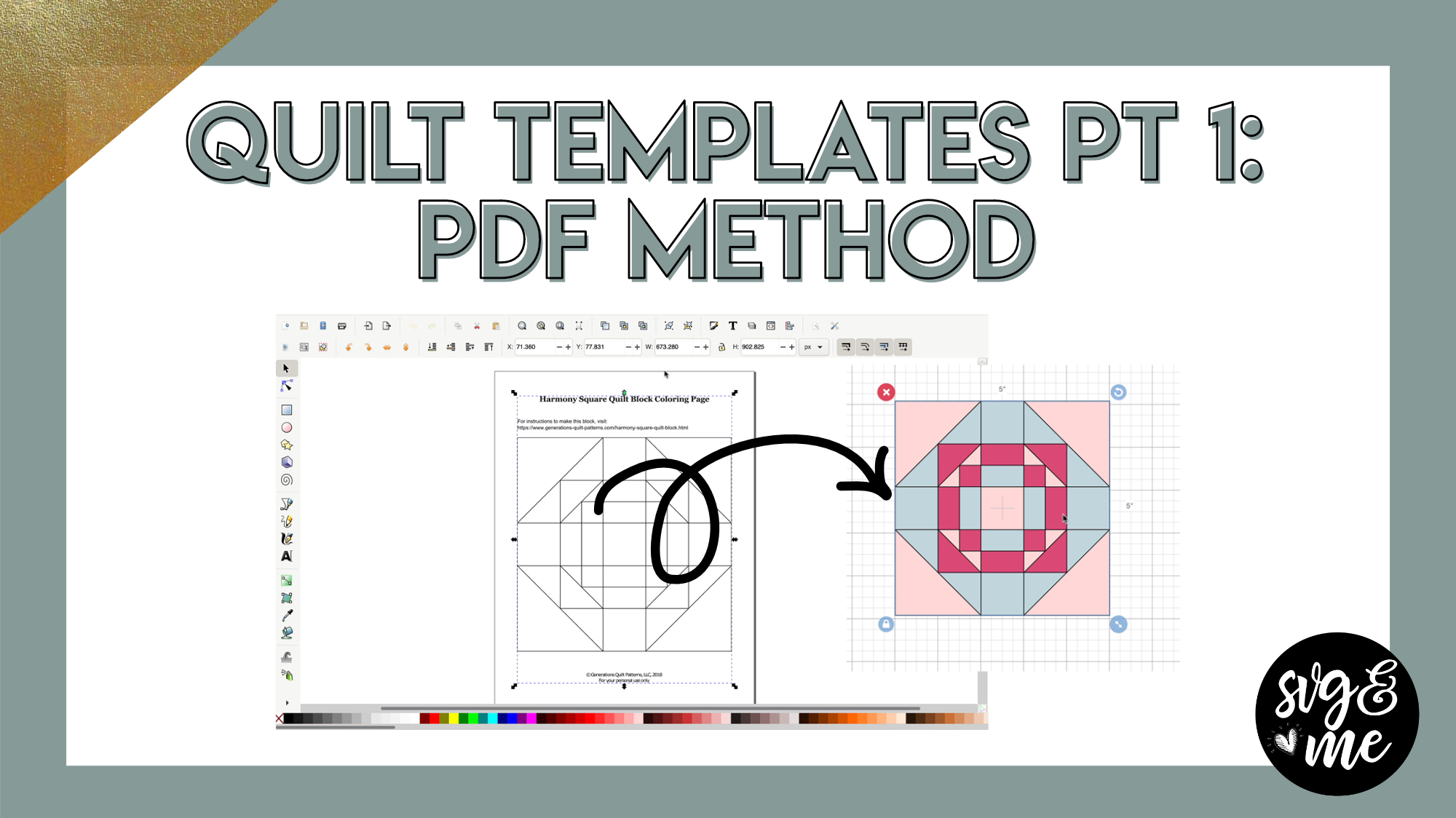
Links Mentioned in Video:
Download the PDF Quilt Template I Used
-
Erica Martin wrote a new post 4 years, 9 months ago
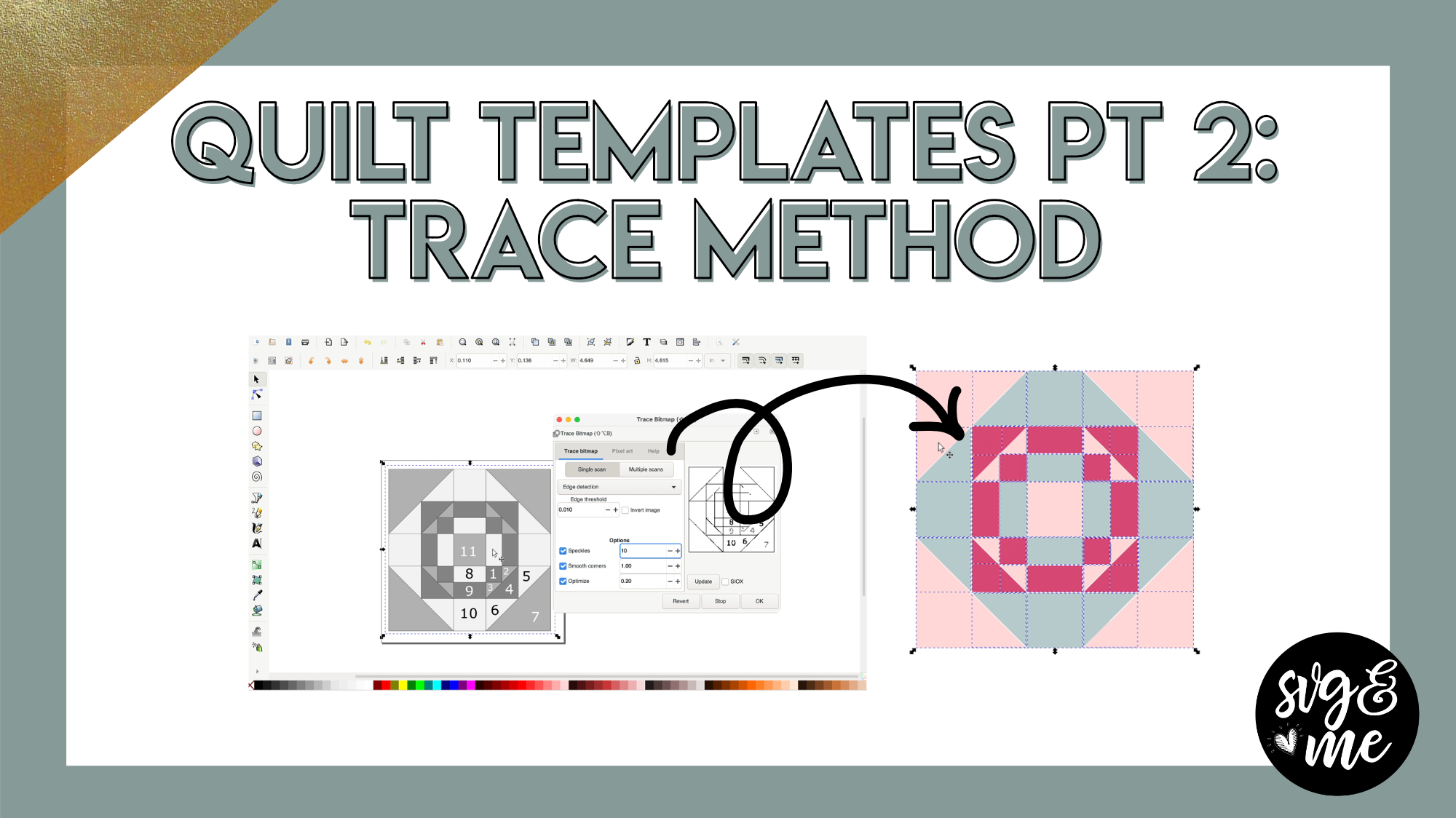
Download Practice Doc
Links Mentioned in Video:
Go to Generations Quilt Patterns Pattern Page
-
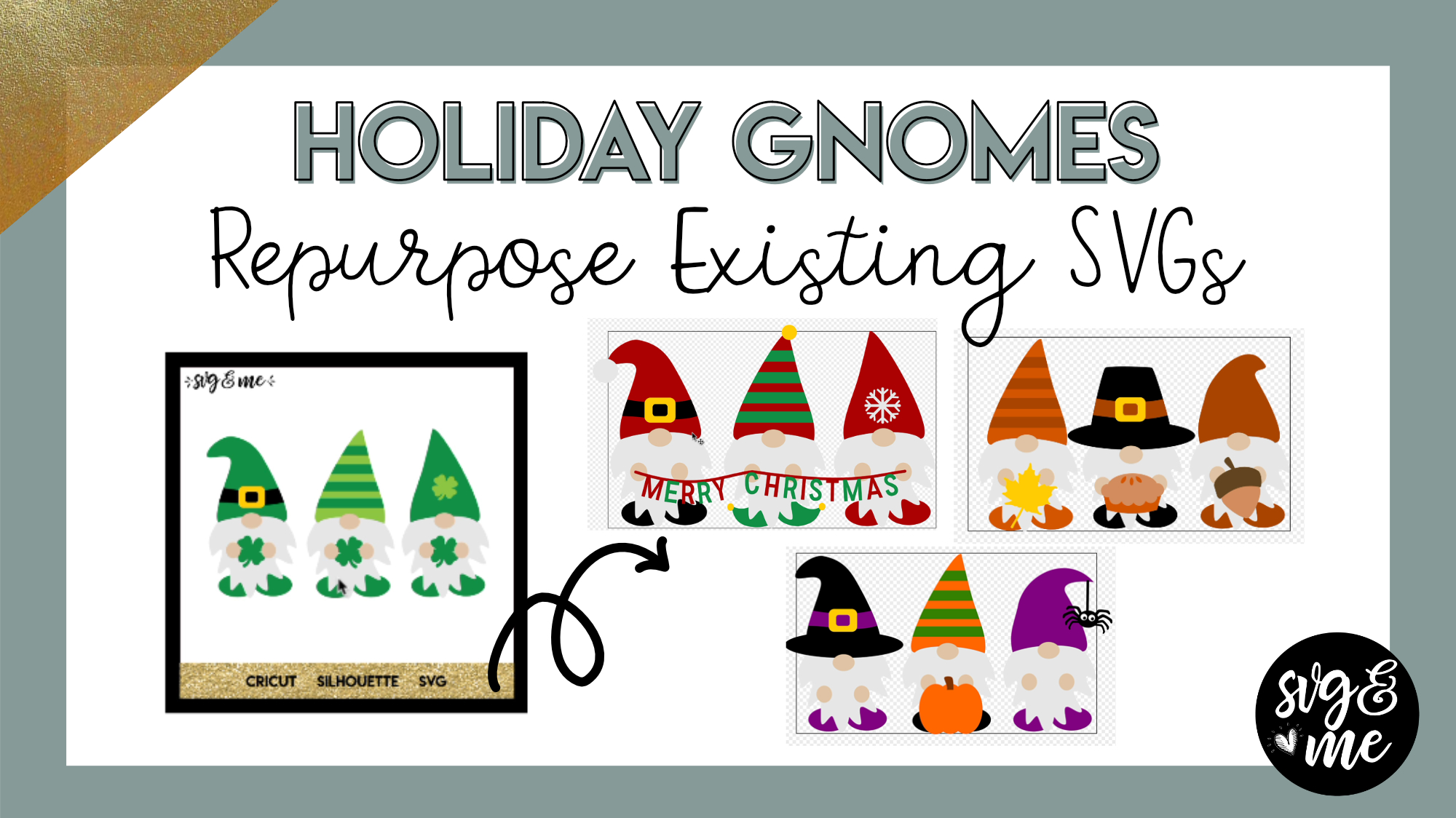
Erica Martin wrote a new post 4 years, 9 months ago
Video Timestamps:
Halloween Gnomes (1:53)Thanksgiving Gnomes (9:16)Christmas Gnomes (16:00)
SVGs Used in Video:
St. Patrick’s Day GnomesSpider ElementsAcorn SVGHere for the Pie SVGSnowflake SVG
-
very nice, thank you so much for this tutorial
-

You’re so welcome!
-
-
Thank you for sharing this tutorial and Congratulations on your adorable baby Clark!
-
Thank you so much!
-
-
Nice! I got a lot out of this video! Thank you so much! I can’t wait to try this! ❤️
-
That’s amazing to hear!
-
-
You make this look so easy. I have had the program for years and haven’t gotten very far and then have to keep repeating. UGH.
You are very inspiring.
Congrats on the new little bundle.
-
Thank you! I bet you have accomplished more than you think!
-
-
Awesome tutorial! Very helpful and very cute!!!
-
Thanks so much!
-
-

ERICA THESE ARE SO CUTE. THEY ARE SO FLEXIBLE AND THE IDEAS ARE ENDLESS. CURRENTLY I AM MAKING CHANGES TO MY ST. PATRICK DAY GNOMES . I AM WORKING KITCHEN GNOMES, “CHILLIN” GNOMES ” (THAT ONE IS HARD BUT I WILL GET IT) AND SUMMER GNOMES.
-
I love that you already have ideas swirling in your head!!
-
-
Thank you for the fabulous tutorial… I have learned so much and am looking forward to practicing and creating my modified gnomes and creating other design elements. I’m looking forward to your future videos and techniques.
-
So great to hear – thank you!
-
-
Hi Erica. Thank you, for the tutorial. Even though I am still very new to this, I found this very helpful and fun.
-
You’re very welcome!
-
-
This was an awesome tutorial. They are so cute. I have been so into gnomes lately. Thank you. I appreciate your hard work. I haven’t completed your course but I plan on it.
-
So glad you enjoyed it!
-
-
Great tutorial! It made a lot of items fall into place for me, thanks. Beautiful baby!!
-
Thank you!!!
-
-
I love what you created for the various fall and winter holidays with the Gnomes. Your presentation is well done, thorough and very easy to understand and follow. Thank you for putting this video together.
-
Thank you for such a sweet comment – that means a lot to me!
-
-
I loved watching and listening to this video. It was very informative. I am very new to this so I will probably have to listen to it more than once. but well done. Thank You.
-
So glad to hear it! You’re very welcome!
-
-

This was excellent. So many things reinforced in this video.
-
Thank you so much for the great tutorial. I am having fun playing with the gnomes. I have one question, when I draw the banner for the Christmas one, I can not get it to stay as a line when I bend it, it becomes a shape with the line straight on the top and the bottom of it bending and filled in. I have looked at all your settings and they are the same as mine. Can not figure out what is different to cause it to be a filled in shape rather than a line.
Congratulations on your sweet new baby!!!
Rashell Blomquist-
Hi there! Can you email a screenshot of what’s happening so I can better understand? [email protected]
-
-
Question: When you design in Inkscape to upload in DS, for example the adorable gnomes you made, are they supposed to be used for print then cut, or another project using other materials? I love the colors of each one, but unless they’re print then cut, it won’t matter the colors as you can make them whatever color you want when using cardstock, vinyl, etc. Am I making sense and thinking correctly or no? I’m trying to figure out what is the purpose of designing in Inkscape, other than creating something yourself.
-
Yes you’re correct the colors are more to designate what color material you’ll be cutting them out of (e.g. orange for orange cardstock) unless doing print and cut.
-
-
-
Erica Martin commented on the post, Part 1: Baby Announcement Shadowbox 4 years, 10 months ago
No way! That is unbelievable!!!
-
Erica Martin commented on the post, Part 1: Baby Announcement Shadowbox 4 years, 10 months ago
Can you send me the file where you are and I can walk you through it? [email protected]
-
Erica Martin commented on the post, How to Assign Design Space Linetypes in Inkscape 4 years, 10 months ago
Such a bummer!
-
Erica Martin commented on the post, 3D Mandalas: Offset Method 4 years, 10 months ago
You’re welcome!
-
Erica Martin commented on the post, Part 2: How to Convert SVGs to Embroidery Files (.PES) Using Ink/Stitch 4 years, 10 months ago
You’re very welcome! I love that you have such a great attitude about being open to learning new things.
-
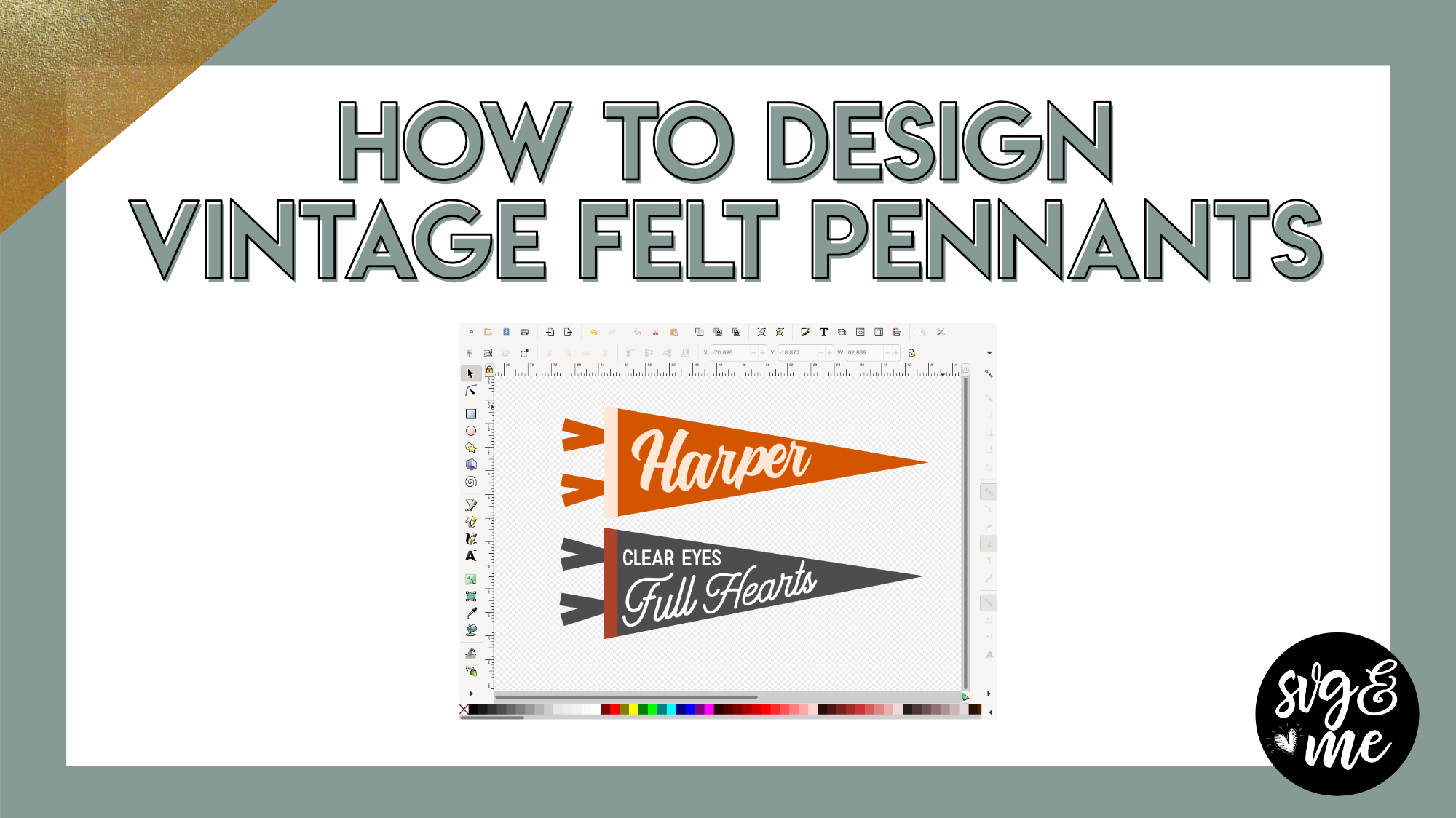
Erica Martin wrote a new post 4 years, 10 months ago
Links Mentioned in Video:
Hatterline FontMontana Font
Products I Used:
White Stiff Felt Used for LetteringWool Felt for Pennants
A few tips when cutting felt:
I placed a layer of transfer tape […]
-
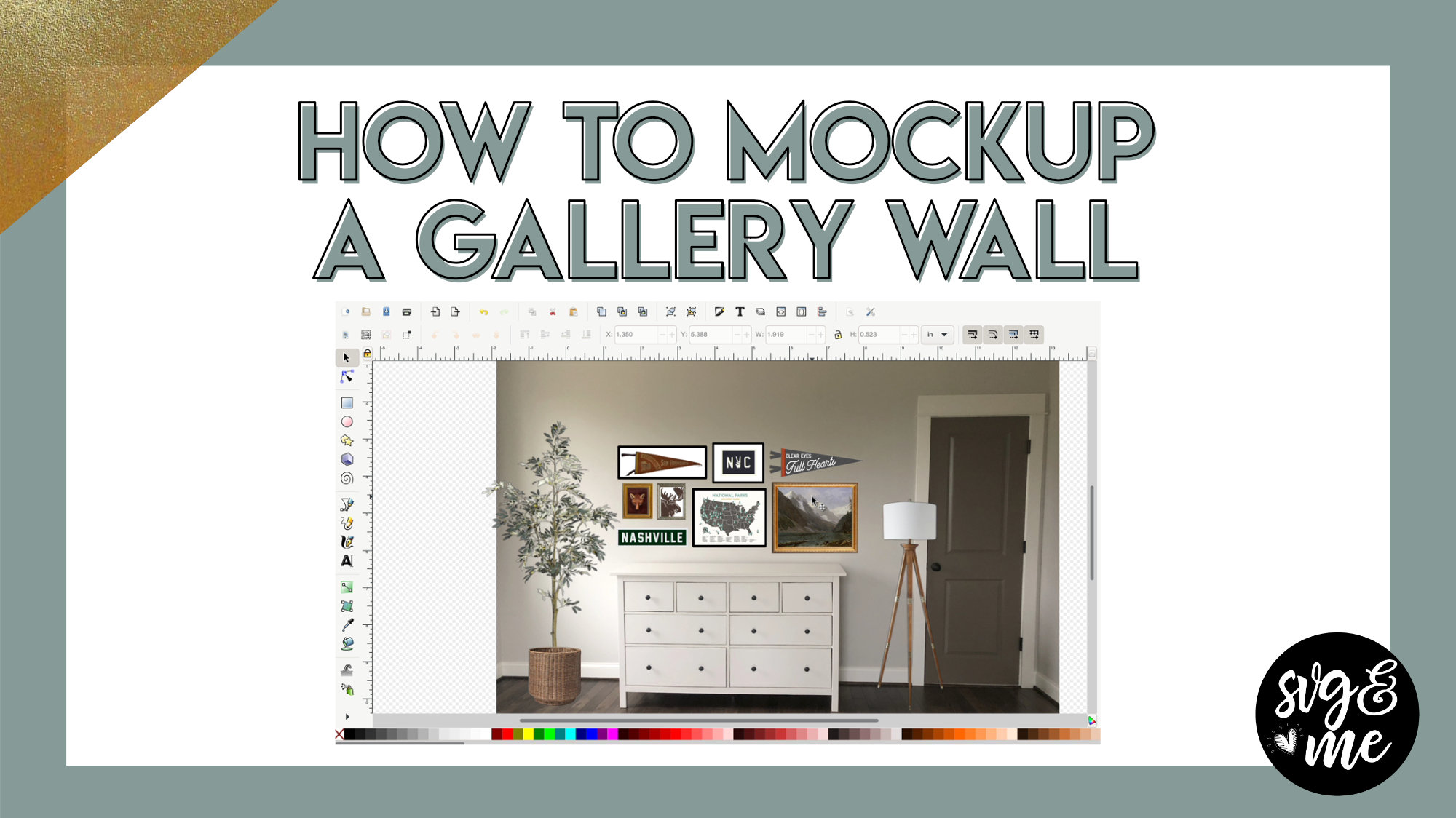
Erica Martin wrote a new post 4 years, 10 months ago
Download Practice Document
Links Mentioned in Video:
Remove.bgFox ArtLamp ImageMichael’s Gold FrameSilver Frame Image
-
That is amazing!
-

I have been buying mock up templates and just get so frustrated because when I go to set them up I don’t know the scale. This has been so helpful and I will be working on these for my own work soon. TYSM! Also, btw I’m a FAITHFUL and my hubs is from NY so woot woot !!!
-
Woohoo!
-
-
-
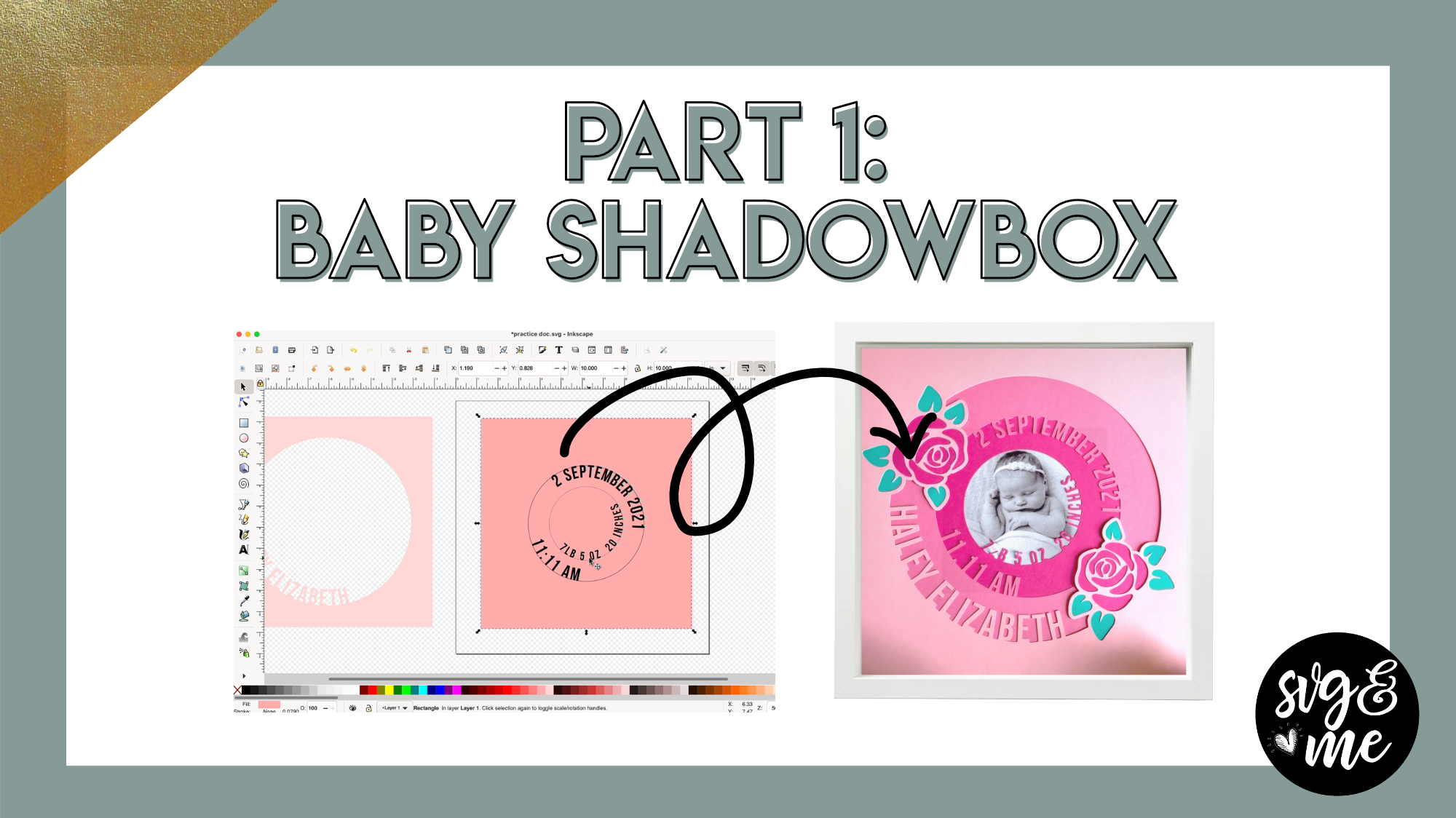
Erica Martin wrote a new post 4 years, 10 months ago
Download Practice Doc
Links Mentioned in Video:
Download Bebas Neue Font I UsedPart 2: Add Floral Detail to Baby ShadowboxPart 3: Upload and Assemble Your Shadowbox
IMPORTANT UPDATE:
One of our […]
-
Am I missing something. I feel stupid. Ive tried and tried. I can t get the letters to attach to the other circles again.
I have altered the text
Ive done path union to the name, date etc
Ive duplicated the squares
Selected the square and largest circle then done path difference (all good to here)
Then I hold shift and select name then path union but i cannot for the life of me get the name to attach to the first layer.Ive watched and watched – what am i missing?
-
Can you send me the file where you are and I can walk you through it? [email protected]
-
-

Hi Erica
When I do path union my letters are not changing colour and when I move the layer they all go together at first when I go back to move the letters are not attached -

Hey Erica,
I couldn’t help but share this because it just blew my mind lol. I’ve been wanting to make this exact shadow box for a while now as I saw it on Pintrest but I just kept putting it off/couldn’t completely make up my mind on the exact gift I wanted to give my sister in law for the birth of her new little boy. Plus I am pregnant myself and have just had zero motivation. but then I saw your email and I was like okay it’s a sign I have to do it now. Then as I was going to edit it with Theodore’s stats I almost died from shock and laughter because literally the only thing I had to change was the name and month. everything else was the exact same except august instead of september lol.
Love the tutorial and thank you for finally getting me to complete this!
Kate x-
No way! That is unbelievable!!!
-
-
Hi Erica, My sister just had a baby so I’m trying this shadowbox for her. My issue is when I changed the date it move to the top of the circle instead of staying inside where the time of birth is. All i did was click the date and start typing and it moved. Help!
-
Sorry Erica I just watched the video that you already had linked.
-
No problem! Hope it helped!
-
-
It did. Thank you.
-
Awesome!
-
-
I am stuck – I have grouped my object – but when I go to dulicate it – it duplicates the entire project, circles and wording. What am I doing wrong???? I really want to make this..Kelley
-
Never mind – I figured it out – I was doing group not union.. sorry..
-
Glad you figured it out!
-
-
-
- Load More


